1. 스노트 설치
sudo apt-get update
sudo apt-get install snort
2. 스노트 규칙 파일
이미 규칙 파일이 생성되dj 있거나, 새로 생성해야함
sudo gedit /etc/snort/rules/local.rules규칙 추기
alert tcp any any -> any any (msg:"Detect /etc/passwd access"; content:"GET /etc/passwd"; sid:1000001;)3. 웹 서버 설정
Apache 웹 서버 설정
sudo apt-get install apache2
sudo systemctl start apache2
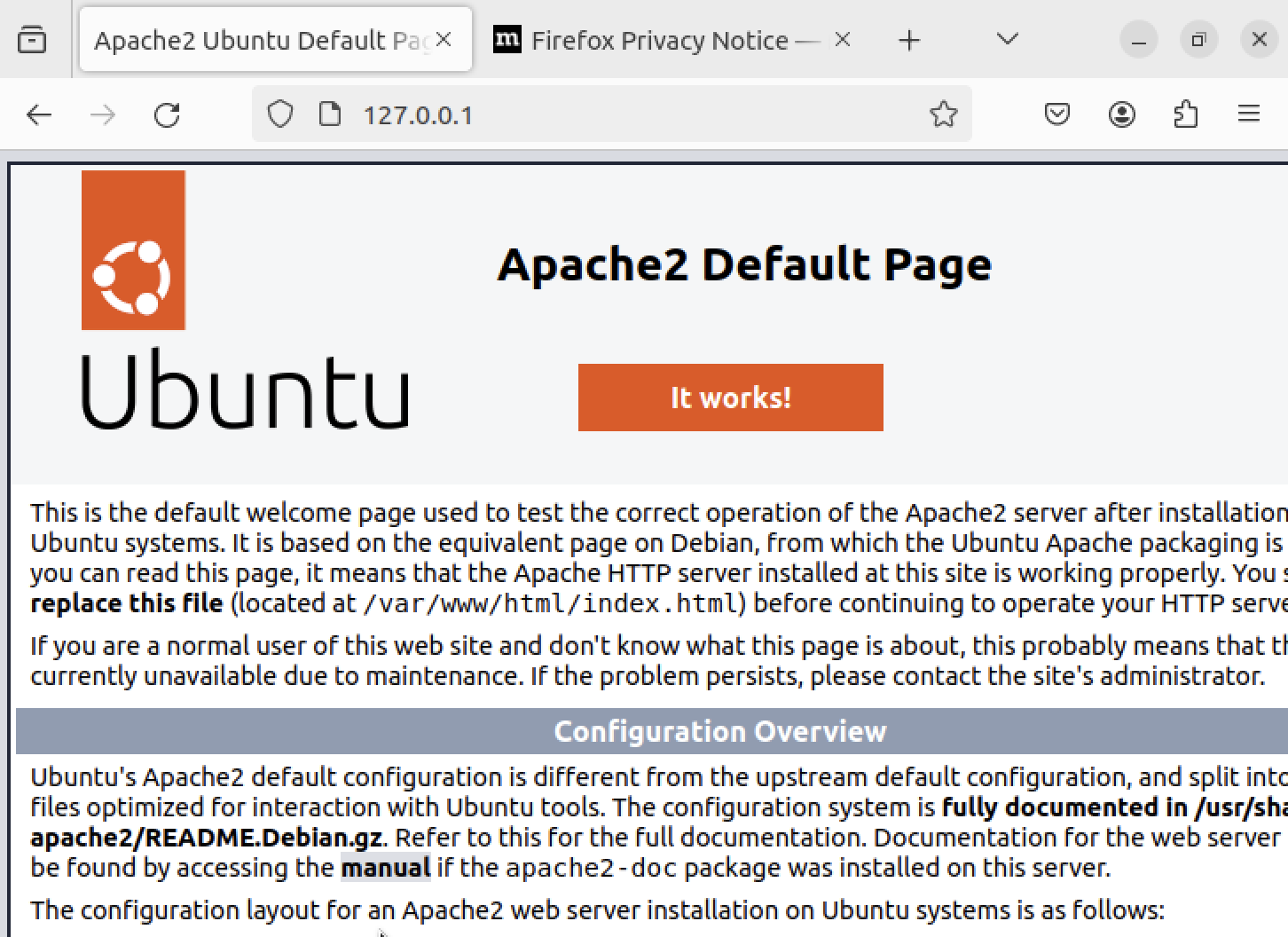
웹 서버 동작 확인
브라우저를 열고 'http://localhost' 또는 127.0.0.1 로 접속하여 서버 페이지가 표시 되는지 확인
4. HTTP GET 요청을 통한 Snort 규칙 확인 실습
4.1 터미널을 열고 'curl'을 사용하여 웹 서버에 HTTP GET 요청을 보냄
curl http://localhost/ --header "GET /etc/passwd"이 명령은 로컬 웹 서버에 HTTP GET 요청을 보내는데, 요청에 /etc/passwd 문자열을 포함시켜서 보낸다.
4.2 Snort 규칙이 동작하는지 확인하기 위해 로그파일을 모니터링 함
4.2.1 로그 경로 확인하기
sudo gedit /etc/snort/snort.conf이 파일에서 'output' 부분을 찾는다. 알림 로그의 경로가 지정되어 있을 것이다.
필자의 가상머신에서의 경로는 아래와 같다.
output alert_fast: snort.alert.fast4.2.2 snort 규칙이 동작하는지 확인하기 위해 로그파일 모니터링
sudo tail -f /var/log/snort/snort.alert.fast이 명령은 새로운 알림이 발생할 때마다 실시간으로 로그를 표시한다.
이제 curl 을 통해서 요청을 보내면 snort가 해당 패턴을 감지하고 알림을 로그로 출력할 것이다.
4.3 터미널 curl 명령을 실행한 후 로그 확인

아는 만큼 보인다