
파일 업로드
import express from "express";
import multer from "multer";
import fs from "fs";

const app = express();
const port = 3000;

const storage = multer.diskStorage({
  destination: (req, file, cb) => {
    const uploadPath = "uploads/";
    if (!fs.existsSync(uploadPath)) {
      fs.mkdirSync(uploadPath); // uploadPath 존재 안 하면, 만들어
    }
    cb(null, uploadPath); // 에러 처리 안 하고, 그냥 null이라고 했음.
  },
  filename: (req, file, cb) => {
    const uniqueSuffix = Date.now() + "-" + Math.round(Math.random() * 1e9);
    cb(null, uniqueSuffix + "-" + file.originalname);
  },
});

const upload = multer({ storage });

app.post("/upload-single", upload.single("file"), (req, res) => {
  console.log(req.file);
  res.json({
    message: "단일 파일 업로드 성공",
    file: req.file,
  });
});

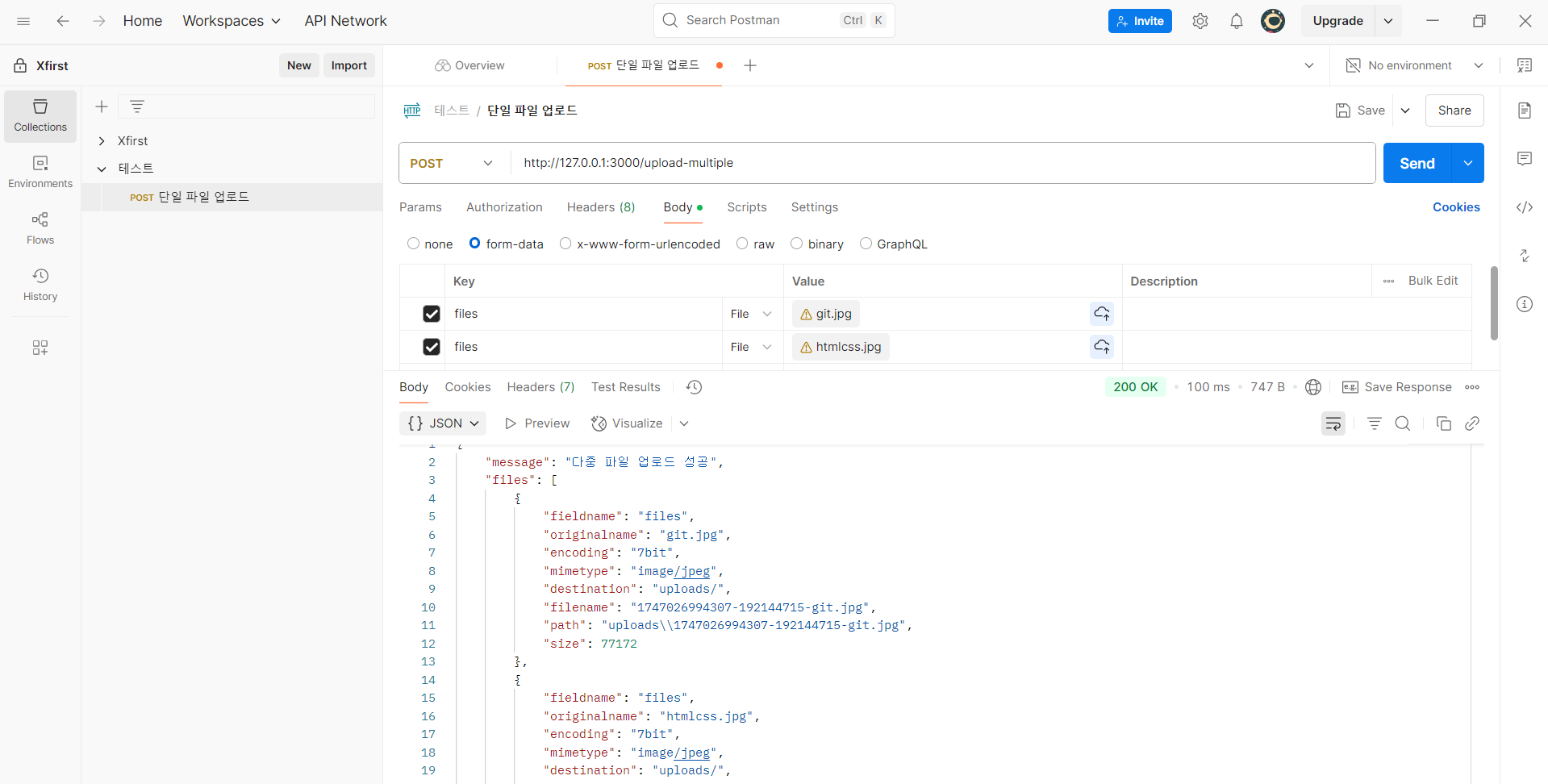
app.post("/upload-multiple", upload.array("files", 5), (req, res) => { // 5개까지 파일 업로드 가능하도록 할거임.
  console.log(req.files);
  res.json({
    message: "다중 파일 업로드 성공",
    files: req.files,
  });
});

app.listen(port, () => {
  console.log(`${port}번으로 서버 실행 중`);
});
Review
const uniqueSuffix = Date.now() + "-" + Math.round(Math.random() * 1e9);
    cb(null, uniqueSuffix + "-" + file.originalname);
이 코드를 보면 파일명을 현재날짜-랜덤숫자(?)-원래파일이름 이렇게 지정하게끔 해놨다. 중간에 랜덤숫자(?)가 들어가면 파일명을 추론할 수 없어진다. 랜덤숫자 꽤나 중요하다.
썸네일
import express from "express";
import multer from "multer";
import sharp from "sharp";
import fs from "fs";
import path from "path";

const app = express();
const port = 3000;

const uploadDir = "uploads";
const thumbDir = path.join(uploadDir, "thumb");

if (!fs.existsSync(uploadDir)) fs.mkdirSync(uploadDir);
if (!fs.existsSync(thumbDir)) fs.mkdirSync(thumbDir);

// Multer 설정
const storage = multer.diskStorage({
  destination: (req, file, cb) => {
    cb(null, uploadDir);
  },
  filename: (req, file, cb) => {
    const uniqueName = Date.now() + "-" + file.originalname;
    cb(null, uniqueName);
  },
});

const fileFilter = (req, file, cb) => {
  const allowed = /jpeg|jpg|png|gif/;
  const ext = path.extname(file.originalname).toLowerCase();
  // 원래 파일 이름을 소문자로 바꿔!
  const mime = file.mimetype;
  if (allowed.test(ext) && allowed.test(mime)) {
    cb(null, true);
  } else {
    cb(new Error("이미지 파일만 업로드할 수 있습니다."));
  }
};

const upload = multer({
  storage,
  fileFilter,
  limits: { fileSize: 5 * 1024 * 1024 },
});

// 썸네일 생성 및 PNG 변환
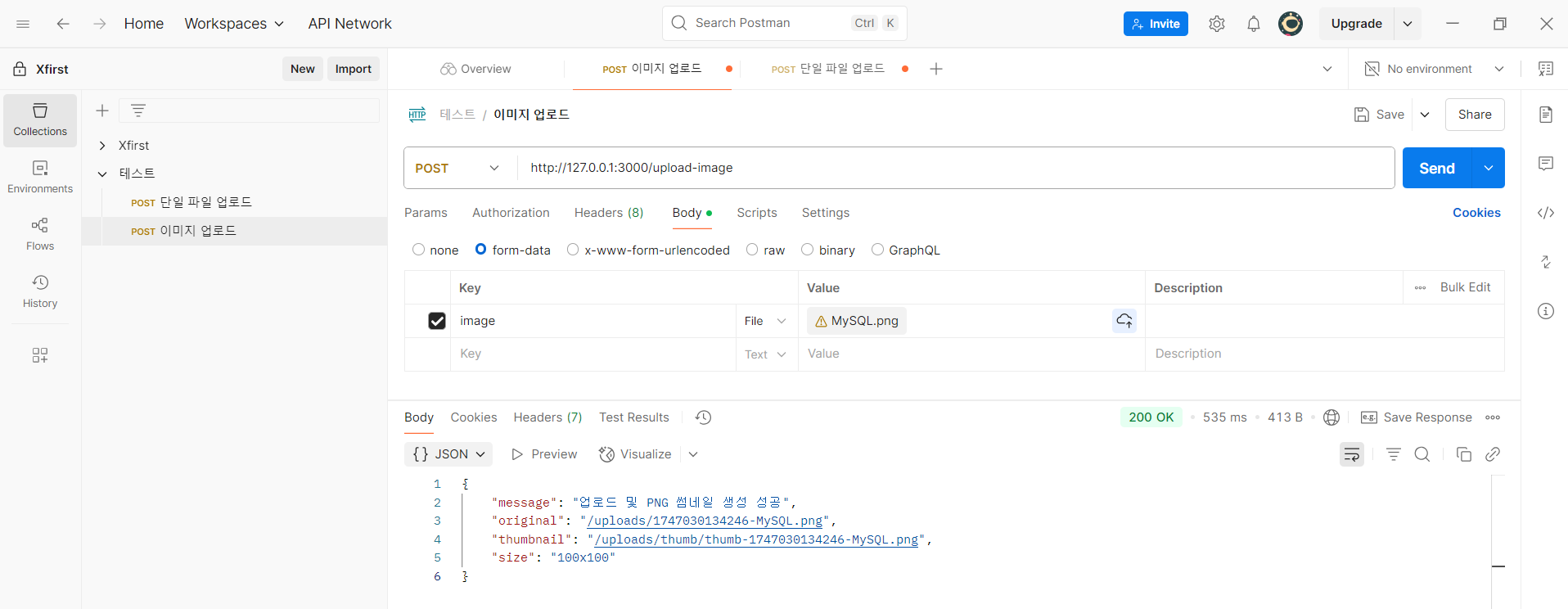
app.post("/upload-image", upload.single("image"), async (req, res) => {
  if (!req.file) return res.status(400).json({ error: "파일이 없습니다." });

  const { filename, path: filePath } = req.file;

  // 원본 파일명에서 확장자 제거
  const baseName = path.parse(filename).name;
  const thumbnailPngName = `thumb-${baseName}.png`;
  const thumbnailPath = path.join(thumbDir, thumbnailPngName);

  const width = parseInt(req.query.width) || 100;
  const height = parseInt(req.query.height) || 100;

  try {
    await sharp(filePath)
      .resize(width, height)
      .png() // PNG로 변환
      .toFile(thumbnailPath);

    res.json({
      message: "업로드 및 PNG 썸네일 생성 성공",
      original: `/uploads/${filename}`,
      thumbnail: `/uploads/thumb/${thumbnailPngName}`,
      size: `${width}x${height}`,
    });
  } catch (err) {
    console.error("썸네일 생성 실패:", err);
    res.status(500).json({ error: "썸네일 생성 실패" });
  }
});

app.use("/uploads", express.static(uploadDir));

app.listen(port, () => {
  console.log(`서버 실행 중`);
});
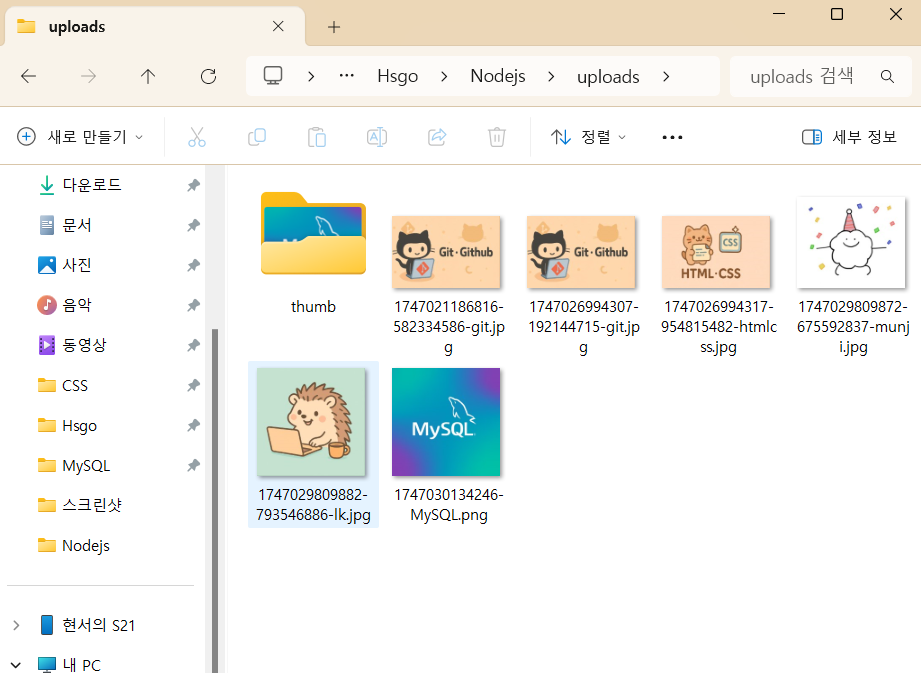
폴더 안에 이렇게 잘 들어가 있는 모습을 확인할 수 있었다.
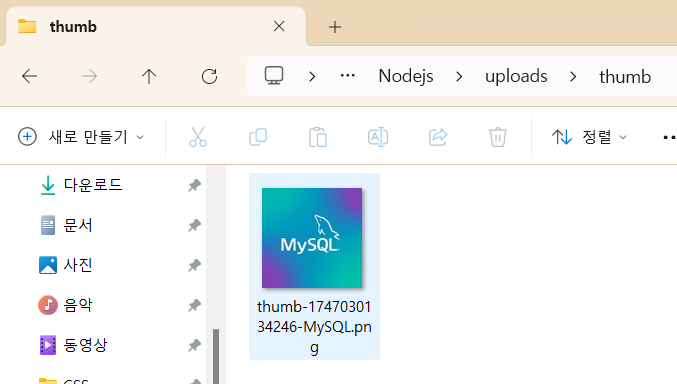
썸네일도 thumb 폴더 안에 잘 들어가 있다.

The light shines in the darkness.