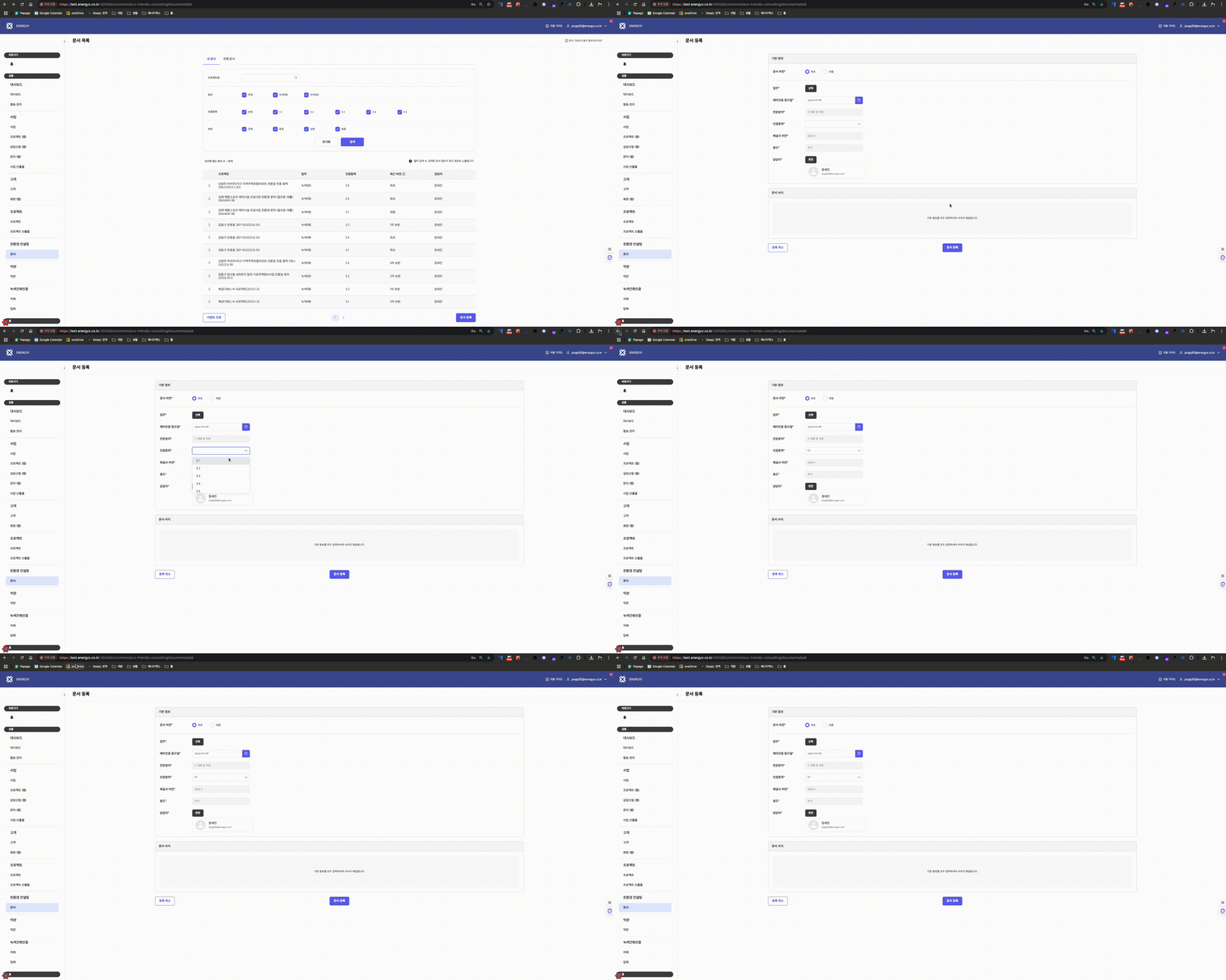
들어가며
웹 애플리케이션을 사용할 때, 사용자가 폼을 작성하는 도중에 실수로 페이지를 벗어나게 되는 상황은 흔히 발생할 수 있습니다. 이러한 경우 사용자는 작성 중이던 데이터를 잃어버릴 위험이 있는데, 이는 사용자 경험을 크게 저하시킬 수 있습니다. 이를 방지하기 위해, 사용자가 페이지를 이탈할 때 경고 메시지를 통해 실수를 방지할 수 있는 커스텀 훅을 구현했습니다. 이 훅은 사용자가 페이지 이동을 시도할 때 폼에 변경사항이 있는 경우 경고를 표시하여, 사용자가 작성 중인 내용을 안전하게 보호할 수 있도록 도와줍니다.
사용 예시
useWarningFieldsDirty(isDirty);설명
초기설정
최상단 루트에서 BrowserRouter를 unstable_HistoryRouter로 교체하고, createBrowserHistory와 연결합니다.
import { unstable_HistoryRouter as HistoryRouter } from "react-router-dom";
import { createBrowserHistory } from "history";
import { RecoilRoot } from "recoil";
import App from "./App";

const history = createBrowserHistory();

<HistoryRouter history={history}>
	<RecoilRoot>
	<App />
	</RecoilRoot>
</HistoryRouter>
useBlocker Hook
useBlocker 훅은 페이지 이동을 차단하는 로직을 포함합니다.
import type { Blocker, History, Transition } from "history";
import { useContext, useEffect } from "react";
import { UNSAFE_NavigationContext as NavigationContext } from "react-router-dom";

export const useBlocker = (blocker: Blocker, when = true): void => {
  const navigator = useContext(NavigationContext).navigator as History;

  useEffect(() => {
    if (!when) return;

    const unblock = navigator.block((tx: Transition) => {
      const autoUnblockingTx = {
        ...tx,
        retry() {
          unblock();
          tx.retry();
        },
      };

      blocker(autoUnblockingTx);
    });

    return unblock;
  }, [navigator, blocker, when]);
};
- NavigationContext 를 사용하여 HistoryRouter 의 history 를 사용합니다.
- navigator.block를 사용하여 페이지 이동을 차단합니다.
- blocker 함수를 호출하여 차단된 페이지 이동 정보를 전달합니다.
- unblock 함수는 페이지 이동 차단을 해제합니다.
useCallbackPrompt
useCallbackPrompt 훅은 페이지 이동을 제어하는 로직을 포함합니다. useCallbackPrompt 훅은 useBlocker 훅을 통해 특정 조건 (dirty 와 같은) 에서 페이지의 이동을 선 차단 한 후 페이지 이동여부에 따른 함수를 제공합니다.
import type { Transition } from "history";
import { useBlocker } from "hooks/useBlocker";
import { useCallback, useRef, useState } from "react";
import { useLocation } from "react-router-dom";

export const useCallbackPrompt = (when: boolean): [boolean, () => void, () => void] => {
  const location = useLocation();
  const [showPrompt, setShowPrompt] = useState(false);
  const blockedLocationRef = useRef<Transition | null>(null);

  const cancelNavigation = useCallback(() => {
    setShowPrompt(false);
    blockedLocationRef.current = null;
  }, []);

  const blocker = useCallback(
    (tx: Transition) => {
      if (tx.location.pathname !== location.pathname) {
        blockedLocationRef.current = tx;
        setShowPrompt(true);
      }
    },
    [location]
  );

  const confirmNavigation = useCallback(() => {
    if (blockedLocationRef.current) {
      blockedLocationRef.current.retry();
      cancelNavigation();
    }
  }, [cancelNavigation]);

  useBlocker(blocker, when);

  return [showPrompt, confirmNavigation, cancelNavigation];
};
- useBlocker 훅을 사용하여 페이지 이동을 차단합니다.
- blockedLocationRef는 차단된 페이지 이동 정보를 저장합니다.
- showPrompt가 true일 경우 경고 팝업을 띄웁니다.
- confirmNavigation 함수는 차단된 페이지 이동을 재시도 합니다.
- cancelNavigation 함수는 페이지 이동을 취소합니다.
ExPopupContextProvider
디자인시스템을 만들 때 탄생한 popup 컨텍스트 ExPopupContextProvider 에서 useCallbackPrompt 훅을 사용하며 페이지 이동에 차단이 생긴 경우 경고팝업을 띄웁니다.
export const ExPopupContextProvider = ({ children }: { children: React.ReactNode }) => {
  const [isDirty, setIsDirty] = useState(false);
  const [showPrompt, confirmNavigation, cancelNavigation] = useCallbackPrompt(isDirty);

  useEffect(() => {
    if (showPrompt) {
      openPopup({
        header: `페이지 이동`,
        message: "이동하면 작성한 내용이 반영되지 않습니다.\n이동하시겠습니까?",
        rejectLabel: "아니오",
        acceptLabel: "이동",
        reject: () => {
          cancelNavigation();
        },
        accept: () => {
          confirmNavigation();
        },
      });
    }
  }, [showPrompt]);
};
이제 setIsDirty 을 통해 isDirty 의 상태를 제어하면 페이지 이동이 생길 때 경고메세지를 띄울 수 있습니다.
setIsDirty 를 useContext 를 통해 사용할 수 있도록 코드를 작성합니다.
export const ExPopupContext = createContext<TExPopupContext>({
  setIsDirty: (isDirty) => {},
});

export const ExPopupContextProvider = ({ children }: { children: React.ReactNode }) => {
	const contextValue = {
    setIsDirty,
  };

  return (
    <ExPopupContext.Provider value={contextValue}>
      <ExPopup {...popupProps} visible={visible} onClickClose={handleClickClose} />
      {children}
    </ExPopupContext.Provider>
  );
};
이제 setIsDirty 를 제어하는 훅을 만들면 됩니다.
useWarningFieldsDirty
useWarningFieldsDirty 훅을 통해 isDirty 상태가 변경될 때 ExPopupContext의 setIsDirty 함수를 호출합니다.
import { useContext, useEffect } from "react";
import { ExPopupContext } from "ui/ExPopup/ExPopupContextProvider";

export const useWarningFieldsDirty = (isDirty: boolean) => {
  const { setIsDirty } = useContext(ExPopupContext);

  useEffect(() => {
    if (isDirty) {
      setIsDirty(true);
    } else {
      setIsDirty(false);
    }

    return () => {
      setIsDirty(false);
    };
  }, [isDirty]);
};
₩
WhosProjectAddPage.tsx
form 과 관련 된 페이지에서 useWarningFieldsDirty 를 사용하시면 됩니다.
const {formState: { isDirty }} = methods;

useWarningFieldsDirty(isDirty);
주의사항
useWarningFieldsDirty 커스텀 훅을 사용할 때, isDirty를 어떻게 정의하느냐에 따라 페이지마다 더티 체크 팝업이 표시되는 시점이 다를 수 있습니다.
사용 결과