JSTL
JSP(JavaServer Pages) 파일에서 HTML 태그처럼 사용할 수 있는 태그 라이브러리입니다.
라이브러리를 사용하면 JSP 파일 내에서 Java 코드를 직접 작성하지 않고도 반복문, 조건문, 국제화(i18n) 지원, XML 파일 처리 등의 작업을 태그 형식으로 간단하게 수행할 수 있습니다.
그럼 지금부터 listTodo.jsp 파일에 JSTL을 추가하겠습니다.
JSTL을 사용하기 위해 <%@ taglib prefix="c" uri="http://java.sun.com/jsp/jstl/core" %>를 추가합니다.
listTodo.jsp
<%@ taglib prefix="c" uri="http://java.sun.com/jsp/jstl/core" %>

<html>
<head>
    <title>List Todos Page</title>
</head>
<body>
    <div>welcome to ${name}!</div>
    <hr>
    <h1>Your Todos</h1>
        <table>
            <thead>
                <tr>
                    <th>id</th>
                    <th>Description</th>
                    <th>Target Data</th>
                    <th>Is Done?</th>
                </tr>
            </thead>
            <tbody>
                <c:forEach items="${todos}" var="todo">
                    <tr>
                        <td>${todo.id}</td>
                        <td>${todo.description}</td>
                        <td>${todo.targetDate}</td>
                        <td>${todo.done}</td>
                    </tr>
                </c:forEach>
            </tbody>
        </table>
    </body>
</html>
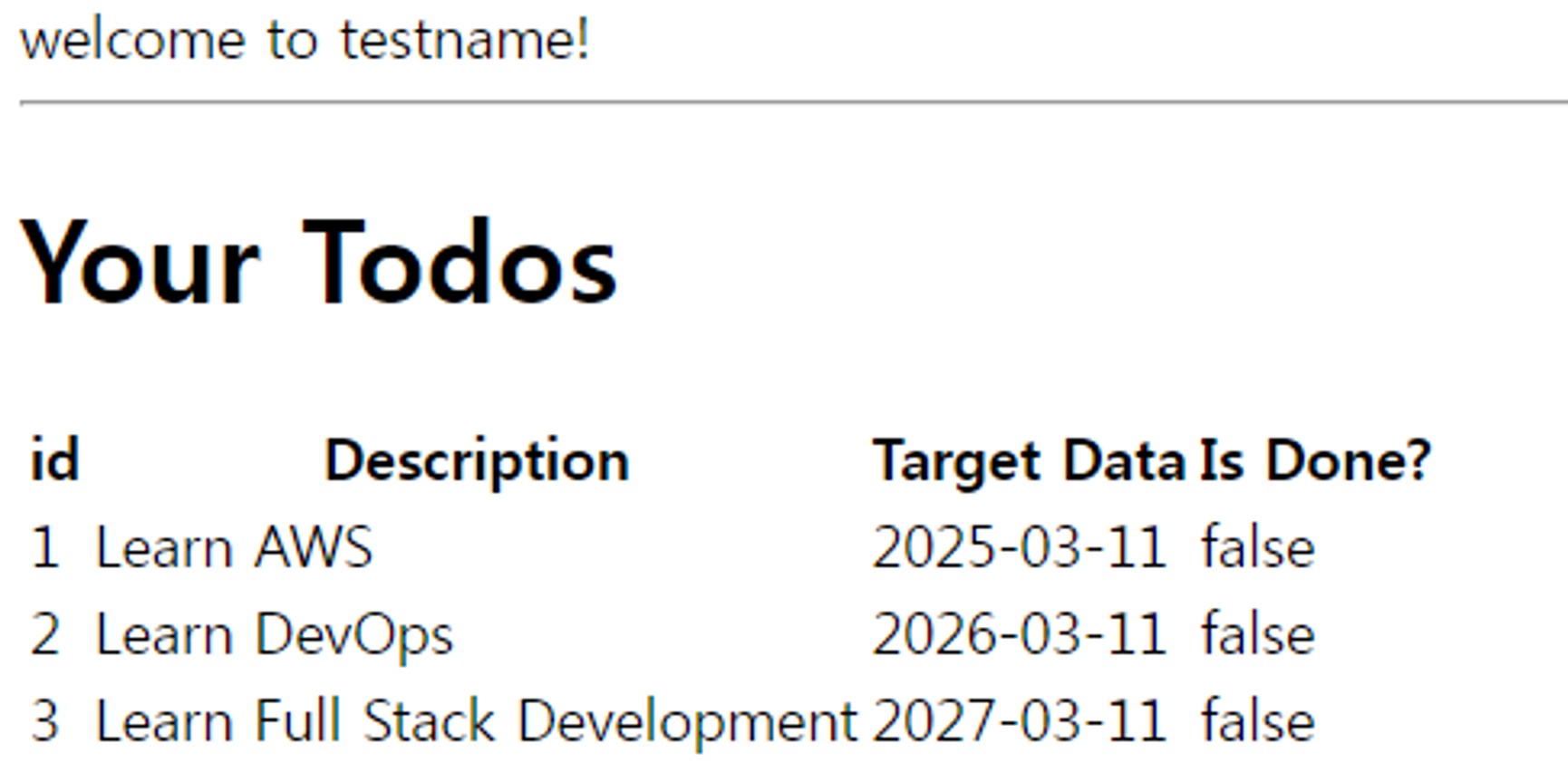
결과
표 형태로 나오는 걸 확인할 수 있습니다.