- Contact 섹션의 css,html을 마무리하고 Email 송신 기능까지 구현 완료
이메일 송신 기능을 구현하기 위해 관련 포스팅들을 찾아보았는데 그 중 EmailJs를 이용하는 방법이 비중이 높고 쉬워보여 해당 API를 사용하였다.
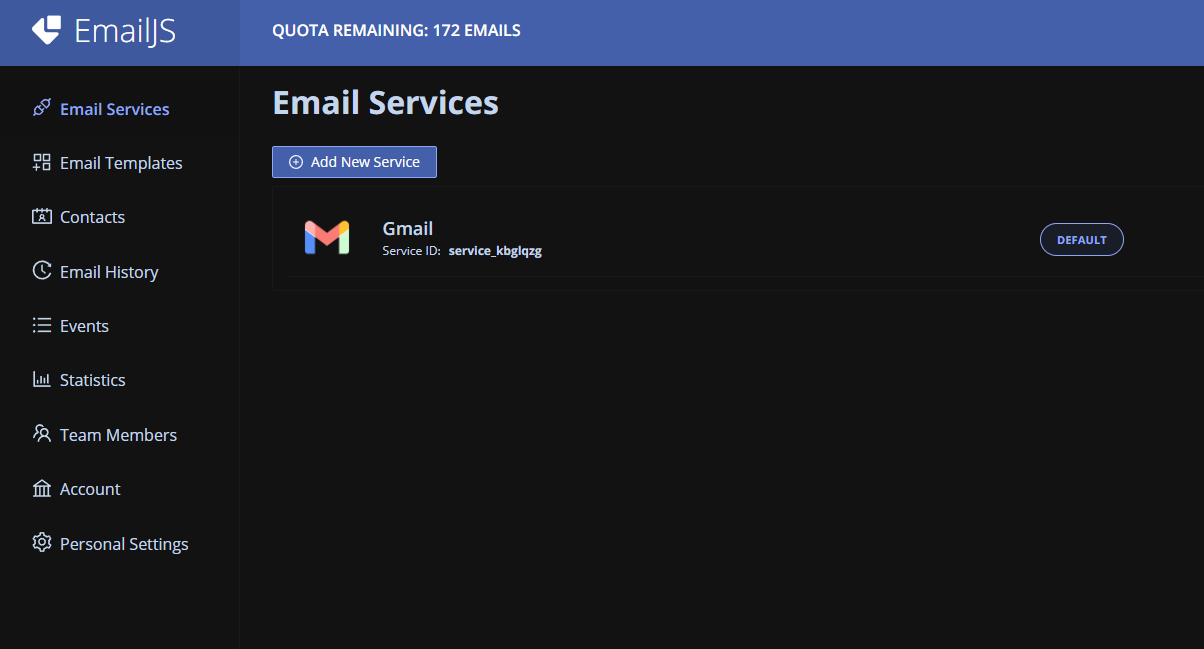
가입을 한 후 service key, api key 등등을 이용하여 이메일을 송신할 수 있게 기능을 제공해주는데 html에 직접 script를 붙여서 구현하는게 너무 오랜만이다보니 살짝 어려운 부분이 없지않아 있었다.
mail에 대한 업무를 하는 객체를 만들어 객체 지향적으로 코드를 짜고자 했지만 해당 프로젝트의 특성상 하드코딩을 해야하는 구간이 존재하여 사실상 불가능 했당 ㅋㅋㅋ
class Mail {
  #to_email;
  #emails;

  constructor() {
    this.#to_email = "";
    this.#emails = {
      박요셉: "rkfnahs12e@gmail.com",
    };
  }

  sendMail() {
    const params = {
      to_email: this.#to_email,
      message: document.getElementById("message").value,
    };
    emailjs
      .send("service_kbglqzg", "template_gheonli", params)
      .then(function (res) {
        alert("Success! " + res.status);
      });
  }

  getSelectedValue() {
    const selector = document.querySelector(".selector_box");
    const selectedValue = selector.value;
    const myEmails = this.#emails;
    for (const name in myEmails) {
      if (selectedValue === name) {
        this.#to_email = myEmails[name];
      }
    }
  }
}
 <div class="headline">
          <h1>Contact</h1>
          <p>저희에게 관심있는 분들은 연락주세요.</p>
        </div>
        <div class="selector">
          <p>메일 받는 사람</p>
          <select
            class="selector_box"
            onchange="mailInstance.getSelectedValue()"
          >
            <option disabled selected class="selector_first">
              수신자를 선택하세요.
            </option>
            <option>아무개</option>
            <option>등등</option>
        </div>
        <div class="text">
          <p>내용</p>
          <textarea id="message" placeholder="내용을 작성해주세요."></textarea>
        </div>
        <div class="button_container">
          <button onclick="mailInstance.sendMail()">메일 보내기</button>
        </div>
위의 코드는 각각 js, html코드이며 팀원 신상은 전부 삭제해놓아 어색한 부분이 있음.
- 노션 책 독서 및 실습
노션을 사용함에 있어서 어려움이 있기에 책을 한권 구매했으니 얼른 읽고 써봐야 할 듯 싶다.
개발자 지망생