HelloWorld
Project 생성
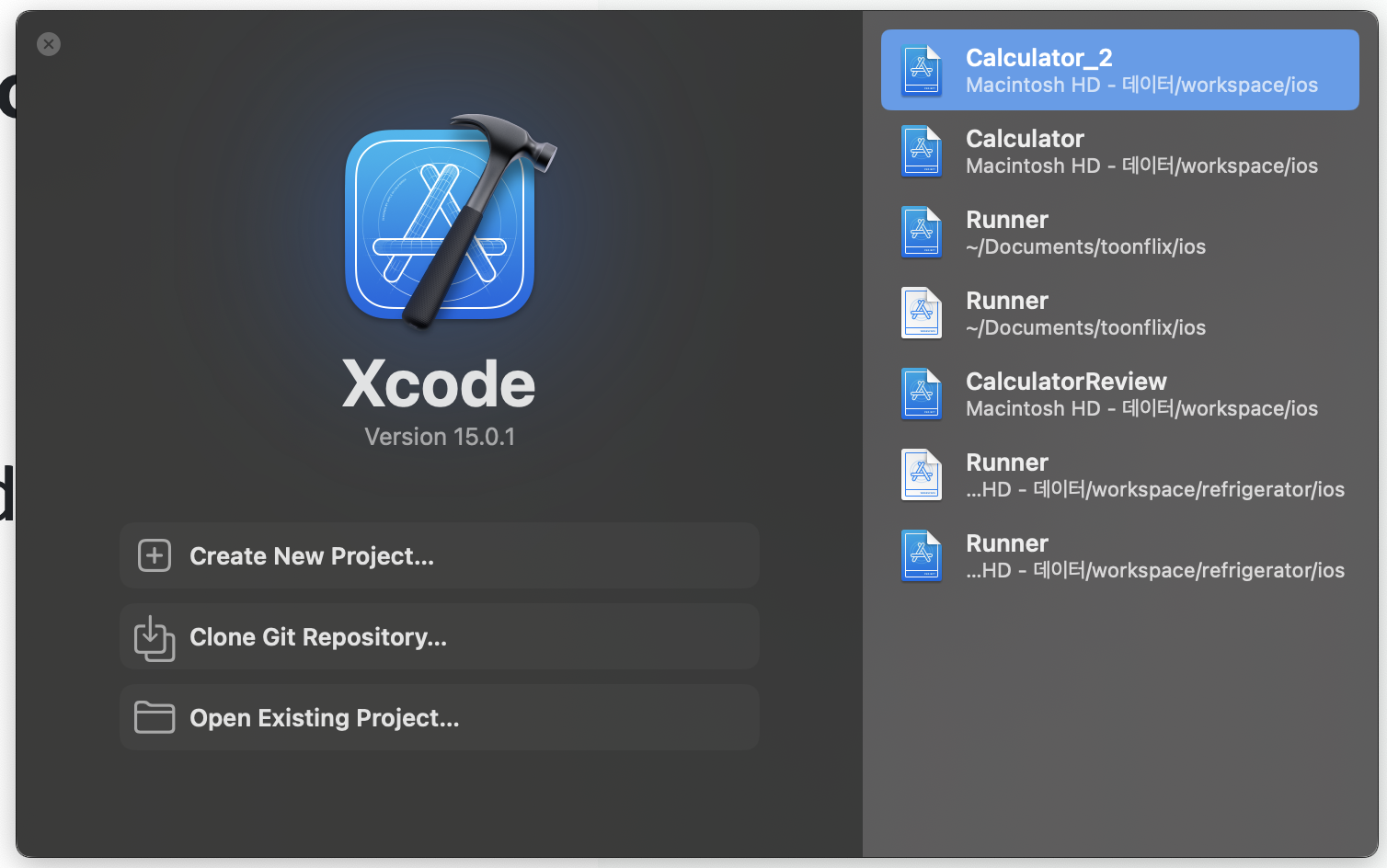
1. Create New Project... 선택
2. Application 유형(App) 선택 및 프로젝트 이름 저장경로 설정
3. Signing & Capabilities -> Team 설정
추가로 Info파일의 위치를 변경하였다면 Build Settings에서 Info.plist File를 변경한 위치로 수정

Label 및 Button 생성
- view 추가
⇧+⌘+L단축키 누른 후 원하는 view 추가 - ViewController 와 연결
control를 누른상태로 view를 끌어서 View Controller에 연결
버튼일 경우Connection을Action으로 변경
import UIKit

class ViewController: UIViewController {

    @IBOutlet weak var label: UILabel!
    @IBAction func button(_ sender: UIButton) {
        label.text = "HelloWorld"
    }
}