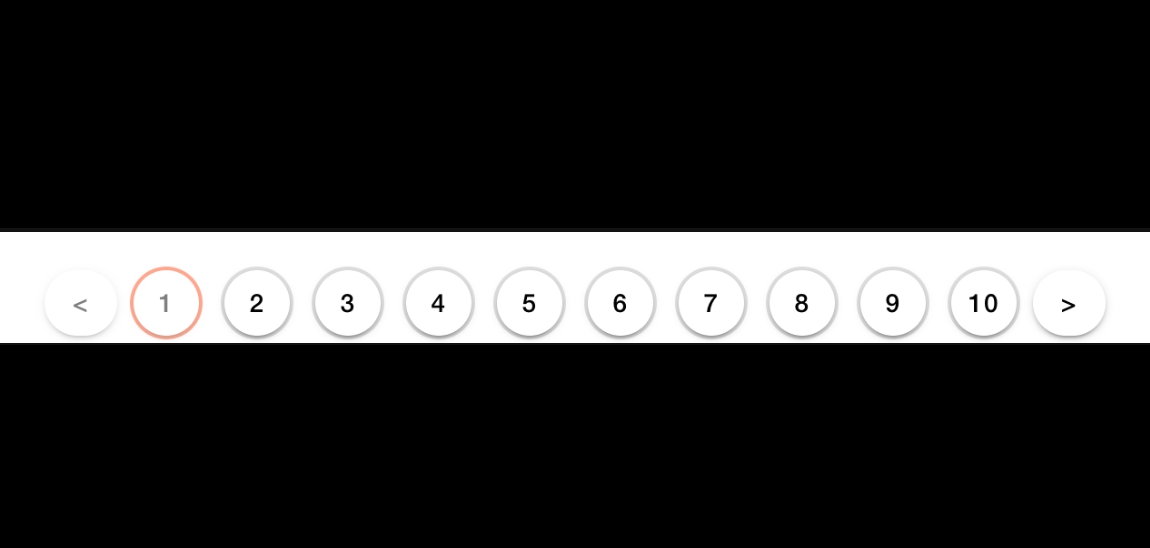
- 화살표 누르면 한칸씩 이동.
10페이지에서 오른쪽 화살표 누르면 11~20 페이지 바인딩.
만약 데이터가 부족하면 페이지 수 조절가능. ex) 1~4페이지만 보이게 한다든지.
한 페이지에 10개 리스트 나오게 구현.
설정
// paging 변수
  currentPage: number = 1; // 현재 페이지
  endPage: number = 1;

  pages: number[] = [];
  showStartPage: number = 1;
  showEndPage: number = 10;

  itemsPerPage: number = 30; // 한 페이지당 보여줄 아이템의 수
초기 세팅
this.endPage = Math.ceil(this.data.length / this.itemsPerPage);
this.loadPage(1);
관련 함수
loadPage(page: number) {
    // page가 1보다 작거나 endPage보다 크면 return
    if (page < 1 || page > this.endPage) {
      return;
    }

    this.currentPage = page;

    this.showStartPage = (Math.ceil(this.currentPage / this.itemsPerPage) - 1) * this.itemsPerPage + 1;
    this.showEndPage = this.showStartPage + this.itemsPerPage - 1;
    if (this.showEndPage > this.endPage) {
      this.showEndPage = this.endPage;
    }

    this.setPagedFilteredCustomerInfo();
    this.setPagesArray();
  }

  setPagedFilteredCustomerInfo() {
    this.pagedFilteredCustomersInfo = [];
    for (let i = (this.currentPage - 1) * this.itemsPerPage; i < this.currentPage * this.itemsPerPage; i++) {
      if (this.filteredCustomersInfo[i] !== undefined) {
        // loadpage와 함께 사용하는 이 함수에 확장성 고려가 안되어있음. 새로 카테고리 필터링 할 때 문제 생길 가능성 존재
        // 추후 paging 처리하는 함수들 공통으로 사용할 수 있도록 수정해야함 (parameter로 list들을 넘긴다던지...)
        this.pagedFilteredCustomersInfo.push(this.filteredCustomersInfo[i]);
      }
    }
  }

  setPagesArray() {
    this.pages = [];
    for (let i = this.showStartPage; i <= this.showEndPage; i++) {
      this.pages.push(i);
    }
  }