✅ Struts
- struts
1.
✏️ Test1.
💻 입력
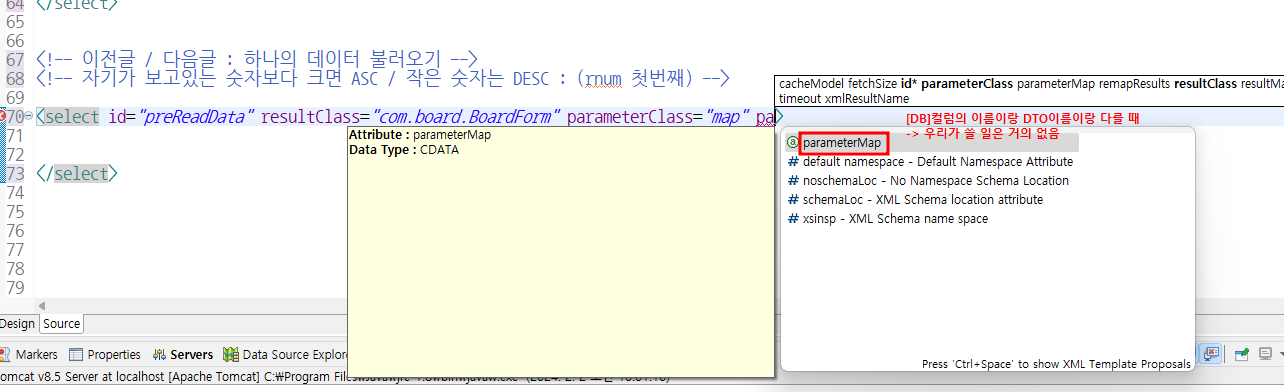
where ($searchKey$ like '%' || #searchValue# || '%') 에서
- $ 는 값이 무조건 있을 때!
는 값이 없을 수도 있음
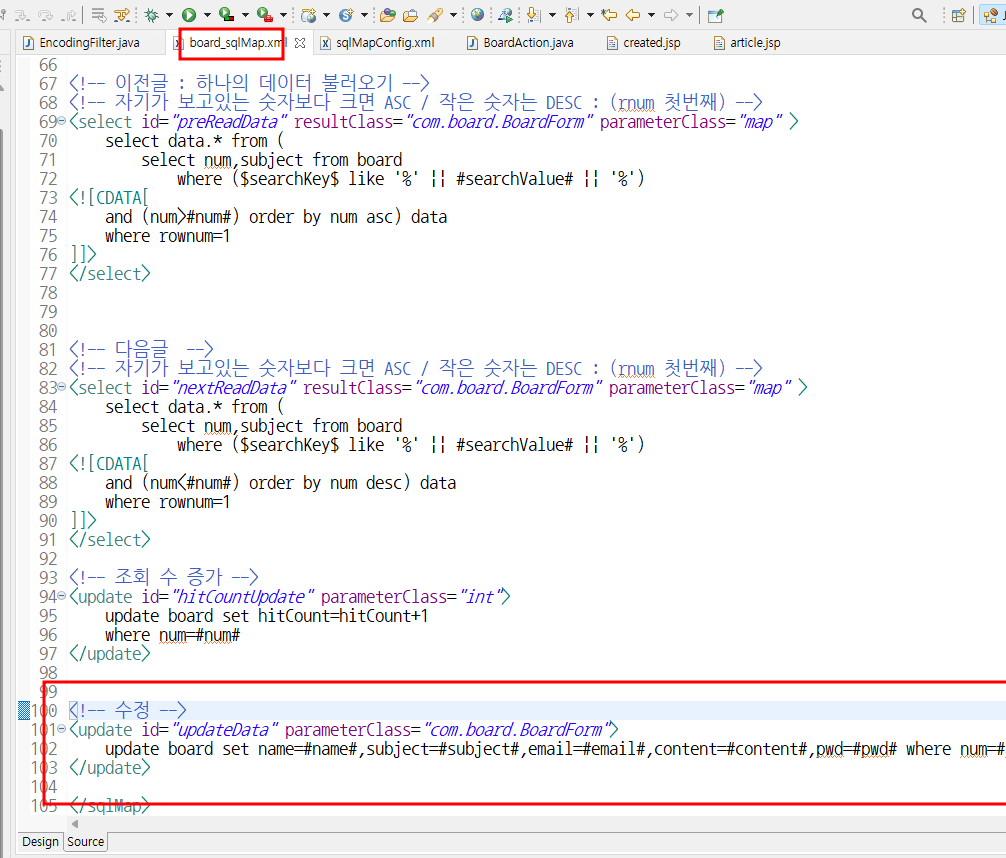
✅ 이전 글
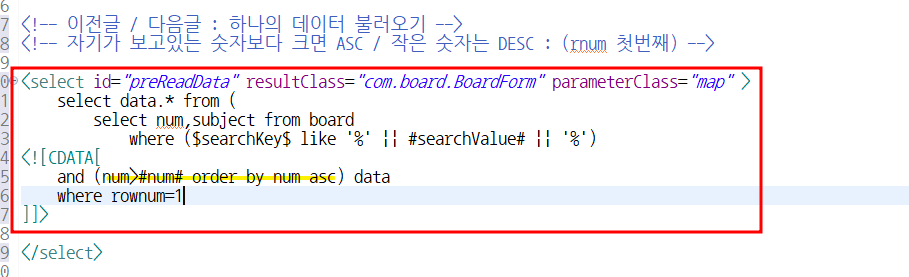
✅ 다음 글
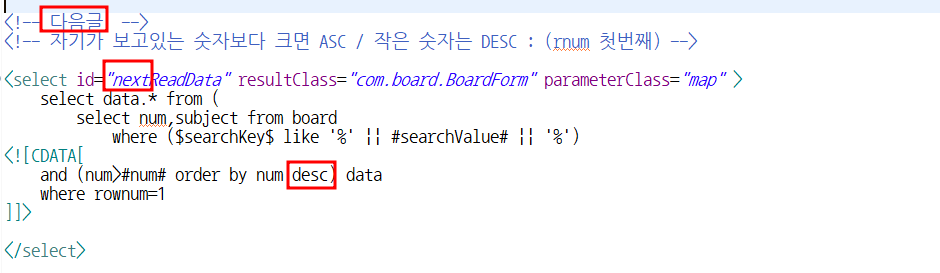
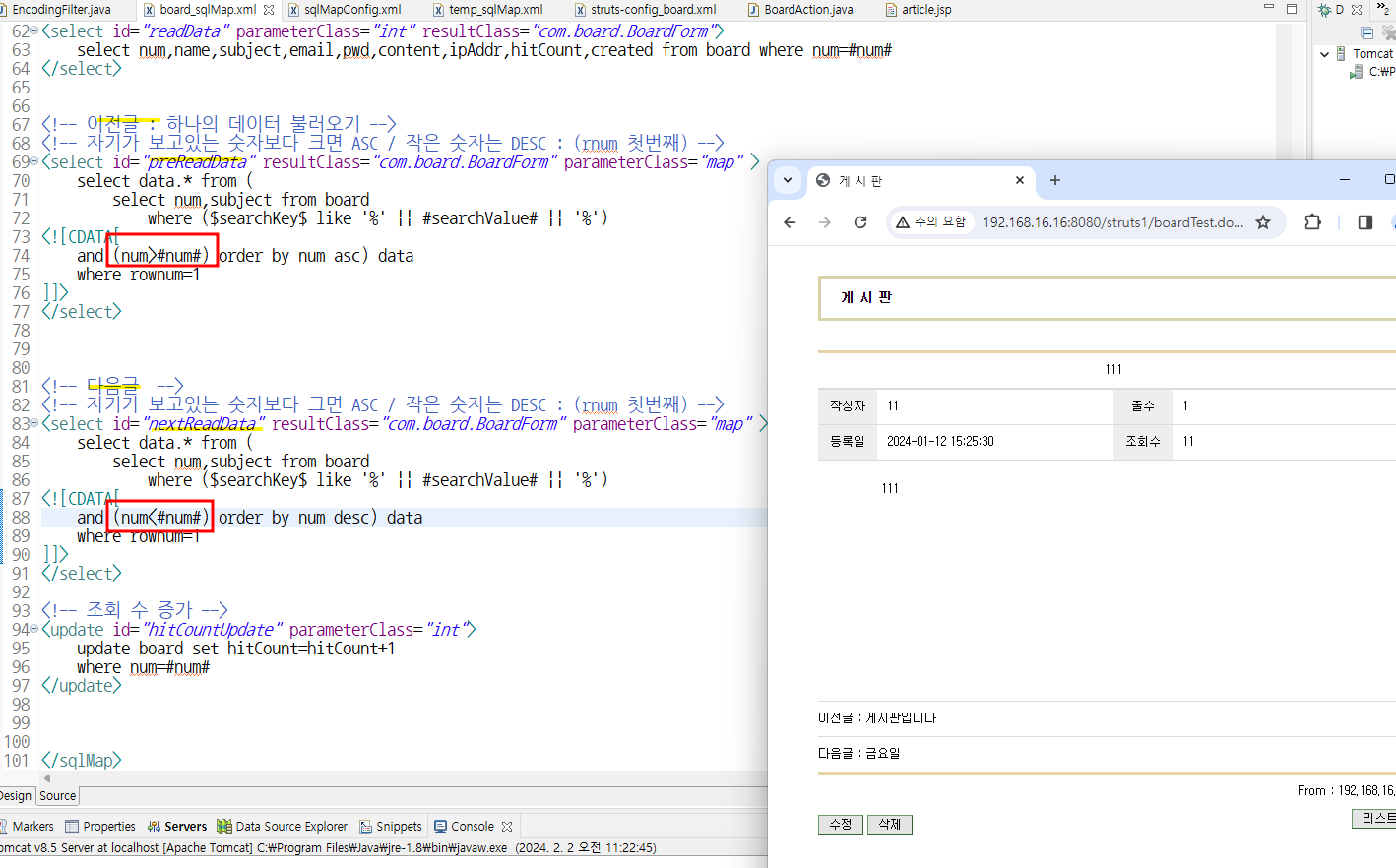
이전 글 / 다음 글 구하는 공식
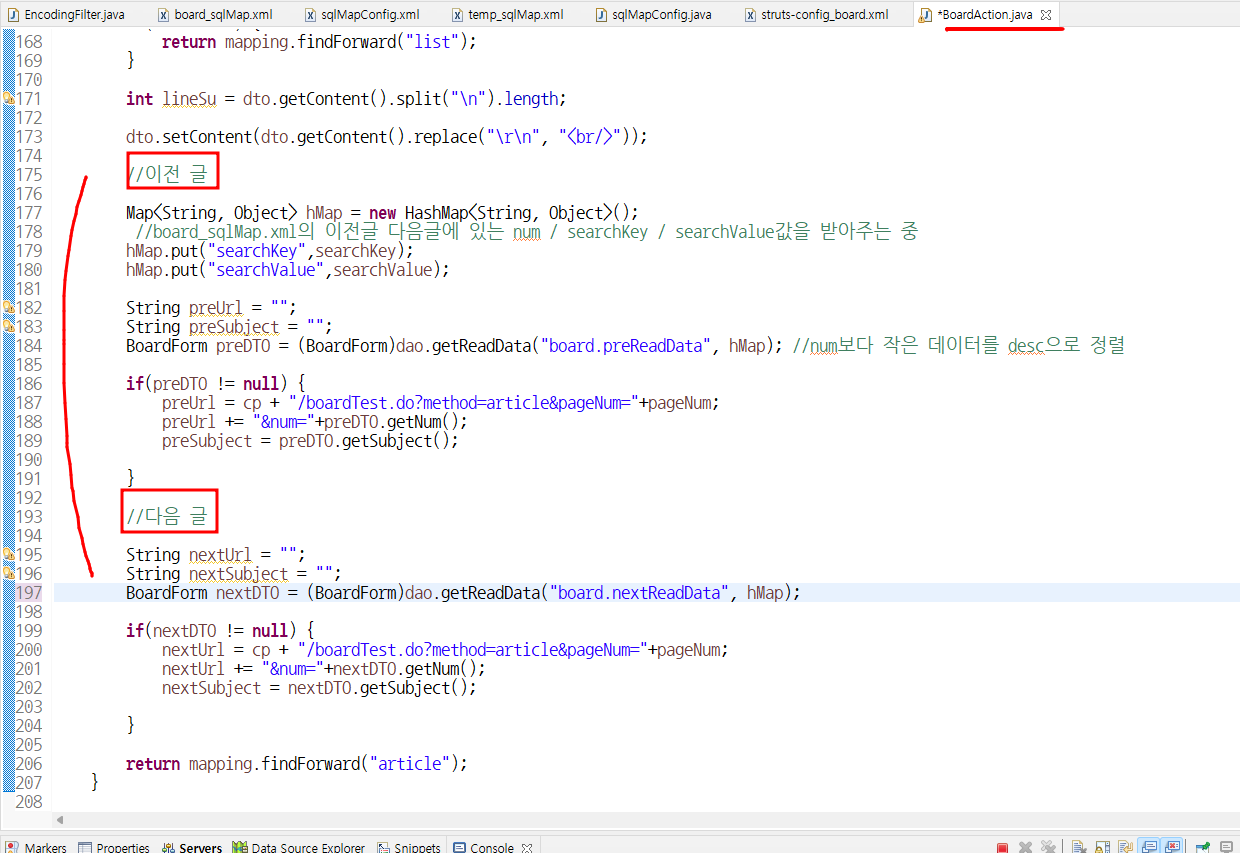
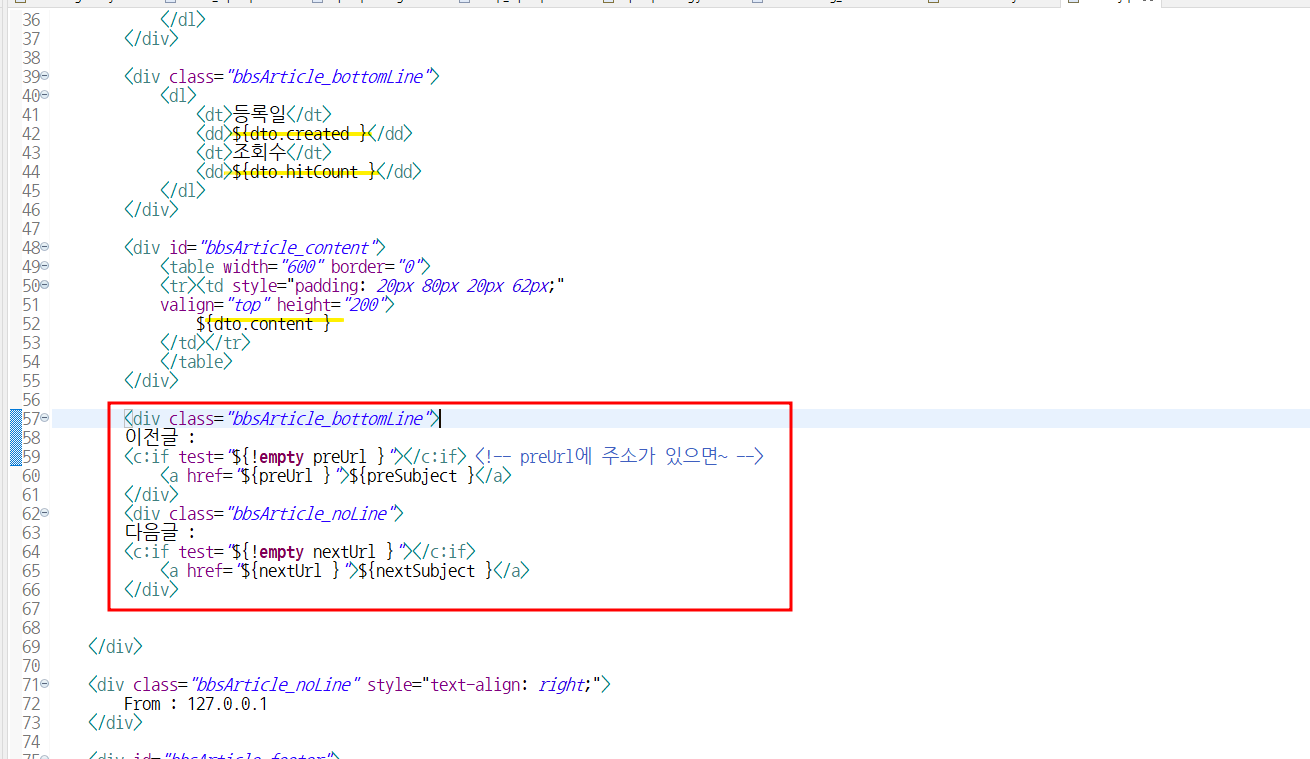
이전글/ 다음글
⬇️BoardAction.java에 이어서 복붙!
public ActionForward article(ActionMapping mapping
			, ActionForm form, HttpServletRequest request,
			HttpServletResponse response) throws Exception {

		CommonDAO dao = CommonDAOImpl.getInstance();

		String cp = request.getContextPath();

		//검색을 안했으면 2개
		int num = Integer.parseInt(request.getParameter("num"));
		String pageNum = request.getParameter("pageNum");

		//검색을 했으면 4개
		String searchKey = request.getParameter("searchKey");
		String searchValue = request.getParameter("searchValue");

		if(searchValue==null) {
			searchKey = "subject";
			searchValue = "";
		}

		if(request.getMethod().equalsIgnoreCase("GET")) {
			searchValue = URLDecoder.decode(searchValue,"UTF-8");
		}

		dao.updateData("board.hitCountUpdate", num);

		//하나의 데이터 가지고 옴
		BoardForm dto = (BoardForm)dao.getReadData("board.readData", num);

		if(dto==null) {
			return mapping.findForward("list");
		}

		int lineSu = dto.getContent().split("\n").length;

		dto.setContent(dto.getContent().replace("\r\n", "<br/>"));

		//이전 글

		Map<String, Object> hMap = new HashMap<String, Object>();
		 //board_sqlMap.xml의 이전글 다음글에 있는 num / searchKey / searchValue값을 받아주는 중
		hMap.put("num",num);
		hMap.put("searchKey",searchKey);
		hMap.put("searchValue",searchValue);

		String preUrl = "";
		String preSubject = "";
		BoardForm preDTO = (BoardForm)dao.getReadData("board.preReadData", hMap); //num보다 작은 데이터를 desc으로 정렬

		if(preDTO != null) {
			preUrl = cp + "/boardTest.do?method=article&pageNum="+pageNum;
			preUrl += "&num="+preDTO.getNum();
			preSubject = preDTO.getSubject();

		}

		//다음 글

		String nextUrl = "";
		String nextSubject = "";
		BoardForm nextDTO = (BoardForm)dao.getReadData("board.nextReadData", hMap);

		if(nextDTO != null) {
			nextUrl = cp + "/boardTest.do?method=article&pageNum="+pageNum;
			nextUrl += "&num="+nextDTO.getNum();
			nextSubject = nextDTO.getSubject();

		}

		String urlList = cp + "/boardTest.do?method=list&pageNum="+pageNum; //article에서 내가 들어왔던 페이지로 나가거나, 검색했다면 그 검색된 페이지로 나가게 해주는!

		if(!searchValue.equals("")) {//검색했다면
			searchValue = URLEncoder.encode(searchValue, "UTF-8");
			urlList +="&searchKey="+searchKey + "&searchValue="+searchValue; //돌아나갈대의 주소 +=


		if(!preUrl.equals("")) {
			preUrl += "&searchKey="+searchKey + "&searchValue="+searchValue;
		}
		if (!nextUrl.equals("")) {
			nextUrl += "&searchKey=" + searchKey + "&searchValue=" + searchValue;
		}
	}

		//수정,삭제
		String paramArticle = "num="+num+"&pageNum="+pageNum;

		request.setAttribute("dto", dto);
		request.setAttribute("preSubject", preSubject);
		request.setAttribute("preUrl", preUrl);
		request.setAttribute("nextSubject", nextSubject);
		request.setAttribute("nextUrl", nextUrl);
		request.setAttribute("lineSu", lineSu);
		request.setAttribute("paramArticle", paramArticle);
		request.setAttribute("urlList", urlList);


		return mapping.findForward("article");
	}
⬇️
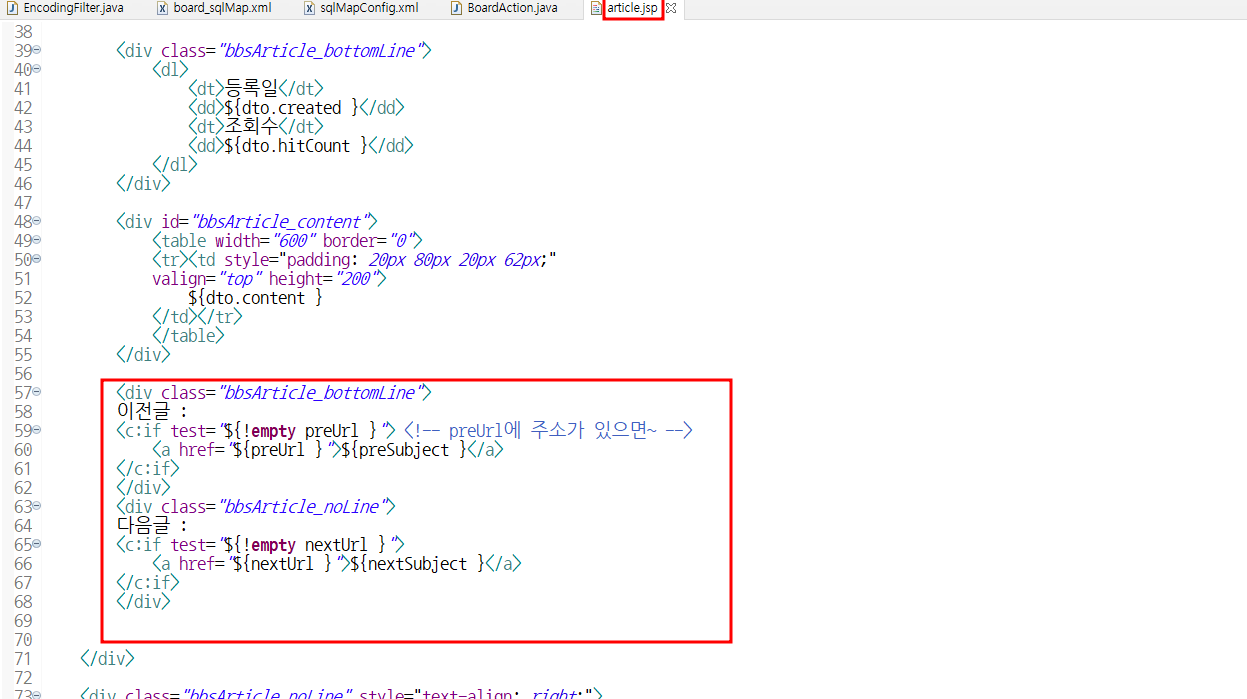
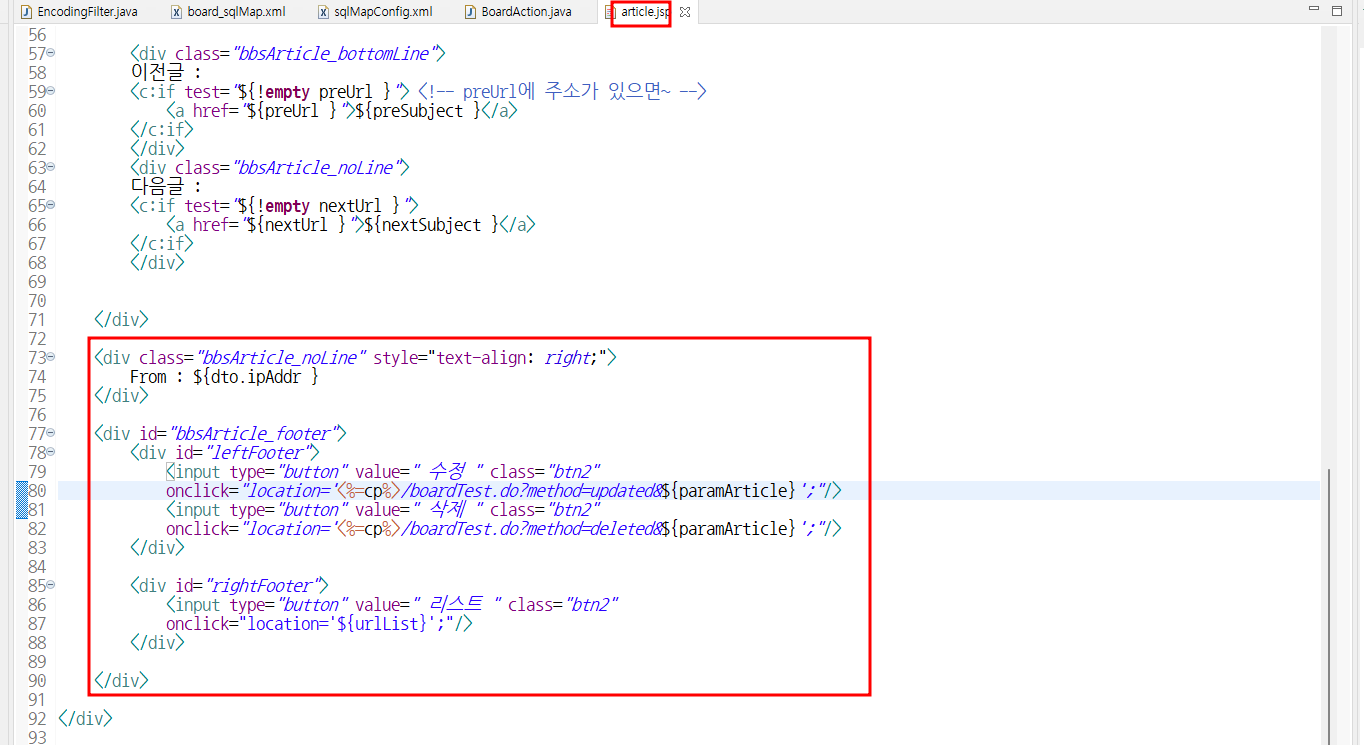
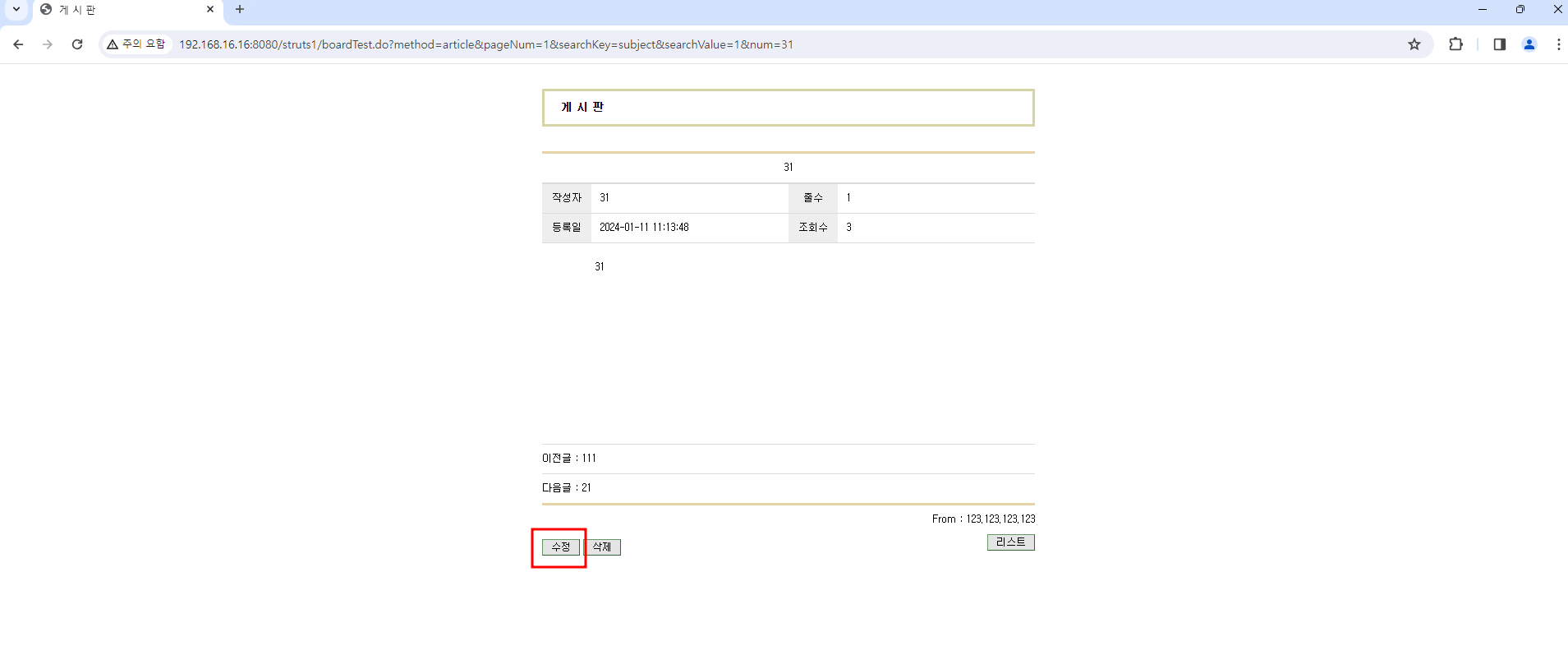
article.jsp에 이전글 다음글 불러오기
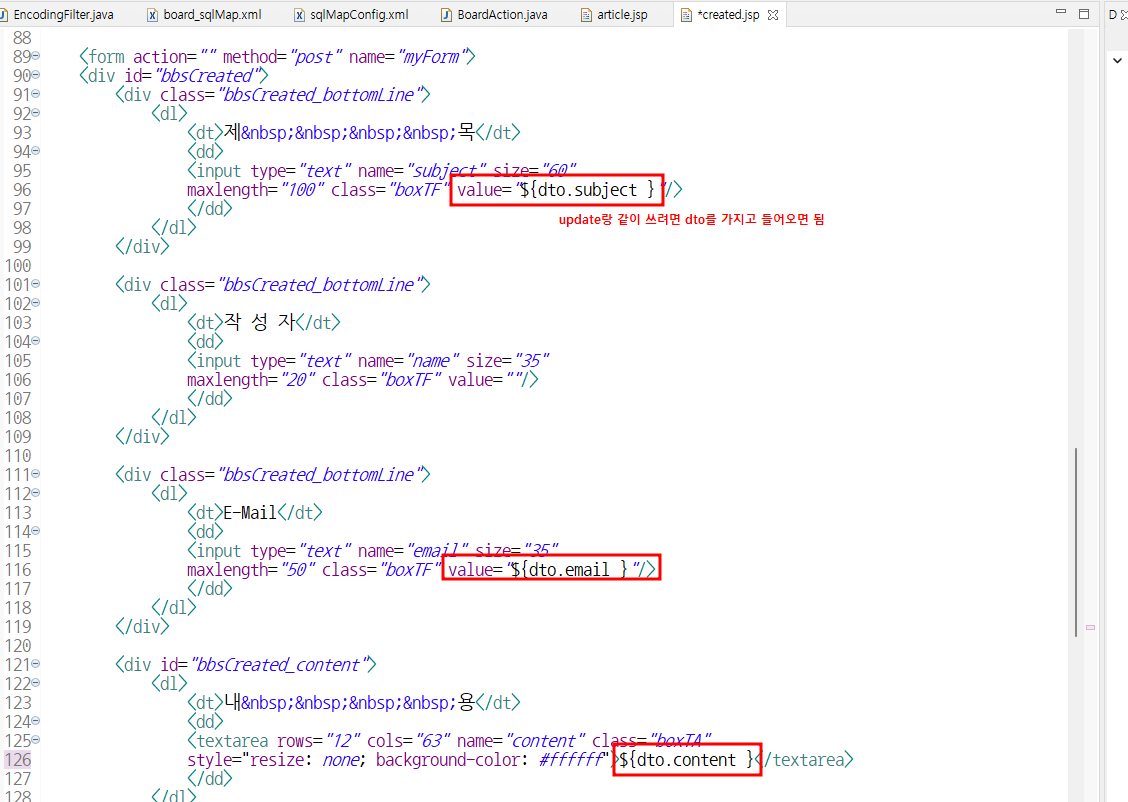
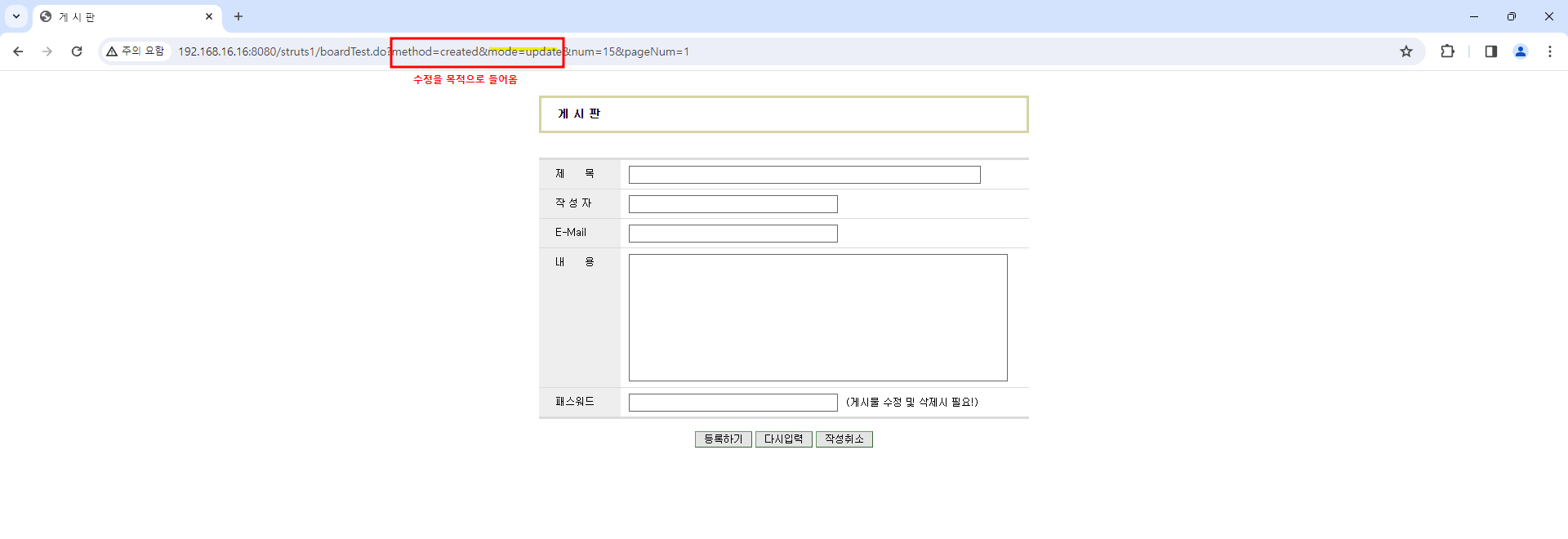
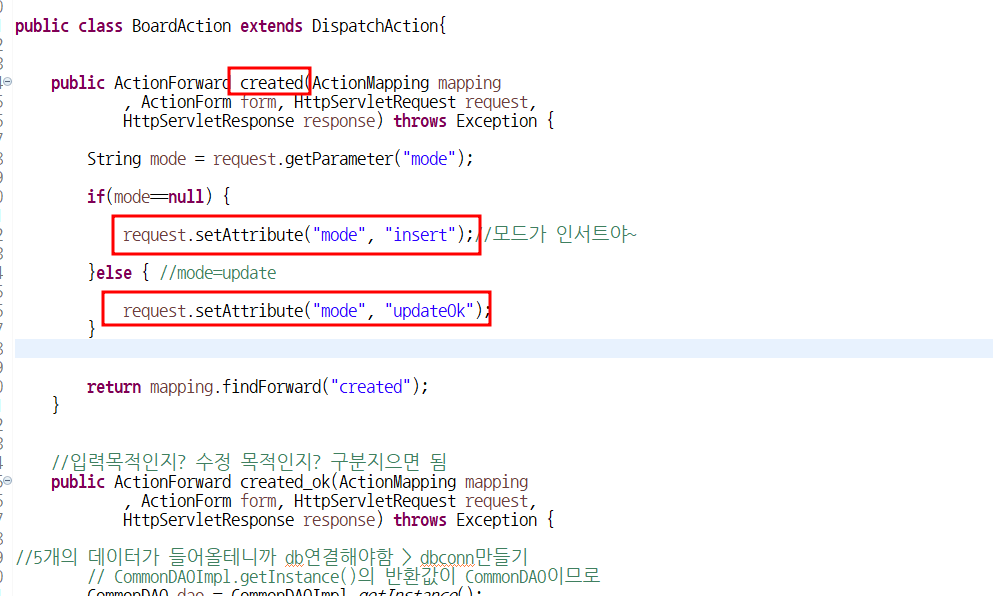
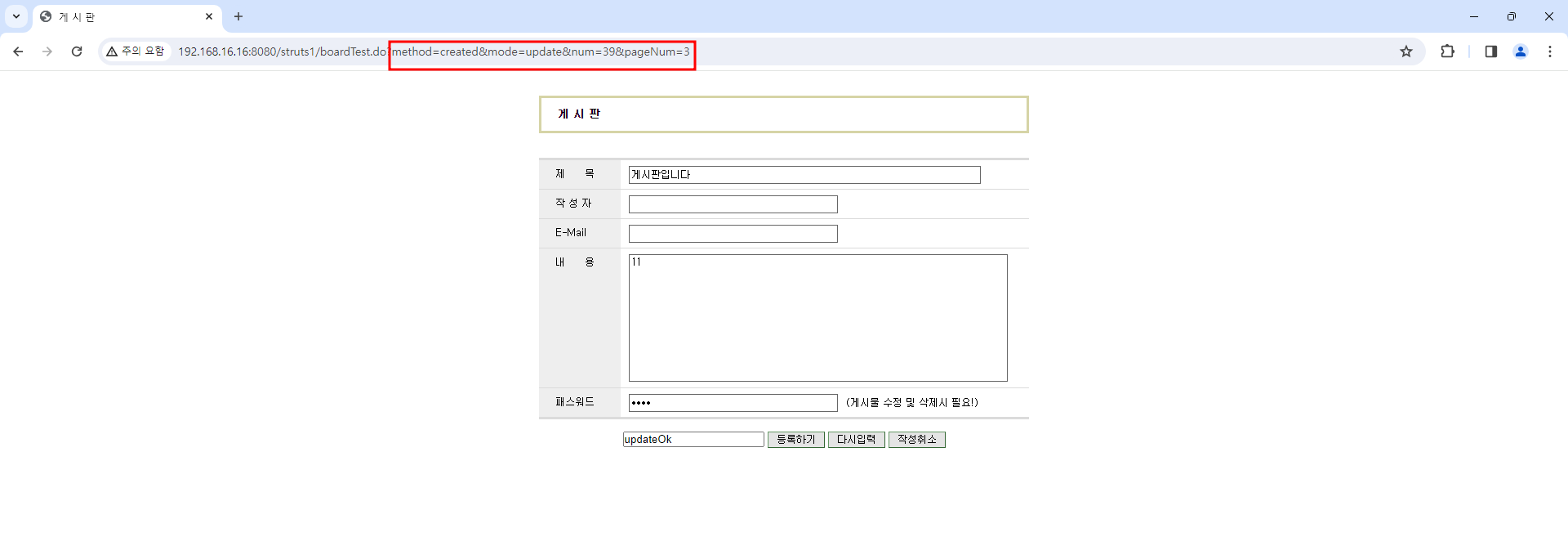
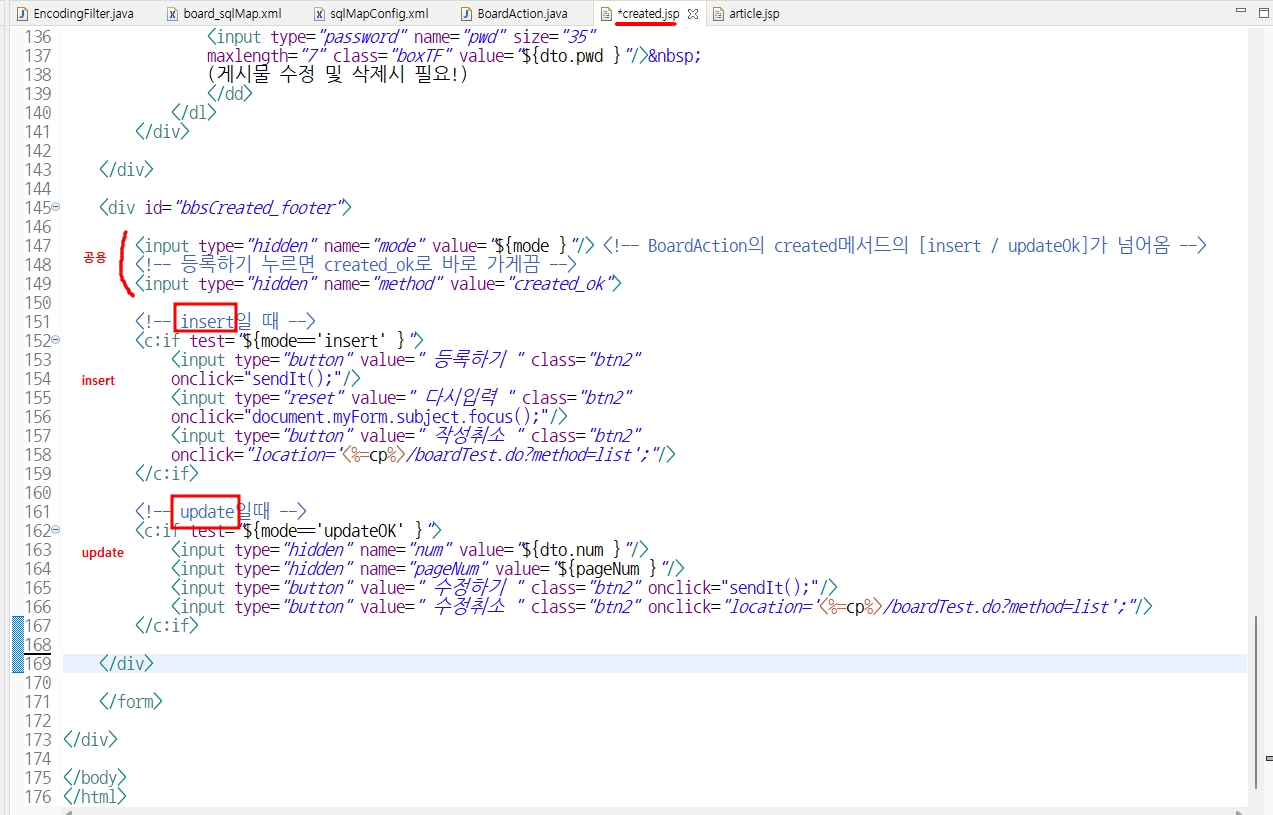
어떨 때는 입력창으로 쓰고, 어떨 때는 수정창으로 쓸 계획(dto가지고 들어옴)
- save : 입력창
- update : 업데이트창
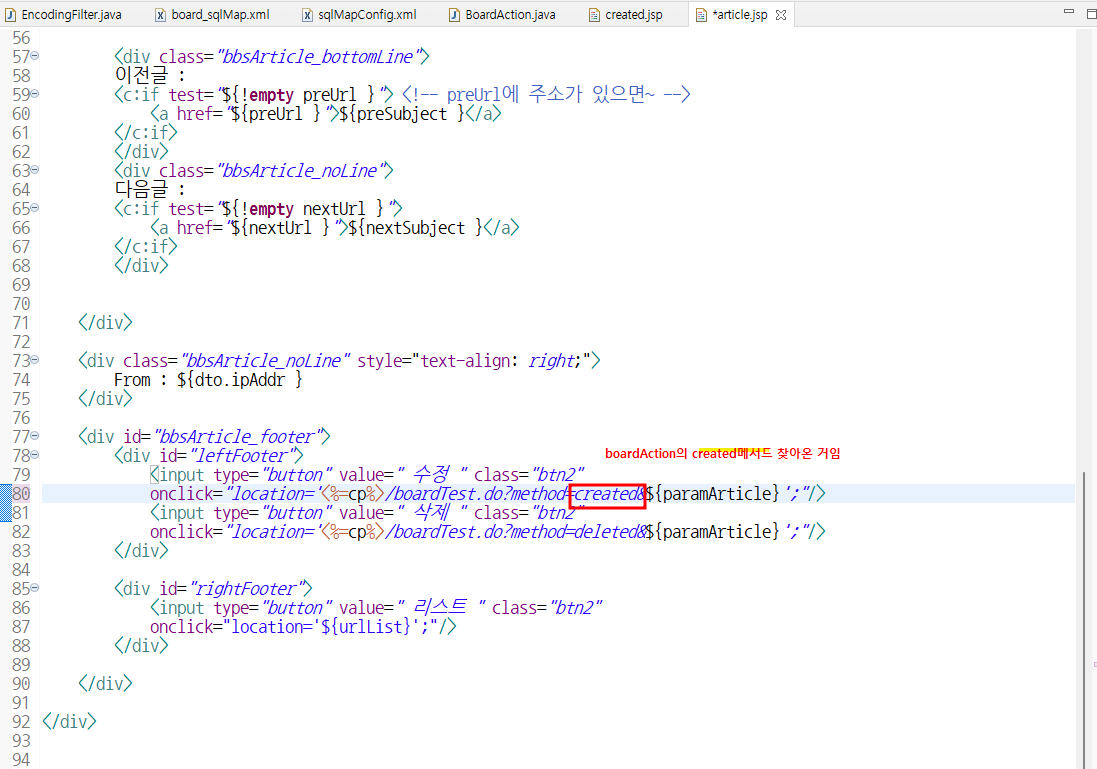
수정
- 히든을 text로 잠깐 풀어서 봐보면
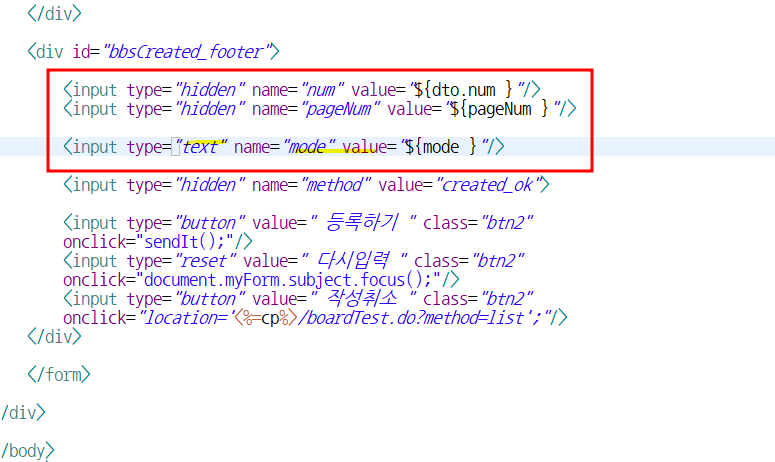
or
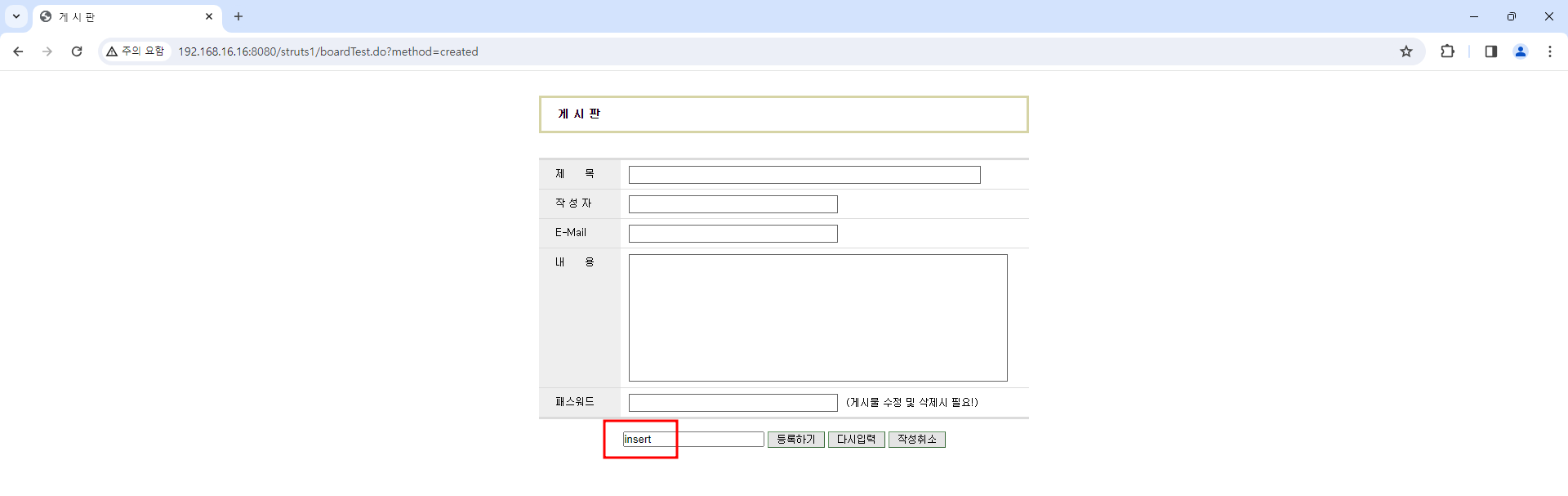
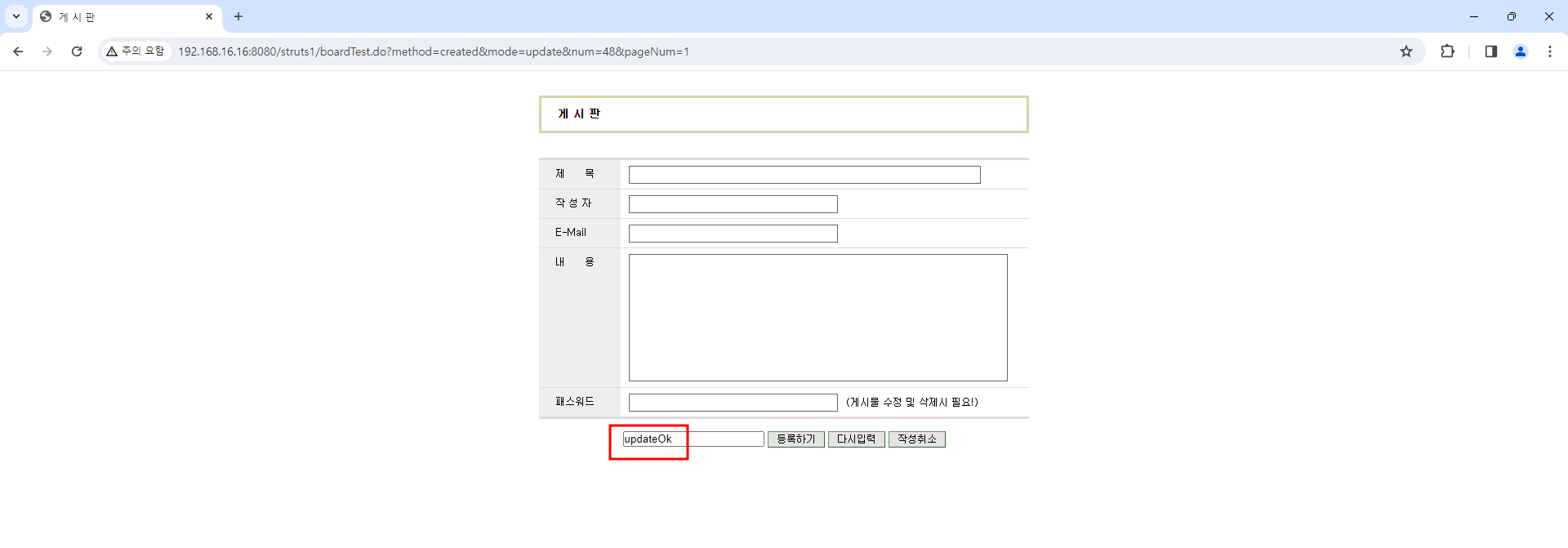
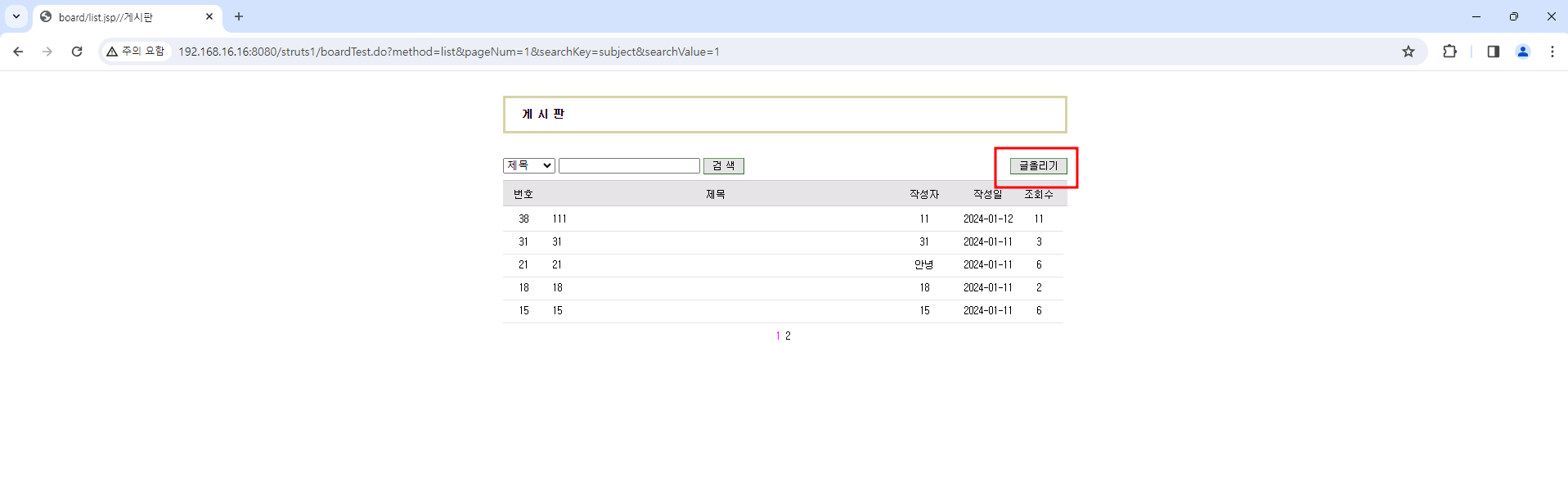
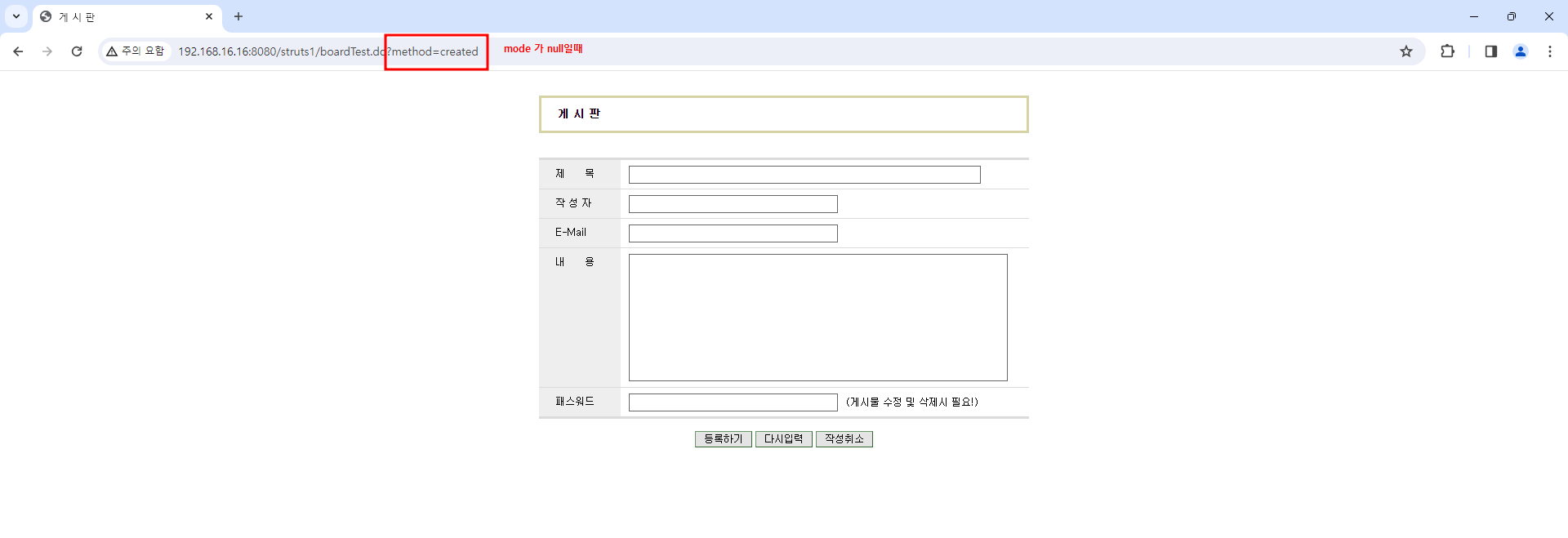
dto한명의 데이터를 가지고 와야함
수정일때만 내용이 뜨는지?
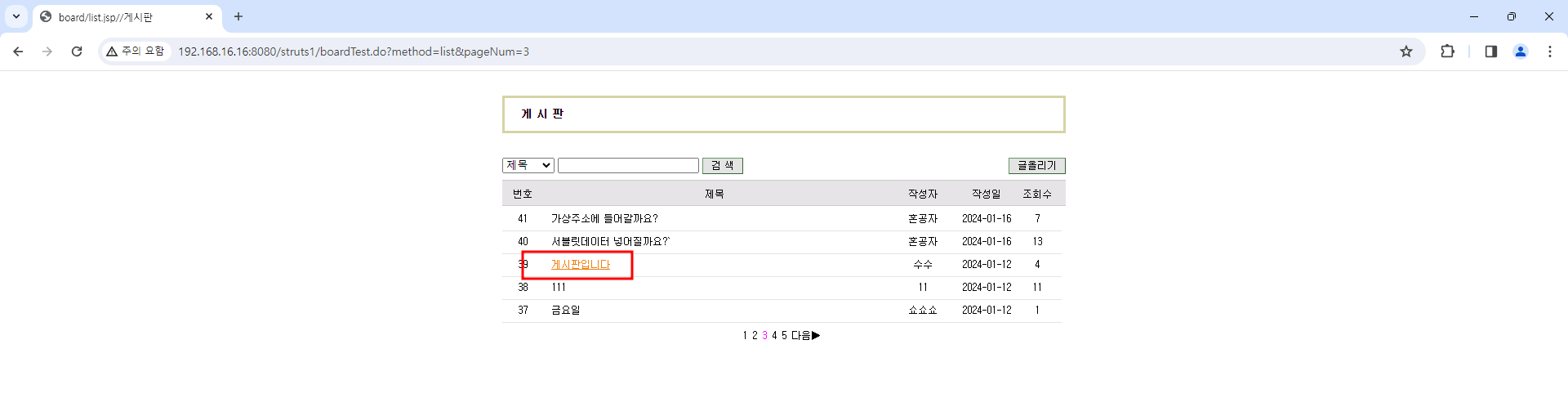
뜨는거 확인 완료!
2. fileTest 파일테스트
✏️ Test2.
💻 입력
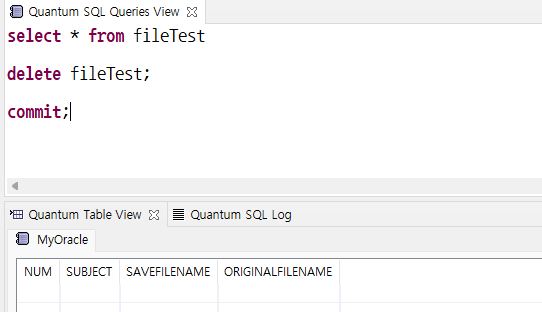
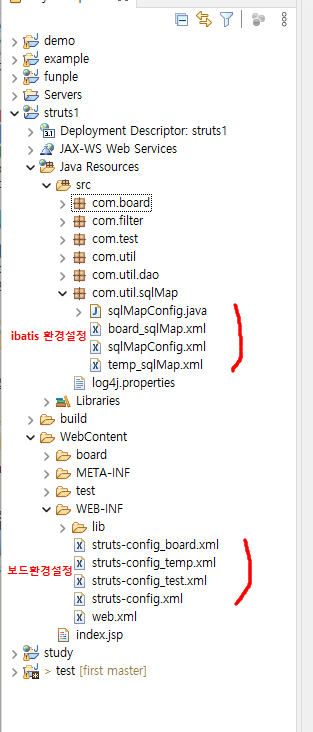
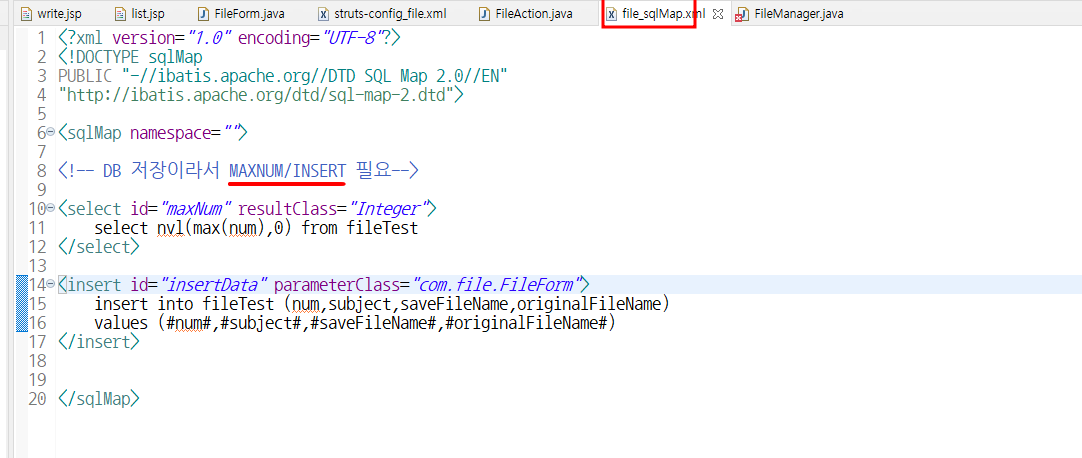
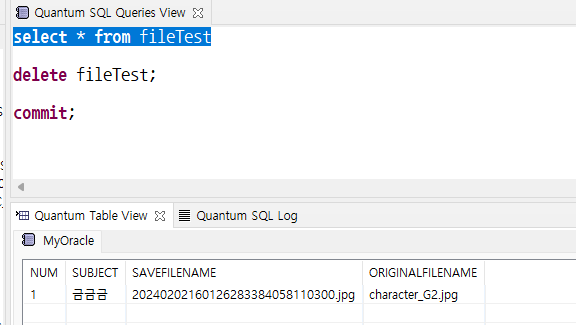
DB설정
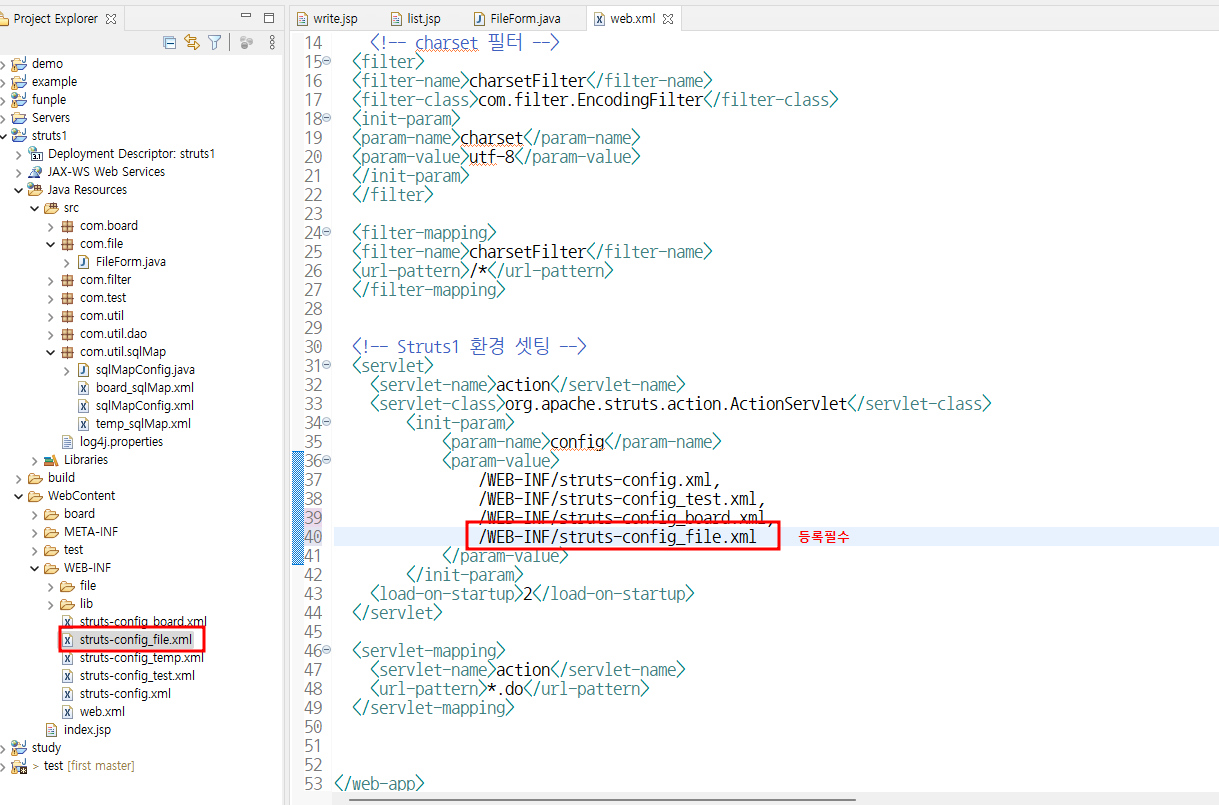
혹시 오류나면
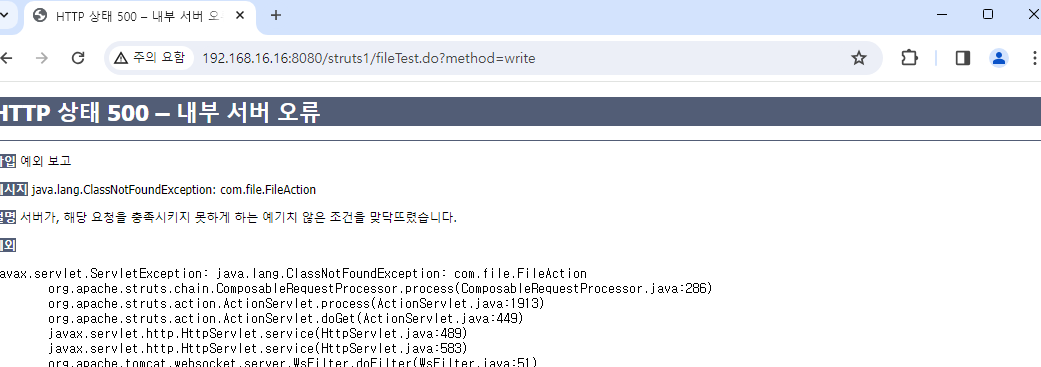
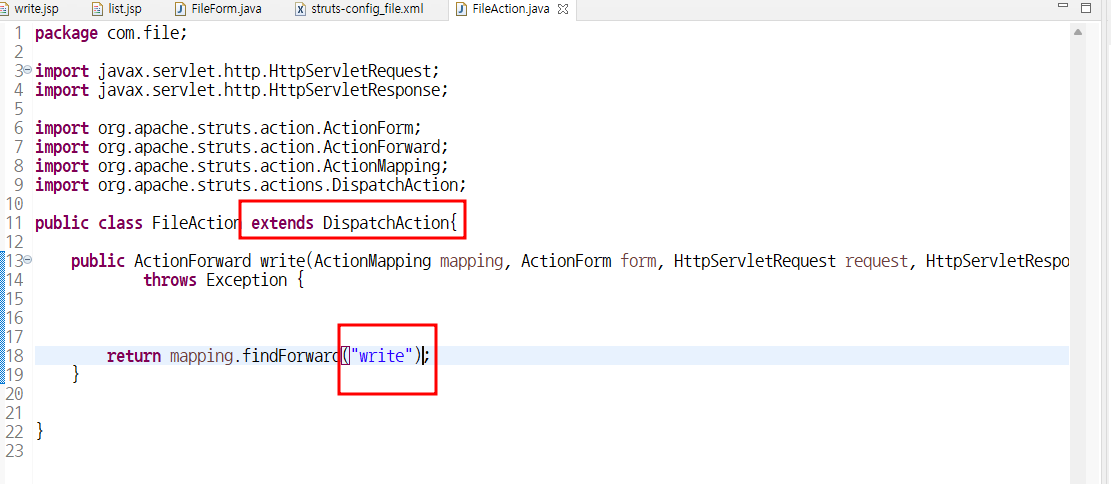

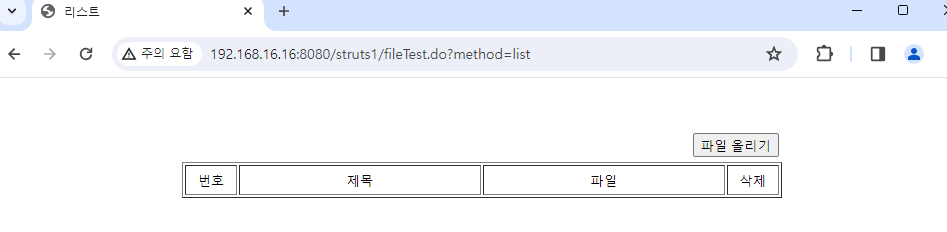
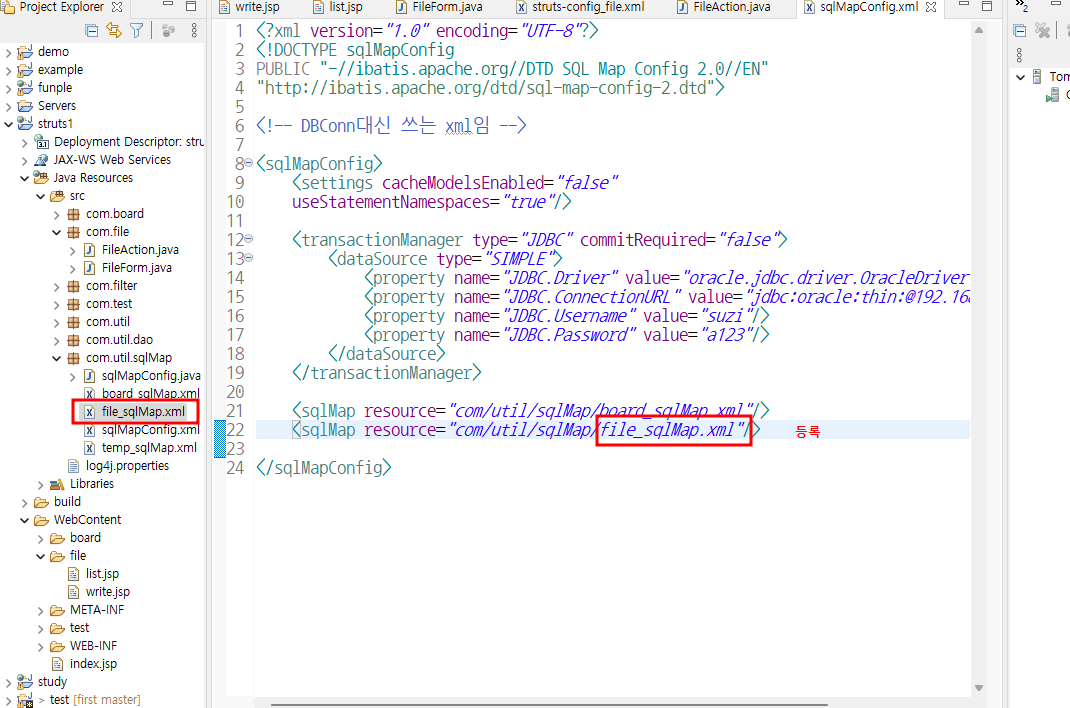
파일업로드
FileManger
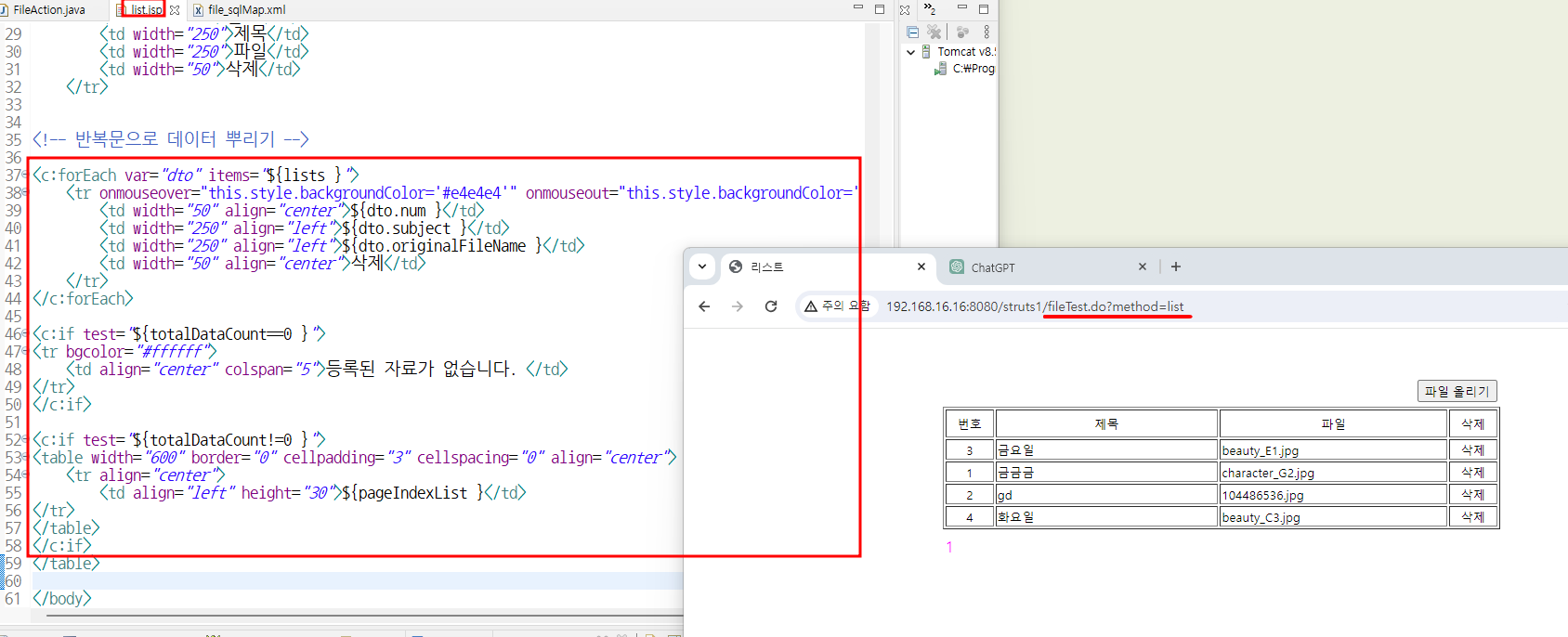
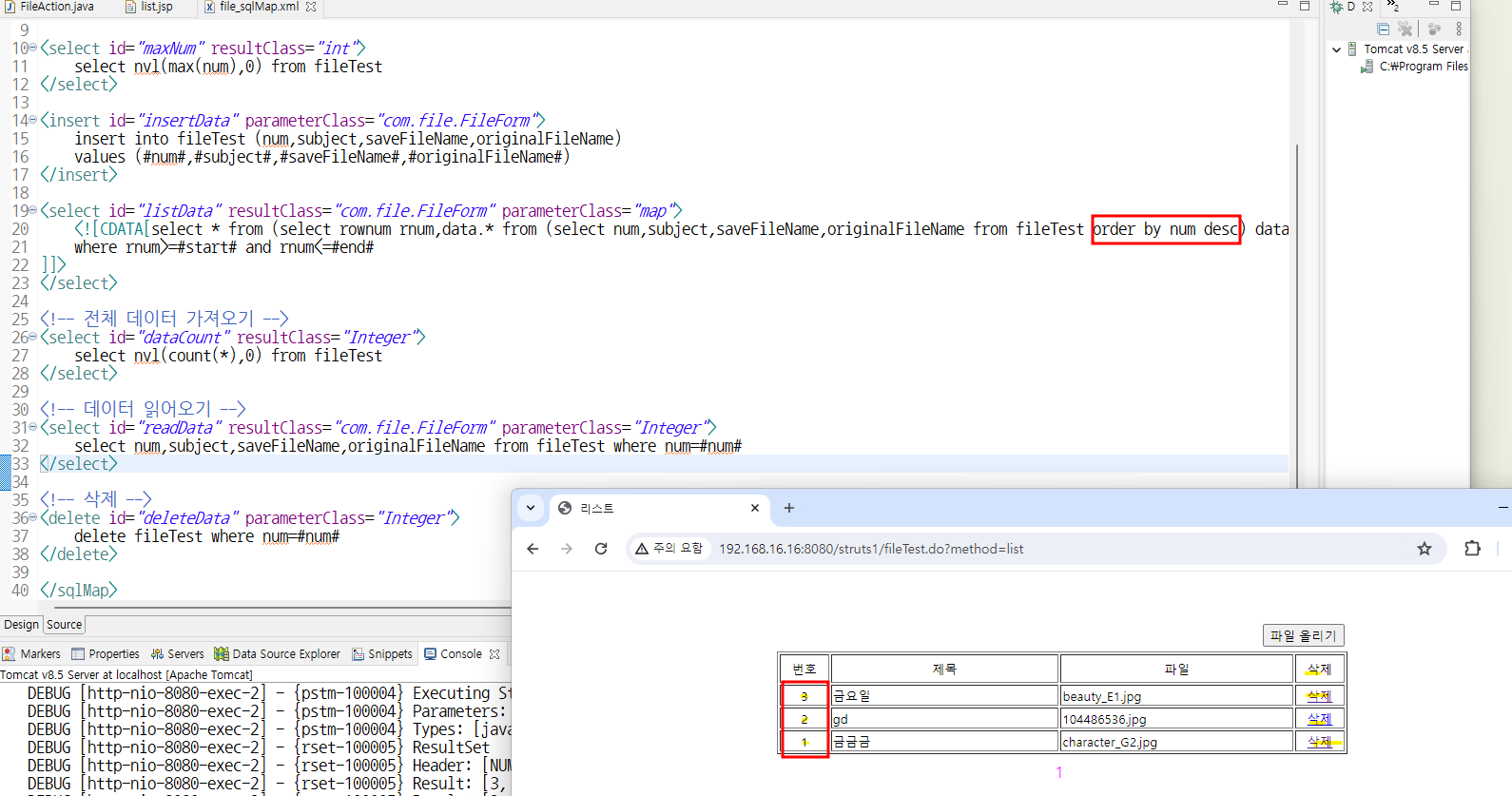
일련번호 정렬
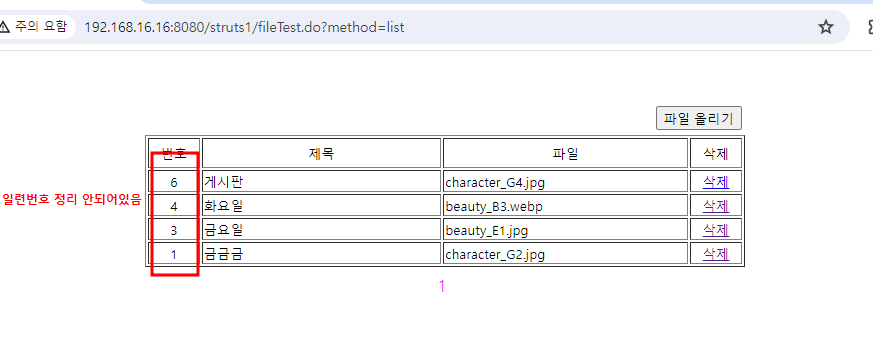
이럴땐
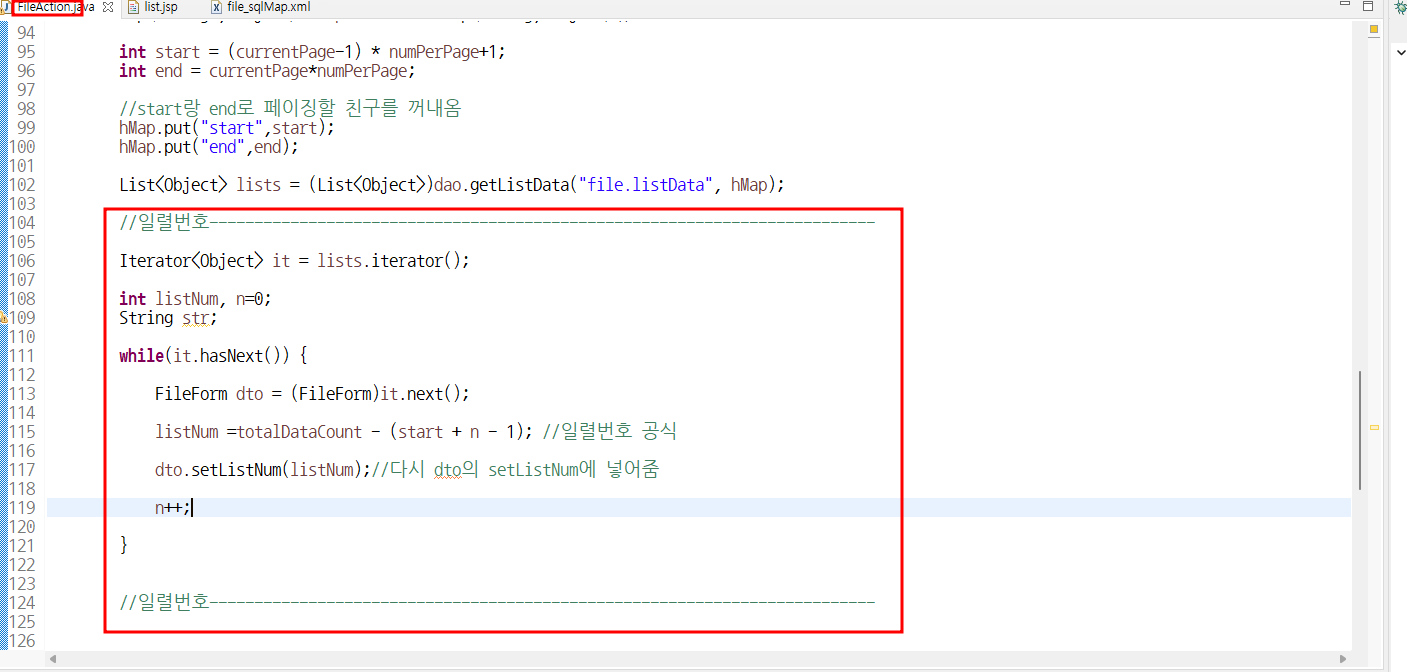
일련번호의 공식을 사용해준다.
10 9 8 / 7 6 5 ...
9를 삭제했다고 했을 때
9 = 9 - ( 1 + 0 - 1);
8 = 9 - ( 2 + 0 - 1);
..3개씩 n= 0,1,2...를 부여
- listNum = totalDataCount - (start + n -1);
dto.setListNum(listNum);
n++;
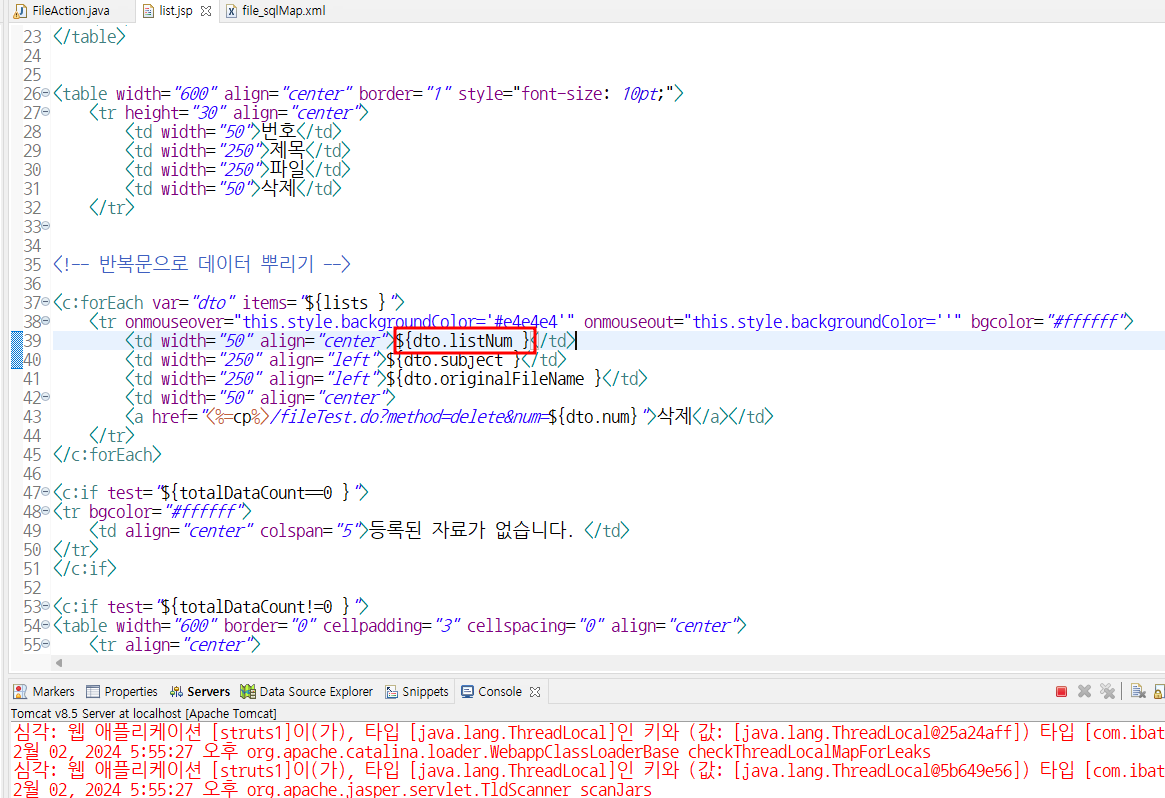
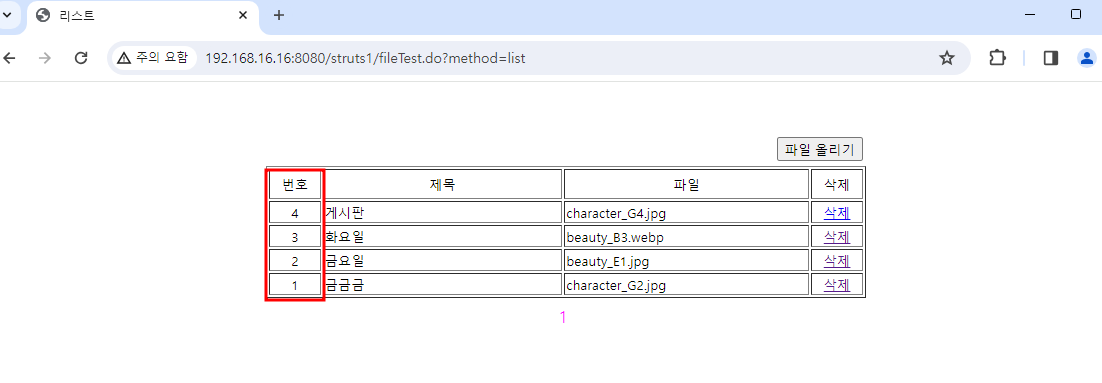
중간에 삭제가 되도, 잘 정렬된걸 확인할 수 있음