
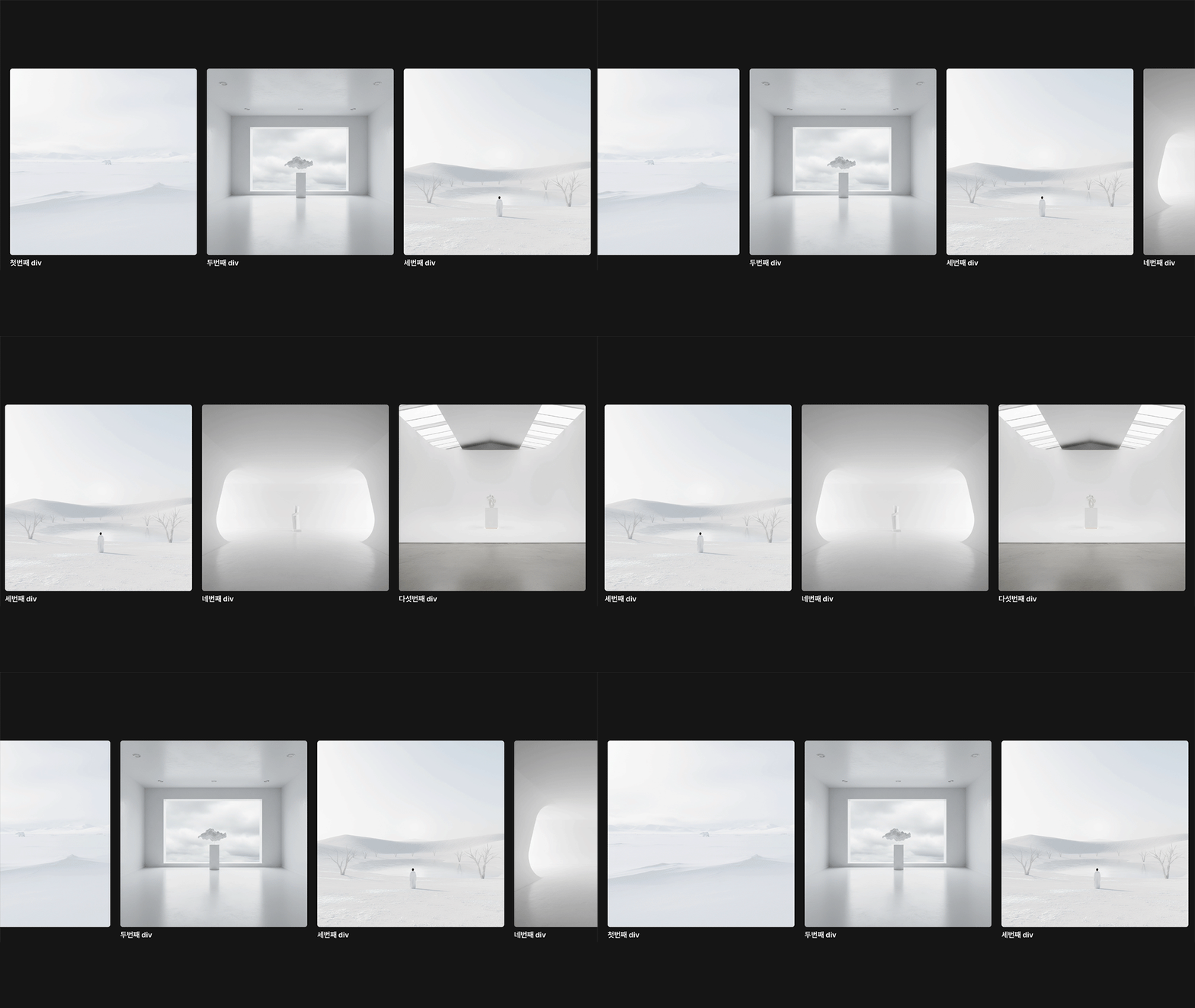
📌 결과물
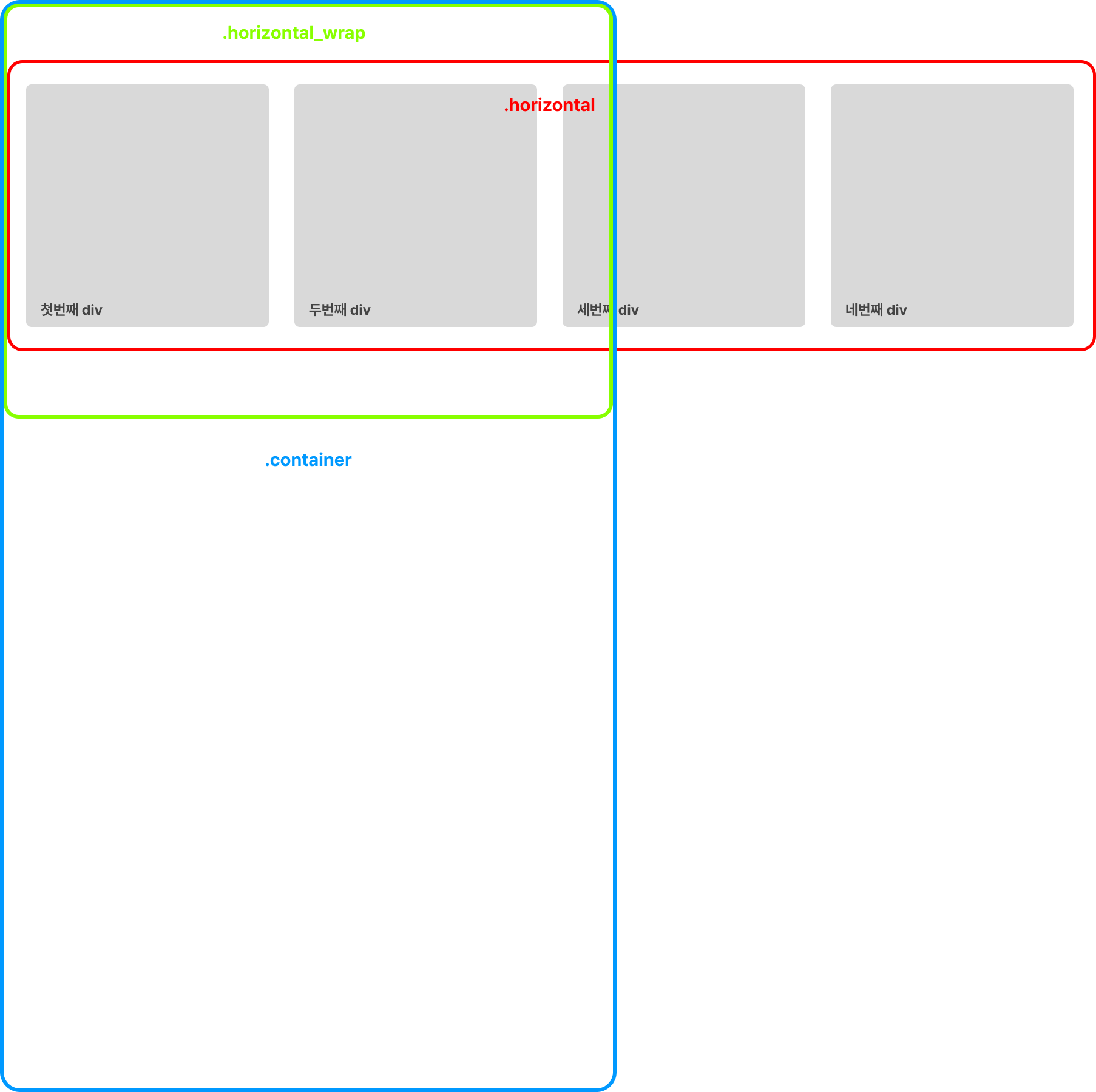
레이아웃
✔️ CODE
HTML
<section>
  <div class="container">
      <div class="horizontal_wrap">
          <div class="horizontal">
              <div class="horizontal_div">
                  <h4>첫번째 div</h4>
              </div>
              <div class="horizontal_div">
                  <h4>첫번째 div</h4>
              </div>
              <div class="horizontal_div">
                  <h4>두번째 div</h4>
              </div>
              <div class="horizontal_div">
                  <h4>세번째 div</h4>
              </div>
              <div class="horizontal_div">
                  <h4>네번째 div</h4>
              </div>
              <div class="horizontal_div">
                  <h4>다섯번째 div</h4>
              </div>
          </div>
      </div>
  </div>
</section>
CSS
section{
    width:100%;
    height:100vh;
}
.container{
    height: 3192px;
}
.horizontal_wrap{
    position: sticky;
    top: 0;
    width: 100%;
    height: 100vh;
    overflow-x:hidden;
}
.horizontal {
  position: absolute;
  width: 3192px;
  height: auto;
  top:50%;
  display: flex;
  gap: 32px;
  willchange: transform;
  transform: translate(0, -50%);
}
.horizontal_div {
  width: 500px;
  aspect-ratio: 1/1;
  background: #ddd;
  border-radius: 20px;
}
.horizontal_div:first-child{
    margin-left: 32px;
}
.horizontal_div:last-child{
    margin-right: 32px;
}
JavaScript
const container = document.querySelector(".container");
const scrollSection = document.querySelector(".horizontal");

function transform() {
    const offsetTop = container.offsetTop;
    const maxScrollX = scrollSection.scrollWidth - window.innerWidth;
    const maxScrollY = container.offsetHeight - window.innerHeight;

    const scrollY = window.scrollY - offsetTop;

    let progress = (scrollY * maxScrollX / maxScrollY);
    progress = Math.round(progress / 5) * 5;
    progress = progress < 0 ? 0 : progress > maxScrollX ? maxScrollX : progress;


    scrollSection.style.transform = `translate(${-(progress)}px, -50%)`
}
let ticking = false;
window.addEventListener("scroll",()=>{
    if(!ticking){
        window.requestAnimationFrame(()=>{
            transform();
            ticking = false;
        });
        ticking = true;
    }
})
web publisher / frontend developer