theme는 왜 쓸까?
- UI,UX의 일관성 유지
- 유지보수가 용이
- 확장성
- 재사용성
- 사용자정의
지금 하는 것이 무엇이냐면!!
그 웬만한 사이트 들어가면
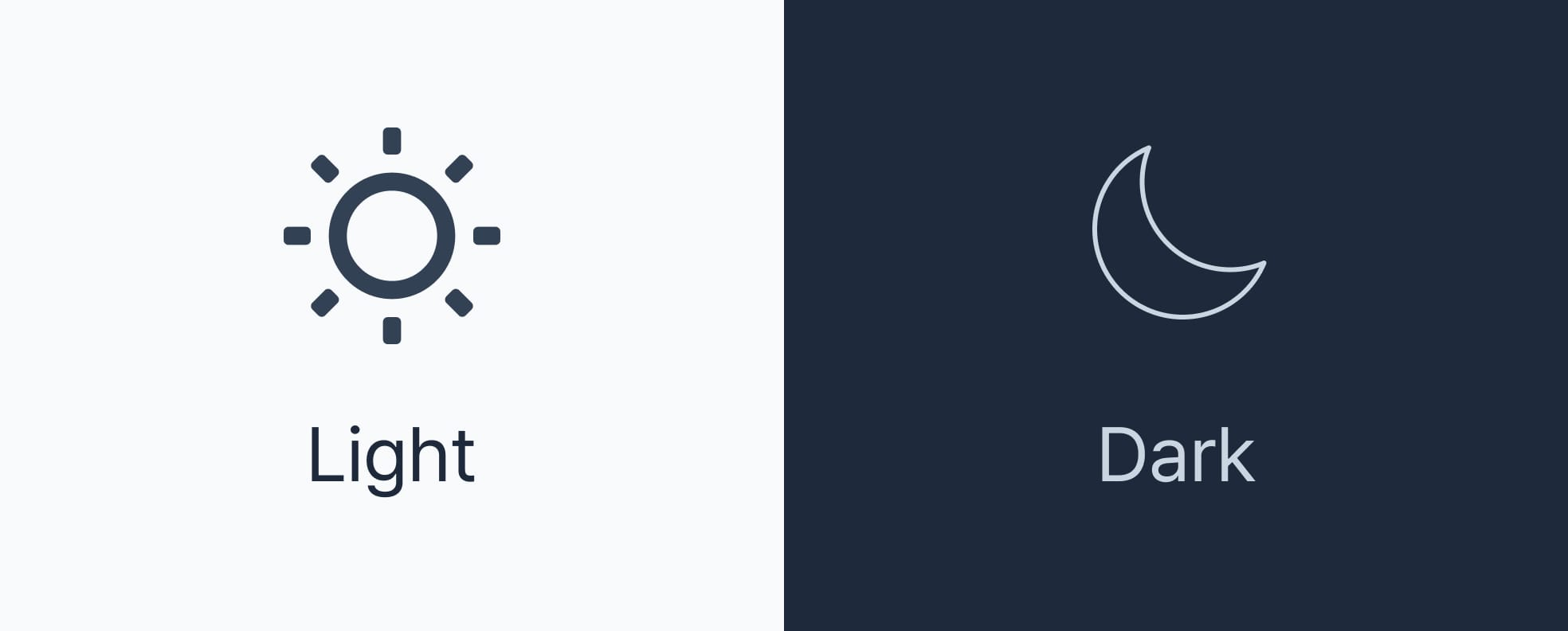
다크모드, 라이트 모드 전부 이렇게 지정이 되어있잖아.
그래서 그걸 해주는 방식인건데!
기본 원리
// 1. 테마 정의
const light = { color: { background: "white" } };
const dark = { color: { background: "black" } };

// 2. 상태로 관리
const [currentTheme, setCurrentTheme] = useState(light);

// 3. 버튼으로 전환
<button onClick={() => setCurrentTheme(dark)}>다크모드

// 4. ThemeProvider에 전달
실제 구현 예시
App.tsx
import { useState } from "react";
import { ThemeProvider } from "styled-components";
import { light, dark } from "./styles/theme";

function App() {
  const [currentTheme, setCurrentTheme] = useState(light);

  const toggleTheme = () => {
    setCurrentTheme(currentTheme.name === "light" ? dark : light);
  };

  return (


        {currentTheme.name === "light" ? "🌙" : "☀️"}


  );
}
현업에서는 더 고급지게 함
1. localStorage에 저장
// 새로고침해도 선택한 테마 유지
const [theme, setTheme] = useState(() => {
  const saved = localStorage.getItem("theme");
  return saved === "dark" ? dark : light;
});

const toggleTheme = () => {
  const newTheme = theme.name === "light" ? dark : light;
  setTheme(newTheme);
  localStorage.setItem("theme", newTheme.name);
};
2. 시스템 설정 따라가기
// 사용자 OS가 다크모드면 자동으로 다크모드
const prefersDark = window.matchMedia("(prefers-color-scheme: dark)").matches;
const [theme, setTheme] = useState(prefersDark ? dark : light);
3. Context API로 전역 관리
// 어디서든 테마 변경 가능하게
const ThemeContext = createContext();

function useTheme() {
  return useContext(ThemeContext);
}
나의 테마코드(style폴더의 theme.ts)
type ThemeName = "light" | "dark";

type ColorKey = "primary" | "background" | "secondary" | "third";

interface Theme {
  name: ThemeName;
  color: Record<ColorKey, string>;
} // [key in ColorKey]: string;

export const light: Theme = {
  name: "light",
  color: {
    primary: "brown",
    background: "lightgray",
    secondary: "blue",
    third: "green",
  },
};
export const dark: Theme = {
  name: "dark",
  color: {
    primary: "coral",
    background: "midnightblue",
    secondary: "lightblue",
    third: "lightgreen",
  },
};
App.tsx
import Home from "./pages/Home";

import Layout from "./components/common/layout/Layout";
import { GlobalStyle } from "./style/global";
import { ThemeProvider } from "styled-components";
import { light } from "./style/theme";
import { dark } from "./style/theme";

function App() {
  return (
    <ThemeProvider theme={dark}>
      <GlobalStyle />
      <Layout>
        <Home /> 이 부분이 children으로 전달돼
      </Layout>
    </ThemeProvider>
  );
}

export default App;
근데 이거 할려면 theme에 있는 color를 사용하려면
import "styled-components";

type ThemeName = "light" | "dark";
type ColorKey = "primary" | "background" | "secondary" | "third";

interface Theme {
  name: ThemeName;
  color: Record;
}

// styled-components의 DefaultTheme을 우리가 만든 Theme으로 확장
declare module "styled-components" {
  export interface DefaultTheme extends Theme {}
}
이걸 써줘야해!

Dive Head First | Work Super Hard | Attract Great People