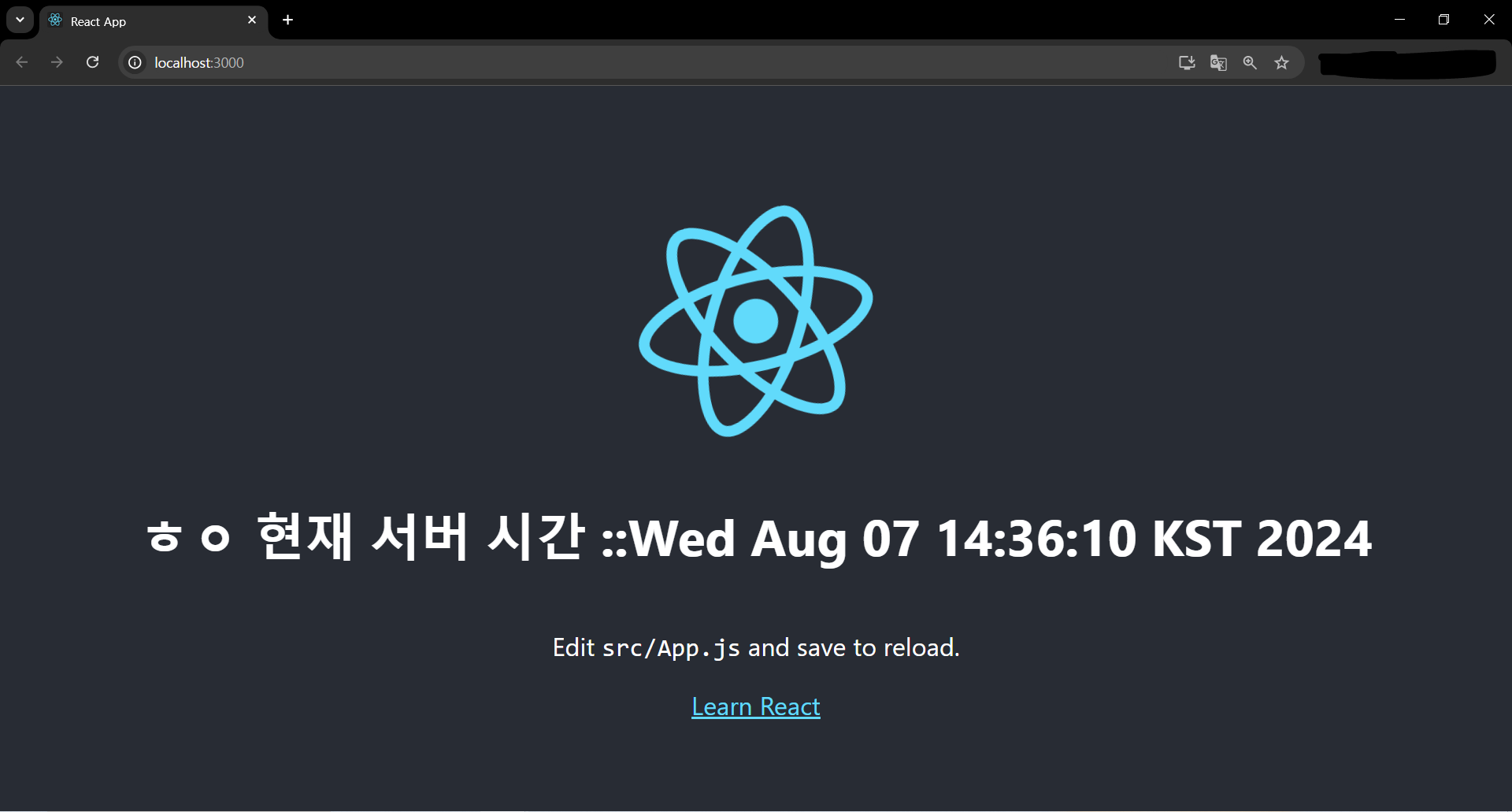
매번 jsp를 통해 view를 만들었엇지만 react를 사용해보려 함
https://sundries-in-myidea.tistory.com/71
https://github.com/kantega/react-and-spring
개발환경
SpringBoot 3.3.2
JAVA 17
Eclipse IDE
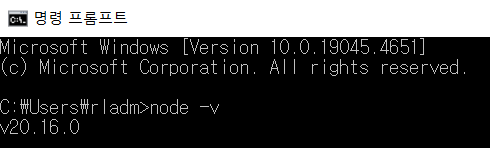
Node.js 20.16.0
maven
node.js 설치
https://nodejs.org/en/download/prebuilt-installer
설치후 cmd에 node -v 입력
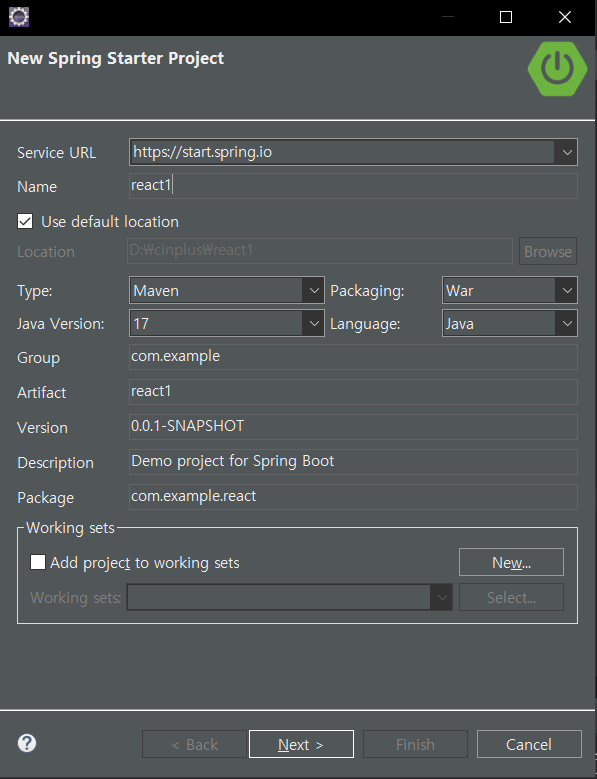
스프링부트 프로젝트 생성
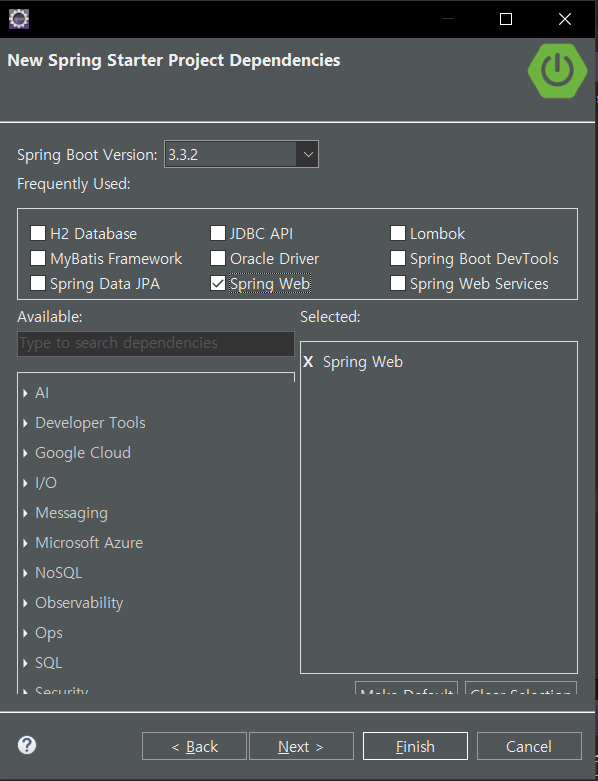
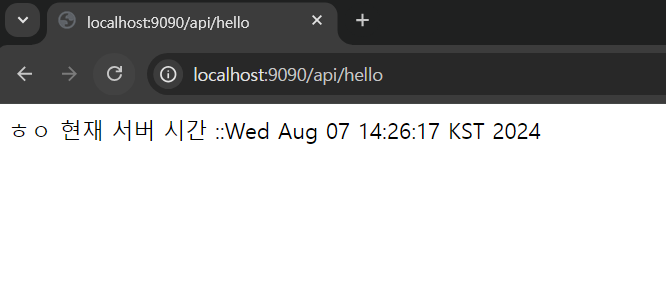
스프링으로 간단한 RestAPI 만들기
package com.example.react.ctrl;

import java.util.Date;

import org.springframework.web.bind.annotation.GetMapping;
import org.springframework.web.bind.annotation.RestController;

@RestController
public class ApiCtrl {

	@GetMapping("/api/hello")
	public String hello(){
		return "ㅎㅇ 현재 서버 시간 ::" +new Date();
	}
}
React 설치
cmd를 켜고 스프링부트의 폴더위치로 찾아감
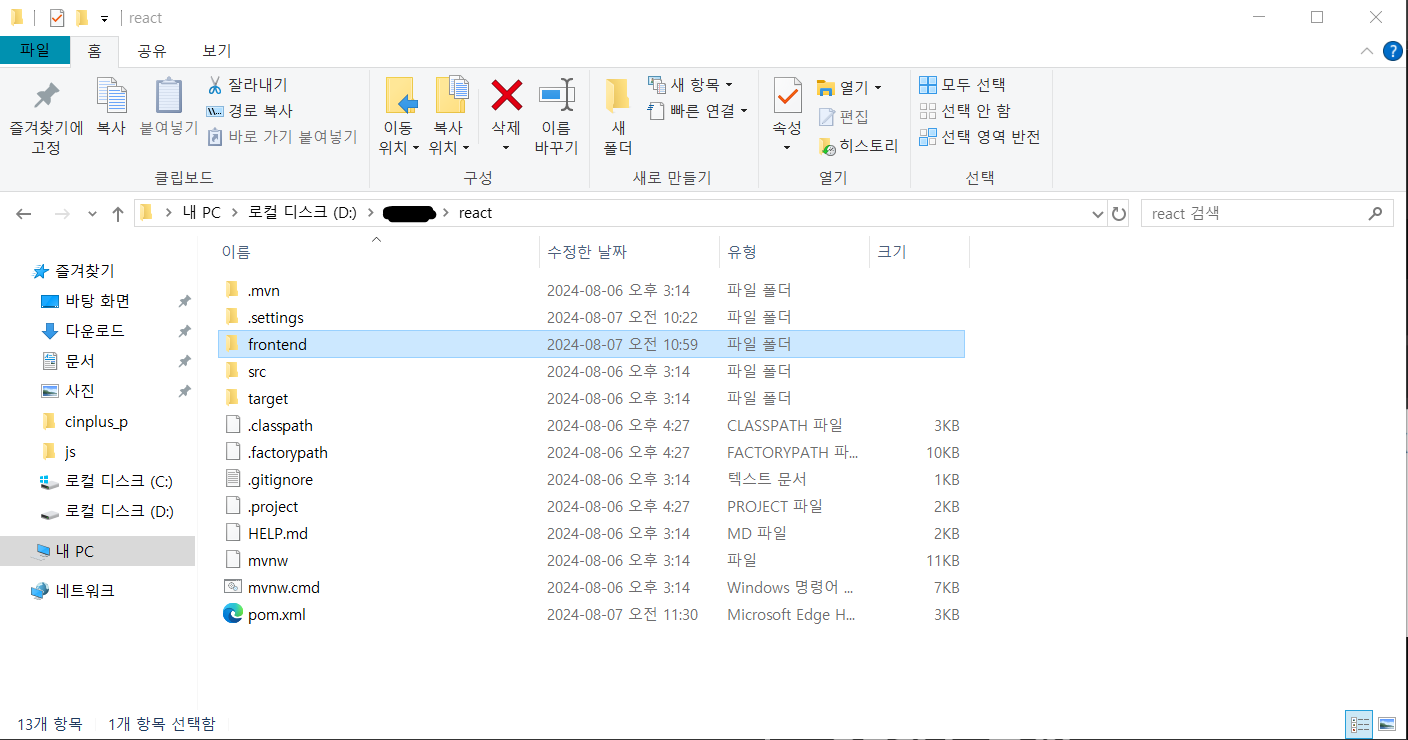
위 사진처럼 생성되어야함
cd react
npx create-react-app frontend
cd frontend
npm start

# 필요한 모듈 설치 (현재 사용하지 않아서 설치하진않았음 이후 필요할 때 설치할 예정)
npm install bootstrap react-bootstrap --save # 부트스트랩 모듈
npm install react-router-dom --save # 라우터 모듈
npm install axios --save # 서버와 통신하기 위한 모듈
npm install maven # 메이븐
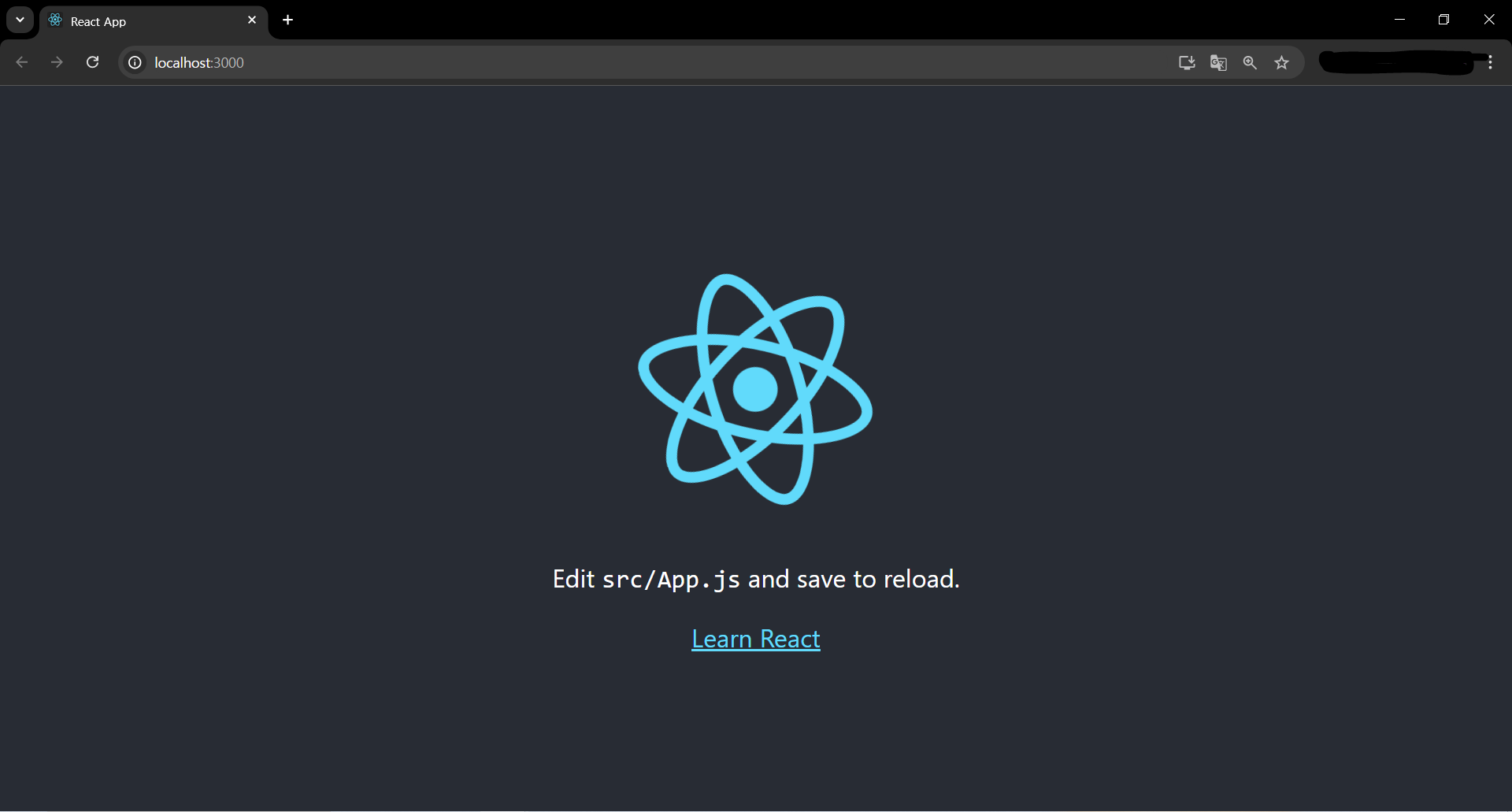
npm start를 누르면 react가 localhost:3000 으로 실행됨
프록시 설정
빌드한 뒤 서버를 실행하면 프론트, 백엔드는 같은 포트로 동작하지만,
개발 시 React Dev Server(port: 3000), Spring Server(port: 8080)로 포트가 나뉘어 실행되기 때문에,
CORS를 방지하기 위해 프록시 설정이 필요
"proxy": "http://localhost:9090”,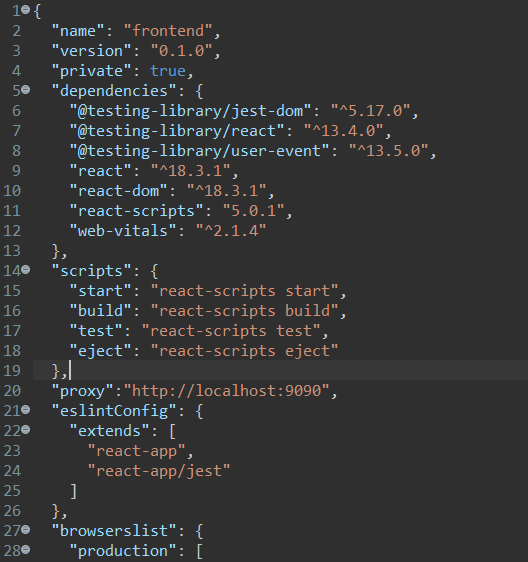
8080은 오라클이 사용중이어서 9090으로 바꿈
바꾼 후 SpringBoot와 react서버를 실행시키고
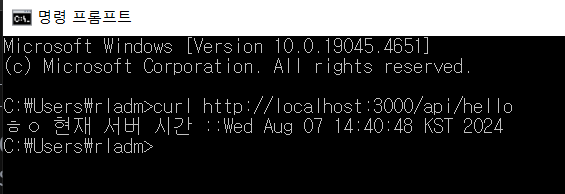
다른포트로 실행시켜도 동일한 응답이 나옴
application.properties
spring.thymeleaf.prefix=classpath:/static/
spring.mvc.view.suffix=.html
react 화면에 적용해보기
app.js 파일을 수정해 RestAPI값을 받고 출력
import React, {useState, useEffect} from 'react';
import logo from './logo.svg';
import './App.css';

function App() {
	const [message, setMessage] = useState("");

	    useEffect(() => {
	        fetch('/api/hello')
	            .then(response => response.text())
	            .then(message => {
	                setMessage(message);
	            });
	    },[])
  return (
    <div className="App">
      <header className="App-header">
        <img src={logo} className="App-logo" alt="logo" />
		<h1 className="App-title">{message}</h1>
        <p>
          Edit <code>src/App.js</code> and save to reload.
        </p>
        <a
          className="App-link"
          href="https://reactjs.org"
          target="_blank"
          rel="noopener noreferrer"
        >
          Learn React
        </a>
      </header>
    </div>
  );
}

export default App;