GPT가 문서 내용을 만들고 → DOCX 파일로 만들어서 → 다운로드하게 하는 app.py
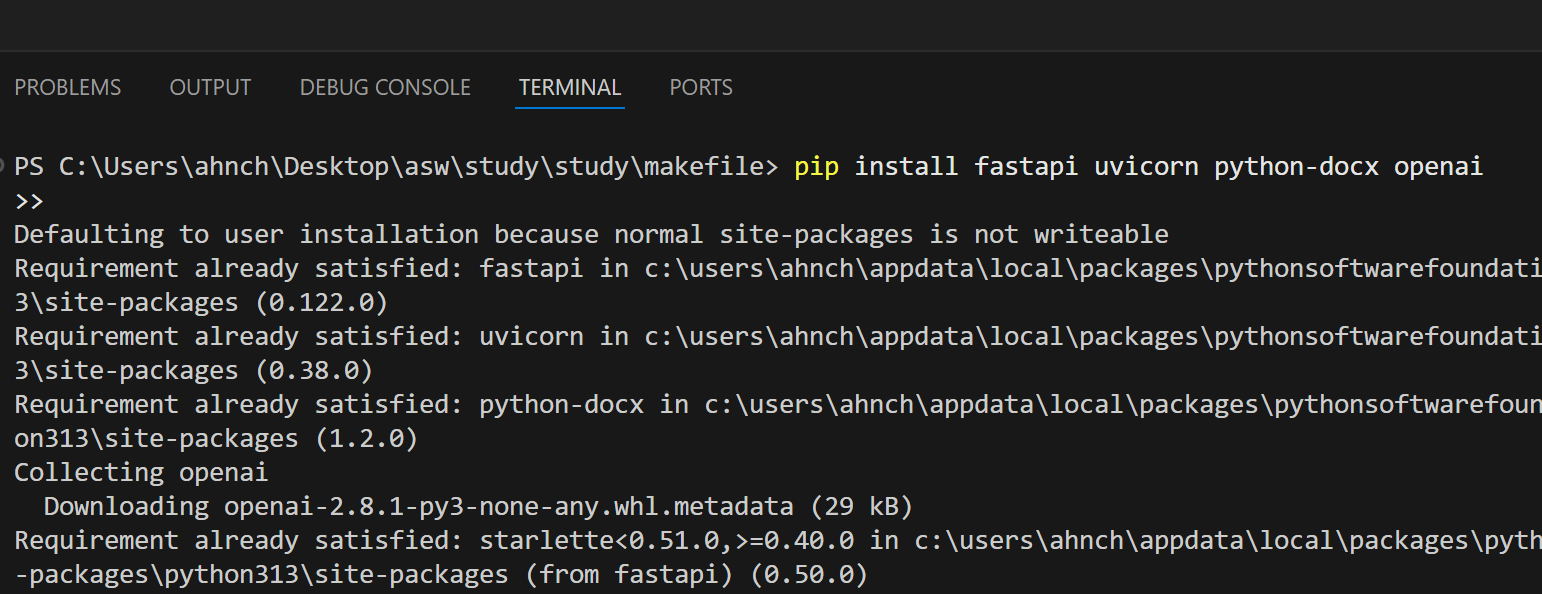
1. 터미널에 들어가 (CTRL+J) 라이브러리 설치
pip install fastapi uvicorn python-docx openai
2. api 키 찾기
https://platform.openai.com/
위 사이트 들어가서 로그인
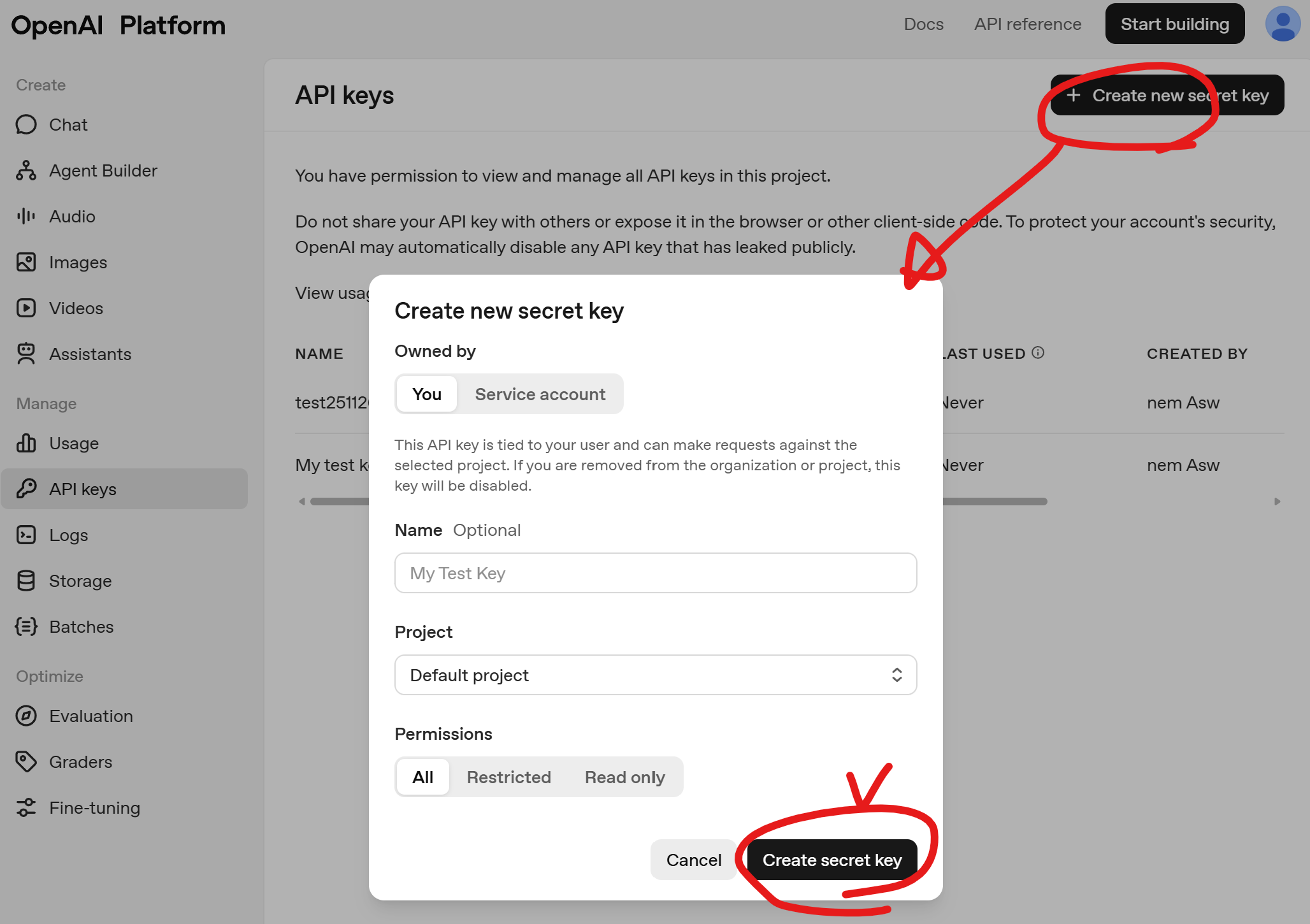
create secret key 하면 자신의 api 키가 나옴
3. app.py 코드작성
from fastapi import FastAPI, UploadFile, File
from fastapi.responses import FileResponse
from openai import OpenAI
from docx import Document

# ----------------------------------------
# 1) GPT 클라이언트 준비
# ----------------------------------------
client = OpenAI(api_key="YOUR_API_KEY_HERE")

# ----------------------------------------
# 2) FastAPI 앱 생성
# ----------------------------------------
app = FastAPI()


# ----------------------------------------
# 3) 파일 업로드 → GPT에 질문 → 결과 워드파일(.docx) 생성
# ----------------------------------------
@app.post("/make-doc")
async def make_doc(file: UploadFile = File(...)):
    # (1) 업로드된 파일(예: input.txt) 읽기
    content = await file.read()
    question_text = content.decode("utf-8")

    # (2) GPT에게 질문 보내기
    response = client.responses.create(
        model="gpt-5.1-mini",
        input=question_text
    )
    answer_text = response.output[0].content[0].text

    # (3) Word(docx) 파일 생성
    doc = Document()
    doc.add_heading("GPT 생성 문서", level=1)
    doc.add_paragraph(answer_text)

    output_path = "output.docx"
    doc.save(output_path)

    # (4) FastAPI가 다운로드 응답 보내기
    return FileResponse(
        output_path,
        media_type="application/vnd.openxmlformats-officedocument.wordprocessingml.document",
        filename="output.docx"
    )
4. 터미널에 들어가 (CTRL+J) 서버 실행
python -m uvicorn app:app --reload
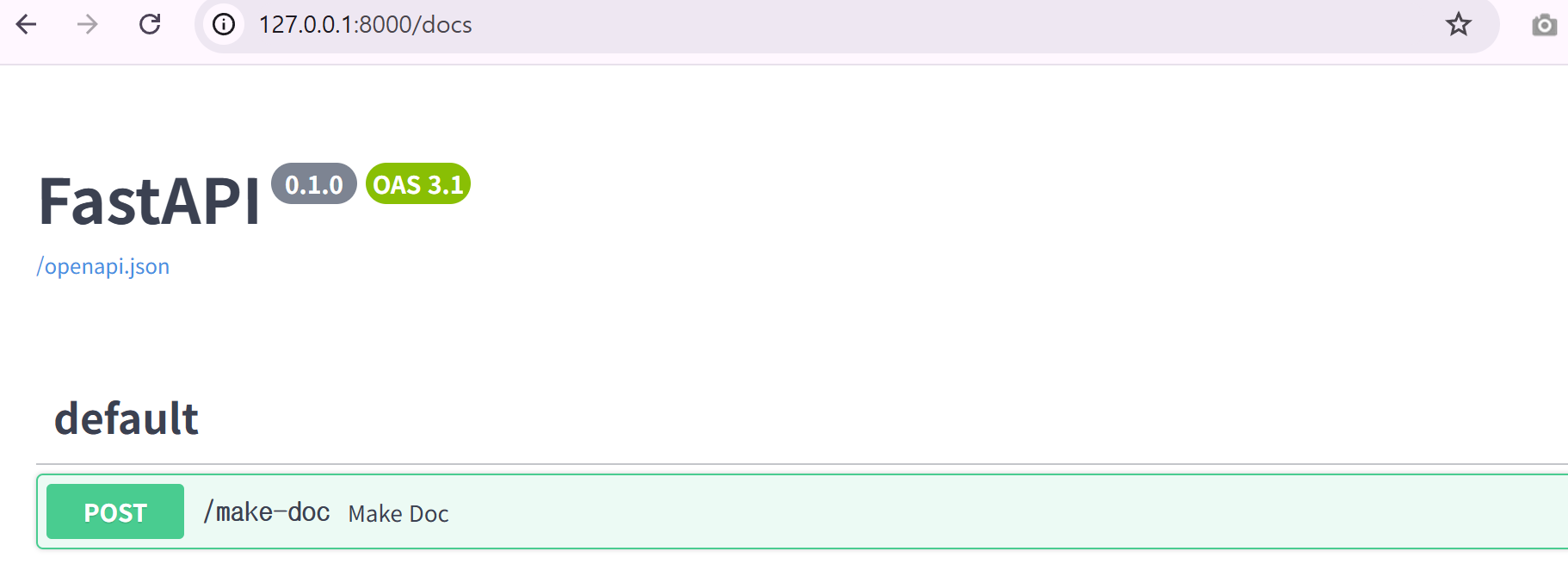
5. 브라우저에 접속
6. 다운로드하기
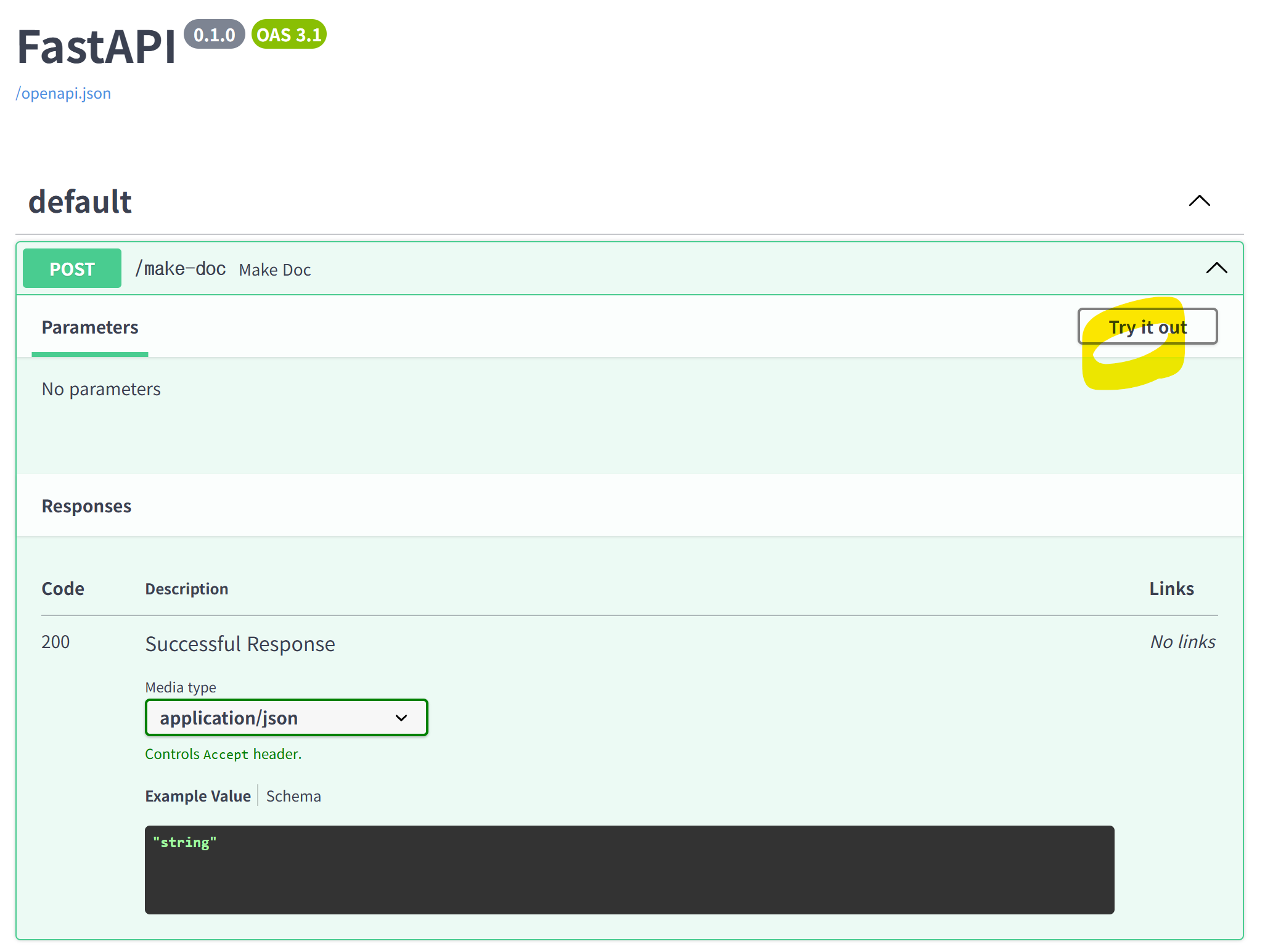
/make-doc → Try it out → Execute
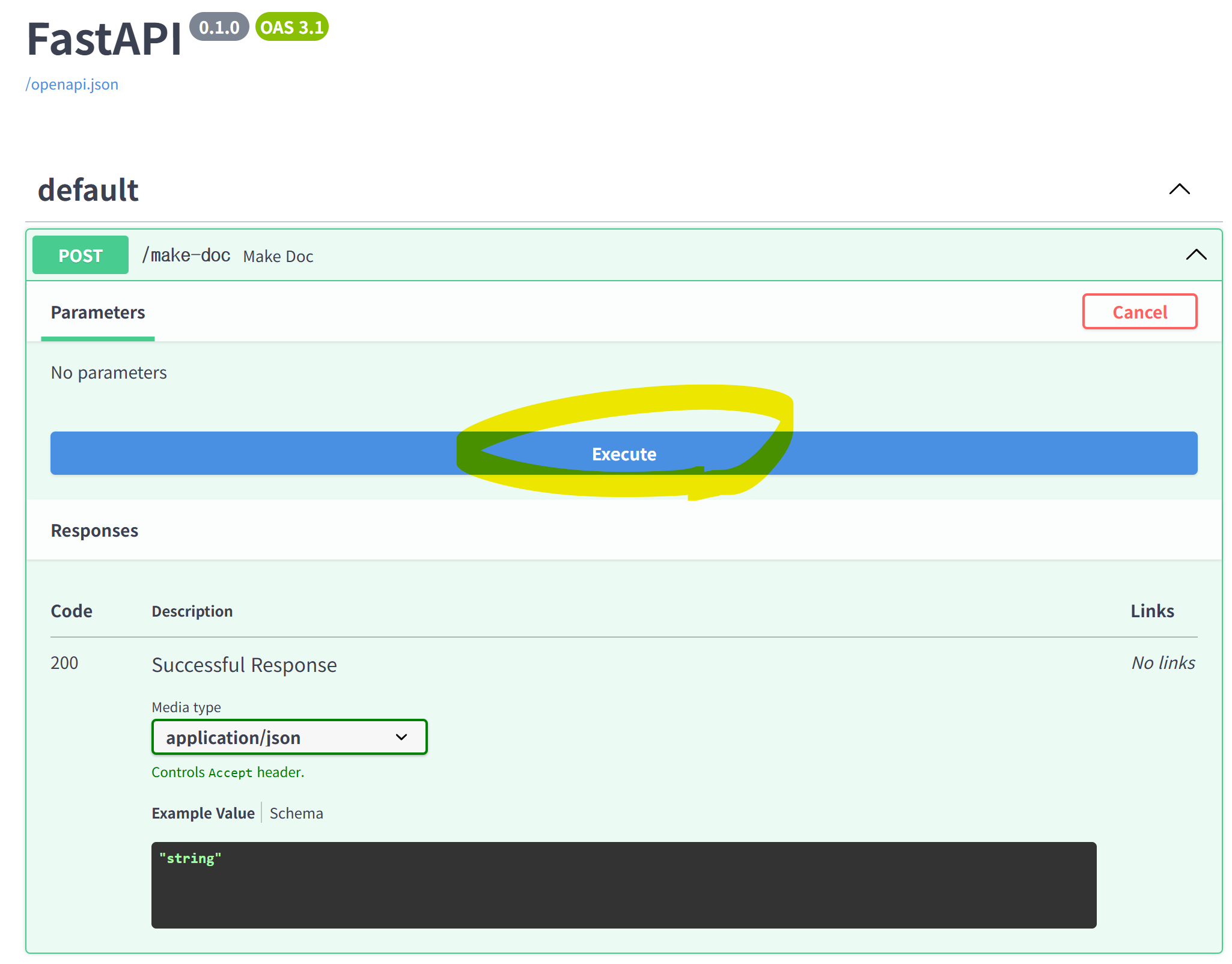
바로 아래에서 gpt_document.docx 파일 다운로드됨
7. 결과확인
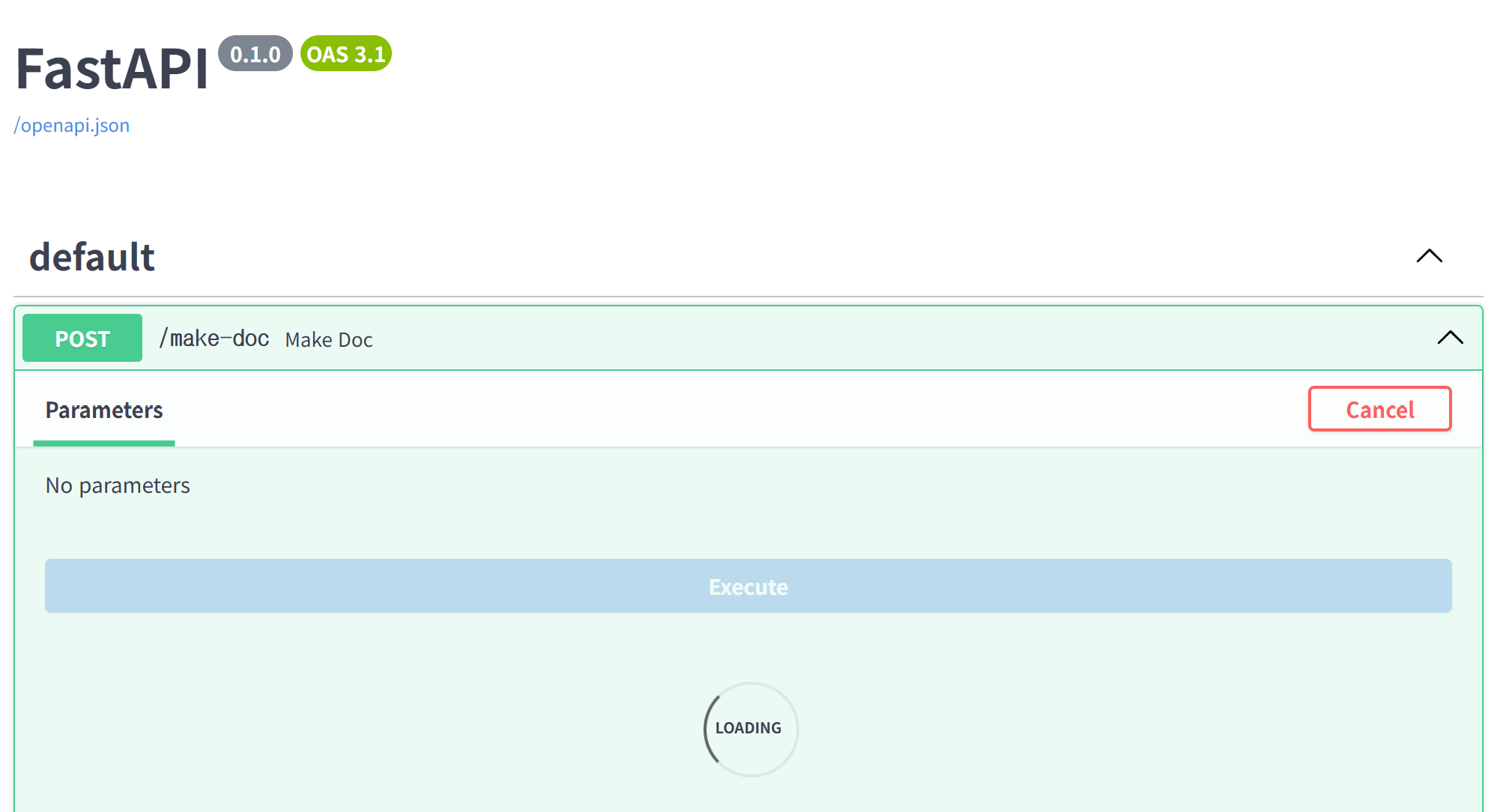
로딩이 좀 걸립니다..
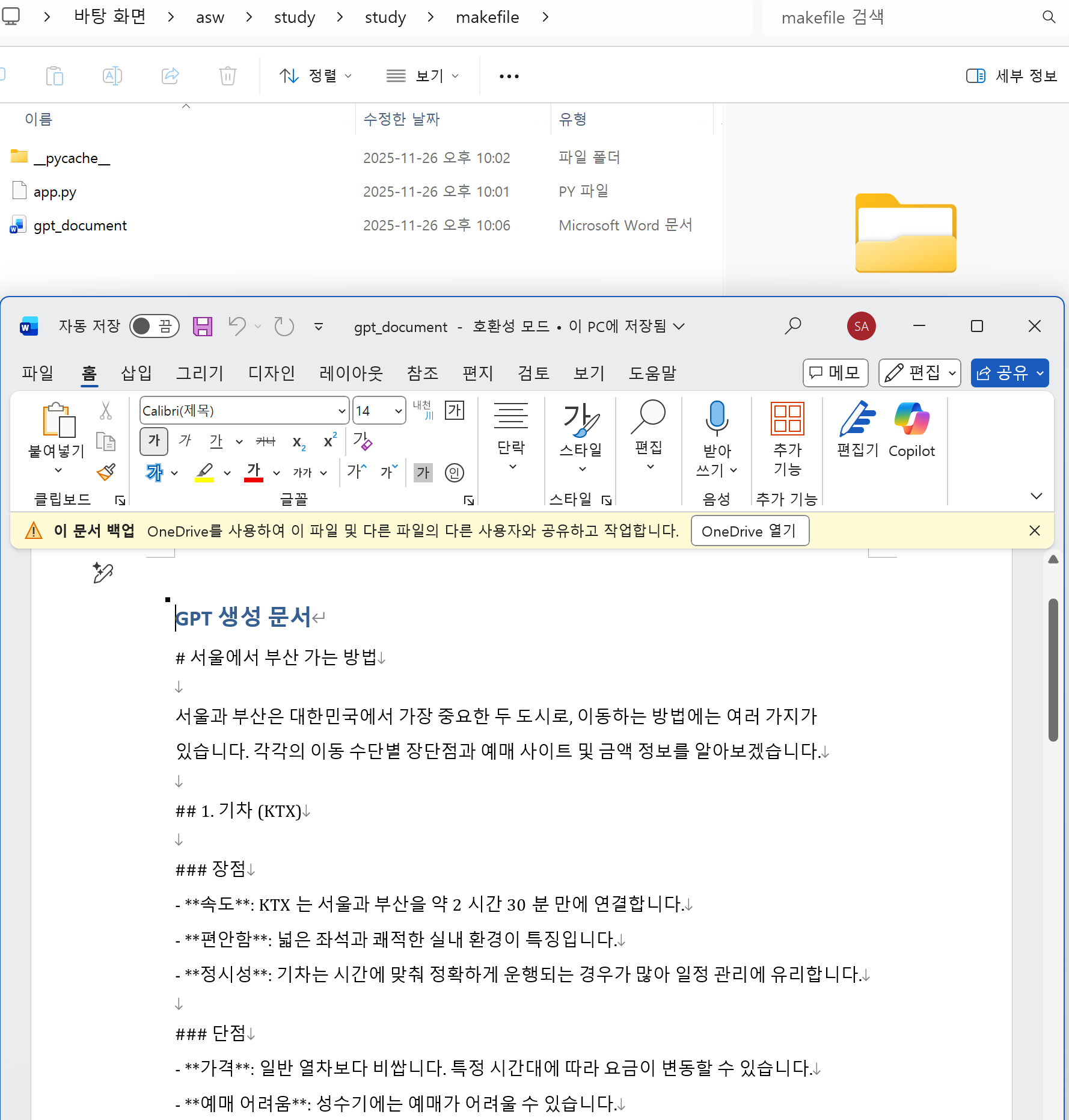
파일탐색기로 봤을 때 문서가 생겼길래 열어봤습니다
잘 나왔습니다.
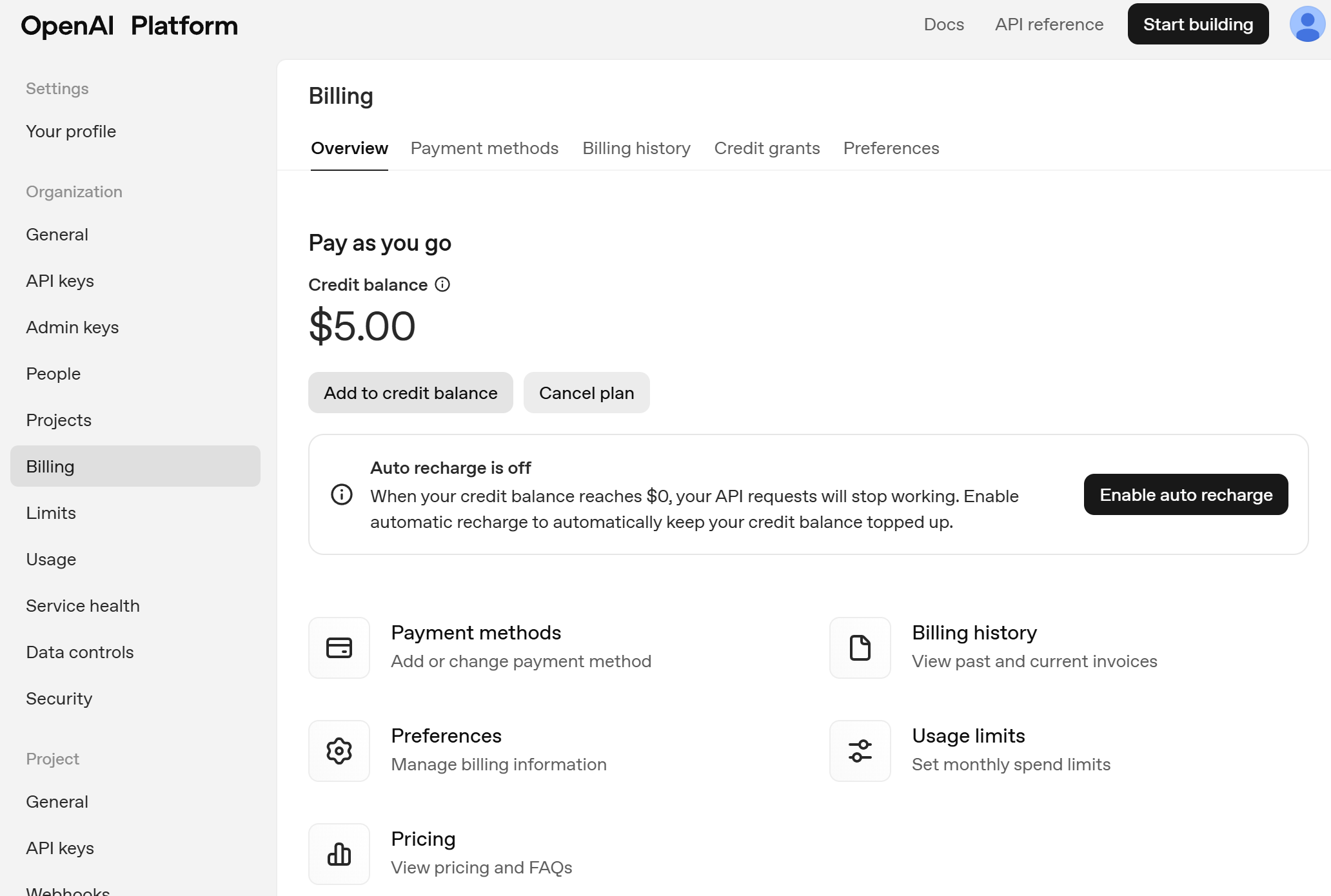
+) 충전해야 한다고 해서 충전했는데, 돈이 안나간 것 같습니다?

개인 공부 기록용.