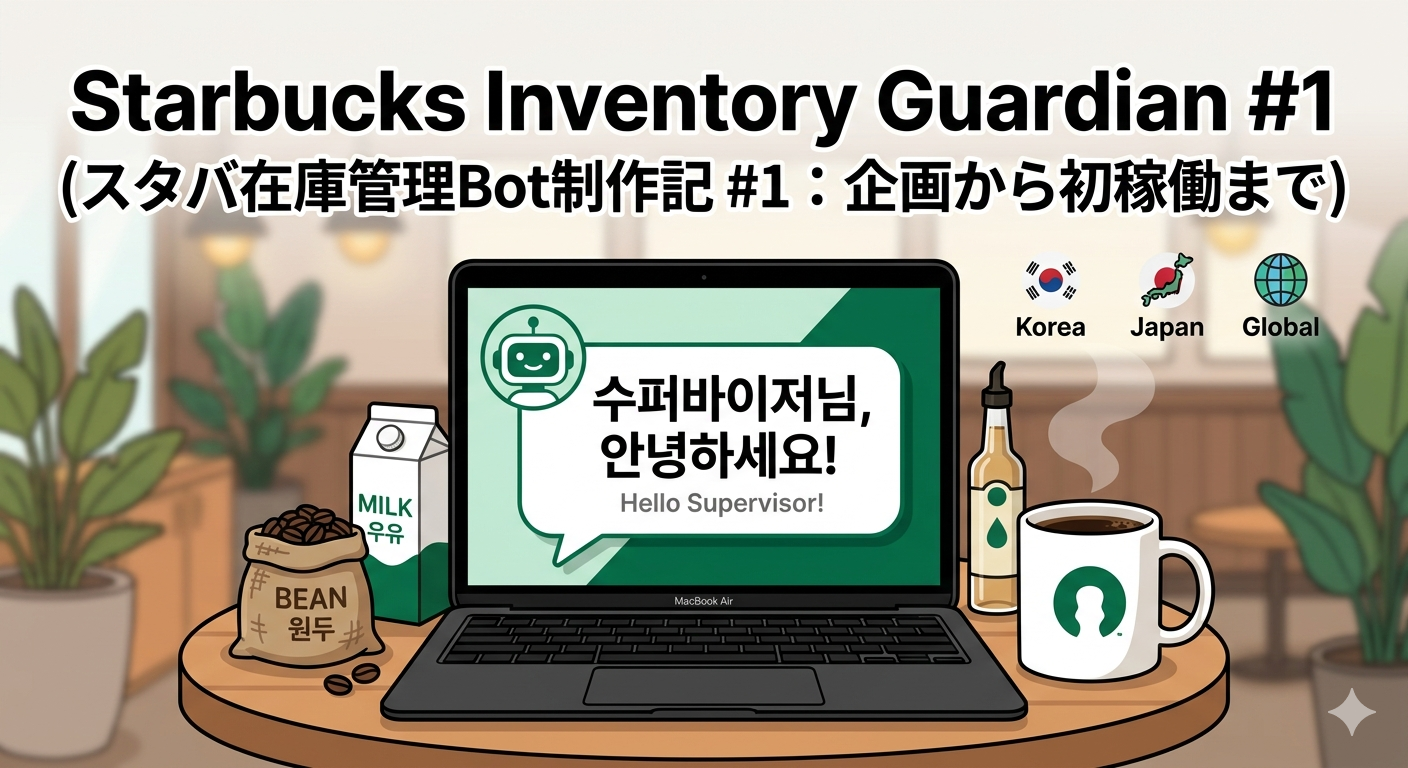
- Motivation (프로젝트 동기 / プロジェクトの動機)
KR: 스타벅스 수퍼바이저로서 매일 반복되는 수동 재고 관리의 비효율성을 개선하고자 프로젝트를 시작했습니다.
EN: As a Starbucks supervisor, I started this project to improve the inefficiency of daily manual inventory management through automation.
JP: スタバのスーパーバイザーとして、毎日手作業で行っている在庫管理の非効率さを改善するため、自動化プロジェクトを開始しました。
- Tech Stack (기술 스택 / 技術スタック)
Language: Python 3.x (파이썬)
Library: python-telegram-bot (텔레그램 라이브러리)
OS: Mac OS (Apple Silicon)
- Troubleshooting (트러블슈팅 / 解決した問題)
① Syntax Error & Security (문법 오류와 보안 / 構文エラーとセキュリティ)
KR: API 토큰 입력 시 따옴표를 누락하여 문법 오류가 발생했습니다. 또한, 토큰 노출을 인지한 즉시 재발급(Revoke)하여 보안 조치를 취했습니다.
EN: I encountered a syntax error by missing quotes for the API Token. After noticing the token was exposed, I immediately revoked it to ensure security.
JP: APIトークンの引用符漏れによる構文エラーが発生しました。また、トークンの露出に気づき、即座に再発行(Revoke)してセキュリティ対策を講じました。
② Module Not Found (모듈 경로 문제 / ライブラリのパス問題)
KR: Mac 환경에서 파이썬 경로 불일치로 라이브러리를 찾지 못하는 에러가 발생했습니다. python3 -m pip install을 통해 실행 환경에 직접 설치하여 해결했습니다.
EN: A ModuleNotFoundError occurred due to a Python path mismatch on Mac. I solved it by using python3 -m pip install to install the library directly to the active environment.
JP: Mac内のPythonパスの不一致によるモジュールエラーが発生しました。python3 -m pip install を使用して、実行環境に直接ライブラリをインストールし解決しました。
③ Directory Path (실행 경로 오류 / 実行パスの認識エラー)
KR: 터미널의 현재 위치가 파일 위치와 달라 실행되지 않았습니다. 파일을 터미널로 드래그 앤 드롭하여 절대 경로로 실행하는 법을 익혔습니다.
EN: The file didn't execute because the terminal's directory was different from the file's location. I learned to execute it using the absolute path by dragging and dropping the file into the terminal.
JP: 実行ディレクトリの不一致によりファイルが開けませんでした。ターミナルのドラッグ&ドロップ機能を活用し、絶対パスで実行することで解決しました。
- Result (실행 결과 / 実行結果)
KR: 봇이 "수퍼바이저님!"이라며 첫 응답을 보냈을 때의 희열을 잊을 수 없습니다.
EN: I'll never forget the thrill when the bot first replied, "Supervisor!"
JP: Botが「スーパーバイザー様!」と初めて返信をくれた時の感動は忘れられません。
Bot Name: Starbucks Inventory Guardian (在庫守護者)
Result: First echo message success! (첫 응답 성공 / 初の応答に成功)
- Future Plans (향후 계획 / 今後の計画)
KR: 다음 주에는 우유, 원두, 시럽 등 품목별 재고 데이터 구조를 설계할 예정입니다.
EN: Next week, I will design the data structure for inventory items like milk, beans, and syrups.
JP: 次週は、ミルクや豆、シロップなどの在庫データの構造設計を行う予定です。