노션에 작성한 content를 react에서 사용해보자!
라이브러리 설치
yarn add react-notion
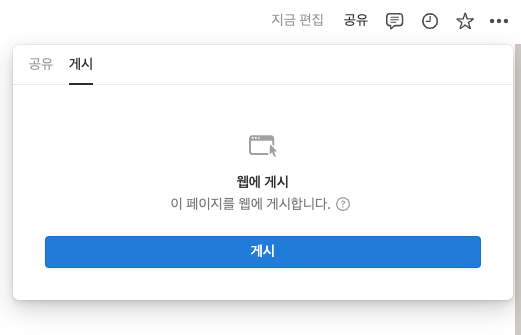
노션 content 게시하기
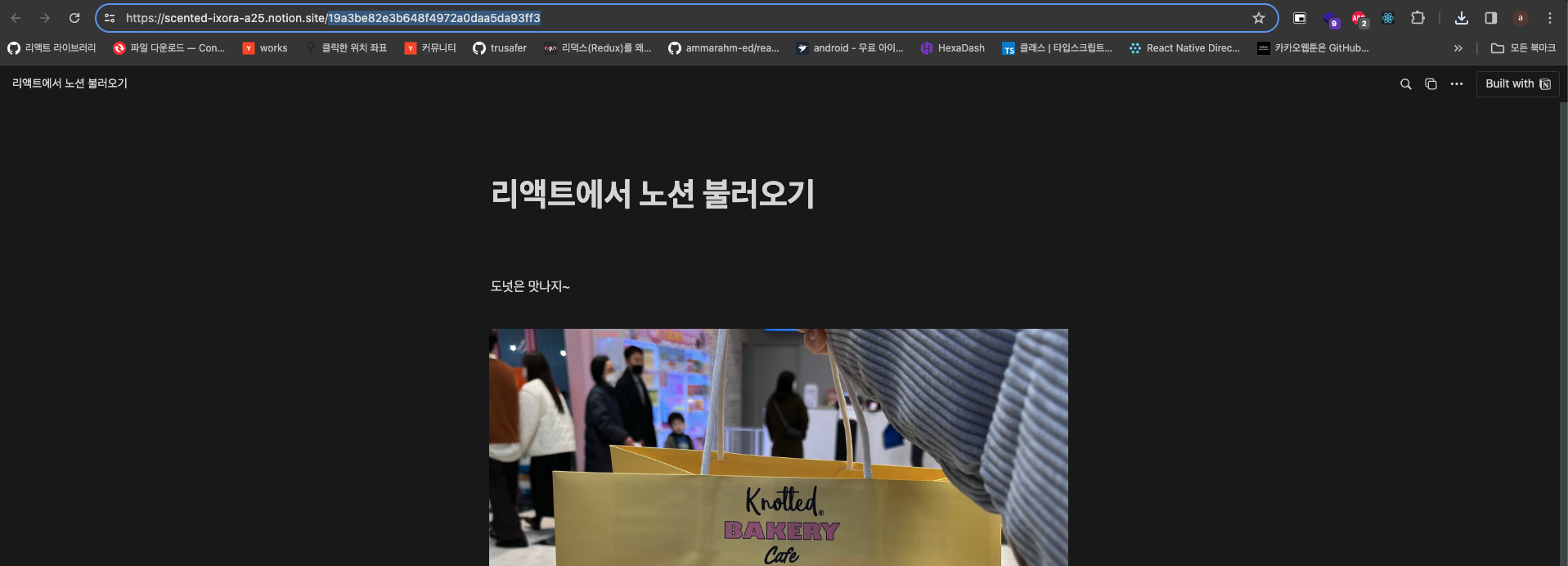
- 주소에 나와있는 ID 값 기억해야합니다.
코드
export default function App() {
  const [notionData, setNotionData] = useState(false);
  useEffect(() => {
    axios({
      url: "https://notion-api.splitbee.io/v1/page/${id 값}",
    })
      .then((res) => {
        console.log(res);
        setNotionData(res.data);
      })
      .catch((err) => console.log(err));
  }, []);

  return (
    <div
      style={{
        margin: "auto",
        width: "50vw",
      }}
    >
      {notionData && <NotionRenderer blockMap={notionData} />}
    </div>
  );
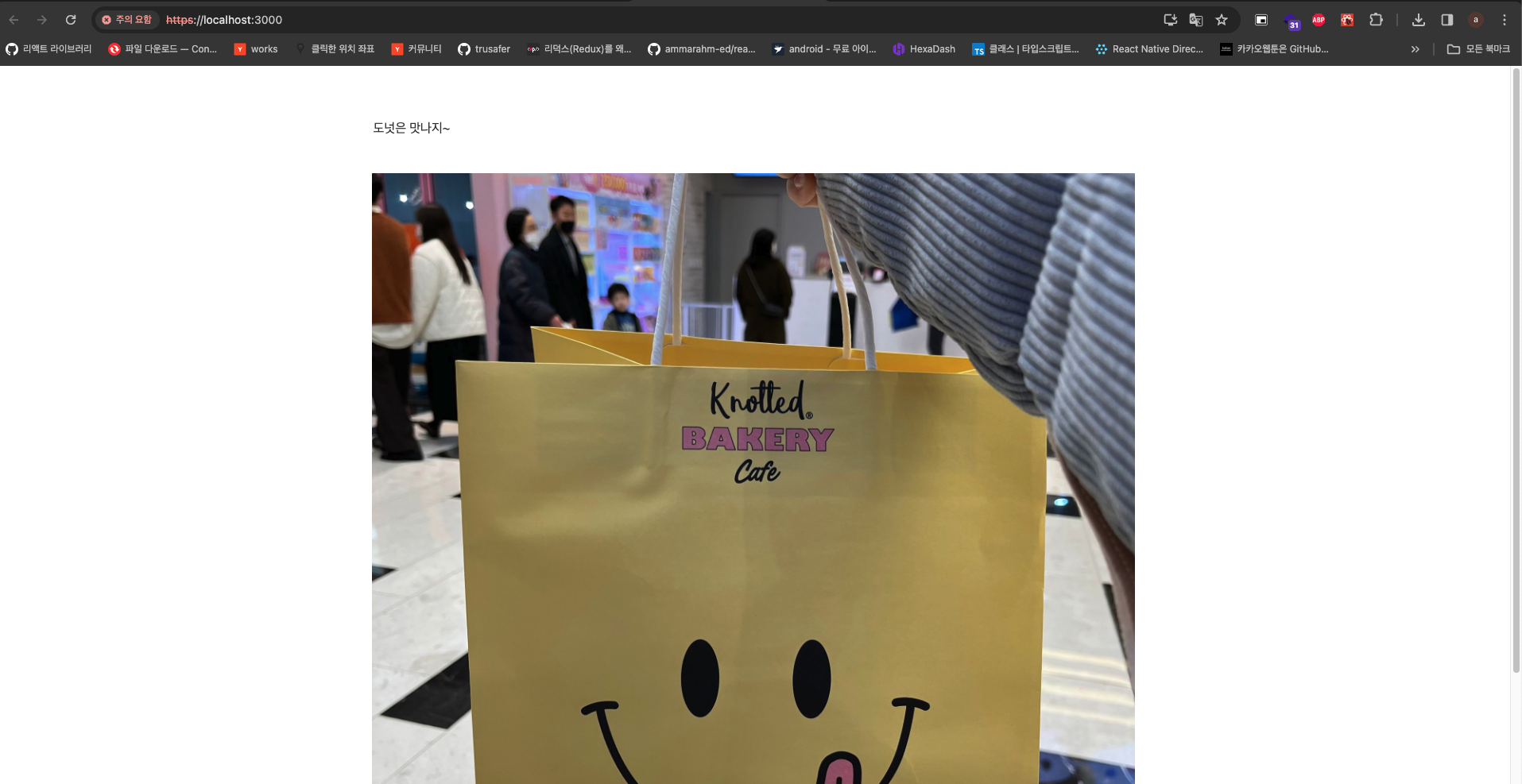
}
json 파일로 저장해서 보여주기
-
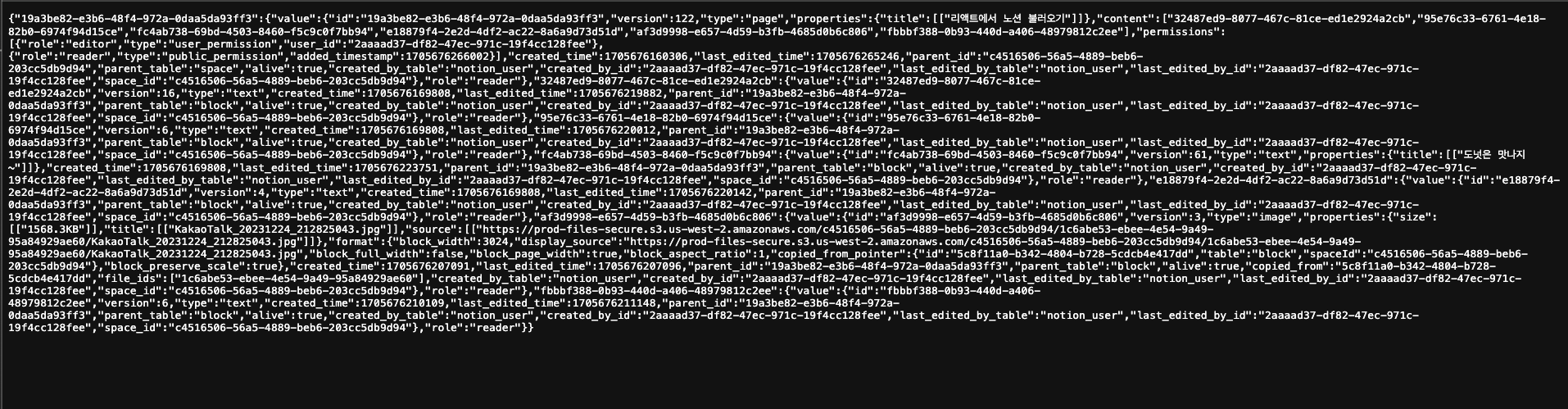
주소창에
https://notion-api.splitbee.io/v1/page/${id 값}을 입력합니다.
-
위와 같이
json데이터가 나오는데 이것을 저장해서 사용합니다.
import content from "./content.json";
export default function App() {
  return (
    <div
      style={{
        margin: "auto",
        width: "50vw",
      }}
    >
      <NotionRenderer blockMap={content} />
    </div>
  );
}
제한사항
- 노션 content가 게시(공유)되어 있어야합니다.
- 간단하게 노션의 데이터를 가져올때 쓰면 좋을 듯?
- 싫다면 노션 API 찾아서 해야할 것 같음.