How to Read a Server RAM Label: A Guide to DDR4 and DDR5
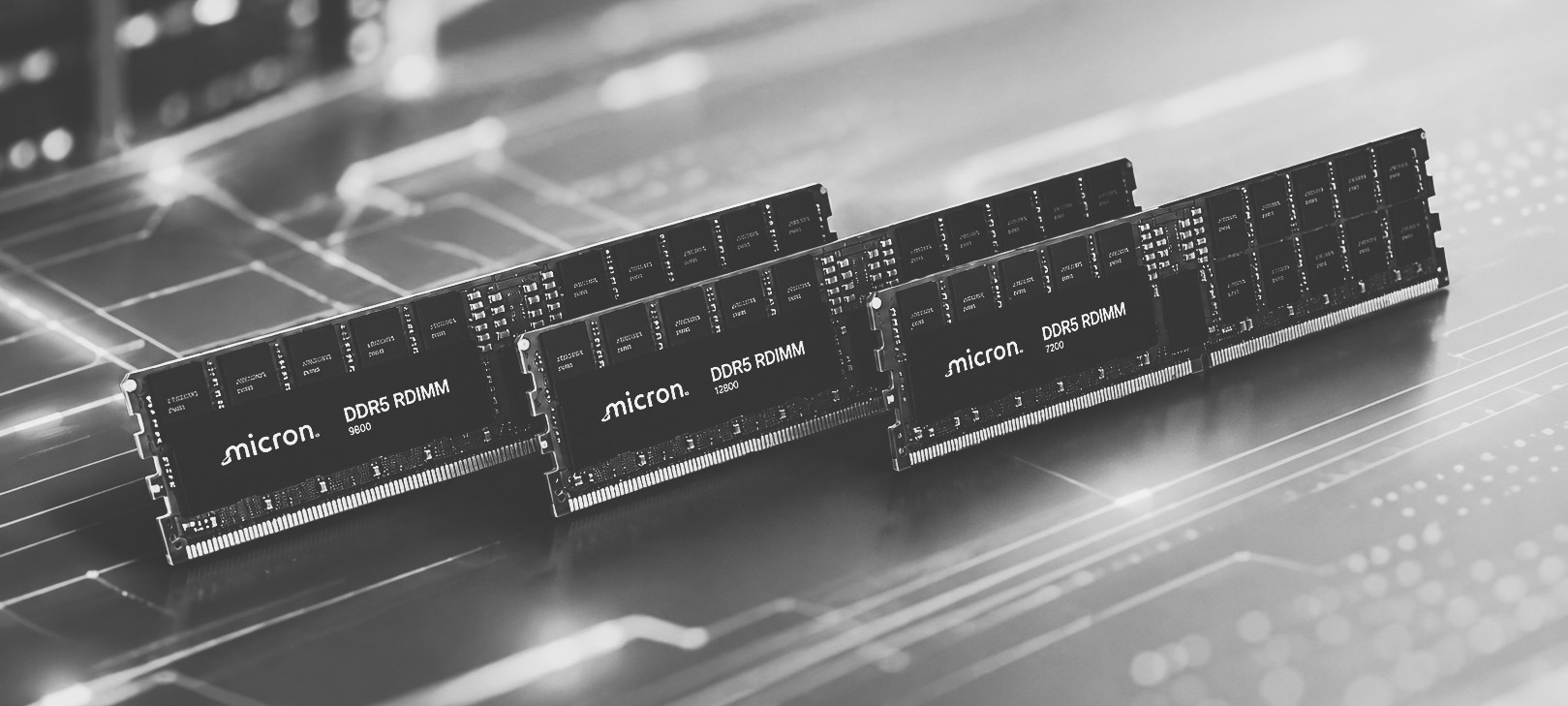
Server memory labels can look confusing at first glance. A typical DIMM label may contain a long combination of numbers, letters, speed ratings, capacity information, and manufacturer codes. However, these details provide important information about the memory module, including its generation, capacity, speed, ECC configuration, rank organization, and compatibility.
BuySellRam’s guide, How to Read a Server RAM Label: Samsung, SK hynix, Micron, explains how to decode these labels from some of the industry's most common memory manufacturers. The guide focuses on Samsung, SK hynix, and Micron modules and shows why understanding the part number is useful when identifying server RAM.
This is particularly important for businesses and data centers dealing with large inventories of memory. Server DIMMs can look almost identical physically while having significantly different specifications. A module designed for one generation or platform may not be compatible with another system, even when the capacity appears similar. Identifying the exact part number can therefore prevent mistakes when purchasing replacement memory or upgrading a server.
The label can reveal several critical characteristics. Depending on the manufacturer and product generation, it can indicate whether the module is DDR4 or DDR5, its capacity, memory speed, ECC configuration, rank structure, and whether it is a Registered DIMM (RDIMM), Load-Reduced DIMM (LRDIMM), or another type of server memory.
Understanding these details is becoming even more important as the transition from DDR4 to DDR5 accelerates. DDR5 offers higher memory bandwidth and supports the requirements of newer server platforms, while large numbers of DDR4 systems remain deployed in enterprise environments. For companies upgrading infrastructure, correctly identifying existing memory can help determine which modules should be retained, replaced, or removed from service.
The information is also valuable from an IT asset management perspective. A warehouse containing hundreds or thousands of unidentified DIMMs can be difficult to evaluate. Simply knowing that the inventory consists of "server RAM" is often not enough to determine its compatibility or market value. Exact manufacturer and part-number information provides a much clearer picture of what the inventory actually contains.
For organizations holding surplus DDR5 modules, identifying the specifications can also make it easier to sell DDR5 memory and communicate the inventory accurately to potential buyers. The same applies to older enterprise memory: companies with unused or retired DDR4 modules may be able to sell DDR4 memory rather than allowing valuable inventory to remain unused in storage.
For larger data-center upgrades and IT asset disposition projects, accurate identification becomes even more important when companies want to sell RAM in bulk. Knowing the exact models, capacities, generations, and configurations can make it easier to organize inventory and distinguish higher-value enterprise modules from obsolete or incompatible products.
The guide is therefore useful not only for technicians installing memory but also for IT managers, hardware resellers, data-center operators, and companies managing retired equipment. A server RAM label contains much more information than it may initially appear to, and learning how to interpret it can make hardware purchasing, upgrades, inventory management, and resale considerably easier.
Read the full guide: How to Read a Server RAM Label: Samsung, SK hynix, Micron