Could not identify launch activity: Default Activity not found Error while Launching activity Failed to launch an application on all devices
👾 안드로이드
목록 보기
2/2
Could not identify launch activity: Default Activity not found
Error while Launching activity
Failed to launch an application on all devices
위 에러 코드 해결법
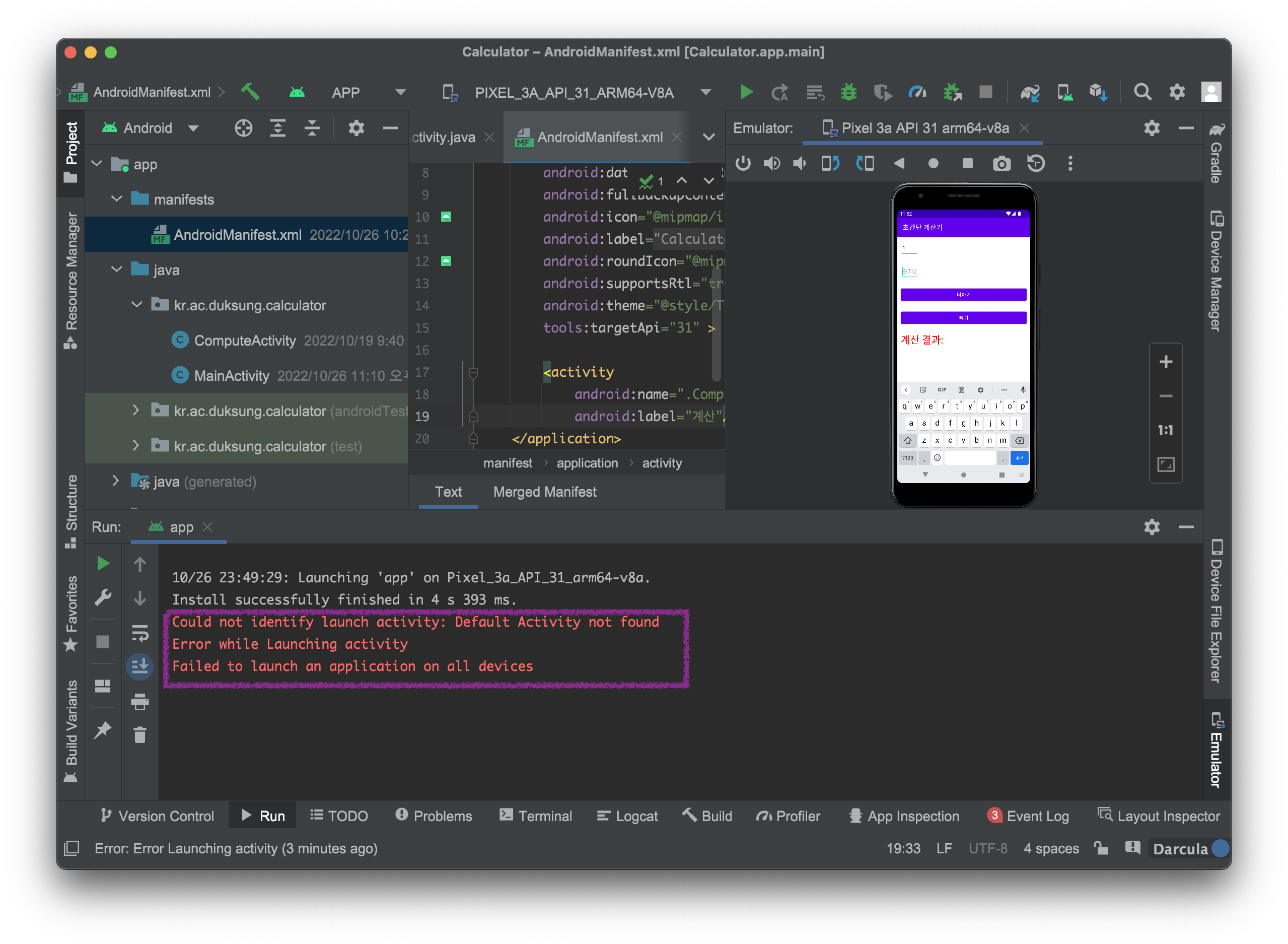
상황은 main 액티비티를 삭제 후, 다시 본 파일의 코드를 복붙했을때 뜨는 오류였다.
구글링해보니 캐시를 삭제하고 다시 해보라는 블로그를 보고 해봤는데, 소용 없었다.
그러다가 아래 블로그를 발견했고,
삭제 후 메인액티비티 파일만 다시 생성했기에 기본 액티비티의 설정이 되어있지 않아 발생되는 문제였다.
AndroidManifest.xml 설정에서 기본 액티비티로 코드 추가해주면 잘 된다!
안드로이드 매니페스트 파일에 아래 코드를 복붙하니, 빌드 잘 되었습니다.
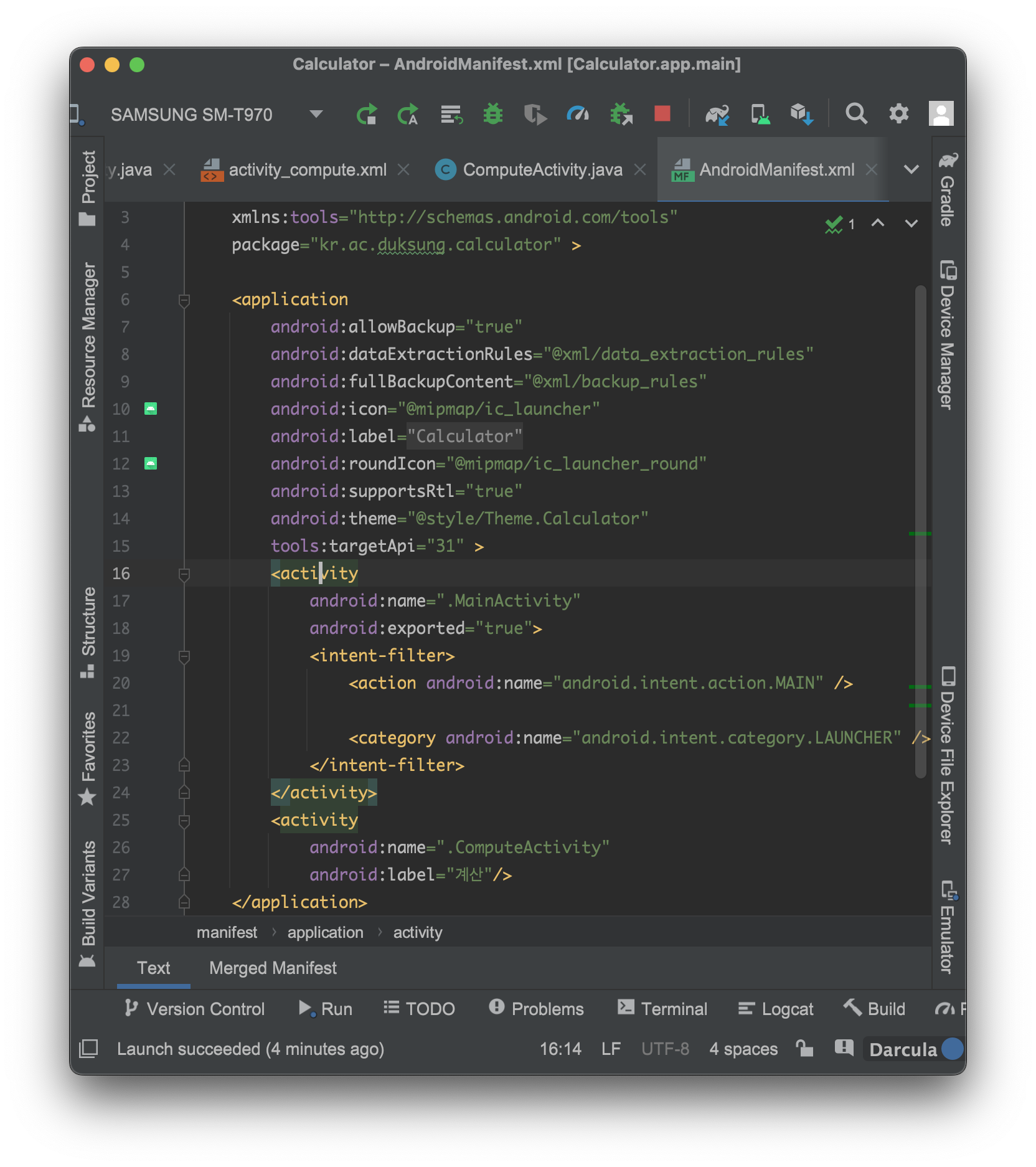
        <activity
            android:name=".MainActivity"
            android:exported="true">
            <intent-filter>
                <action android:name="android.intent.action.MAIN" />

                <category android:name="android.intent.category.LAUNCHER" />
            </intent-filter>
        </activity>
참고한 블로그-
https://crone.tistory.com/506

모든 건 zero 부터, 차근차근 헛둘헛둘