스프링 컨트롤러를 @WebMvcTest 를 사용하여 테스트를 하는 과정에서 문제가 발생했다.
테스트 코드를 작성하는 방법은 다음과 같다.
@WebMvcTest어노테이션을 사용해 Test 클래스를 만들어 준다.- MockMvc 를 Autowired 해준다.
- 요청에 들어가는 데이터를 만들어 주기 위해 ObjectMapper 를 Autowired 해준다
- 컨트롤러에서 사용하는 서비스를 Mock 으로 만들어 준다.
- 메서드 테스트 코드 작성
문제 발생
4 번을 하는 과정에서 문제가 발생하였다.
먼저, Mock 서비스를 만들기 위해 @MockBean 이라는 어노테이션을 사용해야 한다고 알고있었다.
그러나
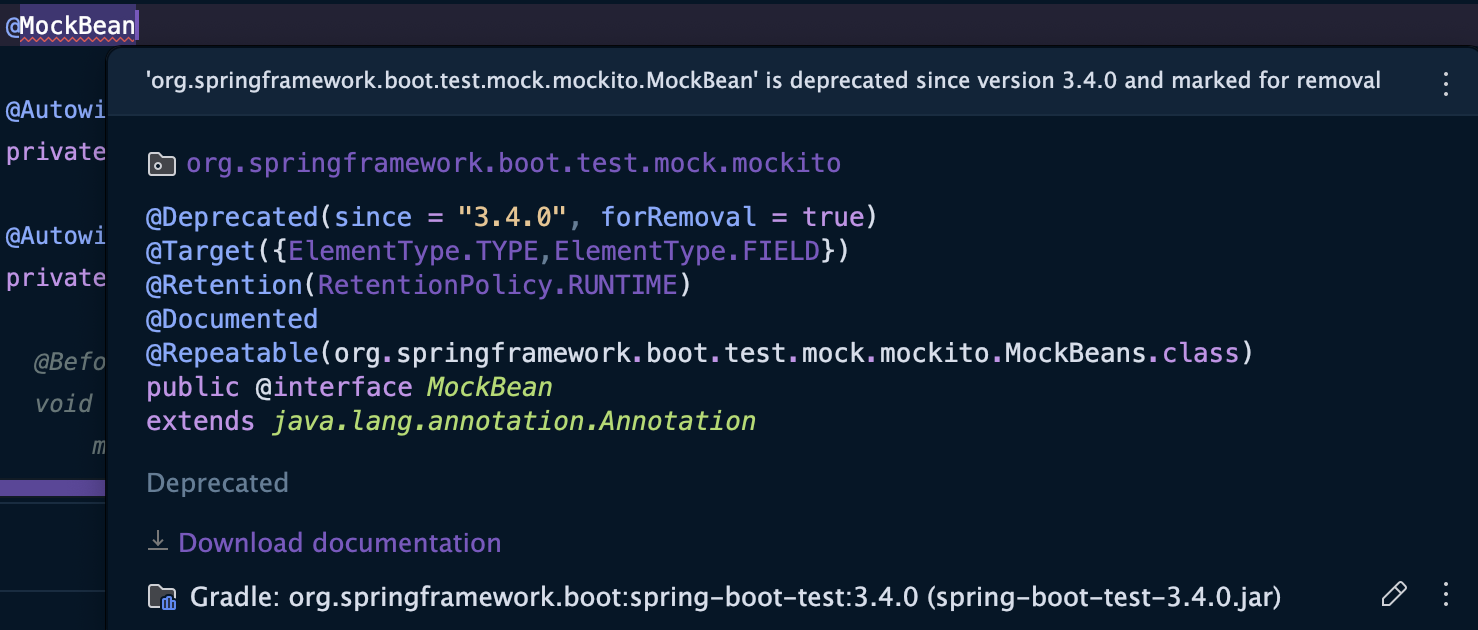
@MockBean 어노테이션은 version 3.4.0 에서 deprecated 되었다.
해결방법
이를 대체하기 위한 방법을 찾던 중, @ExtendWith 와 @Mock 을 활용하는 방법을 알게되었다.
UserController 의 signupWithEmail 메서드를 테스트했고, 코드는 다음과 같다.
기능 구현 코드
UserController
	@PostMapping
    public ResponseEntity<CommonResDto<UserResDto>> signupWithEmail(@RequestBody UserRequestDto userRequestDto) {
        User user = userService.signupWithEmail(userRequestDto);

        return ResponseEntity.status(HttpStatus.CREATED).body(new CommonResDto<>("signup", new UserResDto(user)));
    }
USER
package com.example.demo.entity;

import jakarta.persistence.Entity;
import jakarta.persistence.EnumType;
import jakarta.persistence.Enumerated;
import jakarta.persistence.GeneratedValue;
import jakarta.persistence.GenerationType;
import jakarta.persistence.Id;
import jakarta.persistence.Table;
import lombok.Generated;
import lombok.Getter;
import org.jetbrains.annotations.TestOnly;

@Entity
@Getter
@Table(name = "`user`")
public class User {
    @Id
    @GeneratedValue(strategy = GenerationType.IDENTITY)
    private Long id;

    private String email;
    private String nickname;
    private String password;

    @Enumerated(value = EnumType.STRING)
    private UserStatus status; // NORMAL, BLOCKED

    @Enumerated(value = EnumType.STRING)
    private Role role = Role.USER;

    public User(String role, String email, String nickname, String password, UserStatus status) {
        this.role = Role.of(role);
        this.email = email;
        this.nickname = nickname;
        this.password = password;
        this.status = status;
    }

    public User() {
    }

    @Generated
    @TestOnly
    public User(Long id, String role, String email, String nickname, String password, UserStatus status) {
        this.id = id;
        this.role = Role.of(role);
        this.email = email;
        this.nickname = nickname;
        this.password = password;
        this.status = status;
    }
}
UserRequestDto
package com.example.demo.dto;

import com.example.demo.entity.User;
import com.example.demo.entity.UserStatus;
import lombok.Getter;
import lombok.NoArgsConstructor;

@Getter
@NoArgsConstructor
public class UserRequestDto {
    private String email;
    private String nickname;
    private String password;
    private String role;

    public UserRequestDto(String role, String email, String nickname, String password) {
        this.role = role;
        this.email = email;
        this.nickname = nickname;
        this.password = password;
    }

    public User toEntity() {
        return new User(
                this.role,
                this.email,
                this.nickname,
                this.password,
                UserStatus.NORMAL
        );
    }

    public void updatePassword(String encryptedPassword) {
        this.password = encryptedPassword;
    }
}
테스트 코드
UserControllerTest
@ExtendWith(MockitoExtension.class)
class UserControllerTest {

    @InjectMocks
    private UserController userController;

    @Mock
    private UserService userService;

    private final ObjectMapper objectMapper = new ObjectMapper();

    @BeforeEach
    void setup() {
        mockMvc = MockMvcBuilders.standaloneSetup(userController).build();
    }

    @Test
    void signupWithEmailTest() throws Exception {
        // Given
        UserRequestDto userRequestDto = new UserRequestDto("user", "email@example.com", "password", "nickname");
        User mockUser = new User("user", "email@example.com", "nickname", "password", UserStatus.NORMAL);
        Mockito.when(userService.signupWithEmail(any(UserRequestDto.class))).thenReturn(mockUser);

        // When & Then
        mockMvc.perform(post("/users")
                        .contentType(MediaType.APPLICATION_JSON)
                        .content(objectMapper.writeValueAsString(userRequestDto)))
                .andExpect(status().isCreated())
                .andExpect(jsonPath("$.message").value("signup"))
                .andExpect(jsonPath("$.data.email").value(mockUser.getEmail()));
    }
}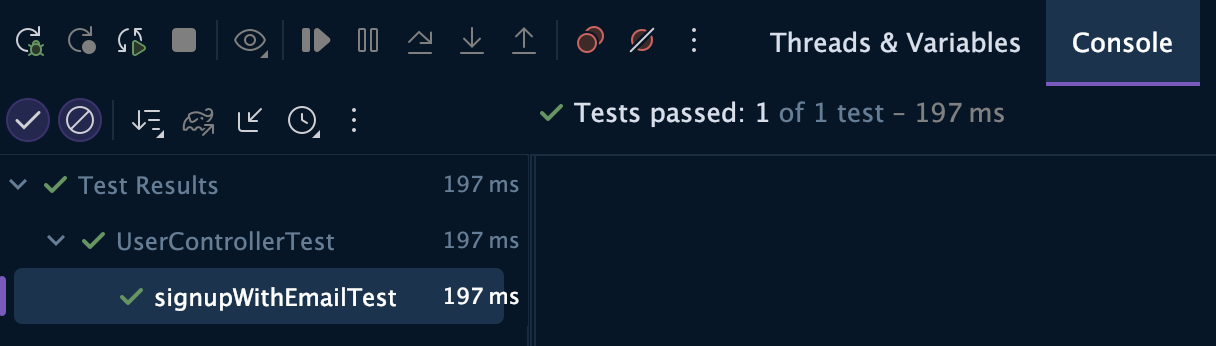
테스트가 잘 진행되었다.
그런데 뭔가 마음에 안든다... @WebMvcTest 를 사용해서 더 편하게 할 수 있는 방법이 있을거 같은데...
튜터님과 공식 문서를 뒤져보니 @MockBean 어노테이션은 사라진게 아니고 @MockitoBean 으로 닉변만 한 것이였다..
바로 적용해보았다.
@WebMvcTest(UserController.class)
class UserControllerTest {

    @MockitoBean
    private UserService userService;

    @Autowired
    private MockMvc mockMvc;

    @Autowired
    private ObjectMapper objectMapper;

    @Test
    void signupWithEmailTest() throws Exception {
        // Given
        UserRequestDto userRequestDto = new UserRequestDto("user", "email@example.com", "password", "nickname");
        User mockUser = new User("user", "email@example.com", "nickname", "password", UserStatus.NORMAL);
        Mockito.when(userService.signupWithEmail(any(UserRequestDto.class))).thenReturn(mockUser);

        // When & Then
        mockMvc.perform(post("/users")
                        .contentType(MediaType.APPLICATION_JSON)
                        .content(objectMapper.writeValueAsString(userRequestDto)))
                .andExpect(status().isCreated())
                .andExpect(jsonPath("$.message").value("signup"))
                .andExpect(jsonPath("$.data.email").value(mockUser.getEmail()));
    }
}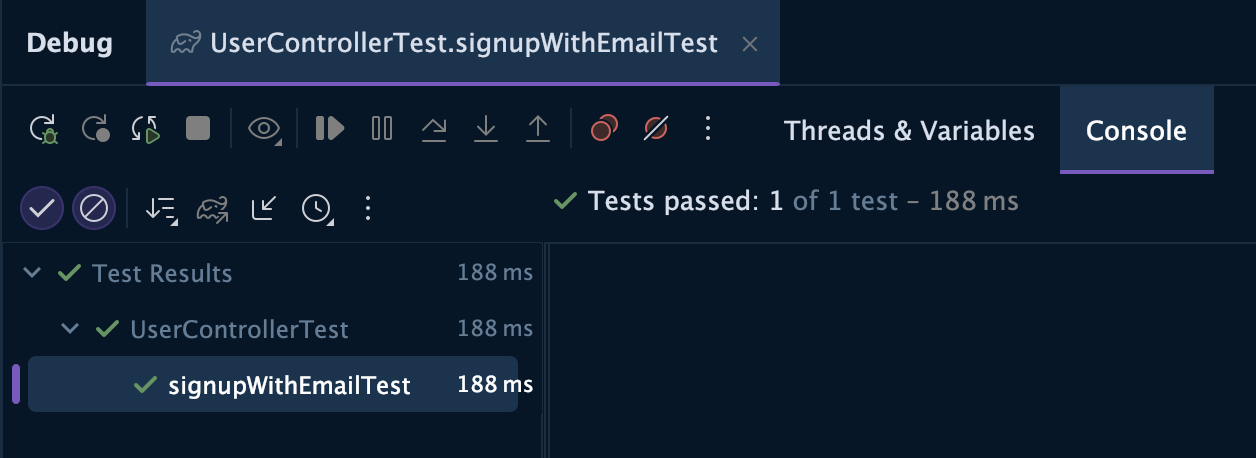
똑같이 성공..
공식문서를 확인하는 습관을 갖도록 해보자

.