1) 게시글 생성 시 프로젝트를 고를 때 이름 명시
from django.db import models

# Create your models here.

class Project(models.Model):
    image = models.ImageField(upload_to='project/', null=True)
    title = models.CharField(max_length=20, null=False)
    description = models.CharField(max_length=200, null=True)

    created_at = models.DateTimeField(auto_now=True)

    # 추가
    def __str__(self):
        return f'{self.pk} : {self.title}'  # f'' : 변수 내용 직접 출력, self => project(모델)
                                            # 몇번 게시판, 그 게시판의 이름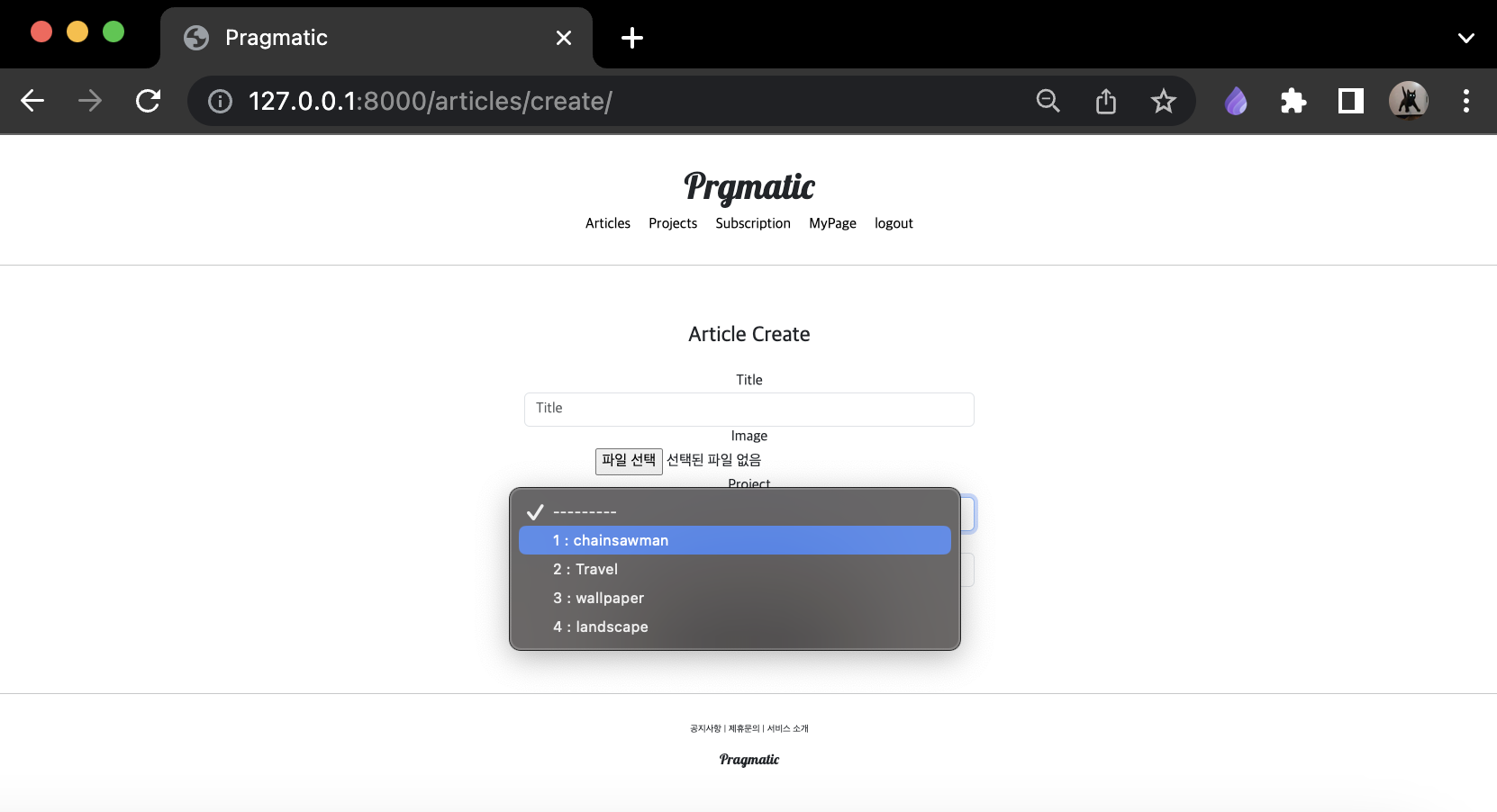
2) projectapp/views.py 수정
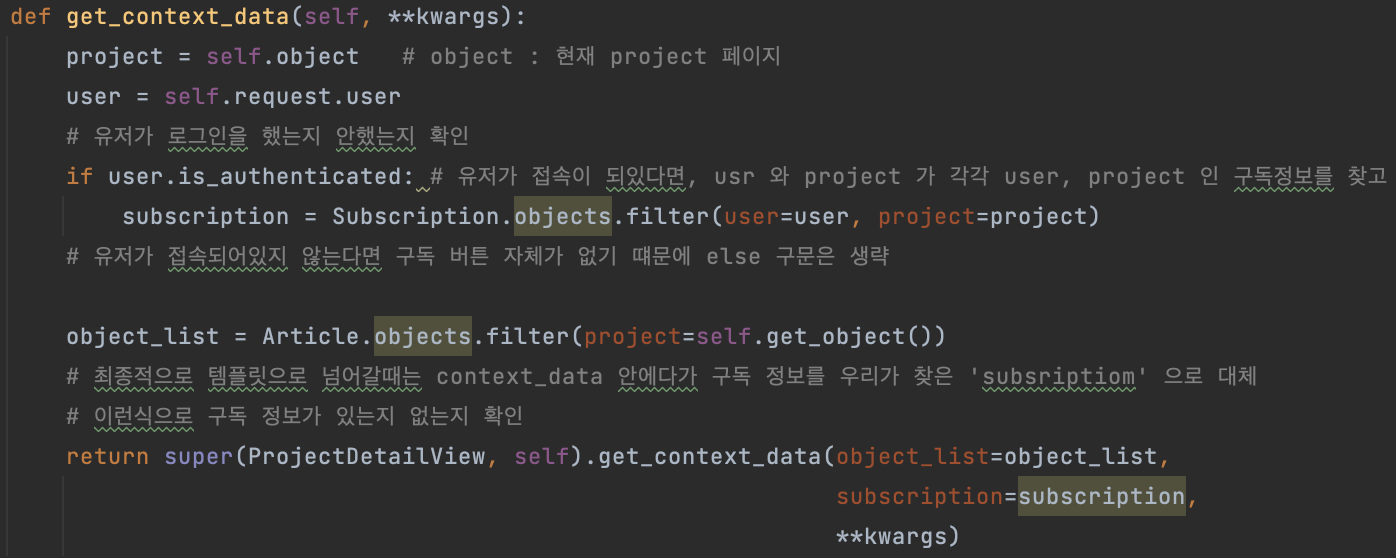
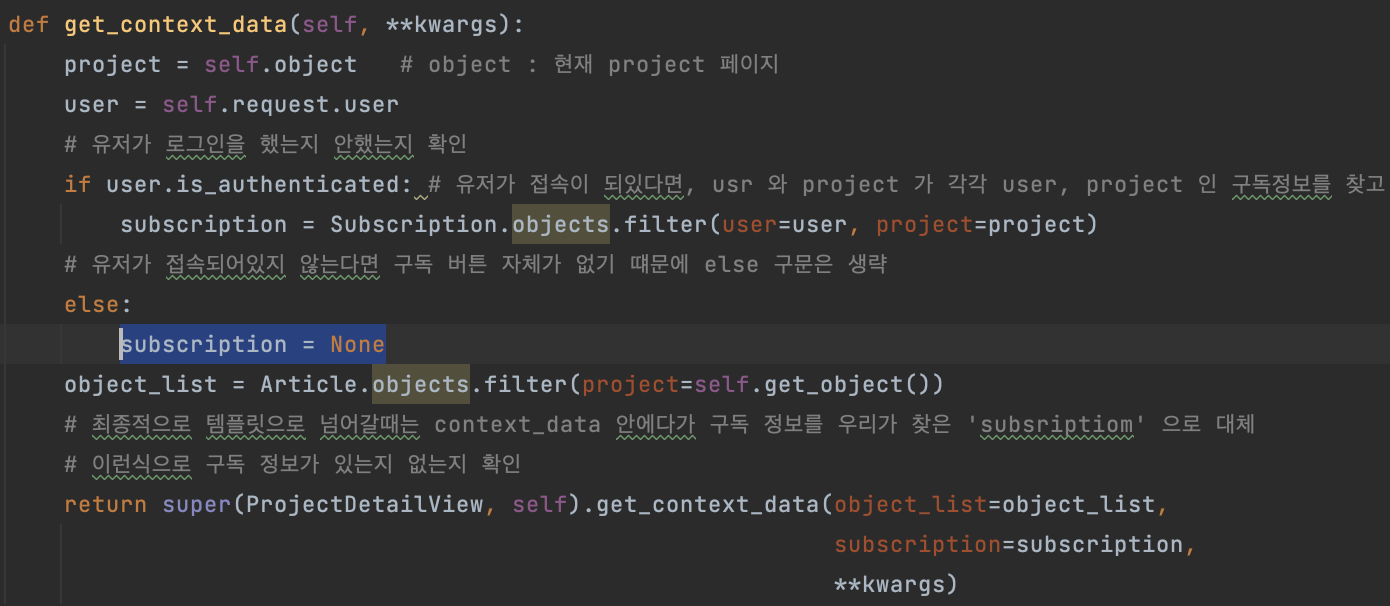
유저가 로그인 되어있다면 제대로 subscription 이라는 값을 만들어 주지만, 로그인 되어있지 않은 경우에는 문제()가 발생
- 선언되지도 않은 subscription 을 사용한다는 문제점
- 따라서 로그인 되어있지 않은 경우에도 subscription 을 제대로 생성하는 코드 삽입 -> subscription = None
3) hello_world 삭제
- pragmatic 최상위 폴터 -> Find in files 기능으로 지울 것
- 검색창에 hello 입력 -> in_project 버튼 클릭
> 프로젝트 내에서 hello 라는 단어가 나오는 모든 곳을 확인 한 후 내용 삭제
#pragmatic/settings.py 이 부분 수정

#LOGIN_REDIRECT_URL = reverse_lazy('accountapp:hello_world')
LOGIN_REDIRECT_URL = reverse_lazy('home')
LOGOUT_REDIRECT_URL = reverse_lazy('accountapp:login')
주소창에 아무것도 입력하지 않고 http://127.0.0.1:8000/ 만 입력하면
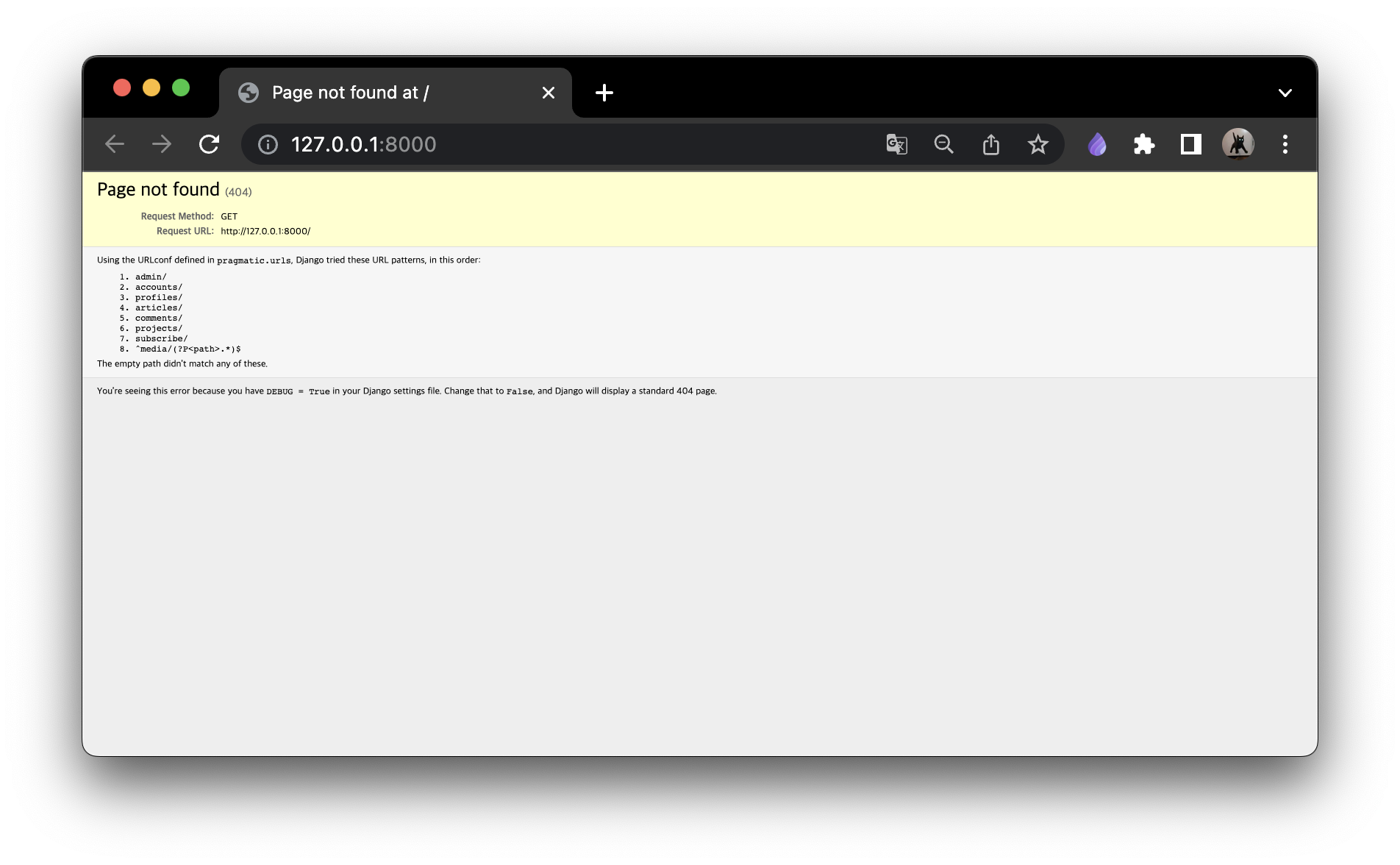
다음과 같은 화면이 보임
홈화면을 만들어줄 것임.
# pragmatic/urls.py

from django.conf import settings
from django.conf.urls.static import static
from django.contrib import admin
from django.urls import path, include

from articleapp.views import ArticleListView

urlpatterns = [
    # 아무것도 안들어갔을떄, ArticleListView 를 그대로 보여줄 것, 이름은 home 으로 지정
    path('', ArticleListView.as_view(), name='home'),

    path('admin/', admin.site.urls),
    path('accounts/', include('accountapp.urls')),
    path('profiles/', include('profileapp.urls')),
    path('articles/', include('articleapp.urls')),
    path('comments/', include('commentapp.urls')),
    path('projects/', include('projectapp.urls')),
    path('subscribe/', include('subscribeapp.urls')),

] + static(settings.MEDIA_URL, document_root=settings.MEDIA_ROOT)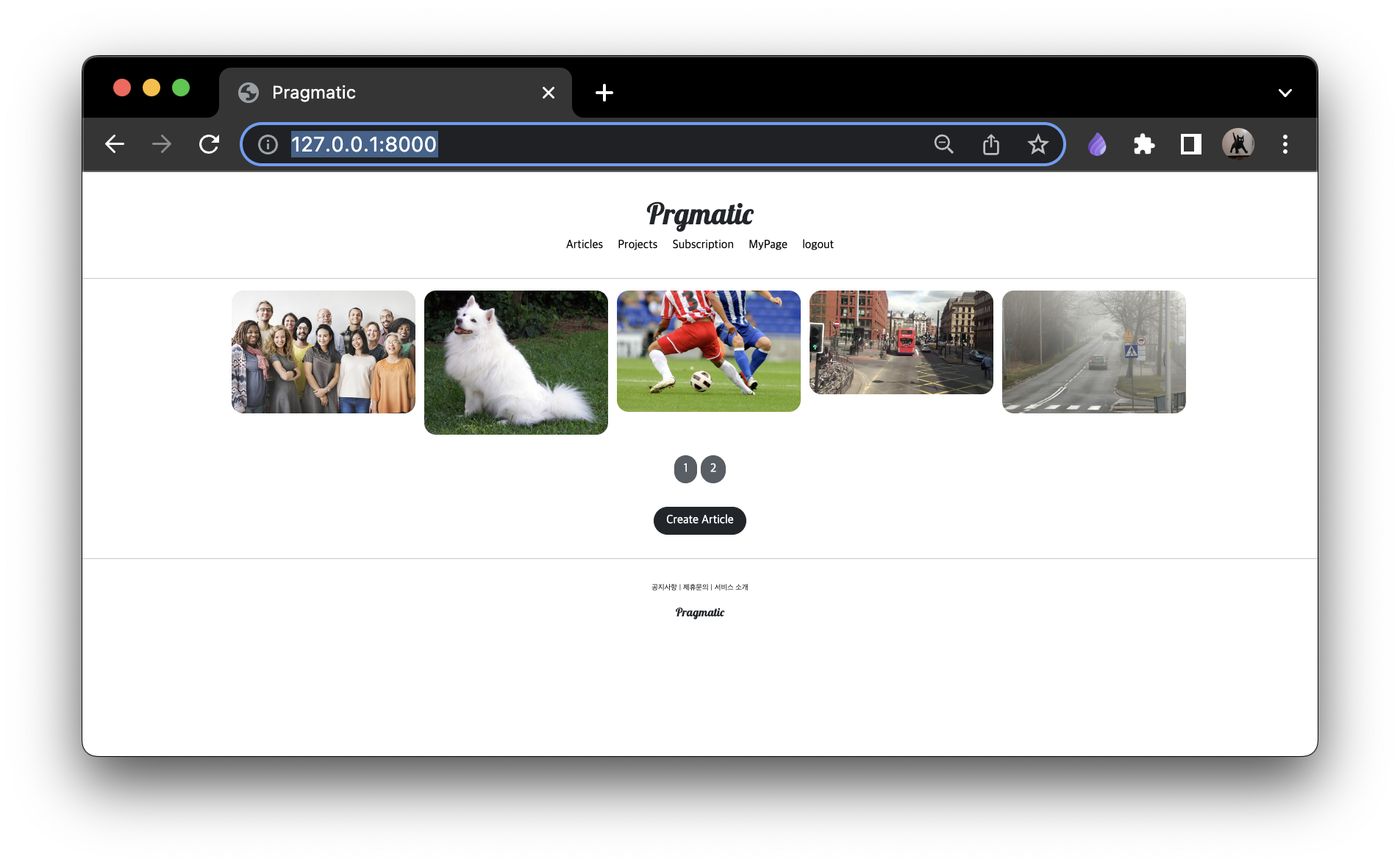
4) MyPage 버튼 디자인 수정 -> material icon
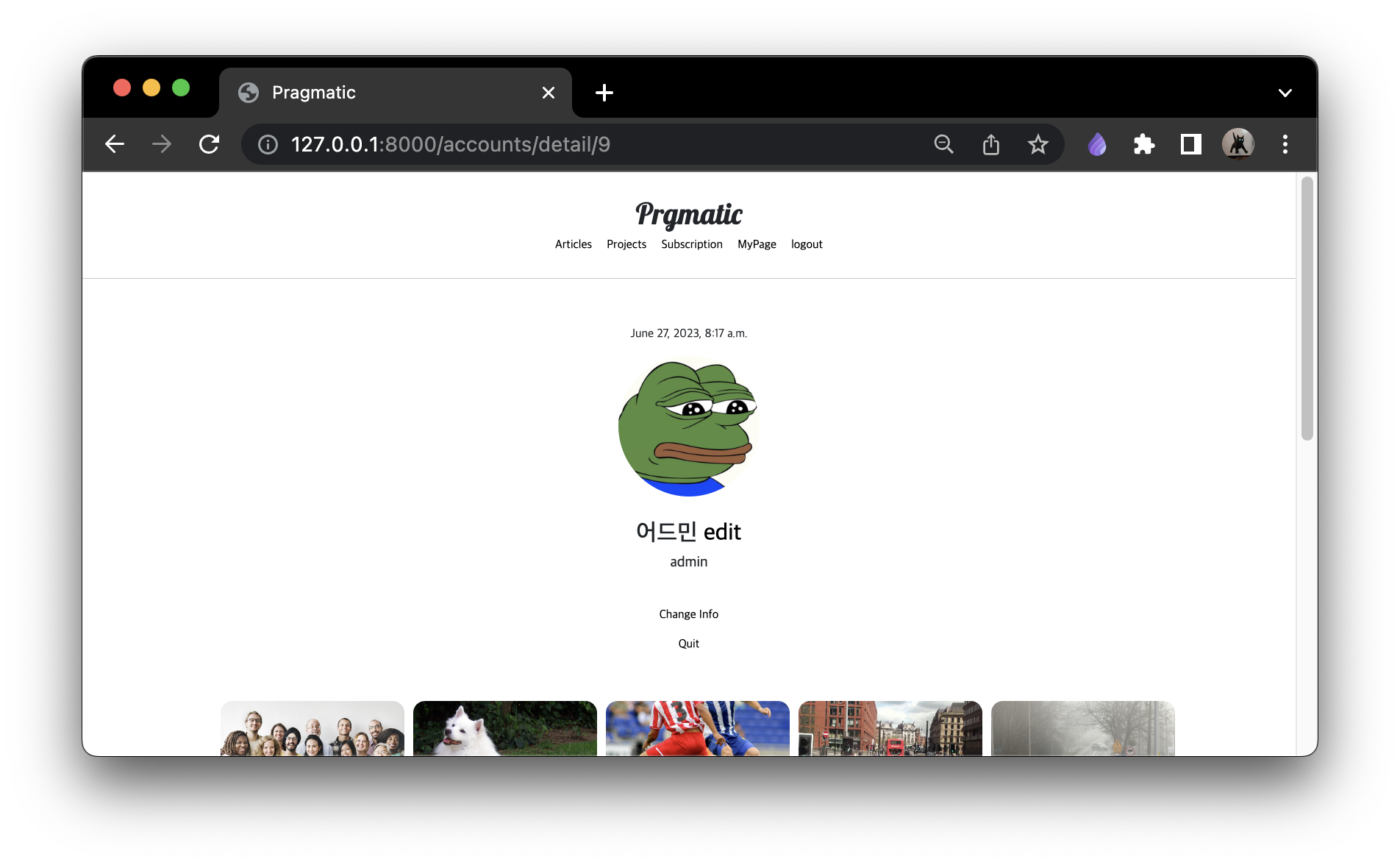
pragmatic/templates/head.html 에 링크 삽입
...
<!-- GOOGLE MATERIAL ICONS -->
    <link href="https://fonts.googleapis.com/css2?family=Material+Icons" rel="stylesheet">
...
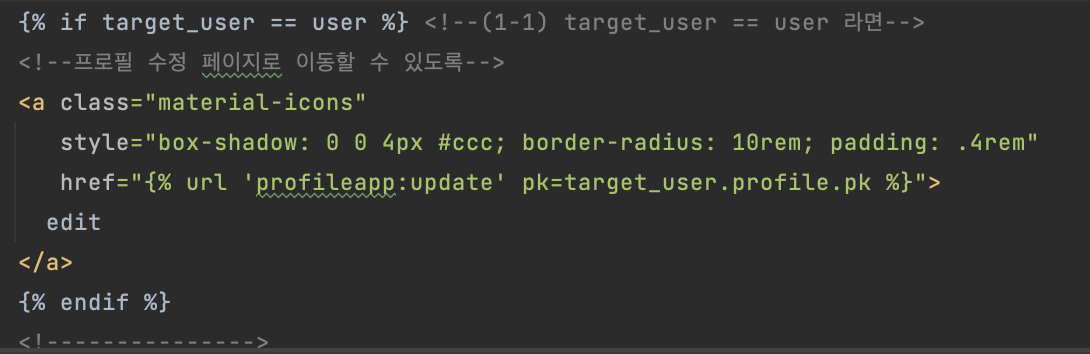
이후 accountapp/templates/accountapp/detail.html 링크에 클래스 추가
그림자 추가 (내부 인자 : 그림자의 위치 0 0, 그림자의 크기 4px)
#ccc : 옅은 회색 색상
border-radius: 동그랗게
padding 추가
Edit 링크의 디자인 변경됨
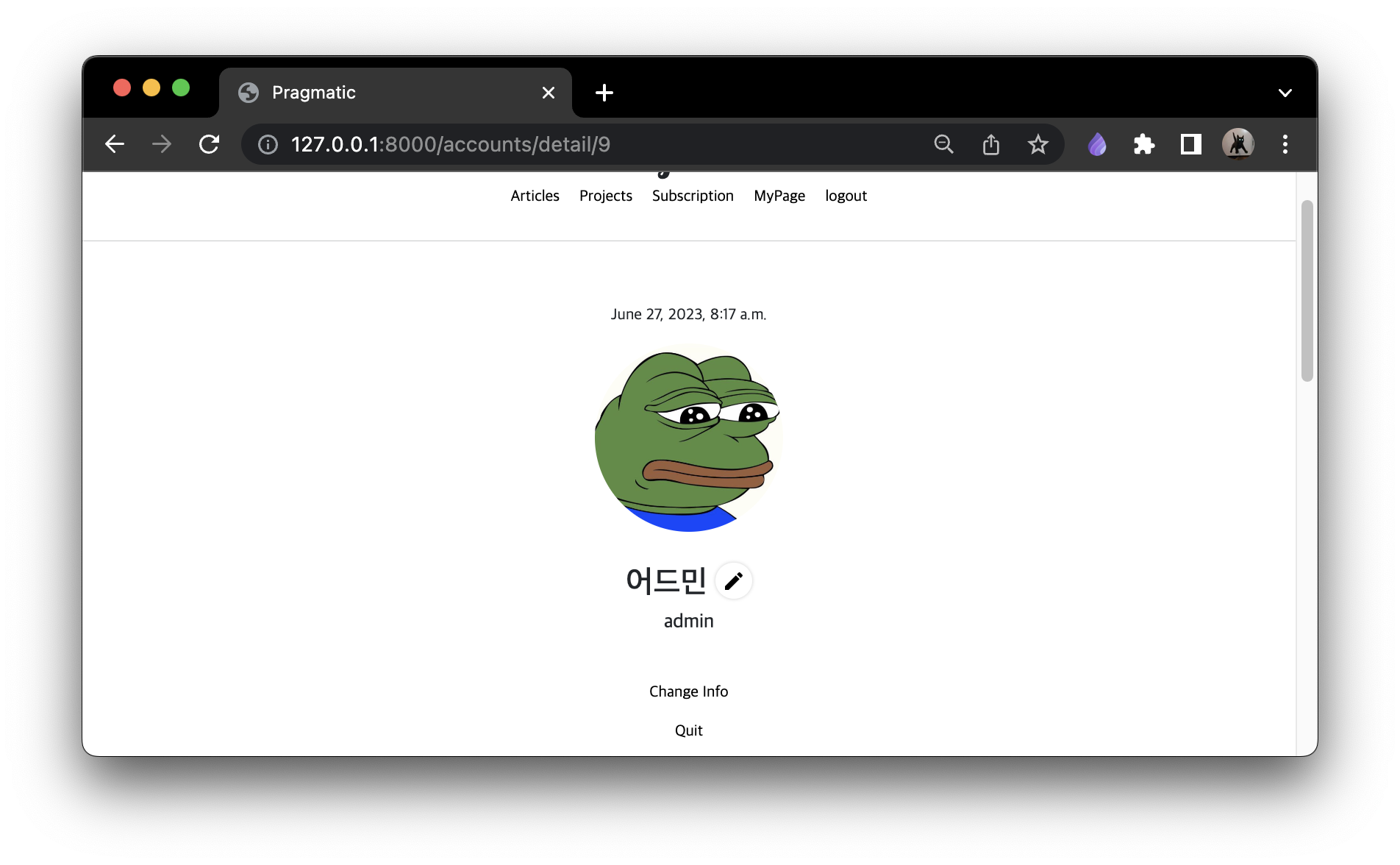
Change Info, Quit 버튼도 적용
-> settings, cancel 로 변경
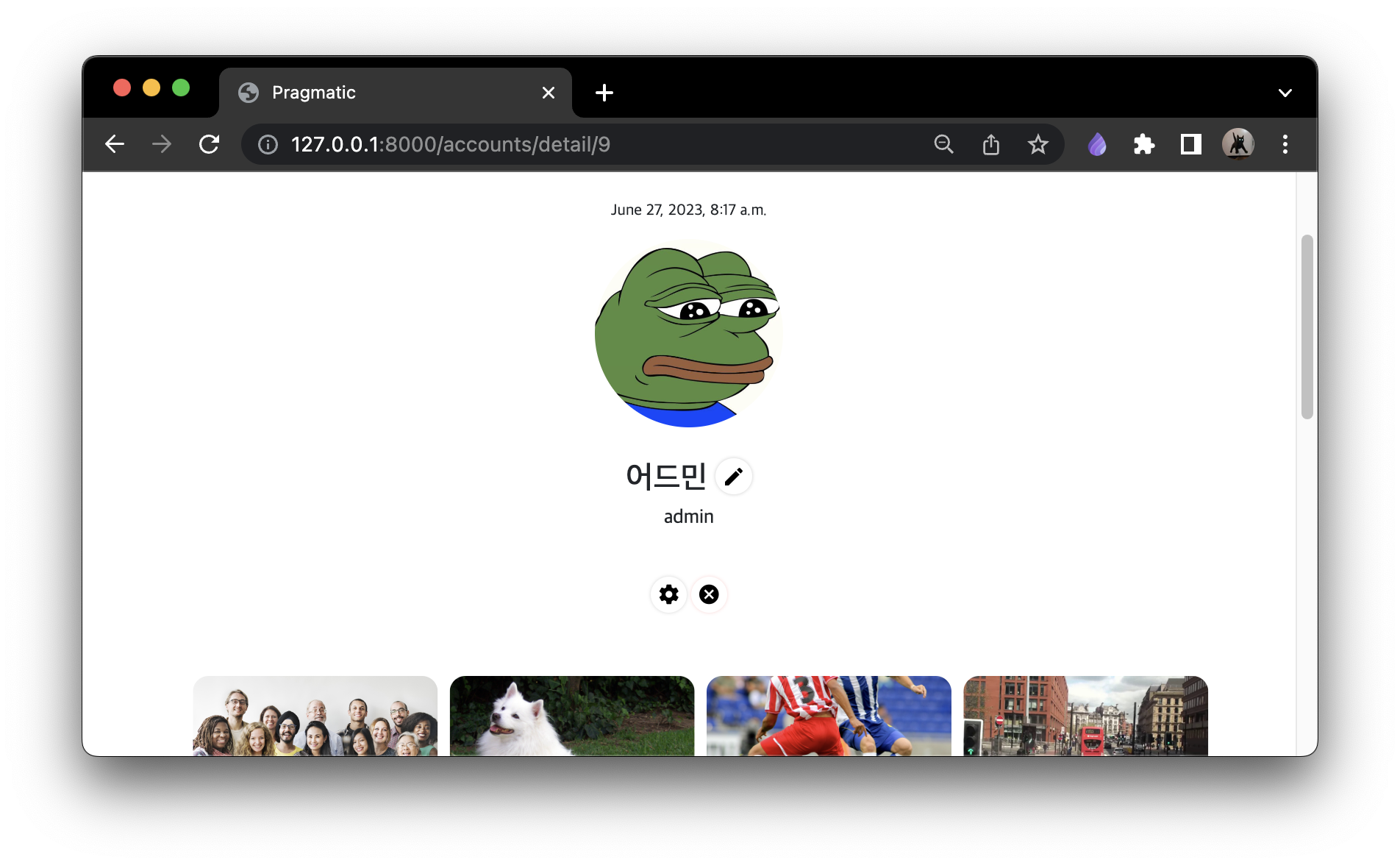
아이콘이 바뀌는것을 확인
commit
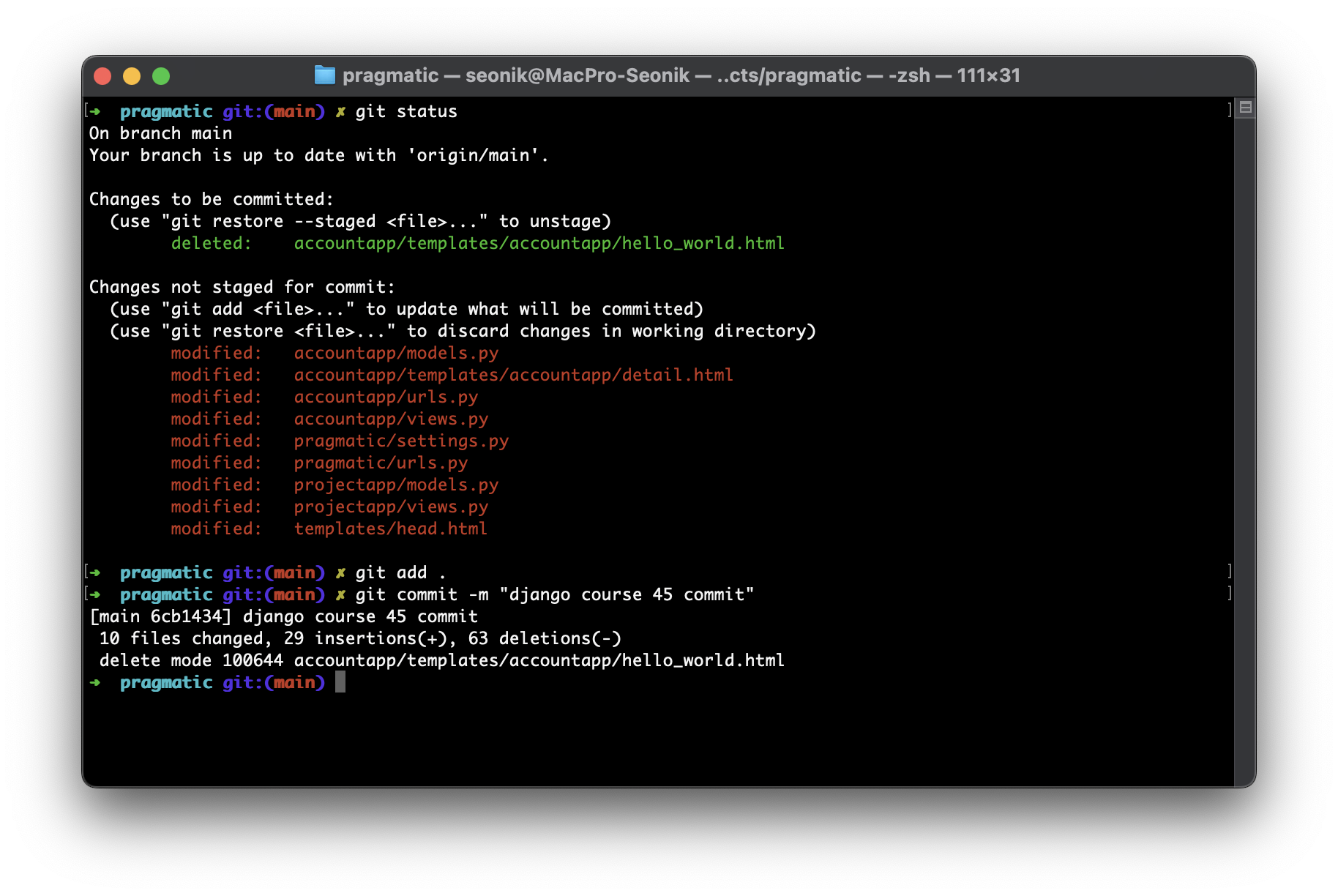

공부한 것 기록용