scrollIntoView로 간단히 화면 단위 이동을 구현했다.
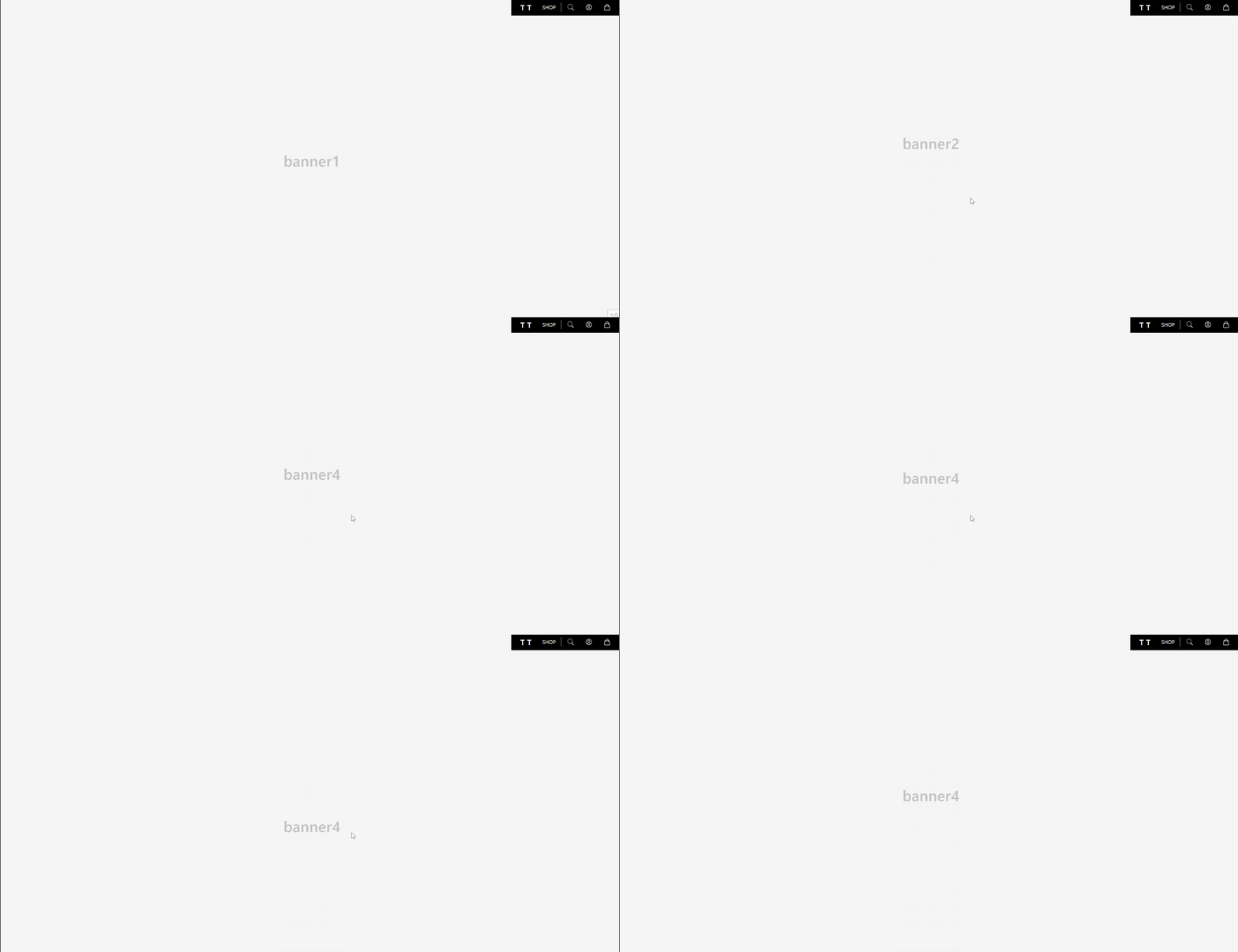
element 접근을 위한 ref 배열 생성
  const bannerRefList = useRef<null[] | HTMLDivElement[]>([]);

      {sectionList.map((info, index) => (
        <div
          className={"banner"}
          key={index}
          ref={(el) => {
            bannerRefList.current[index] = el;
          }}
        >
          {info.text}
        </div>
      ))}
배열로 관리되는 ref를 통한 화면 이동
  function sectionMove(nextSectionNum: number): void {
    bannerRefList.current[nextSectionNum]?.scrollIntoView({
      behavior: "smooth",
    });
    setSectionNumber(nextSectionNum);
  }
휠 이벤트 추가
연속되는 스크롤 이벤트가 섹션을 한번에 움직이는 것을 방지하기 위해 setTimeout과 clearTimeout 추가했다. 마우스 휠을 돌리면 발생하는 휠 이벤트는 움직이는 방향에 따라 deltaY값을 리턴한다. 이 델타값을 활용해 움직일 방향을 지정한다.
    <MainWrapper
        onWheel={(e) => {
        clearTimeout(clearID);
        clearID = setTimeout(function () {
          if (e.deltaY < 0 && sectionNumber > 0) {
            sectionMove(sectionNumber - 1);
          } else if (
            e.deltaY > 0 &&
            sectionNumber < bannerRefList.current.length - 1
            //마지막 섹션 도달 시 sectioNumber 값 변동 방지
          ) {
            sectionMove(sectionNumber + 1);
          }
        }, 50);
      }}
    >
코드 전체
import styled from "styled-components";
import React, { useRef, useState } from "react";

function Main() {
  const bannerRefList = useRef<null[] | HTMLDivElement[]>([]);
  const [sectionNumber, setSectionNumber] = useState(0);
  const [sectionList, setSectionList] = useState([
    { text: "banner1" },
    { text: "banner2" },
    { text: "banner3" },
    { text: "banner4" },
    { text: "banner5" },
  ]);
  let clearID: ReturnType<typeof setTimeout>;

  function sectionMove(nextSectionNum: number): void {
    bannerRefList.current[nextSectionNum]?.scrollIntoView({
      behavior: "smooth",
    });
    setSectionNumber(nextSectionNum);
  }

  return (
    <MainWrapper
      onWheel={(e) => {
        clearTimeout(clearID);
        clearID = setTimeout(function () {
          if (e.deltaY < 0 && sectionNumber > 0) {
            sectionMove(sectionNumber - 1);
          } else if (
            e.deltaY > 0 &&
            sectionNumber < bannerRefList.current.length - 1
          ) {
            sectionMove(sectionNumber + 1);
          }
        }, 50);
      }}
    >
      {sectionList.map((info, index) => (
        <div
          className={"banner"}
          key={index}
          ref={(el) => {
            bannerRefList.current[index] = el;
          }}
        >
          {info.text}
        </div>
      ))}
    </MainWrapper>
  );
}
export default Main;

const MainWrapper = styled.div`
  .banner {
    display: flex;
    align-items: center;
    justify-content: center;
    height: 100vh;
    background-color: whitesmoke;
    font-size: 40px;
    font-weight: bold;
    color: rgba(0, 0, 0, 0.2);
  }
`;
중요한 것은 위 방식으로 화면 단위 이동을 구현할 때 반드시 휠을 움직일때 스크롤 이벤트가 발생하는 것을 방지해야 한다는 것이다. 이유는 여기 참고
body {
  overflow: hidden;
}
css로 간단하게 스크롤 이벤트를 막을 수 있다.

글 쓰는 개발자. 앗, 이제는 널렸다고?