🎇 1byte 씩 읽기
byte 단위의 입출력은 클래스의 이름이 inputStream, outputStream 으로 끝난다.
fileOutputStream : 파일을 쓰는 객체
fileOutputStream : 파일로부터 읽어들이는 객체
파일이 없을 경우나 읽히지 않을 경우 등 여러 경우가 있기 떄문에 꼭 예외처리를 해주어야 한다.
또한 IO 를 사용할때는 꼭 close() 를 해주어야 한다.
닫을때도 꼭 예외처리를 해주어야 한다.
예외처리에 자세한 포스트는 아래 있다.
E.g.
import java.io.FileInputStream;
import java.io.FileOutputStream;

public class ByteExam {
    public static void main(String[] args) {
        long start = System.currentTimeMillis();

        FileInputStream fis = null;
        FileOutputStream fos = null;

        try{
            fis = new FileInputStream("src/StringProblem.java");
            fos = new FileOutputStream("StringCopy.txt");

            int readData = -1;

            while((readData=fis.read())!=-1){
                fos.write(readData);
            }
        }catch(Exception e){
            e.printStackTrace();
        }finally {
            try {
                fis.close();
            } catch (Exception e) {
                e.printStackTrace();
            }
            try{
                fos.close();
            }catch (Exception e){
                e.printStackTrace();
            }
        }
        long end = System.currentTimeMillis();
        System.out.println(end-start);
    }
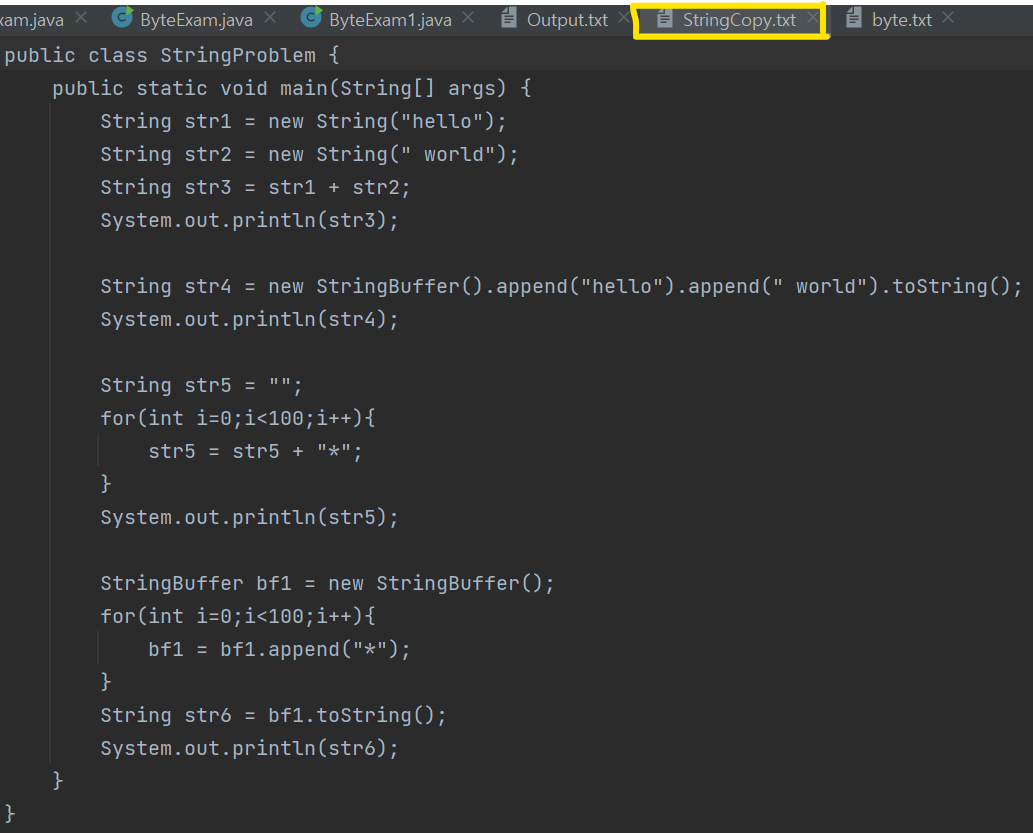
}
		FileInputStream fis = null;
        FileOutputStream fos = null;

		fis = new FileInputStream("src/StringProblem.java");
        fos = new FileOutputStream("StringCopy.txt");
try 블록 안에서 fis, fos 를 선언하게 되면 혹시나 나중에 블록 밖에서 쓸 수 없기 때문에 나눠서 선언해줬다.
		int readData = -1;

            while((readData=fis.read())!=-1){
                fos.write(readData);
            }
        }catch(Exception e){
            e.printStackTrace();
        }
fileInputStream 의 read 는 한 바이트씩 읽어온다.
read 메서드가 리턴하는 타입은 정수인데,
정수의 4byte 중에서 마지막 바이트에다가 읽어들인 한 바이트를 저장한다.
읽어들일 것이 있으면 항상 양수를 리턴하고 파일이 끝나면 -1 을 리턴한다.
읽어오는 도중에 여러 exception 들을 만날 수 있기 때문에 예외처리도 해준다.
finally {
            try {
                fis.close();
            } catch (Exception e) {
                e.printStackTrace();
            }
            try{
                fos.close();
            }catch (Exception e){
                e.printStackTrace();
            }
        }
io 의 모든 객체들은 인스턴스화하면 꼭 닫아주어야한다.
각각을 close 해줄 때 exception 이 발생할 수 있으니 close 자체들도 예외처리가 필요하다.
🎇 배열 단위로 읽기
위는 1byte 씩 읽어들인다.
하지만 이것 말고 한 번에 byte 배열을 선언 후 뭉텅이로 읽어들이는 코드를 작성했다.
이렇게 되면 비교적 1byte 씩 읽는 것 보다 빠를것이다.
이를 비교하기 위해 System.currentTimeMillis() 를 사용했다.
E.g.
import java.io.FileInputStream;
import java.io.FileOutputStream;

public class ByteExam1 {
    public static void main(String[] args) {
        long start = System.currentTimeMillis();

        FileInputStream fis = null;
        FileOutputStream fos = null;

        try {
            int readCount = -1;
            byte[] buffer = new byte[512];

            fis = new FileInputStream("src/ByteExam.java");
            fos = new FileOutputStream("Output.txt");

            while ((readCount=fis.read(buffer))!=-1){
                fos.write(buffer,0,readCount);
            }
        }catch (Exception e){
            e.printStackTrace();
        }finally {
            try {
                fis.close();
            }catch (Exception e){
                e.printStackTrace();
            }
            try {
                fos.close();
            }catch (Exception e){
                e.printStackTrace();
            }
        }
        long end = System.currentTimeMillis();
        System.out.println(end-start);
    }
}
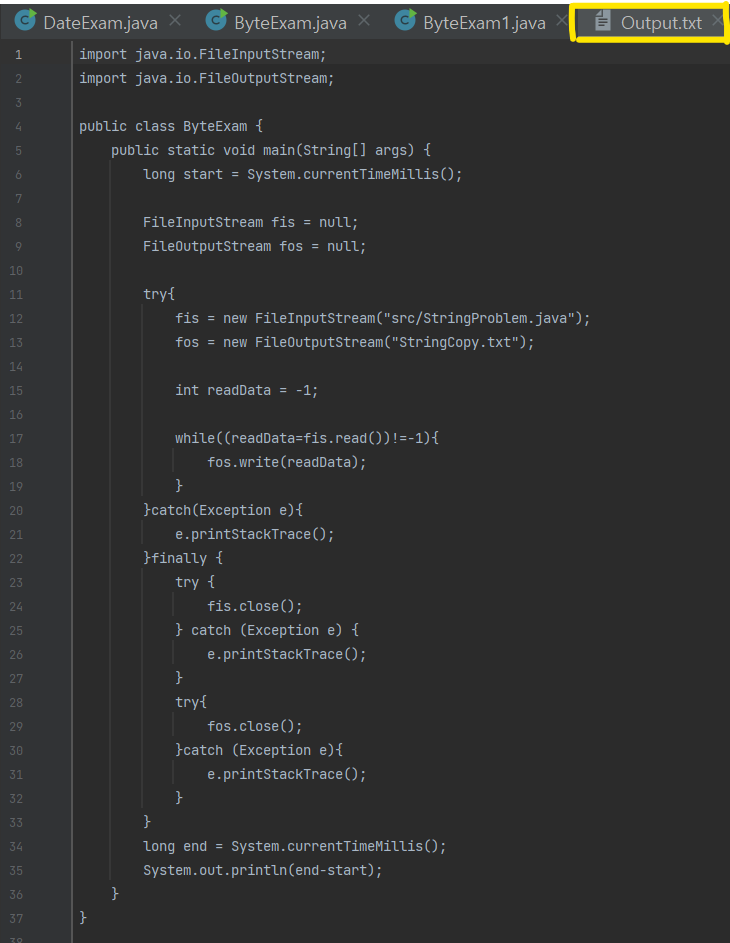
모든 코드는 위의 1byte 씩 읽어들이는 코드와 동일하다.
다른 부분만 리뷰해보자.
			int readCount = -1;
            byte[] buffer = new byte[512];

            fis = new FileInputStream("src/ByteExam.java");
            fos = new FileOutputStream("Output.txt");

            while ((readCount=fis.read(buffer))!=-1){
                fos.write(buffer,0,readCount);
            }
byte 배열을 만들어 512 byte 씩 한 번에 읽어들이려고 한다.
배열 선언시에 한 번에 읽어들이고자 하는 사이즈로 선언하면 된다.
fis.read(buffer) 는 buffer(512byte)씩 읽어들이겠다는 말이다.
더 이상 읽어들일 것이 없을 때 -1 을 반환한다.
그렇게 되면 while 문이 종료된다.
fos.write(buffer,0,readCount) 는 (배열 이름, buffer 의 몇 번째 부터 시작할 것인가, 몇 번 읽어들이고 쓸 것인가) 를 나타내고 있다.
나머지 코드는 동일하다.
💡 속도 비교
1byte 씩 읽어와 쓰는것과 buffer(512byte) 씩 읽고 쓰는 것 중에는 당연히 후자가 빠를것이다.
이를 증명해보자.
long start = System.currentTimeMillis();
long end = System.currentTimeMillis();
System.out.println(end-start);
끝난 시간 - 시작 시간 을 해주어 각자 얼마나 나오나 보겠다.


1byte 씩 읽고 쓰는 것은 8 이 나왔고(실행시 약간의 차이는 있음) ,
512 byte 씩 읽고 쓰는 것은 1이 나왔다.
이로써 확실히 512byte 씩 읽어 오는것이 빠르다는것이 증명되었다.
왜 이런 차이가 나는 것일까?
💡 속도 차이가 나는 이유
우리가 사용하는 운영체제는 512byte 씩 읽어오기 때문이다.
1byte 만 읽어 오라고 명령해도 512byte 를 읽어 온 후에,
1byte 를 쓰고 나머지 511byte 를 버린다.
그러니 배열을 읽어올때는 512byte 의 배수로 선언하는것이 보다 효율적이다.