런치스크린 애니메이션 넣기
일단 프레임 워크에 Lottie를 추가한다
https://github.com/airbnb/lottie-ios
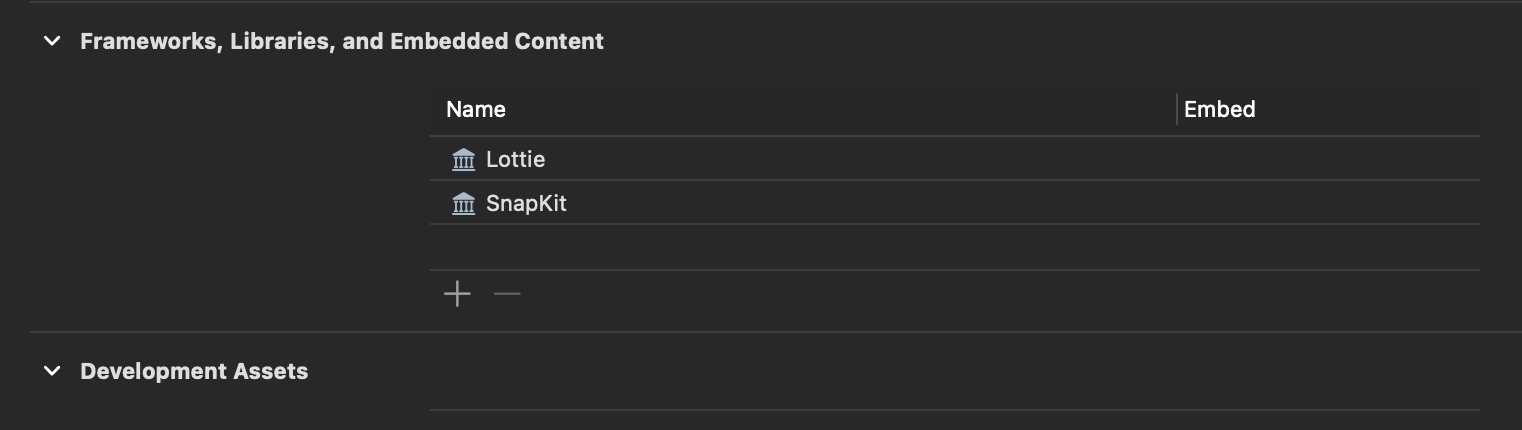
그런후에
https://lottiefiles.com/kr/what-is-lottie
이곳에서 원하는 애니메이션을 json파일로 다운받은후 Assets에 추가하면 된다
그 후 코드를 작성하면 된다
이 부분은 컨트롤러에 해당하는 부분
import UIKit

class LaunchViewController: UIViewController {
  private let loadingView = LoadingView()
  override func viewDidLoad() {
    super.viewDidLoad()
    view.backgroundColor = .white
    setupLoadingView()
    navigateToMainScreenAfterDelay()
  }
  private func setupLoadingView() {
    loadingView.frame = view.bounds
    view.addSubview(loadingView)
    loadingView.startAnimating()
  }
  private func navigateToMainScreenAfterDelay() {
    DispatchQueue.main.asyncAfter(deadline: .now() + 3.0) {
      self.loadingView.stopAnimating()
      self.navigateToMainScreen()
    }
  }
  private func navigateToMainScreen() {
    let mainVC = ViewController()
    mainVC.modalTransitionStyle = .crossDissolve
    mainVC.modalPresentationStyle = .fullScreen
    self.present(mainVC, animated: true, completion: nil)
  }
}
뷰에 해당하는 부분
import UIKit
import SnapKit
import Lottie
class LoadingView: UIView {
  private let animationView: LottieAnimationView
  override init(frame: CGRect) {
    animationView = LottieAnimationView(name: "loading2")
    super.init(frame: frame)
    setupView()
  }
  required init?(coder: NSCoder) {
    fatalError("init(coder:) has not been implemented")
  }
  private func setupView() {
    self.addSubview(animationView)
    // 애니메이션 뷰를 화면 전체로 설정
    animationView.snp.makeConstraints { make in
      make.edges.equalToSuperview()
    }
    // 애니메이션 재생
    animationView.contentMode = .scaleAspectFit
    animationView.loopMode = .loop
    animationView.play()
  }
  func startAnimating() {
    animationView.play()
  }
  func stopAnimating() {
    animationView.stop()
  }
}
마지막으로 SceneDelegate에 이 런치스크린이 앱에 첫 화면에 오게 만들면 된다.
import UIKit
class SceneDelegate: UIResponder, UIWindowSceneDelegate {
  var window: UIWindow?
  func scene(_ scene: UIScene, willConnectTo session: UISceneSession, options connectionOptions: UIScene.ConnectionOptions) {
     guard let windowScene = (scene as? UIWindowScene) else { return }
     let window = UIWindow(windowScene: windowScene)
     window.rootViewController = LaunchViewController() // <- Root VC 설정
     window.makeKeyAndVisible()
     self.window = window
   }
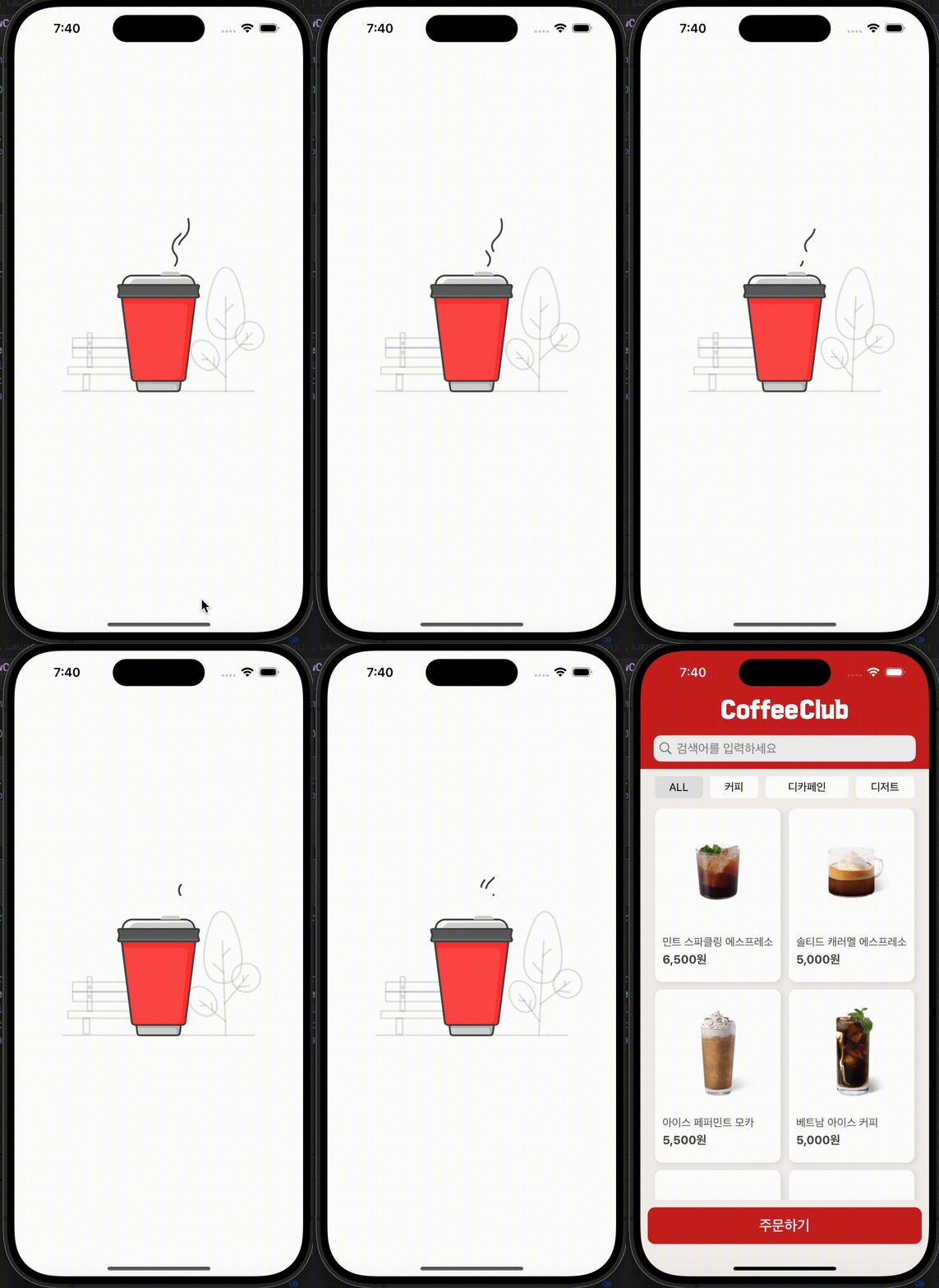
결과물

iOS 개발노트