참고: https://techblog.samsung.com/blog/article/265
- ICED 라이브러리
RUST GUI ICED 빌드 중 에러가 발생했다..
error: process didn't exit successfully: `C:\Users\sure\Desktop\rust\iced\target\debug\tour.exe` (exit code: 0xc0000005, STATUS_ACCESS_VIOLATION)
Segmentation fault
$ git clone https://github.com/iced-rs/iced.git
$ cd iced/
$ cd examples/
$ rustup update stable
$ cargo run --package tour이대로 따라쳤을 뿐인데 맨 마지막 줄에서 에러 발생.
그래서 해당 깃 레포로 들어가보았다.
... 딱히 얻은 것이 없다.
Segmentation fault 에러에 대해서 찾아봤다.
=> 한마디로 잘못된 메모리 접근 때문에 발생하는 에러라고 한다.
iced repo 이슈에 올려보기로 함.
https://github.com/iced-rs/iced/issues/2548
- egui 라이브러리
윈도우에서 실행하기 위해 먼저 wsl 을 설치했다.
cargo run --release -p egui_demo_app
으로 데모 실행 성공!
egui 데모 실행 결과
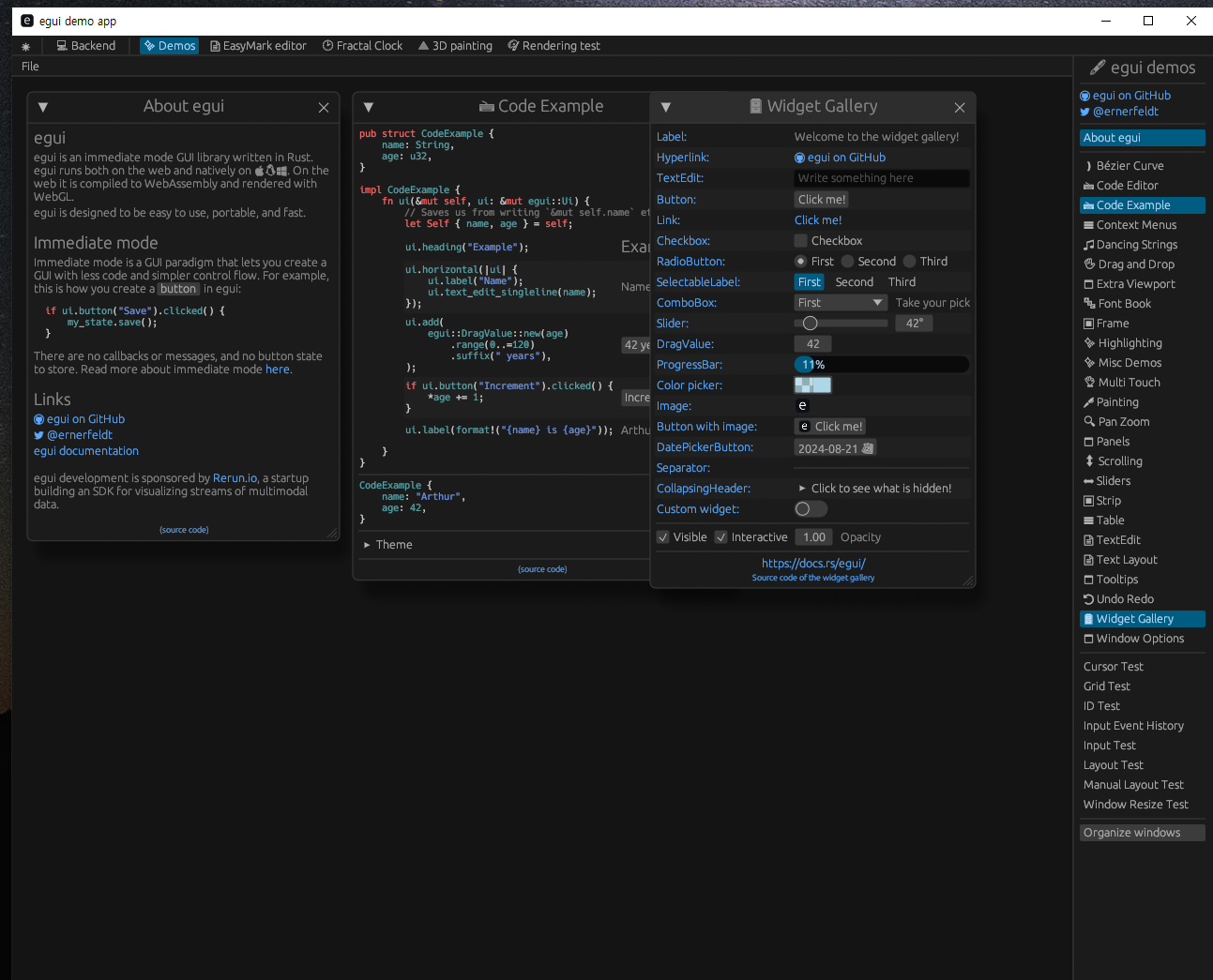
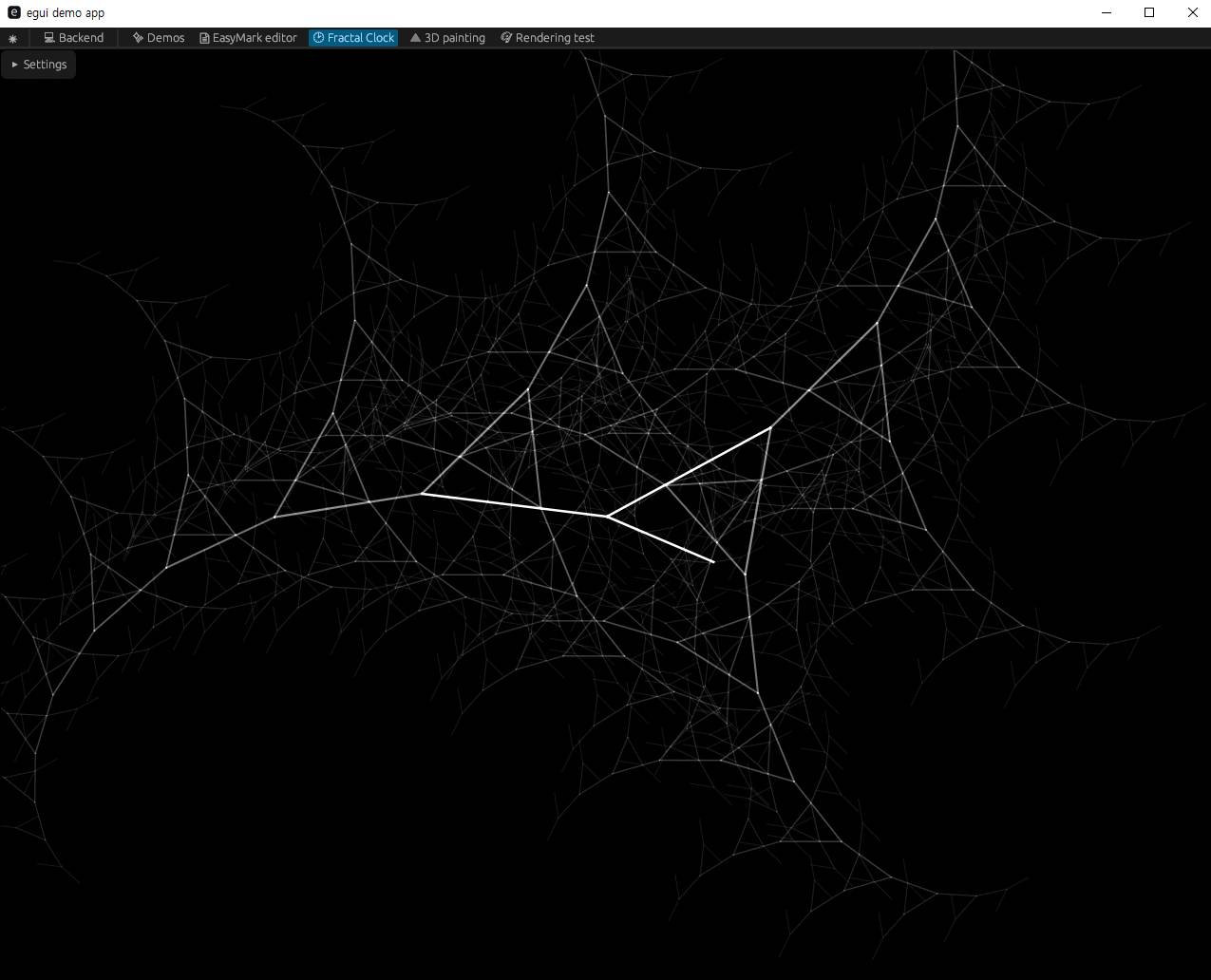
eframe이라는 프레임워크를 항상 추가해줘야 하는 듯.
https://github.com/emilk/egui/tree/master/crates/eframe
eframe is the official egui framework, which supports writing apps for Web, Linux, Mac, Windows, and Android.
Cargo.toml 파일에다가 아래와 같이 eframe 추가해준다.
[package]
name = "egui"
version = "0.1.0"
edition = "2021"

[dependencies]
eframe = {version = "0.26.2", features = [
    "default",
    "__screenshot",
]}

env_logger = {version = "0.10", default-features = false, features = [
    "auto-color",
    "humantime",
]}
해당 에러가 계속 발생하긴 하는데 어쨋거나 빌드가 되서
GUI가 실행됨!!! My egui App 패널이 뜸!!
ERROR sctk_adwaita::config] XDG Settings Portal did not return response in time: timeout: 100ms, key: color-scheme
Translate SILS TC to HILS TC 응용 프로그램을 만들기 위한 틀을 만들기 위해 기본적으로 C# import, 엑셀 export 기능을 넣었음.
#![cfg_attr(not(debug_assertions), windows_subsystem = "windows")] // hide console window on Windows in release

use eframe::egui;
use calamine::{Reader, Xlsx, DataType};

use std::fs::File;
use std::io::{self, BufRead};
use std::path::Path;
use umya_spreadsheet::{Spreadsheet, Worksheet, writer};


fn main() -> Result<(), eframe::Error> {
    env_logger::init(); // Log to stderr (if you run with `RUST_LOG=debug`).

    let options = eframe::NativeOptions {
        viewport: egui::ViewportBuilder::default().with_inner_size([640.0, 480.0]),
        ..Default::default()
    };

    // Our application state:
    let mut name = "Arthur".to_owned();
    let mut excel_data = String::new();
    let mut tc_code = Vec::new();

    eframe::run_simple_native("TSH", options, move |ctx, _frame| {
        egui::CentralPanel::default().show(ctx, |ui| {
            ui.heading("Translate SILS to HILS");
            ui.horizontal(|ui| {
                let name_label = ui.label("File name: ");
                ui.text_edit_singleline(&mut name)
                    .labelled_by(name_label.id);
            });

            // C# TC import
            if ui.button("Load C# File").clicked() {
                // 경로 지정
                let file_path = "/mnt/c/Users/sure/Desktop/TC/SeatHeatVent_ThirdRL.cs";

                // C# 파일 읽어오기
                if let Ok(lines) = read_lines(file_path){
                    tc_code.clear(); // 이전 데이터를 지우기
                    for(index, line) in lines.enumerate(){
                        if let Ok(code) = line {
                            tc_code.push((index + 1, code));  // 튜플 형태로 저장
                        }
                    }
                } else {
                    println!("Failed to read the TC file.");
                }
            }


            // 변환된 HILS TC를 엑셀 파일로 Export
            if ui.button("Export to Excel File").clicked() {
                // 엑셀 파일 생성
                let mut book = umya_spreadsheet::new_file();
                let sheet_name = "HILS_TC";
                book.new_sheet(sheet_name).unwrap();

                // C# 코드를 엑셀에 추가
                for (line_number, code) in &tc_code {
                    let row = (*line_number as u32) + 1; // 1-based index로 변환
                    let col = 1; // 첫 번째 열에 삽입

                    book.get_sheet_by_name_mut(sheet_name)
                        .unwrap()
                        .get_cell_mut((row, col))
                        .set_value(code);
                }

                // 엑셀 파일 저장
                let file_path = "/mnt/c/Users/sure/Desktop/HILSTCTransformer/ExportedReport.xlsx";
                writer::xlsx::write(&book, file_path).unwrap();
            }

            ui.separator();  // 구분선 추가
            ui.label("C# code:");
            for (line_number, code) in &tc_code {
                ui.monospace(format!("{}: {}", line_number, code));  // 줄 번호와 함께 코드 표시
            }

            // ui.separator();  // 구분선 추가
            // ui.label("Excel Data:");
            // ui.label(&excel_data);

        });


    })
}

// 파일을 한 줄씩 읽는 헬퍼 함수
fn read_lines<P>(filename: P) -> io::Result<io::Lines<io::BufReader<File>>>
where
    P: AsRef<Path>,
{
    let file = File::open(filename)?;
    Ok(io::BufReader::new(file).lines())
}
참고로 tauri라는 것도 있음. https://tauri.app/