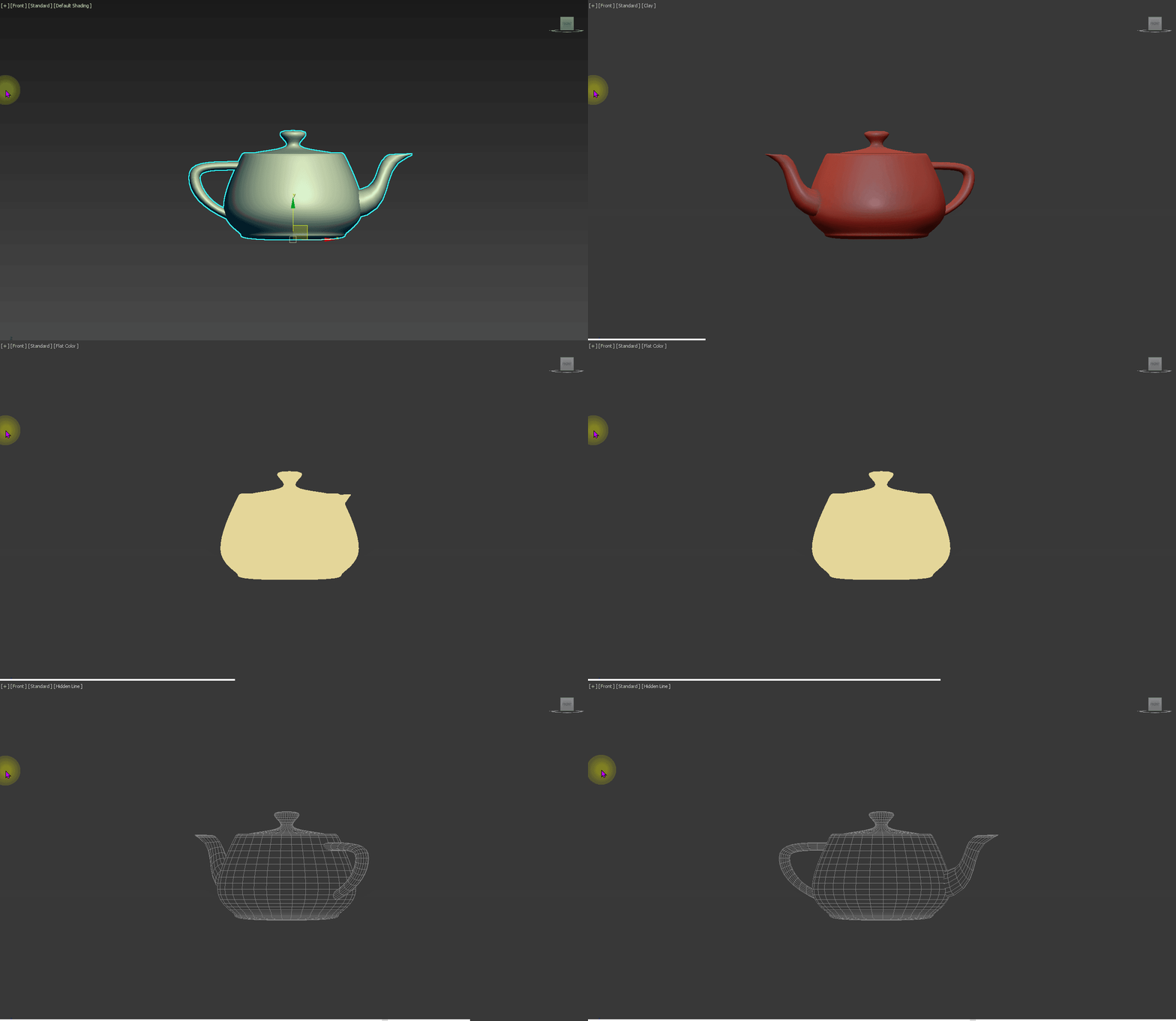
선택한 모델링의 Flat, wire, clay 모드를 360도 회전하면서 스크린샷 하는 툴입니다.
# -*- coding: utf-8 -*-
import os
import pymxs

rt = pymxs.runtime
gw = rt.gw

FLAT_ID       = "554"
CLAY_WIRE_ID  = "40834"
CLAY_ID       = "616"
DEFAULT_ID    = "63566"

def linkToSphere():
    """
    영점에 스피어를 생성 후, 선택한 Mesh를 스피어에 링크합니다.
    """
    sel_list = list(rt.selection)
    if not sel_list:
        print("[Warning] 아무 것도 선택되지 않았습니다")
        return None

    sphere = rt.Sphere(name="_TempSphere", radius=0.1, pos=rt.Point3(0, 0, 0))

    # 선택된 메시를 스피어의 자식으로 설정
    for obj in sel_list:
        obj.parent = sphere

    # 스피어만 선택 상태로 변경
    rt.clearSelection()
    rt.select(sphere)

    return sphere

def delete_sphere(sphere):
    rt.delete(sphere)
    rt.completeRedraw()

def hideVeiwportSetting():
    rt.actionMan.executeAction(0, "40105")
    rt.completeRedraw()

def isolateSelection():
    sel_list = list(rt.selection)
    all_objs = list(rt.objects)
    hidden_list = [o for o in all_objs if o not in sel_list]
    for obj in hidden_list:
        rt.hide(obj)
    rt.completeRedraw()
    return hidden_list


def unhideList(hidden_list):
    for obj in hidden_list:
        rt.unhide(obj)
    rt.completeRedraw()

def set_modes(macro_id):
    rt.actionMan.executeAction(0, macro_id)  # 해당 쉐이딩 모드 토글
    rt.completeRedraw()


def capture(prefix, mode):
    save_dir = r"D:\ScreenShot"
    os.makedirs(save_dir, exist_ok=True)
    filename = f"{mode}_{prefix:03d}.png"
    fullpath = os.path.join(save_dir, filename)

    try:
        dib = rt.gw.getViewportDib()
        dib.filename = fullpath
        rt.save(dib)
        print(f"[Screenshot] Saved: {fullpath}")
    except Exception as e:
        print(f"[Error] 캡처 중 예외 발생: {e}")
    finally:
        rt.freeSceneBitmaps() #메모리 정리

def rotate_and_capture_sphere(sphere, mode, angle_step=10, num_rotations=36):
    for i in range(num_rotations):
        sphere.rotation = rt.angleAxis(angle_step * i, rt.Point3(0,0,1))
        capture(i, mode)
        rt.completeRedraw()


hidden = isolateSelection()
s = linkToSphere()
hideVeiwportSetting()
set_modes(FLAT_ID)
rotate_and_capture_sphere(s, "flat")
set_modes(CLAY_WIRE_ID)
rotate_and_capture_sphere(s, "wire")
set_modes(CLAY_ID)
rotate_and_capture_sphere(s, "clay")
set_modes(DEFAULT_ID)
unhideList(hidden)
delete_sphere(s)
hideVeiwportSetting()