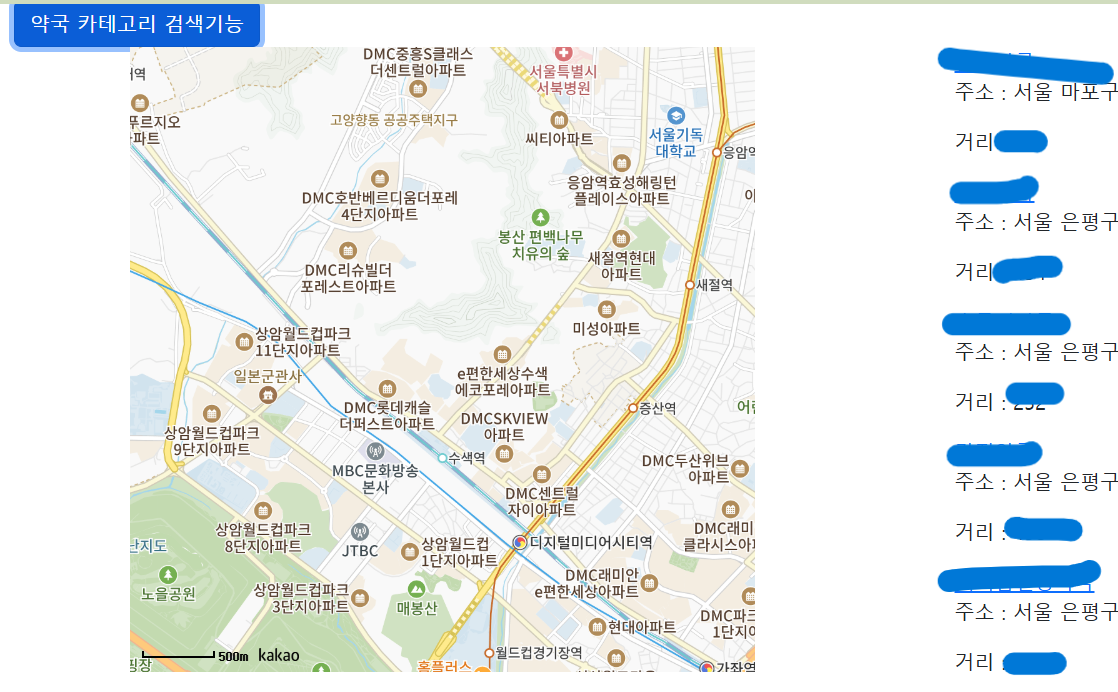
카카오맵 api를 이용해서 맵에서의 중앙 latlng 값을 이용해서 주변의 약국의 정보를 가져오는 기능을 구현했다.
맵 정보를 가져오기
  const mapContainer = document.getElementById('map')!; //지도 영역 map
        const optionForMap = {
            center: new kakao.maps.LatLng(33.450701, 126.570667),
            level: 3,
        }
        const map = new kakao.maps.Map(mapContainer, optionForMap);
        var lation = map.getCenter();
        var level = map.getLevel();
        const newCenter = () => {
            setLatcenter(lation.getLat());
            setLongcenter(lation.getLng());
        }

        //center가 이동될 때
        kakao.maps.event.addListener(map, 'center_changed', function () {
            level = map.getLevel();
            lation = map.getCenter();
            console.log(level, lation);
            console.log("lation" + lation.getLat() + "," + lation.getLng());
            map.setCenter(lation);
            newCenter();


});- map이 이동할 때의 중앙값을 가져오는 코드이다.
약국 카테고리 검색
 const categorySearch = () => {
        const places = new kakao.maps.services.Places();
        const callback = (result: any, status: any) => {
            if (status === kakao.maps.services.Status.OK) {

                setPharmacy(result);
            }
        }
        places.categorySearch('PM9', callback, {
            location: new kakao.maps.LatLng(latcenter!, longcenter!)
        })
    }
약국 카테고리 검색기능을 클릭하면 오른쪽 화면에 검색 결과를 불러온다.
초기 화면
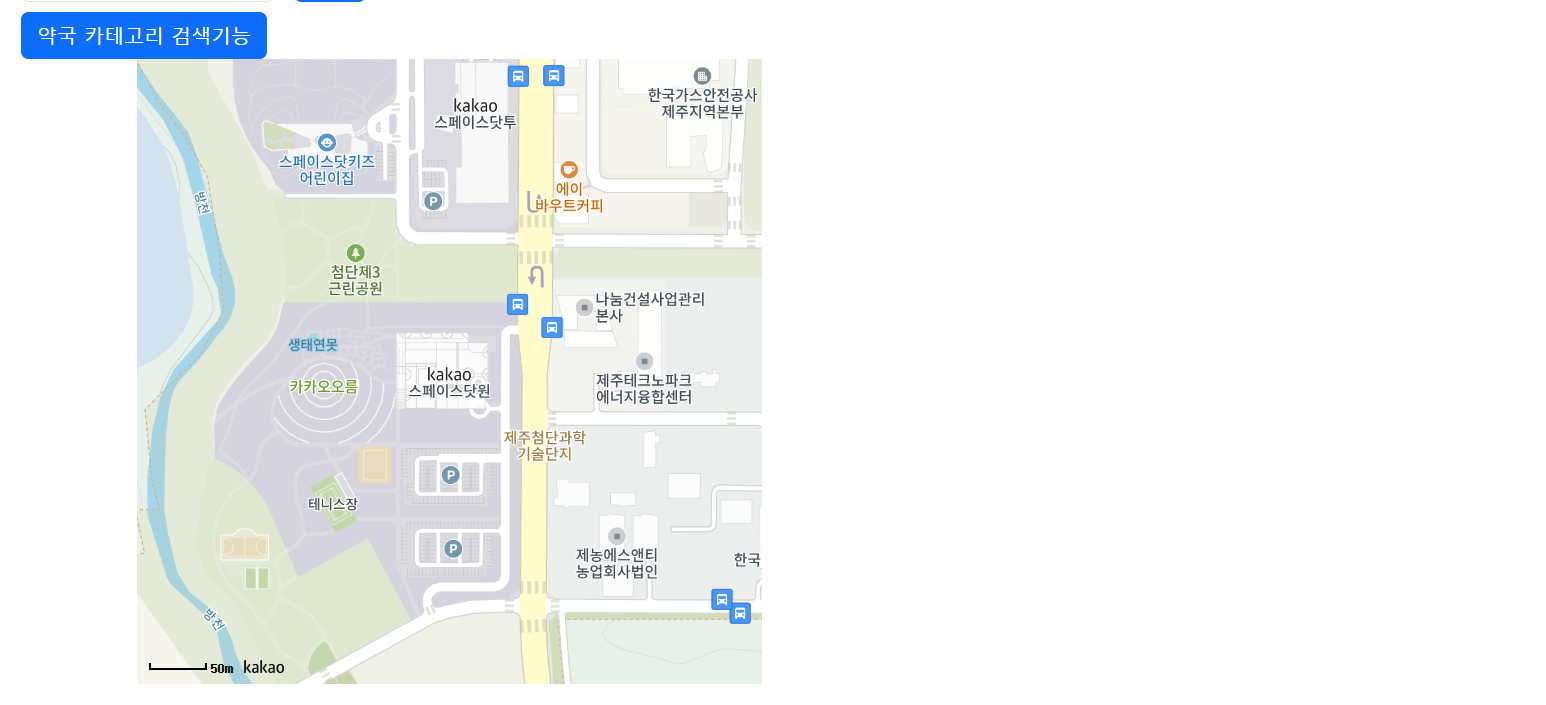
약국 카테고리 검색기능 버튼 클릭 후 화면