트러블 슈팅
1) 버튼의 isHighlighted 미해제
⚠️ 문제: mapView에 배치한 버튼의 isHighlighted 상태가 미해제 되는 현상
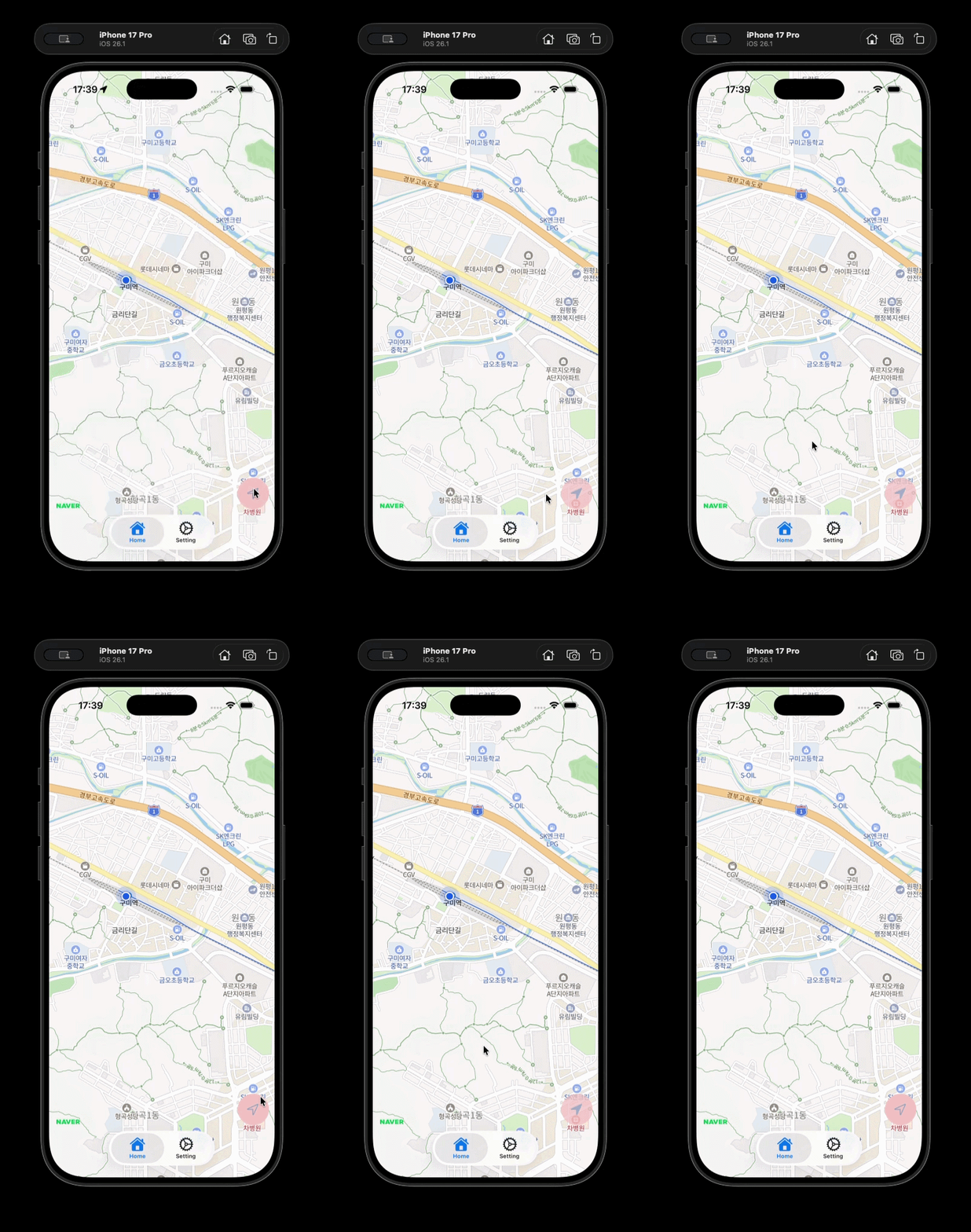
mapView에 배치한 버튼이 클릭 후 isHighlighted 상태가 해제되지 않는 현상이 나타났다.
❗️ 원인: 잘못된 addSubview 주체 선정
private func setLayout() {
	mapView.addSubview(currentLocationButton)

    currentLocationButton.snp.makeConstraints {
    	$0.bottom.trailing.equalTo(view.safeAreaLayoutGuide).inset(10)
        $0.width.height.equalTo(60)
    }
}
currentLocationButton을 mapView에서 addSubview하고 있었는데, 그때문에 addSubview의 오버레이들과 제스처의 충돌이 발생한듯하다.
mapView 위에 배치되는 버튼이므로 mapView에서 addSubview를 했었는데, view에서 addSubview를 하더라도 addSubview 순서에 따라 Zindex를 가지므로 mapView위에 배치 가능하다.
✅ 해결: addSubview 주체 변경
private func setLayout() {
    view.addSubview(currentLocationButton)

    currentLocationButton.snp.makeConstraints {
        $0.bottom.trailing.equalTo(view.safeAreaLayoutGuide).inset(10)
        $0.width.height.equalTo(56)
    }
}
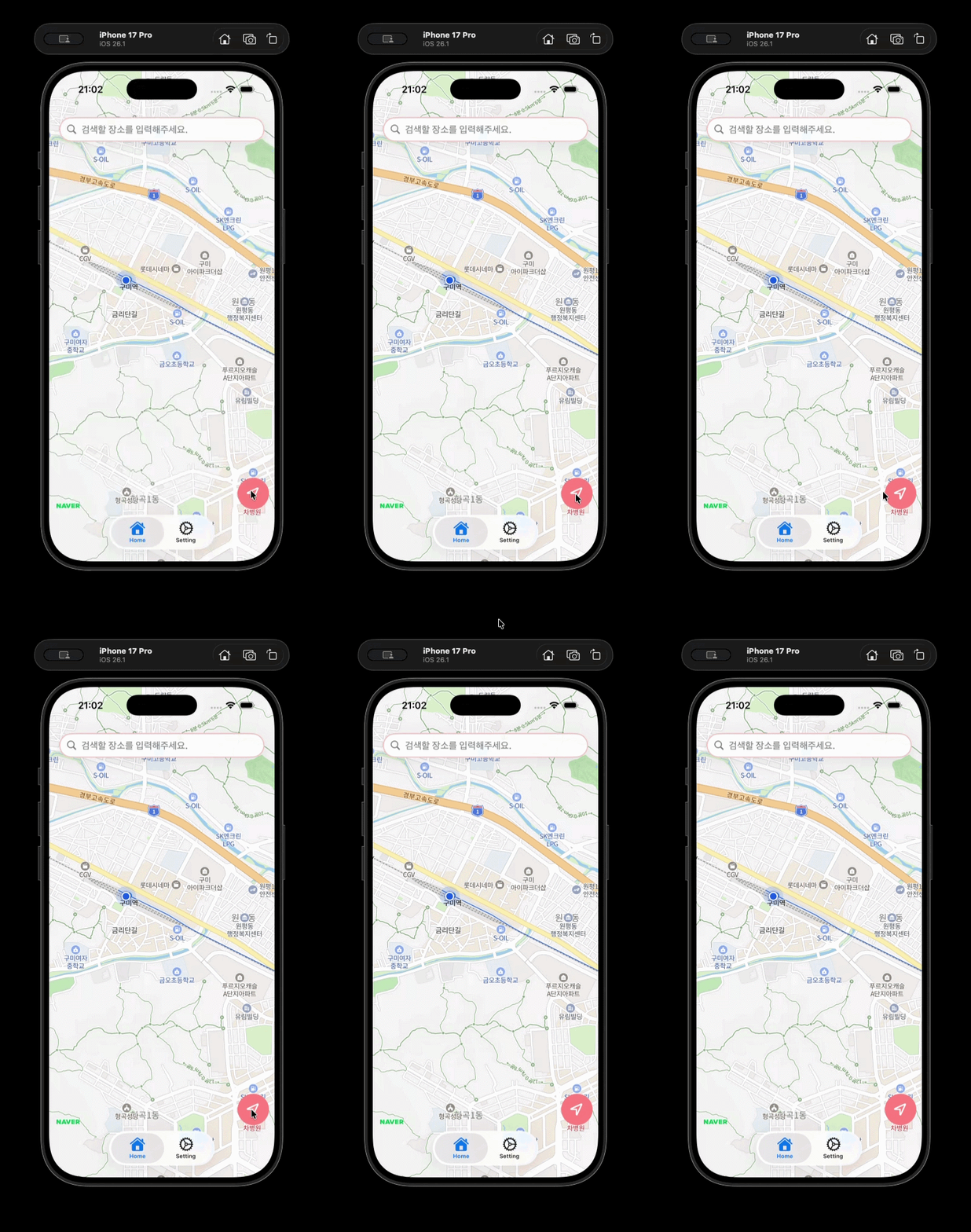
addSubview의 주체를 view로 바꾸어주었더니 정상적으로 작동하였다.

안녕하세요, iOS 개발을 공부하고 있는 Bambu입니다. (프로필: Swifticons)