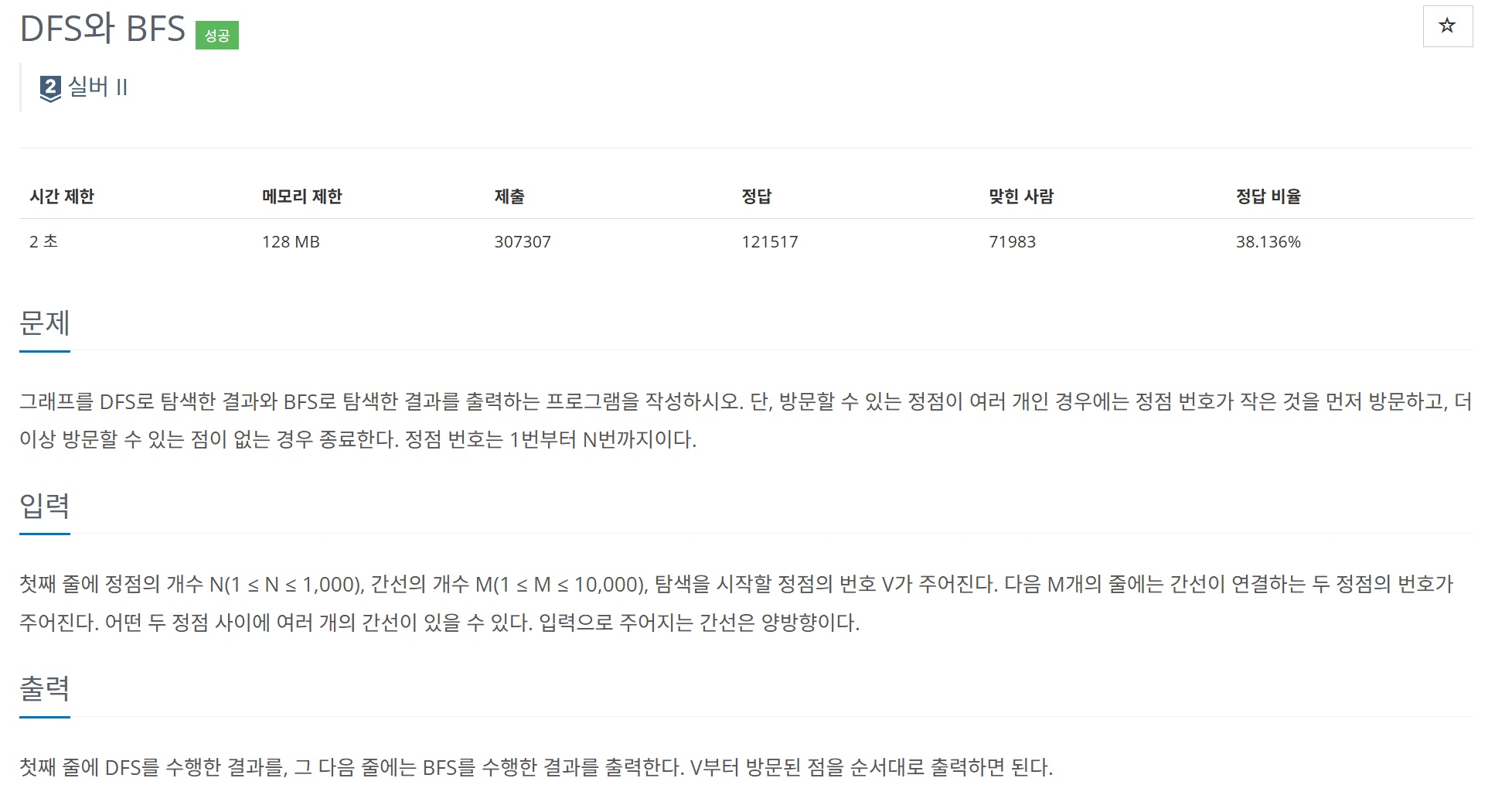
- DFS와 BFS의 동작 과정을 이해하면 크게 어렵지는 않았을 문제이지만…자잘한 실수가 많이 나왓었던 문제.
💡 가장 중요한 조건이 바로 ‘방문할 수 있는 정점이 여러 개인 경우에는 정점 번호가 작은 것을 먼저 방문하고’ 이 부분이다.
from collections import deque
import sys
input = sys.stdin.readline

def zeroGraph(v):
    return {i:[] for i in range(v+1)}

def initGraph(graph,e):
    for _ in range(e):
        start,end = map(int,input().rstrip().split())
        graph[start].append(end)
        graph[end].append(start)

def bfs(graph,startNode):
    visited = [startNode]
    q = deque()
    q.append(startNode)

    while q:
        cur_node = q.popleft()

        for neighbor in sorted(graph[cur_node]):
            if neighbor not in visited:
                visited.append(neighbor)
                q.append(neighbor)
    return visited

def dfs(graph,startNode):
    visited = []
    s = [startNode]

    while s:
        cur_node = s.pop()
        if cur_node not in visited:
            visited.append(cur_node)
            for neighbor in reversed(sorted(graph[cur_node])):
                s.append(neighbor)
    return visited

v,e,start = map(int,input().rstrip().split())

graph = zeroGraph(v)

initGraph(graph,e) # 인접리스트 생성

dfs_graph = dfs(graph,start)
bfs_graph = bfs(graph,start)

print(*dfs_graph)
print(*bfs_graph)
조건을 해결하기 위해서
- DFS에서 Stack에 넣기전에 인접 요소들을 1.Sorted 2. reversed를 사용해 가장 큰 숫자부터 stack에 들어가게 설정함
- 그래야 작은 요소가 pop()이 될 테니까..!
- BFS는 Queue의 속성을 이용해야 하기 때문에 Sorted를 사용하여 그대로 작은 수 부터 Queue에 넣어주면 된다.
실수 한 부분
-
시작 노드 방문 처리
```python
def dfs(graph,startNode):
    visited = [startNode] ## ERR
    s = [startNode]
```

- dfs에서 startNode를 visited에 넣어 놓고 시작을 했다.. 이는 방문 검사에서 걸려져서 StartNode의 인접 노드들이 들어가지 않는 참사가 발생했다..
-
그래프 초기화
def zeroGraph(v):
return {i:[] for i in range(v+1)}- index의 값을 계속 헷갈려 인접 리스트를 생성 할 때 헷갈리지 않게 하기 위해서 v+1 처리를 해주었다. 이로써 start,end 노드의 값을 그대로 사용할 수 있었다.
몰랐던 문법
print(*dfs_graph)
print(*bfs_graph)- Python에서
*연산자는 리스트나 튜플과 같은 iterable 객체의 요소들을 "언팩(unpack)"하는 데 사용됩니다.print(*list_name)구문을 통해 리스트의 요소들을print()함수에 전달하여, 각 요소를 공백으로 구분해 출력할 수 있습니다.

개발로그