선수단 관리 웹사이트이므로 선수 등록을 해야하는데, 선수 등록을 할 때에는 역시 프로필 사진이 필수이다.
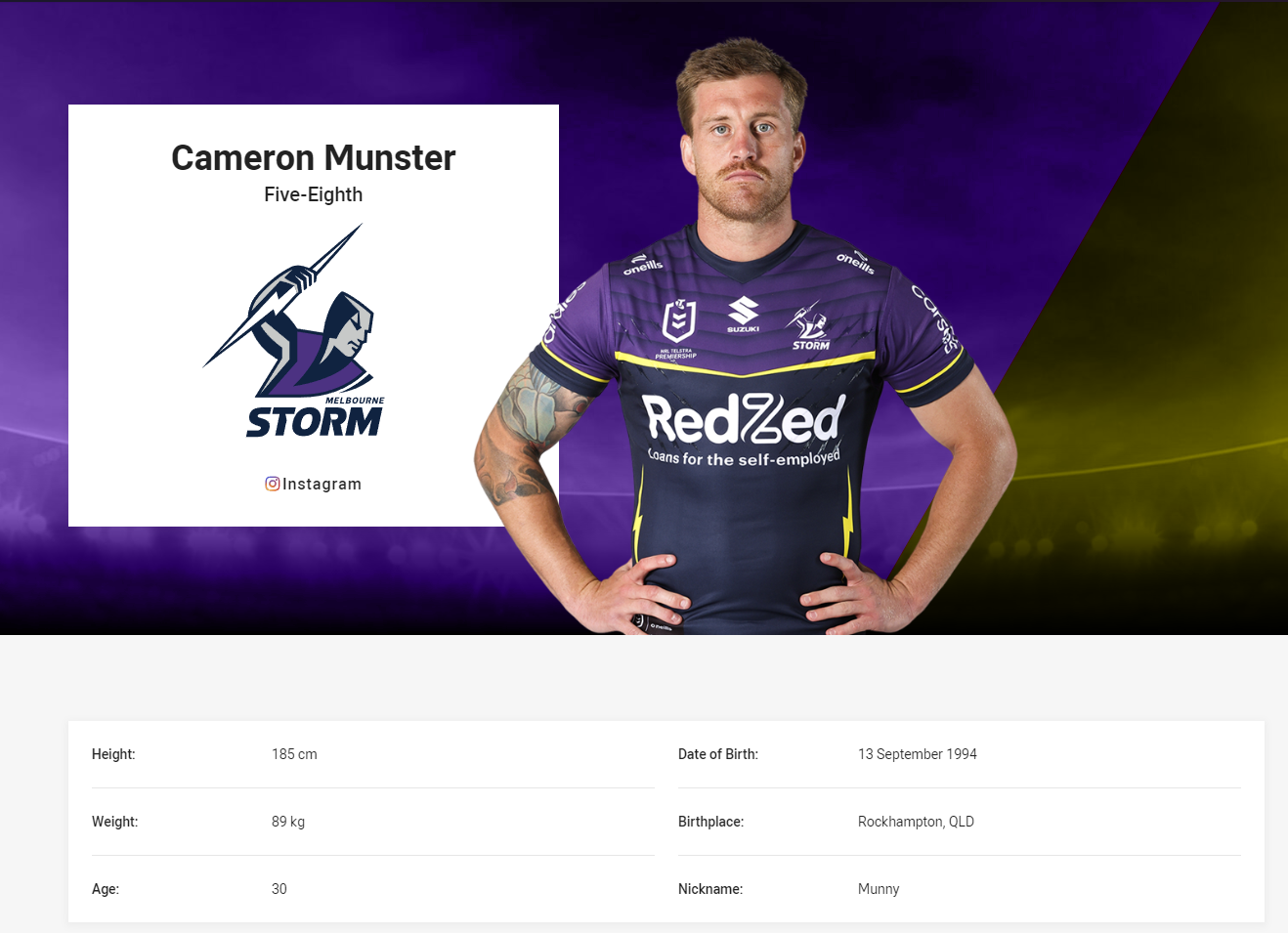
실제 스포츠 팀의 선수 프로필 페이지
model Roster {
  id                Int       @id @default(autoincrement())
  backnumber        Int       @unique
  profileimage      String
  name              String
  position          String
  birthdate         String
  injury            Boolean @default(false)
  injuredpart       String
  recoveryperiod    String
}
일단 간단하게 모델을 만들어봤는데, 사실 속성들은 중요하지 않고 핵심은 profileimage이다.
{/* 프로필 사진 업로드 */}
        <input
          type="file"
          id="profileimage"
          name="profileimage"
          onChange={(e) => {
            const file = e.target.files?.[0]; // 첫 번째 파일 객체 가져오기
            if (file) {
              setPlayer({ ...player, profileimage: file }); // 상태에 File 객체 저장
              console.log("선택된 파일:", file);
            }
          }}
          className="mt-1 p-2 border w-full rounded"
        />
프로필 사진을 업로드하는 input 태그이다.(해당 코드는 모든게 해결된 최종(?) 코드이다.)
사실 처음에는 프로필 사진을 올리면 자동으로 db에 해당 파일을 사용할 수 있는 path로 저장되는 줄 알았다.
하지만 실제로 저장되는 형식은 "C\fakepath:파일명.jpg" 이런 식으로 저장이 되더라.
프론트엔드에서 이미지를 표시하기 위해 사용을 해봤지만 당연히 사용이 안된다.
이미지 경로가 C:\fakepath\파일명으로 저장된 경우, 이는 브라우저의 보안 정책 때문에 발생하는 현상으로, 실제 파일 경로가 아닌 클라이언트 측에서 임의로 생성된 값이다.
그렇다. 브라우저의 보안 정책 때문에 발생하는 현상이었다.
이를 해결하기 위해 방법을 찾아본 결과 multer와 같은 node.js의 미들웨어를 사용하는 방법과 미들웨어 없이 App Route로만 해결하는 방법이 있었다.
나는 우선 다른 미들웨어 없이 해결하는 방법을 선택했다.
내가 참고한 곳은 이 곳이다.
파일을 업로드하면 개발자가 지정한 로컬 경로로 파일이 저장되는 형식이다.
나는 여기에 기능을 추가해 DB에 파일 정보를 저장하고, 그 파일을 프론트엔드 상에서 활용할 수 있도록 경로를 만드는 방법을 만들었다.
프론트엔드 부분
{/* 프로필 사진 업로드 */}
        <input
          type="file"
          id="profileimage"
          name="profileimage"
          onChange={(e) => {
            const file = e.target.files?.[0]; // 첫 번째 파일 객체 가져오기
            if (file) {
              setPlayer({ ...player, profileimage: file }); // 상태에 File 객체 저장
              console.log("선택된 파일:", file);
            }
          }}
          className="mt-1 p-2 border w-full rounded"
        />
우선 프로필 사진을 업로드하는 input 태그를 작성해준다.
profileimage에는 우선 File 객체를 저장한다.
이는 후에 변환 과정을 통해 경로명(string)으로 바뀔 예정이다.
const handleSubmit = async ({ e, player }: { e: FormEvent; player: Player }) => {
    e.preventDefault();

    console.log("profileimage:", player.profileimage);

    // 파일이 존재하고 File 객체인 경우, 파일 업로드를 먼저 진행
    if (player.profileimage && player.profileimage instanceof File) {
      try {
        // 파일 업로드 후 URL을 얻은 후, 선수 등록을 진행
        const fileData = await uploadMutation.mutateAsync(player.profileimage);

        // 업로드된 파일의 URL을 player 상태에 반영
        setPlayer((prev) => ({
          ...prev,
          profileimage: fileData.url, // 파일 URL로 상태 업데이트
        }));

        // 파일 업로드 후, 선수 등록을 실행
        if (session?.user?.email) {
          submitRosterMutation.mutate({ player: { ...player, profileimage: fileData.url }, user: String(session.user.email) });
        }
      } catch (error) {
        console.error("파일 업로드 실패:", error);
        alert("파일 업로드에 실패했습니다. 다시 시도해 주세요.");
      }
    } else {
      // 파일이 없다면 등록 불가 알림
      alert("파일을 업로드해야 합니다.");
    }
  };
유저가 파일을 업로드했고 파일을 비롯한 다른 정보들(선수 이름, 생년 월일, 등번호, 부상 유무 등)을 입력한 후 선수 등록 버튼을 클릭하면 등록을 실행하기 전에, 파일을 먼저 서버로 전송해 url로 바꿔주는 작업을 실행한다.
const uploadFile = async (file: File) => {
  const formData = new FormData();
  formData.append("file", file);


  const response = await axios.post("/api/upload", formData, {
    headers: {
      "Content-Type": "multipart/form-data",
    },
  });


  if (response.status !== 200) {
    throw new Error("파일 업로드 실패");
  }


  return response.data; // 업로드된 파일의 URL이나 데이터 반환

}
서버로 파일을 전송하는 과정이다.
그러면 서버의 upload api를 확인해보자.
백엔드 부분
export async function POST(req: Request) {
    try {
      console.log("요청을 받았습니다.");
      const formData = await req.formData();
      const body = Object.fromEntries(formData);
      const file = body.file as Blob;

      if (!file) {
        console.log("파일을 찾을 수 없습니다.");
        return NextResponse.json({ error: "파일을 찾을 수 없습니다." }, { status: 404 });
      }

      const buffer = Buffer.from(await file.arrayBuffer());

      if (!fs.existsSync(UPLOAD_DIR)) {
        console.log("업로드 디렉터리가 존재하지 않습니다. 생성합니다.");
        fs.mkdirSync(UPLOAD_DIR, { recursive: true }); // 디렉터리 생성
      }

      const fileName = Date.now() + path.extname((file as File).name);
      const filePath = path.resolve(UPLOAD_DIR, fileName);
      console.log("파일 경로:", filePath); // 경로 확인

      fs.writeFileSync(filePath, buffer); // 파일 저장

      const fileUrl = `/uploads/${fileName}`; // 반환할 URL

      return NextResponse.json({ url: fileUrl });

    } catch (err) {
      console.error("파일 업로드 실패:", err);
      return NextResponse.json({ error: "파일 업로드 실패" }, { status: 500 });
    }
  }
파일을 업로드하고 url로 반환하는 upload api이다.
코드의 주요 단계는 이렇다.
- 요청에서 formData를 읽어서 file을 Blob 형태로 저장
- 파일이 제공되지 않았다면 오류 메시지 반환
- 파일 데이터를 배열 버퍼로 변환, 배열 버퍼를 버퍼로 변환
- 업로드 디렉토리가 없을 경우 생성
- 파일 이름 및 경로 설정
- 파일 데이터를 저장한 후 경로 설정 및 반환
반환된 URL 확인하기
<Image src={String(player.profileimage)} width={500} height={500} alt="profile" />이후 반환된 fileUrl을 이용해 Image 태그에 넣고 확인해보았다.

테스트용이라 디자인이 처참한건 이해해주세요
아무튼 내가 등록한 이미지가 잘 표시되는 것을 확인하였다.