✅ What I did today
- Udemy Course : Unity Shader
- Project BCA
📝 Things I Learned
🏷️ Unity :: How to hide water in the boat
https://www.youtube.com/watch?v=z2uFaBoYhaY
Shader "Masked/Mask" {
    SubShader {
        // Render the mask after regular geometry, but before masked geometry and transparent things.
        Tags { "Queue" = "Geometry+10" }

        // Don't draw in the RGBA channels; just the depth buffer
        ColorMask 0
        ZWrite On

        // Do nothing specific in the pass:
        Pass {}
    }
}- Invisible rendering (ColorMask 0)
- Writes to depth only (ZWrite On)
- Placed in the render queue after geometry (Queue = "Geometry+10")
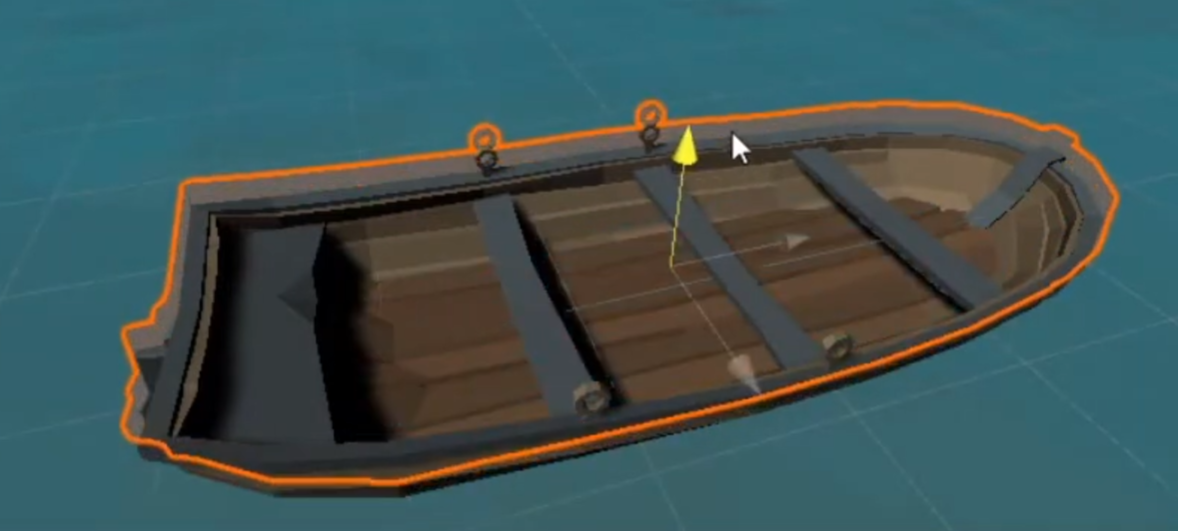
Copy the boat and apply this shader.
Move it to hide the water inside the boat.
The shader works as a mask by using depth buffer.
A water may be rendered after the boat and the its mask, causing it to disappear due to the depth test.
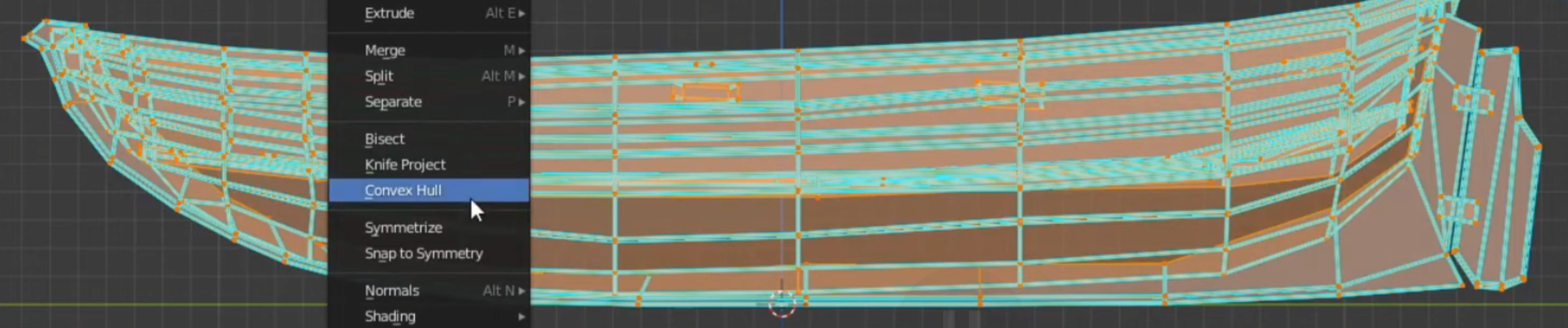
Go to Blender, delete the unnecessary details, go to Mesh > Convex Hull, and you'll get an optimized mesh for depth testing.
🎞️ Udemy Course : Unity Shader
- ~ 37.
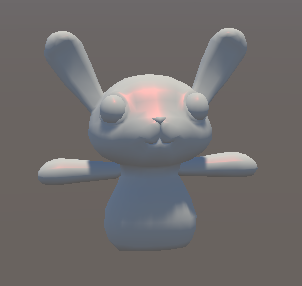
- 램버트 모델 : 노멀 벡터와 광원 방향 벡터 내적
- 퐁 모델 : 표면에 반사된 빛 벡터와 시선 벡터의 각도 차이
- 블린퐁 모델 : 반사된 빛 벡터와 시선 벡터를 더하고 정규화한 하프 벡터와 노멀 벡터를 내적
Shader "Holistic/BasicBlinn" {
    Properties{
        _Colour("Colour", Color) = (1,1,1,1)
        _SpecColor("Colour", Color) = (1,1,1,1)
        _Spec("Specular", Range(0,1)) = 0.5
        _Gloss("Gloss", Range(0,1)) = 0.5
    }

    SubShader {
        Tags {
            "Queue" = "Geometry"
        }

        CGPROGRAM
        #pragma surface surf BlinnPhong

        float4 _Colour;
        half _Spec;
        fixed _Gloss;

        struct Input {
            float2 uv_MainTex;
        };

        void surf(Input IN, inout SurfaceOutput o) {
            o.Albedo = _Colour.rgb;
            o.Specular = _Spec;
            o.Gloss = _Gloss;
        }
        ENDCG
    }
    Fallback "Diffuse"
}- SpecColor는 정의하지 않는 이유 : 유니티의 'include' 파일에 이미 정의돼있음
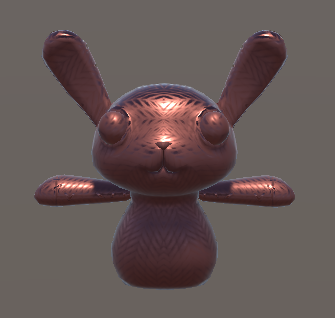
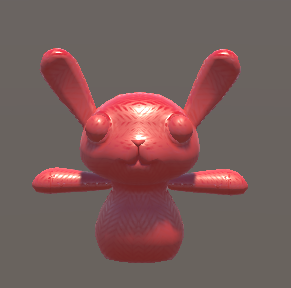
Shader "Holistic/StandardPBR" {
    Properties {
        _Color("Color", Color) = (1,1,1,1)
        _MetalicTex ("Metalic (R)", 2D) = "white" {}
        _Metalic("Metalic", Range(0.0, 1.0)) = 0.0
    }
    SubShader {
        Tags { "Queue" = "Geometry" }

        CGPROGRAM
        #pragma surface surf Standard

        sampler2D _MetalicTex;
        half _Metalic;
        fixed4 _Color;

        struct Input {
            float2 uv_MetalicTex;
        };

        void surf(Input IN, inout SurfaceOutputStandard o) {
            o.Albedo = _Color.rgb;
            o.Smoothness = tex2D (_MetalicTex, IN.uv_MetalicTex).r;
            o.Metallic = _Metalic;
        }
        ENDCG
    }
    Fallback "Diffuse"
}
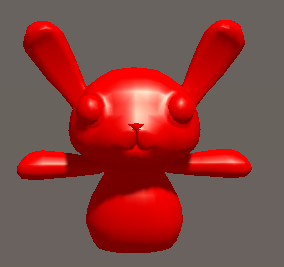
Shader "Holistic/StandardSpecPBR" {
    Properties {
        _Color("Color", Color) = (1,1,1,1)
        _MetalicTex ("Metalic (R)", 2D) = "white" {}
        _SpecColor("Specular", Color) = (1,1,1,1)
    }
    SubShader {
        Tags { "Queue" = "Geometry" }

        CGPROGRAM
        #pragma surface surf StandardSpecular

        sampler2D _MetalicTex;
        fixed4 _Color;

        struct Input {
            float2 uv_MetalicTex;
        };

        void surf(Input IN, inout SurfaceOutputStandardSpecular o) {
            o.Albedo = _Color.rgb;
            o.Smoothness = tex2D (_MetalicTex, IN.uv_MetalicTex).r;
            o.Specular = _SpecColor;
        }
        ENDCG
    }
    Fallback "Diffuse"
}
        #pragma surface surf BasicLambert

        half4 LightingBasicLambert (SurfaceOutput s, half3 lightDir, half atten) {
            half NdotL = dot (s.Normal, lightDir);
            half4 c;
            c.rgb = s.Albedo * _LightColor0.rgb * (NdotL * atten);
            c.a = s.Alpha;
            return c;
        }
custom lighting model
- atten : 표면에서의 빛의 감쇄율
- _LightColor0 : 오브젝트를 비추는 '모든' 빛의 합
        #pragma surface surf BasicBlinn

        half4 LightingBasicBlinn (SurfaceOutput s, half3 lightDir, half3 viewDir, half atten) {
            half3 h = normalize (lightDir + viewDir);

            half diff = max (0, dot (s.Normal, lightDir));

            float nh = max (0, dot(s.Normal, h));
            float spec = pow (nh, 48.0);

            half4 c;
            c.rgb = (s.Albedo * _LightColor0.rgb * diff + _LightColor0.rgb * spec) * atten;
            c.a = s.Alpha;
            return c;
        }
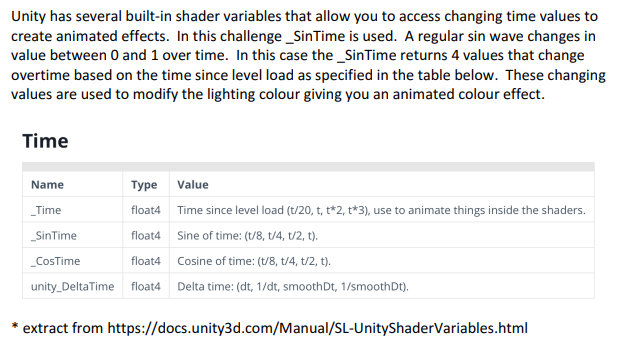
        #pragma surface surf ToonRamp

        float3 _Color;
        sampler2D _RampTex;

        float4 LightingToonRamp (SurfaceOutput s, fixed3 lightDir, fixed atten)
        {
            float diff = dot (s.Normal, lightDir);
            float h = diff * 0.5 + 0.5;
            float2 rh = h;
            float3 ramp = tex2D(_RampTex, rh).rgb;

            float4 c;
            c.rgb = s.Albedo * _LightColor0.rgb * (ramp);
            c.a = s.Alpha;
            return c;
        }
🎮 Project BCA
켰을 때 쓰레기같은 퀄리티의 하얀 화면이 보이니까 할 의욕이 사라지는 문제 발생하여 씬 폴리싱 진행.
Polishing scene
Reflection

(ㄹㅇㅋㅋ)
reflection probe로는 제대로 된 반사를 얻기 힘든 현상 발생하고 있었음.
https://github.com/JoshuaLim007/Unity-ScreenSpaceReflections-URP
이와 같은 URP planar reflection 솔루션들을 고려해보았으나,
성능 문제 우려 및 벽에는 어떻게 적용할지 등 여러 문제 예상됨.
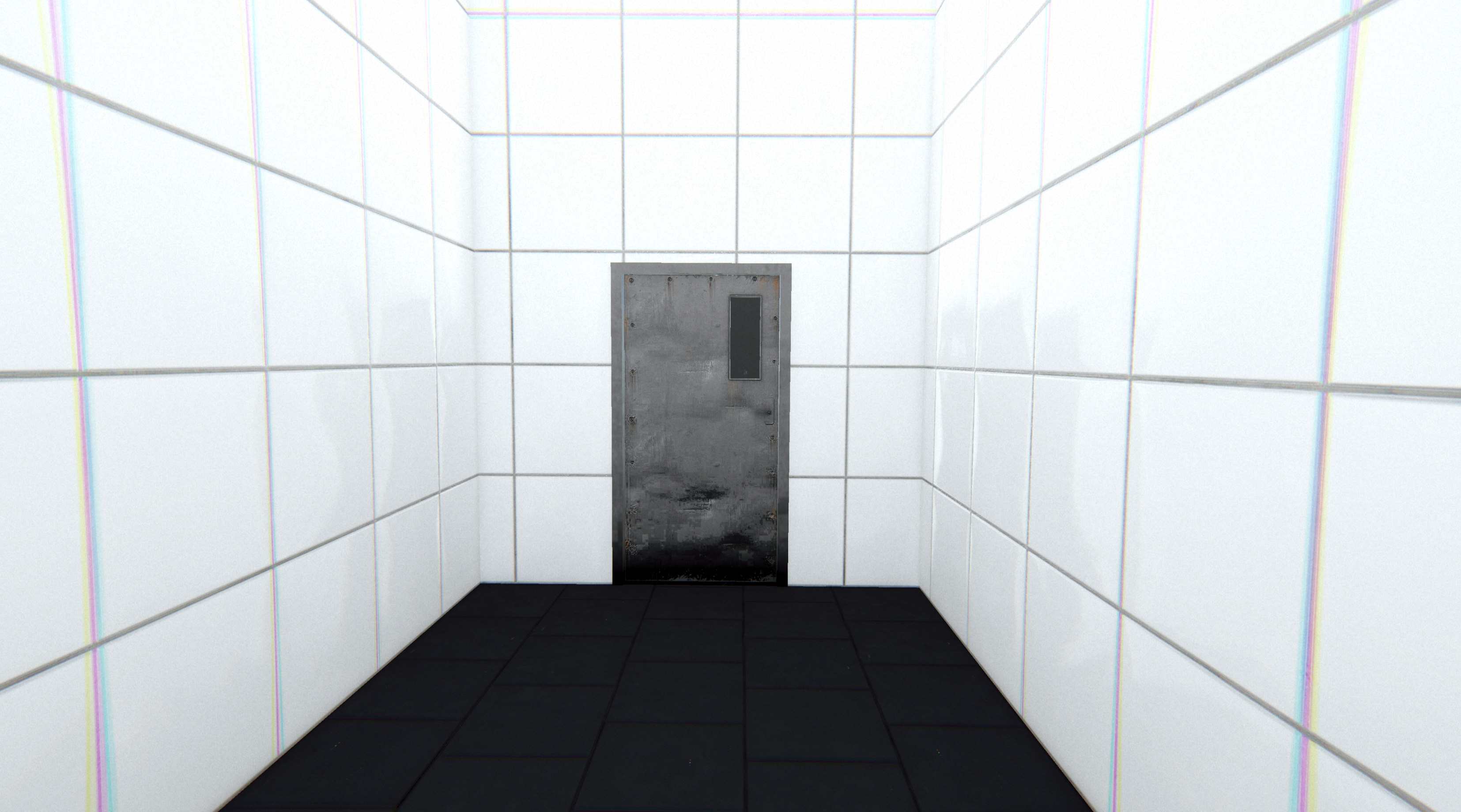
각 벽마다 개별적으로 reflection probe 배치했더니 그럴듯한 반사 생성됨.
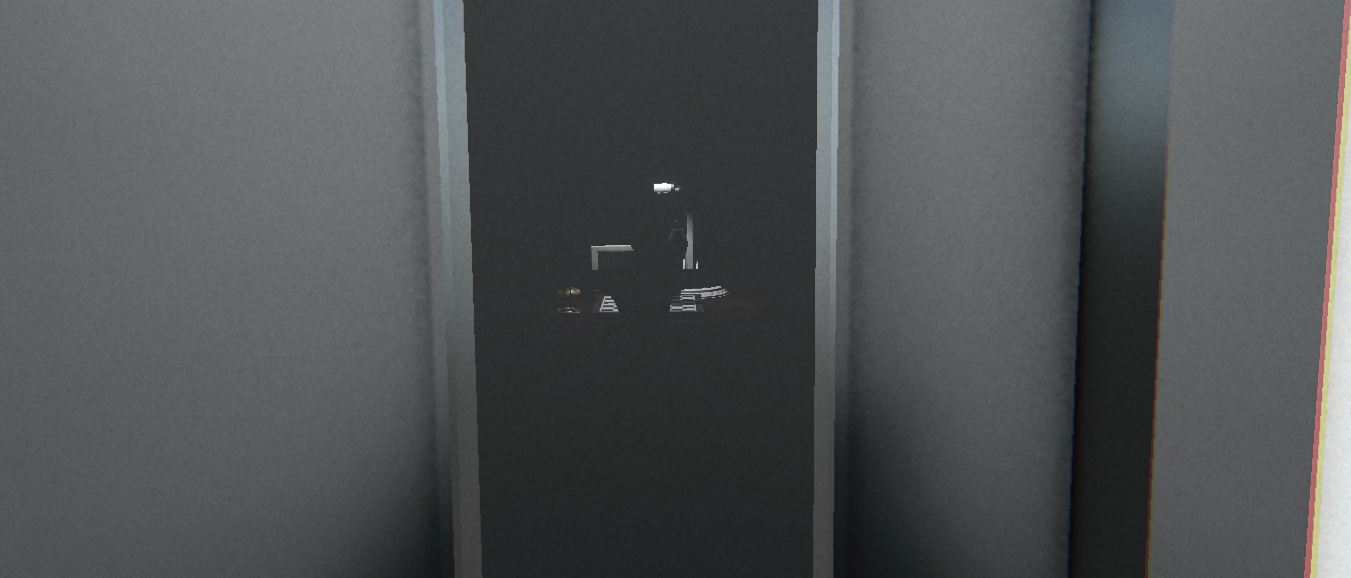
하지만 reflection probe의 희뿌연 안개 효과 때문에 문에 붙은 창문이 이상한 느낌이 된다.
- 엿보기 창문 삭제? : 수용. 사실 재미있는 연출이었지만 이를 완벽하게 이용하려면 기술과 리소스가 꽤 필요해서 어려웠다.
- 문을 다른 재질로? : 시도. 벽, 타일 머테리얼 및 문 모델을 여러 종류 사용해보며 실험해보기.
Game room
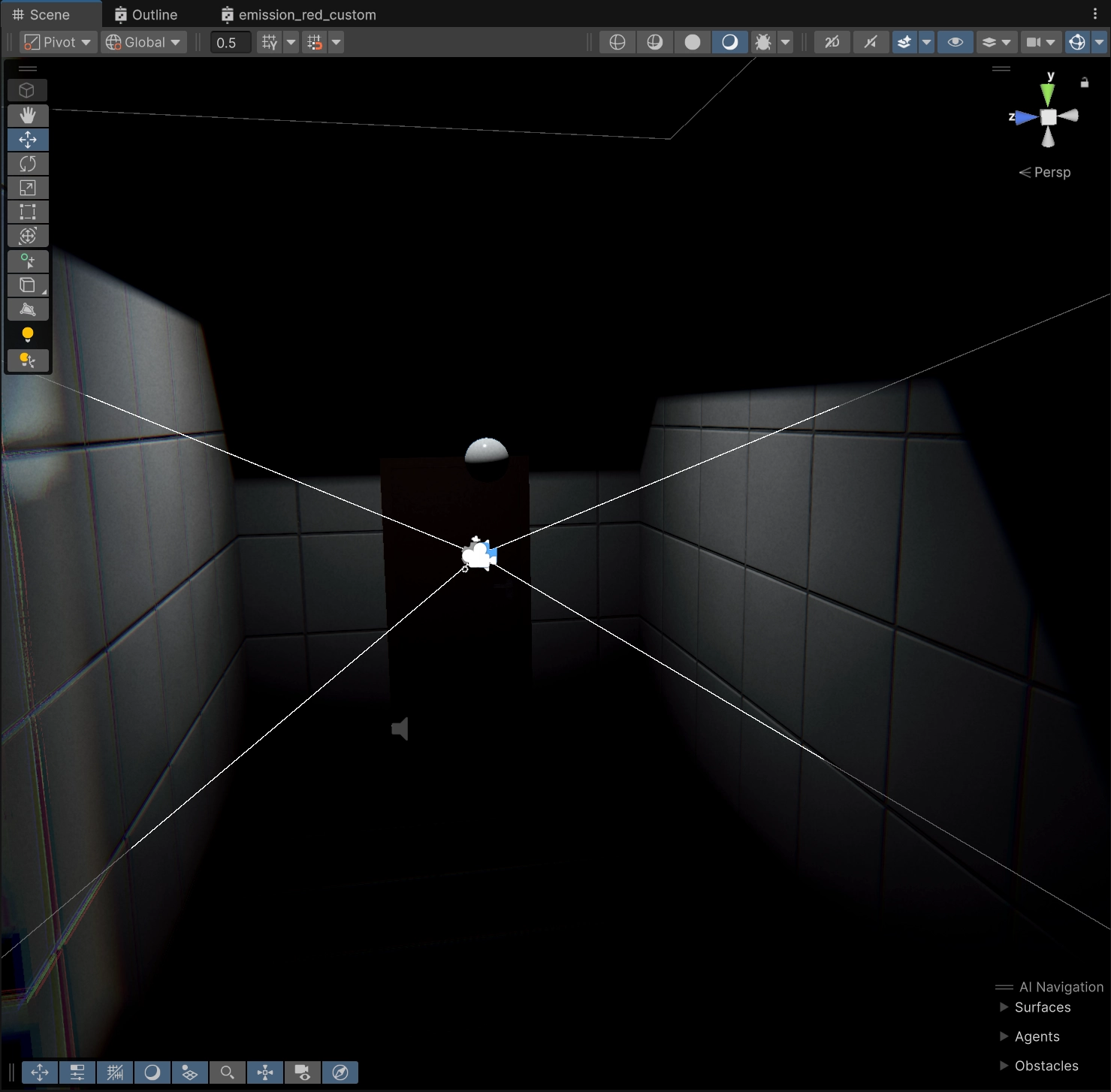
바닥 타일 : https://polyhaven.com/a/rubber_tiles
라이팅 bake하다 실수한 장면인데,
game room의 분위기가 이런 느낌이었으면 좋겠다.
벽을 비춰야 공간감이 살아나는듯.
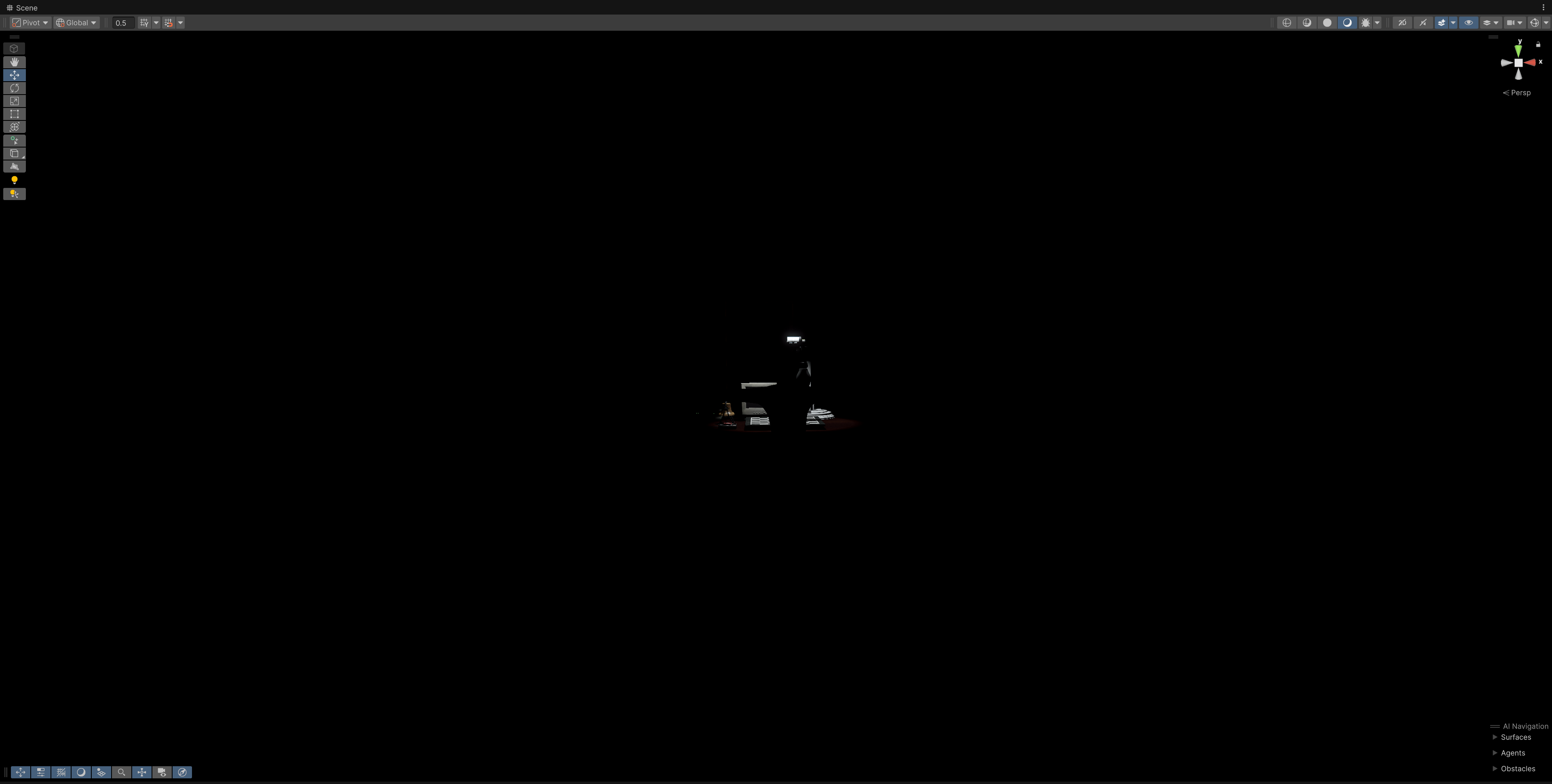
현재는 유저가 방에 들어왔을 때 어떤 공간인지에 대해 정보가 주어지질 않으니 가는 길이 너무 심심하다.
일단 오늘은 문제 의식까지만. 내일 더 실험해보기,
