✅ What I did today
- Project BCA
- Udemy Course : Unity Shader
- Project Katana
🎮 Project BCA
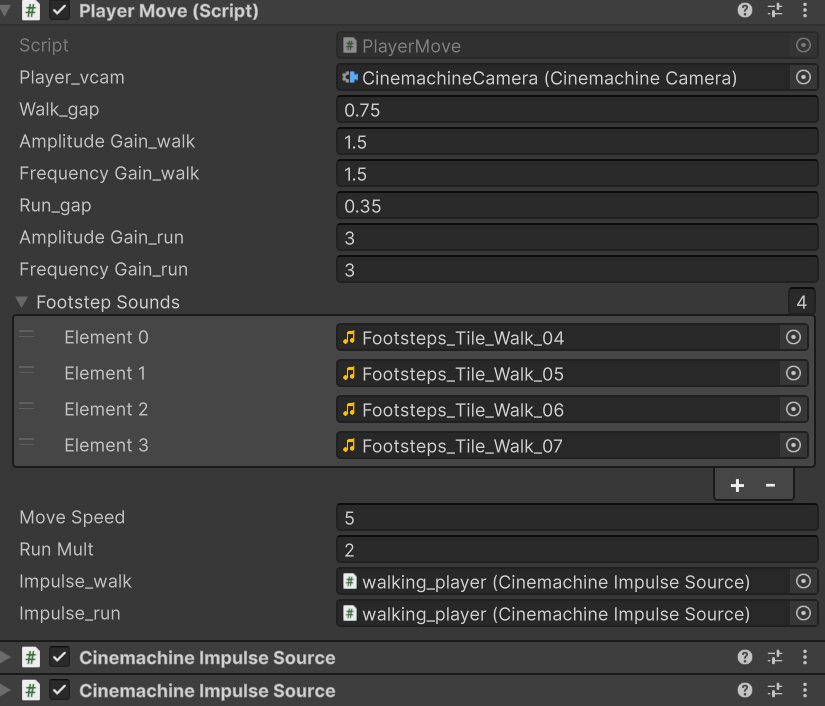
Running
    void Update()
    {
        Vector3 direction = Vector3.zero;

        if (Input.GetKey(KeyCode.W)) direction += player_vcam.transform.forward;
        if (Input.GetKey(KeyCode.S)) direction += -player_vcam.transform.forward;
        if (Input.GetKey(KeyCode.A)) direction += -player_vcam.transform.right;
        if (Input.GetKey(KeyCode.D)) direction += player_vcam.transform.right;

        direction.y = 0f; // y축 이동 방지
        direction.Normalize();
        if (Input.GetKey(KeyCode.LeftShift)) direction *= runMult;

        if (direction != Vector3.zero)
        {
            // 뛰는거
            if (Input.GetKey(KeyCode.LeftShift))
            {
                targetAmplitudeGain = amplitudeGain_run;
                targetFrequencyGain = frequencyGain_run;
                if (!wait_nextFootstep)
                {
                    wait_nextFootstep = true;
                    StartCoroutine(GenerateRunImpulseWithDelay());
                }
            }
            // 걷는거
            else
            {
                targetAmplitudeGain = amplitudeGain_walk;
                targetFrequencyGain = frequencyGain_walk;
                if (!wait_nextFootstep)
                {
                    wait_nextFootstep = true;
                    StartCoroutine(GenerateWalkImpulseWithDelay());
                }
            }
        }
Prototyping New Ending
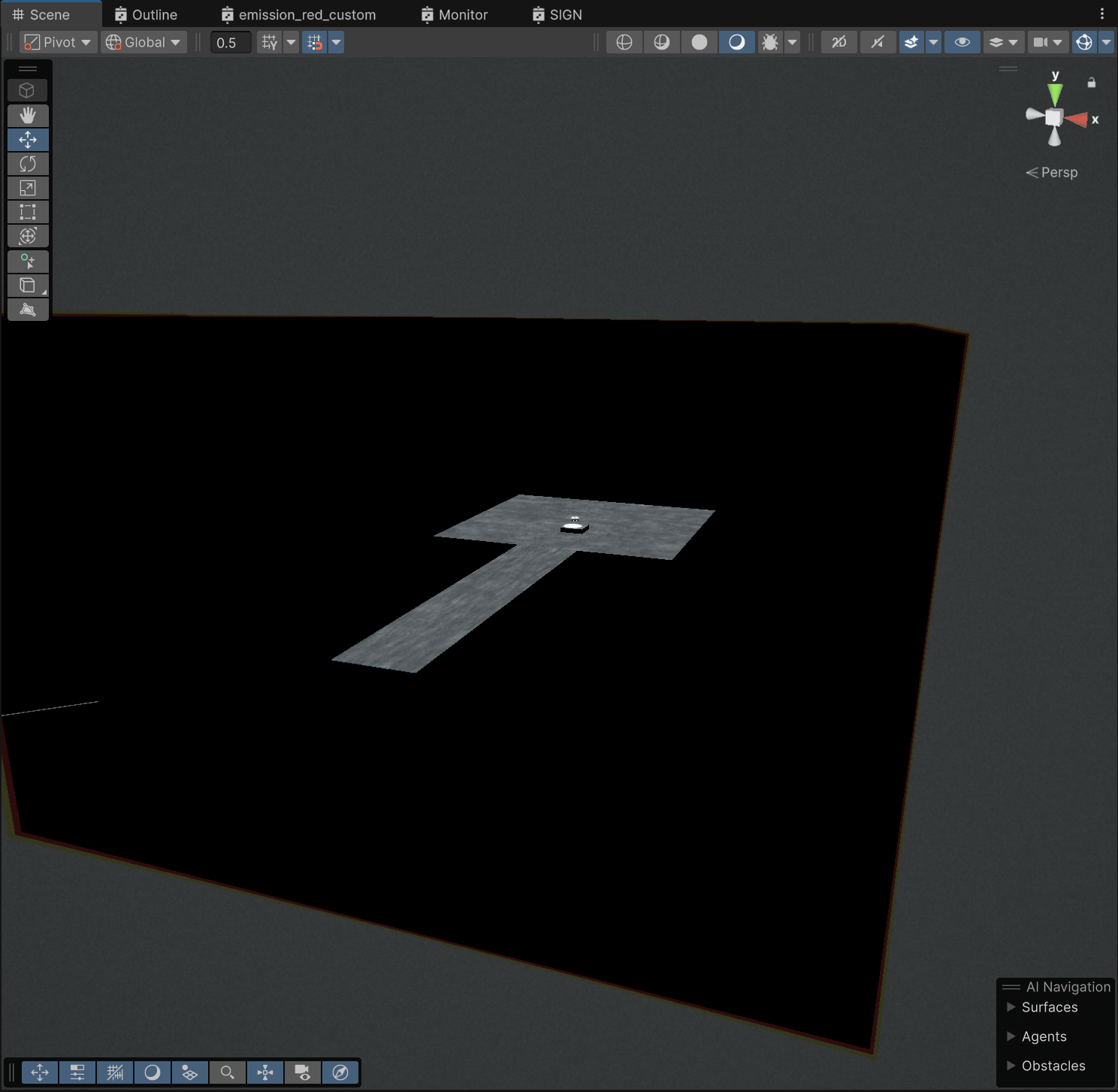
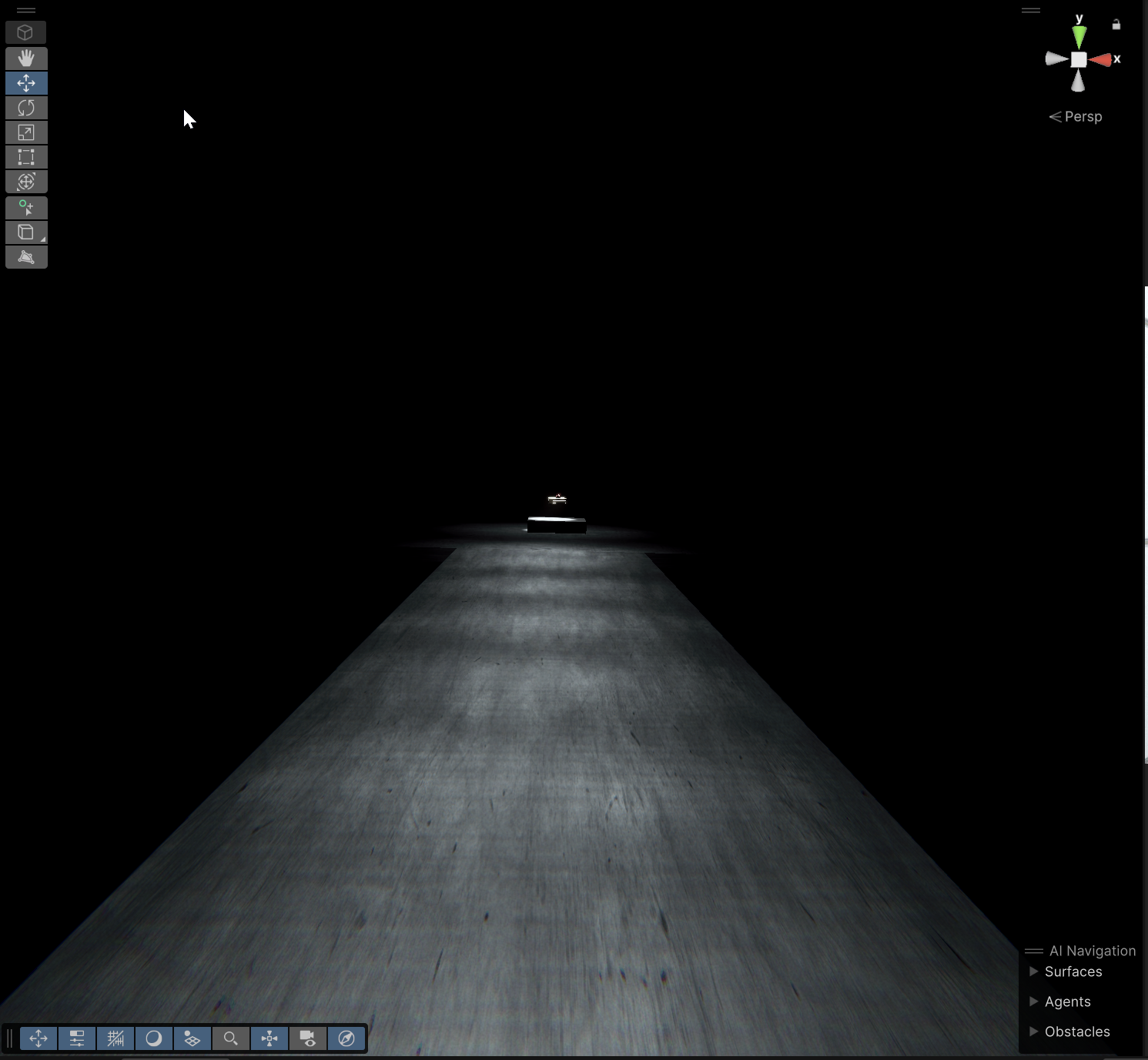
Asset : Analytic Volumetric Light
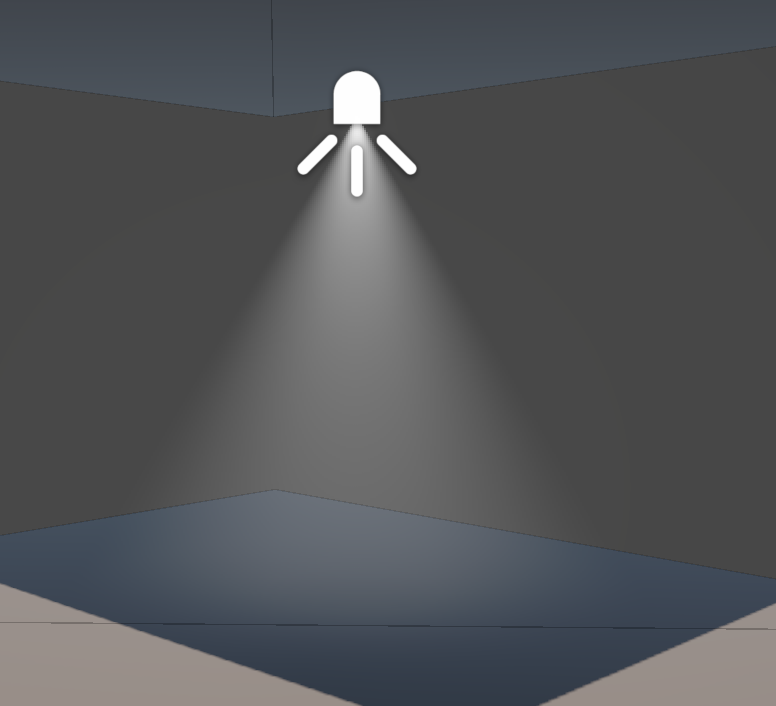
초기 설정 제대로 했는데도 제대로 안 보이는 문제 : Global Volume에 추가한 override에서 Air Density 다 켜지 말 것
Base Light를 설정한 후에 원본 빛을 바꿨다면 Copy From Light Component
🎞️ Udemy Course : Unity Shader
Vertex extruding
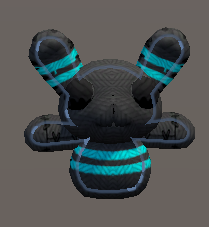
    SubShader {
        CGPROGRAM
        #pragma surface surf Lambert vertex:vert

        struct Input {
            float2 uv_MainTex;
        };

        // 원래라면 유니티가 알아서 appdata 선언하는데,
        // vert 함수를 사용자가 작성하였으므로
        // texcoord를 선언하지 않으면 uv를 넘겨줄 수 없음
        struct appdata {
            float4 vertex: POSITION;
            float3 normal: NORMAL;
            float4 texcoord: TEXCOORD0;
        };

        float _Amount;

        void vert (inout appdata v) {
            v.vertex.xyz += v.normal * _Amount;
        }

        // fragment shader는 유니티가 알아서 처리해준다.
        // compile and show code로 확인 가능

        sampler2D _MainTex;
        void surf (Input IN, inout SurfaceOutput o) {
            o.Albedo = tex2D (_MainTex, IN.uv_MainTex).rgb;
        }

        ENDCG
    }
Simple Outline
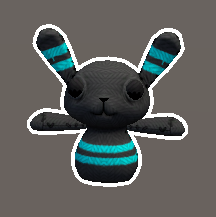
    SubShader {
        Tags { "Queue" = "Transparent" }

        // Z buffer를 안 쓰면 배경에 가려짐
        // 그래서 RenderQueue를 Transparent로 해야됨
        // 그래도 다른 오브젝트에 가려지긴 함.
        // Zwrite만 안 하는거지 자기 depth 값으로 Ztest는 하기 때문.
        ZWrite Off
        CGPROGRAM
        #pragma surface surf Lambert vertex:vert
        struct Input {
            float2 uv_MainTex;
        };
        float _Outline;
        float4 _OutlineColor;
        void vert (inout appdata_full v) {
            v.vertex.xyz += v.normal * _Outline;
        }
        sampler2D _MainTex;
        void surf(Input IN, inout SurfaceOutput o)
        {
            o.Emission = _OutlineColor.rgb;
        }
        ENDCG

        ZWrite On
        CGPROGRAM
        #pragma surface surf Lambert
        struct Input {
            float2 uv_MainTex;
        };

        sampler2D _MainTex;
        void surf (Input IN, inout SurfaceOutput o) {
            o.Albedo = tex2D(_MainTex, IN.uv_MainTex).rgb;
        }
        ENDCG

}- 유니티가 Surface Shader를 해석해서 Pass {}를 만들어줌.
appdata_full: 미리 정의된 버텍스 입력 구조체. 직접 필요한거 선언 안해도 됨.
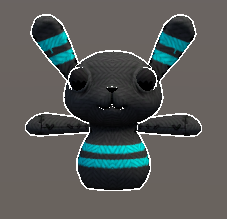
    SubShader {
        Tags { "Queue" = "Transparent" }

        CGPROGRAM
        #pragma surface surf Lambert
        struct Input {
            float2 uv_MainTex;
        };

        sampler2D _MainTex;
        void surf (Input IN, inout SurfaceOutput o) {
            o.Albedo = tex2D(_MainTex, IN.uv_MainTex).rgb;
        }
        ENDCG

        Pass {
            Cull Front

            CGPROGRAM
            #pragma vertex vert
            #pragma fragment frag

            #include "UnityCG.cginc"

            struct appdata {
                float4 vertex : POSITION;
                float3 normal : NORMAL;
            };

            struct v2f {
                float4 pos : SV_POSITION;
                fixed4 color : COLOR;
            };

            float _Outline;
            float4 _OutlineColor;

            v2f vert(appdata v) {
                v2f o;
                // vertex 위치를 clipping space 위치로 변환
                o.pos = UnityObjectToClipPos(v.vertex);
                // normal을 view space로 변환
                float3 norm = normalize(mul ((float3x3)UNITY_MATRIX_IT_MV, v.normal));
                // normal.xy를 clipping space로 변환
                float2 offset = TransformViewToProjection(norm.xy);

                // o.pos.z를 곱하는 이유 : 멀리 있는 것도 두께 일정해지도록
                o.pos.xy += offset * o.pos.z * _Outline;
                o.color = _OutlineColor;
                return o;
            }

            fixed4 frag(v2f i) : SV_Target
            {
                return i.color;
            }
            ENDCG
        }
    }
https://blog.naver.com/kzh8055/140188596379
🎮 Project Katana

    void Update()
    {
        Vector3 mousePosition = Input.mousePosition;
        mousePosition = Camera.main.ScreenToWorldPoint(new Vector3(mousePosition.x, mousePosition.y, Camera.main.nearClipPlane));
        Vector3 direction = mousePosition - transform.position;
        float angle = Mathf.Atan2(direction.y, direction.x) * Mathf.Rad2Deg;
        transform.rotation = Quaternion.Euler(new Vector3(0, 0, angle));
    }