EventHandling이란?
Event Handling
- Event는 웹 내부에서 발생하는 사용자의 행동
Ex.) 버튼 클릭, 메세지 입력, 스크롤 등등 - Handling은 다루다, 취급하다, 처리하다 등등
Event Handling이란 이벤트가 발생 했을 때 그것을 처리하는 것입니다.
const Button = ({ text, color, children }) => {
  return (
    <button
      onClick={() => console.log(text)} // Event Handler
      style={{ color: color }}
    >
      {text} - {color.toUpperCase()}
      {children}
    </button>
  );
};

Button.defaultProps = {
  color: 'white',
};

export default Button;
or
const Button = ({ text, color, children }) => {
  const onClickButton = () => console.log(text);
  return (
    <button style={{ color: color }} onClick={onClickButton}>
      {text} - {color.toUpperCase()}
      {children}
    </button>
  );
};

Button.defaultProps = {
  color: 'white',
};

export default Button;
함수를 밖으로 뺀 후 Onclick() 함수 안에 함수명을 넣는 것도 가능
주의점!!
함수를 호출 할 때는 함수명만 적어야 합니다.
⭕ 올바른 예시 (콜백 함수 쓰듯이 함수명만 적기)
const Button = ({ text, color, children }) => {
  const onClickButton = () => console.log(text);
  return (
    <button style={{ color: color }} onClick={onClickButton}>
      {text} - {color.toUpperCase()}
      {children}
    </button>
  );
};

Button.defaultProps = {
  color: 'white',
};

export default Button;
❌ 잘못된 예시
const Button = ({ text, color, children }) => {
  const onClickButton = () => console.log(text);
  return (
    <button style={{ color: color }} onClick={onClickButton()}>
      {text} - {color.toUpperCase()}
      {children}
    </button>
  );
};

Button.defaultProps = {
  color: 'white',
};

export default Button;
크로스 브라우징 이슈 (Cross Browsing Issue)
- 크로스 브라우징 이슈란 브라우저 별 스펙이 달라 발생하는 문제
- 사용 하려는 CSS나 JS 문법이 다른 브라우저에서 맞지 않을 때 발생 되는 문제를 말합니다.
이를 해결하고자 나타난 것이... 합성 이벤트죠.
합성 이벤트 (Synthetic Event)
합성 이벤트란 모든 브라우저의 이벤트 객체를 하나로 통일한 형태입니다.
합성 이벤트는 빠른 속도의 인터넷을 위해 합성 이벤트를 사용해야합니다.
역시 IE는...
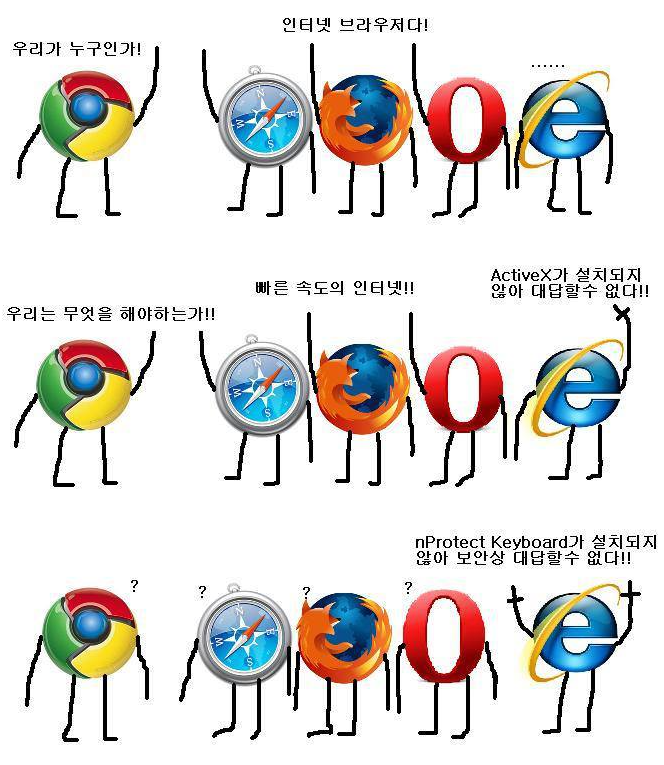
그만 알아보죠...

그냥 그저 그런 개발자