
체크 박스 vs 라디오 버튼
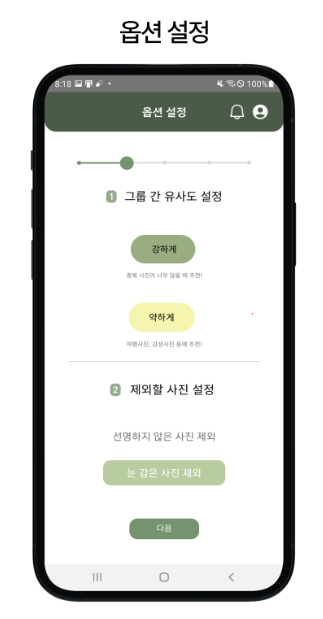
UI 디자인 중 선택하는 항목이 필요한데 이때 체크박스와 라디오 버튼 둘 중 무엇을 사용해야 하는지 헷갈렸다.
찾아보니 체크박스는 각 항목이 독립적으로 존재하므로 다중 선택이 가능하다.
반면 라디오 버튼은 각 항목이 상호 배타적으로 존재하므로 하나의 선택만 가능하다.
나는 다중 선택이 필요했으므로 체크박스를 구현했지만
궁금해서 라디오 버튼 구현 방식도 정리했다.
체크박스
npm install @react-native-community/checkboximport CheckBox from '@react-native-community/checkbox';
...
return (
...
<CheckBox
value={selectAll}
onValueChange={handleSelectAll}
tintColors={{true: '#017AFF', false: '#000000'}}
/>
<CheckBox
value={selected.includes(`${groupIndex}-${imgIndex}`)}
onValueChange={() => handleSelect(groupIndex, imgIndex)}
style={styles.checkbox}
tintColors={{true: '#017AFF', false: '#000000'}}
/>
);라디오 버튼
npm install react-native-radio-buttons-group
import RadioGroup from 'react-native-radio-buttons-group';

const MyComponent = () => {
  const [radioButtons, setRadioButtons] = useState([
    {
      id: '1', // unique id
      label: 'Option 1',
      value: 'option1',
      color: '#017AFF',
    },
    {
      id: '2',
      label: 'Option 2',
      value: 'option2',
      color: '#017AFF',
    },
  ]);

  function onPressRadioButton(radioButtonsArray) {
    setRadioButtons(radioButtonsArray);
  }

  return (
    <View>
      <RadioGroup
        radioButtons={radioButtons}
        onPress={onPressRadioButton}
      />
    </View>
  );
};

export default MyComponent;