계산기목업만들기
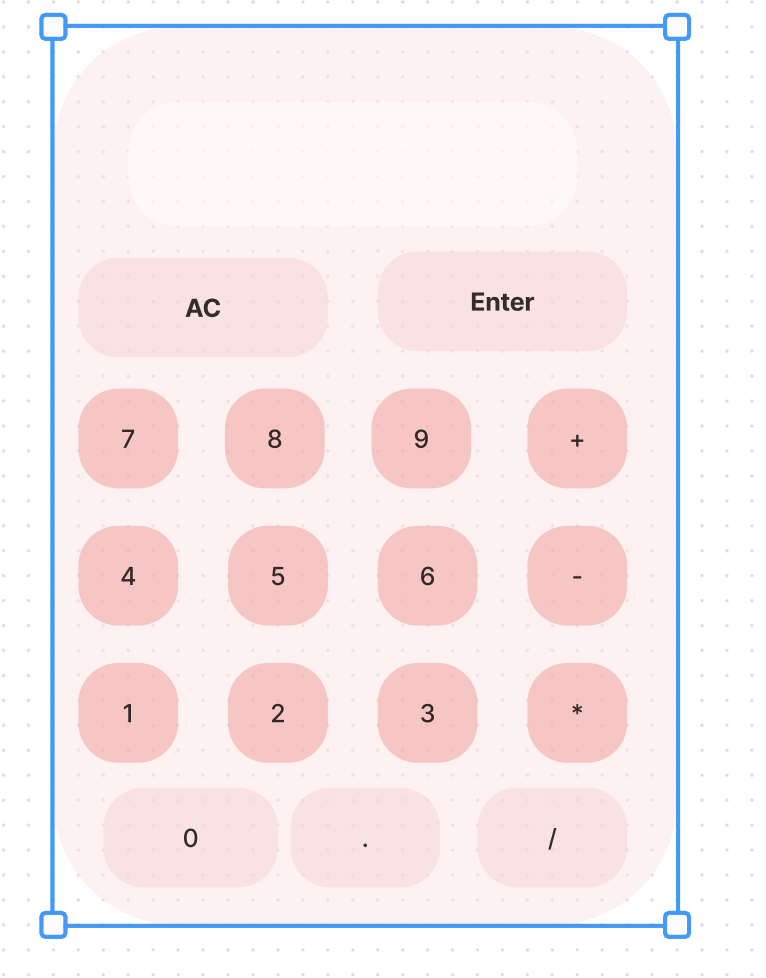
처음 구성한 계산기 와이어프레임은 이러했다.
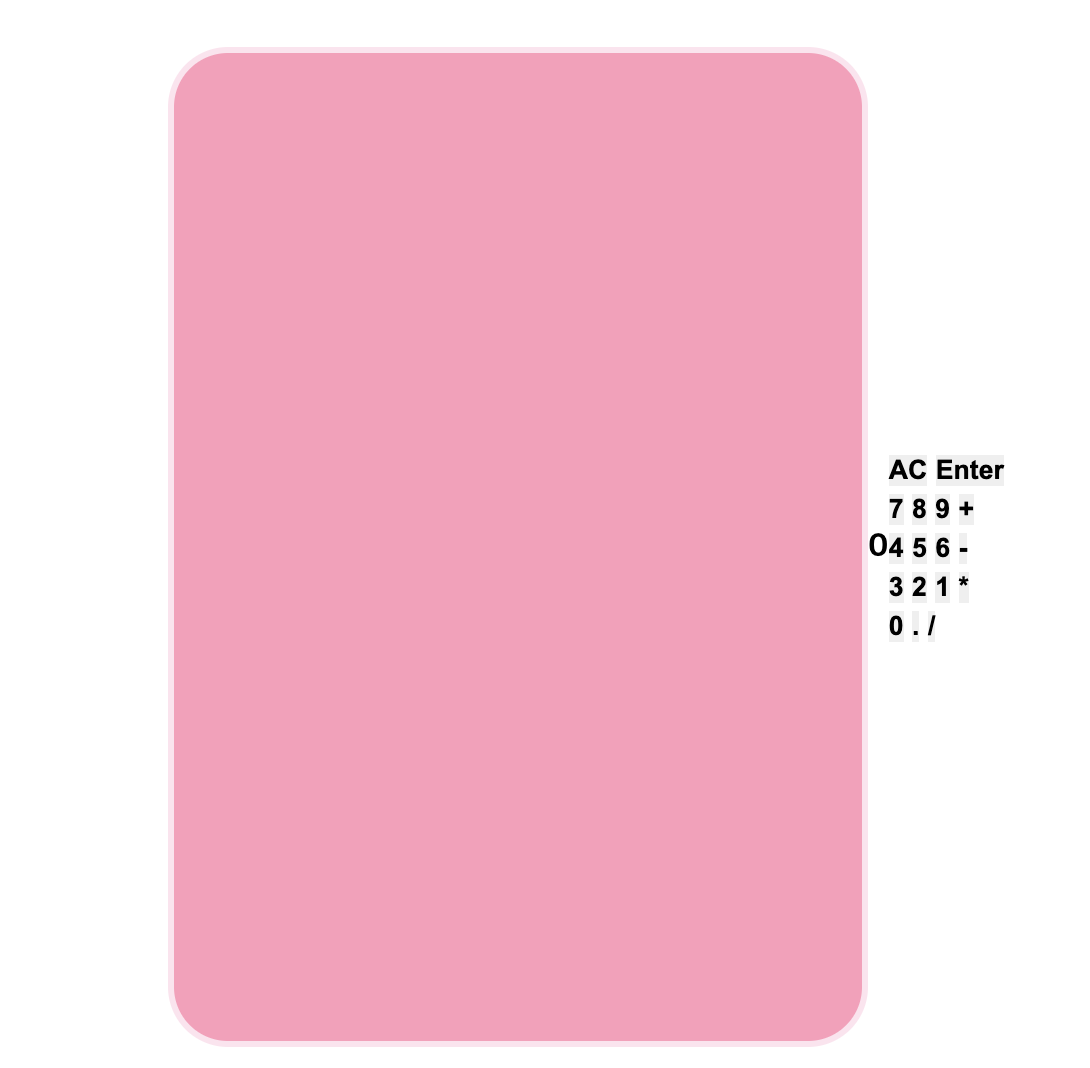
그런데 왠걸 하다보니 숫자버튼이 밖에서 안으로 들어올생각을 안했다. 멘붕이 와서 이것 저것 다지우고 해봐도 들어오지않았다.
그래서 그냥 다 지우고 다시 새롭게 코드를 짰다.
⬆️ (실패한 계산기)
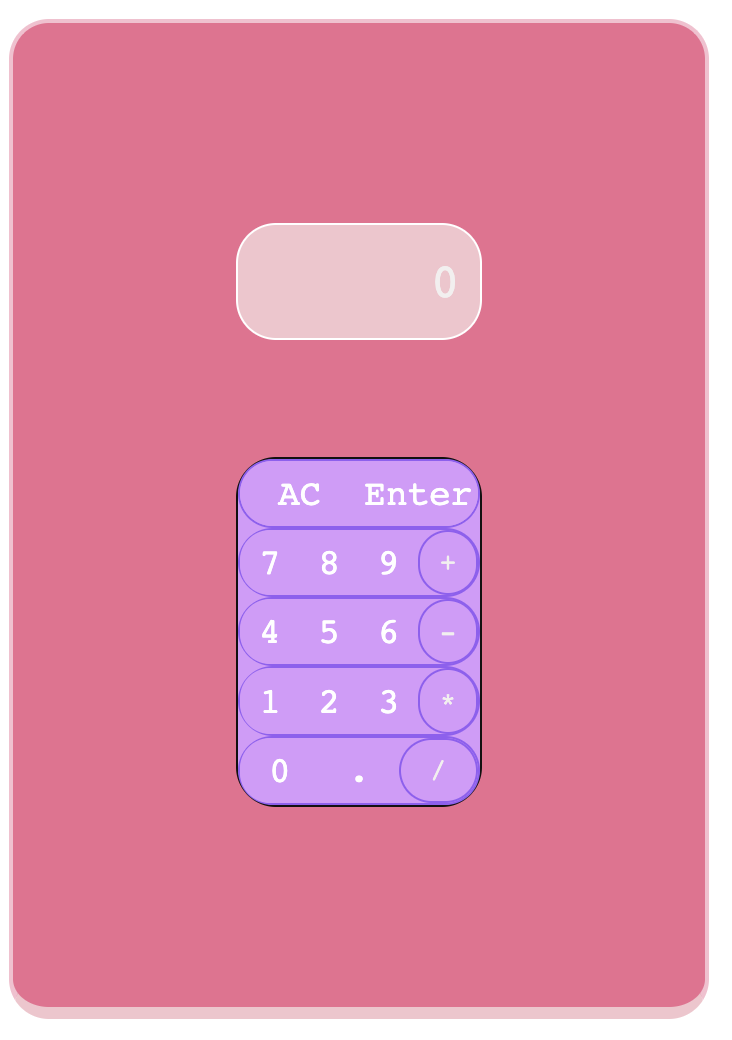
그다음 두번째로 실패한 계산기
나중에 찾아보니 .button-container에 width를 지정을 안해주고 height만 지정해주어서 저렇게 옹졸한 계산기가 탄생한거였다.
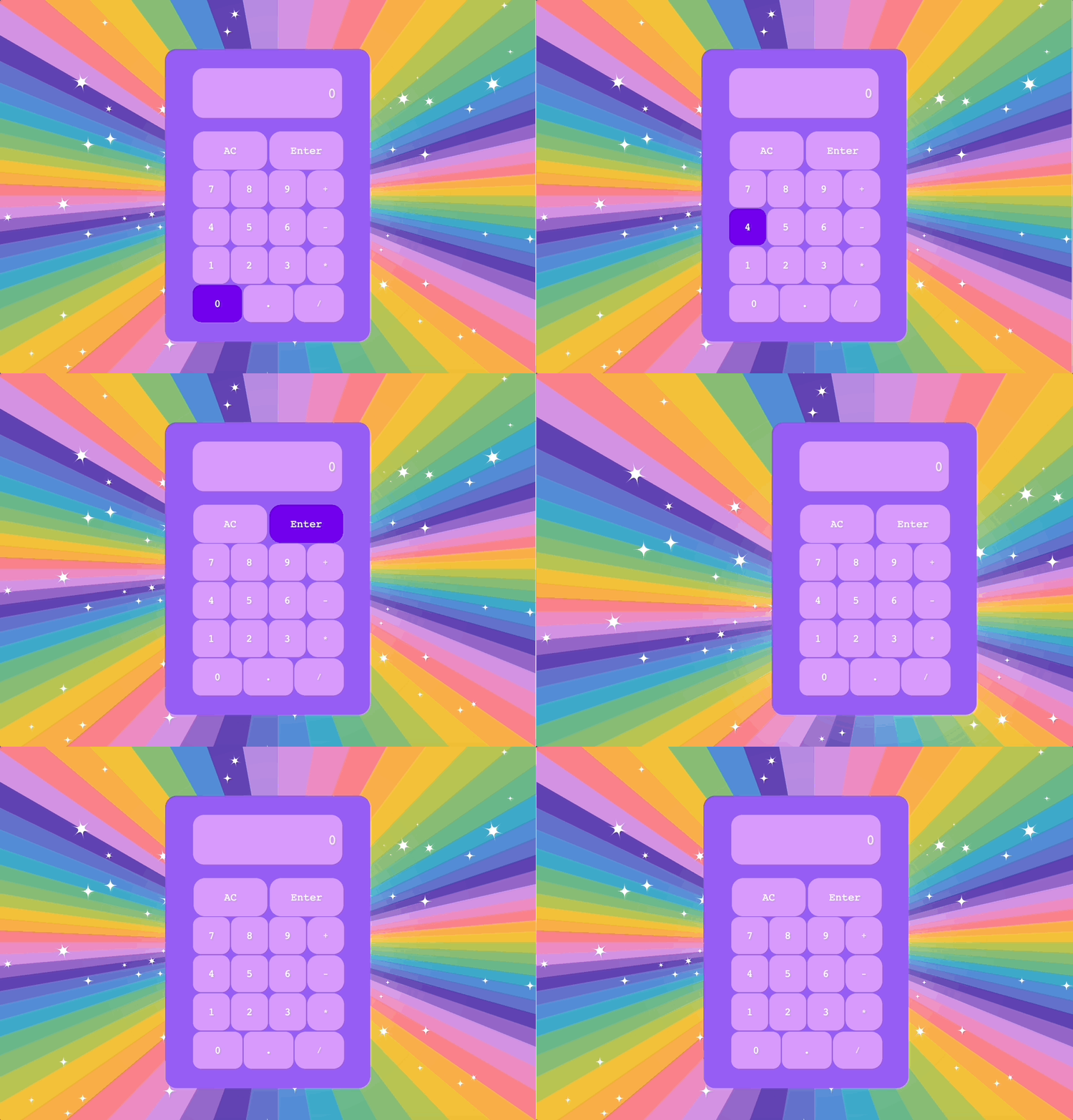
수정에 수정을 걸쳐 다시 새롭게 태어난 계산기 ⬆️
HTML
  <title>Document</title>
  <link rel="stylesheet" href="style.css">
</head>
<body>
  <div class="container">
    <div class="calculator">
      <div class="display">
        <span>0</span>
      </div>

      <div class="button-container">
        <div class="button-content">
          <button class="button_reset">AC</button>
          <button class="button_reset">Enter</button>
        </div>

        <div class="button-content">
          <button class="button_number">7</button>
          <button class="button_number">8</button>
          <button class="button_number">9</button>
          <button class="button_operatorr">+</button>
        </div>

        <div class="button-content">
          <button class="button_number">4</button>
          <button class="button_number">5</button>
          <button class="button_number">6</button>
          <button class="button_operatorr">-</button>
      </div>

      <div class="button-content">
        <button class="button_number">1</button>
        <button class="button_number">2</button>
        <button class="button_number">3</button>
        <button class="button_operatorr">*</button>
    </div>

    <div class="button-content">
      <button class="button_number">0</button>
      <button class="button_number">.</button>
      <button class="button_operatorr">/</button>
  </div>


</body>
</html>
CSS
* {
  box-sizing: border-box;
  padding: 0;
  margin: 0;
  border: 0;
  font-family: monospace, cursive;
  color: #f3efef;
}

body {
  display: flex;
  justify-content: center;
  align-items: center;
  border: 1px solid rgb(237, 226, 226);
  height: 100vh;
  background-image: url(./—Pngtree—colorful\ radial\ cartoon\ rainbow\ background_1344565.png);
  background-size: cover;
}

.calculator {
  border: 2px solid #955ef4;
  width: 350px;
  height: 500px;
  padding: 30px 20px;
  display: flex;
  flex-direction: column;
  justify-content: space-between;
  background-color: #955ef4;
  border-radius: 20px;
}
.display {
  display: flex;
  height: 20%;
  border: 1px solid #955ef4;
  border-radius: 20px;
  justify-content: right;
  align-items: center;
  margin-left: 8%;
  margin-right: 8%;
  color: #955ef4;
  background-color: #d899fc;
  font-size: x-large;
}
.display span {
  margin-right: 10px;
}
.button-container {
  display: flex;
  flex-direction: column;
  height: 75%;
  width: 260px;
  border-radius: 20px;
  margin-left: 8%;
  margin-right: 8%;
}
.button-content {
  flex: 1 0 20%;
  display: flex;
  flex-direction: row;
  border-radius: 20px;
}
.button_number {
  flex: 1 0 25%;
  border: 1px solid #955ef4;
  background-color: #d899fc;
  color: white;
  font-size: large;
  border-radius: 15px;
}
.button_number:hover {
  background-color: #7302ec;
}
.button_operatorr {
  flex: 1 0 25%;
  background-color: #d899fc;
  border: 1px solid #955ef4;
  border-radius: 20px;
}
.button_operatorr:hover {
  background-color: #7302ec;
}
.button_reset {
  flex: 1 0 25%;
  background-color: #d899fc;
  color: white;
  font-size: large;
  border-radius: 20px;
  margin: 0 2px;
}
.button_reset:hover {
  background-color: #7302ec;
}