몽고디비
- 개인화 서비스
- 데이터는 제이슨 포멧
- 쓰는건 자바스크립트로
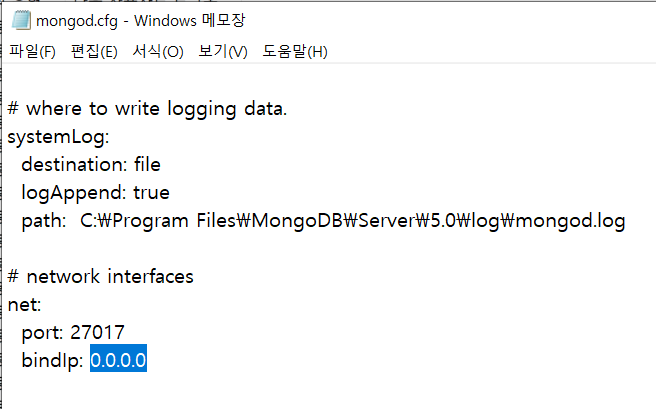
내 아이피로 등록하기
실습
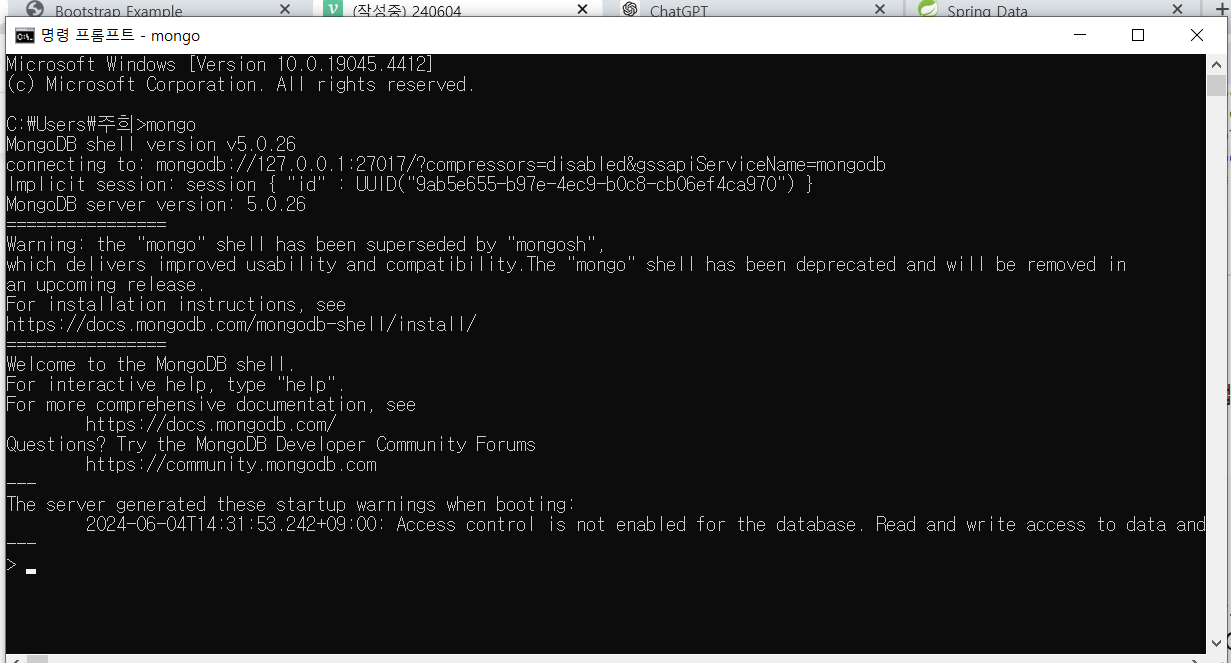
> show dbs
admin   0.000GB
config  0.000GB
local   0.000GB

> use sample
switched to db sample

> db
sample

> show dbs
admin   0.000GB
config  0.000GB
local   0.000GB

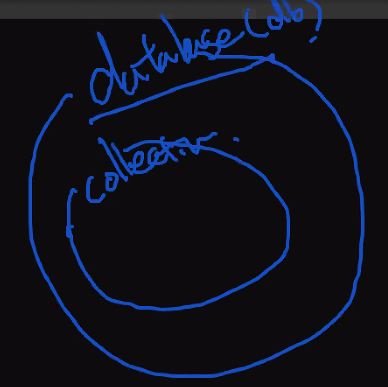
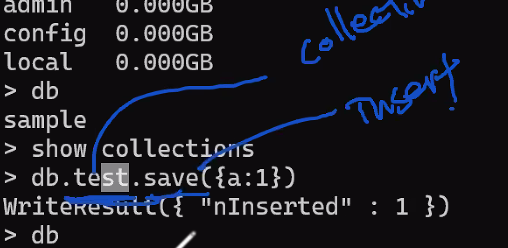
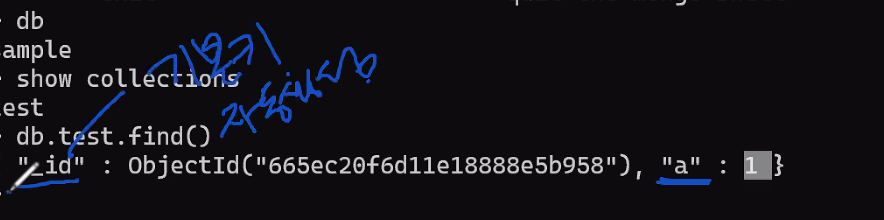
> show collections - 테이블과 같은 역할이 collection

> db.test.save({a:1})
WriteResult({ "nInserted" : 1 })

> db
sample

> show dbs
admin   0.000GB
config  0.000GB
local   0.000GB
sample  0.000GB
> help
        db.help()                    help on db methods
        db.mycoll.help()             help on collection methods
        sh.help()                    sharding helpers
        rs.help()                    replica set helpers
        help admin                   administrative help
        help connect                 connecting to a db help
        help keys                    key shortcuts
        help misc                    misc things to know
        help mr                      mapreduce

        show dbs                     show database names
        show collections             show collections in current database
        show users                   show users in current database
        show profile                 show most recent system.profile entries with time >= 1ms
        show logs                    show the accessible logger names
        show log [name]              prints out the last segment of log in memory, 'global' is default
        use <db_name>                set current database
        db.mycoll.find()             list objects in collection mycoll
        db.mycoll.find( { a : 1 } )  list objects in mycoll where a == 1
        it                           result of the last line evaluated; use to further iterate
        DBQuery.shellBatchSize = x   set default number of items to display on shell
        exit                         quit the mongo shell
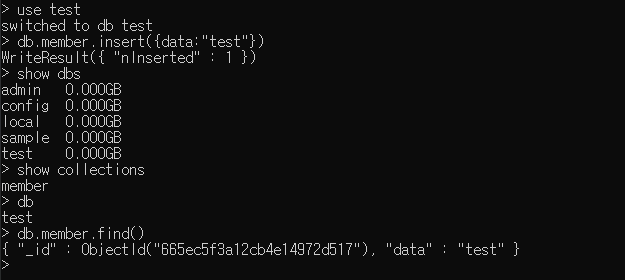
미션
mongodb의 터미널 명령어 연습하기
db만들기 - db명은 test
컬랙션만들기 - 컬랙션명은 member
document추가하기 - {data:"test"}
db목록조회하기
현재db조회
collection목록조회
collection에 저장된 document조회하기
도큐먼트 ( 컬렉션 ( 데이터베이스
- RDBMS : 정형 DB
- MongoDB : 비정형 DB
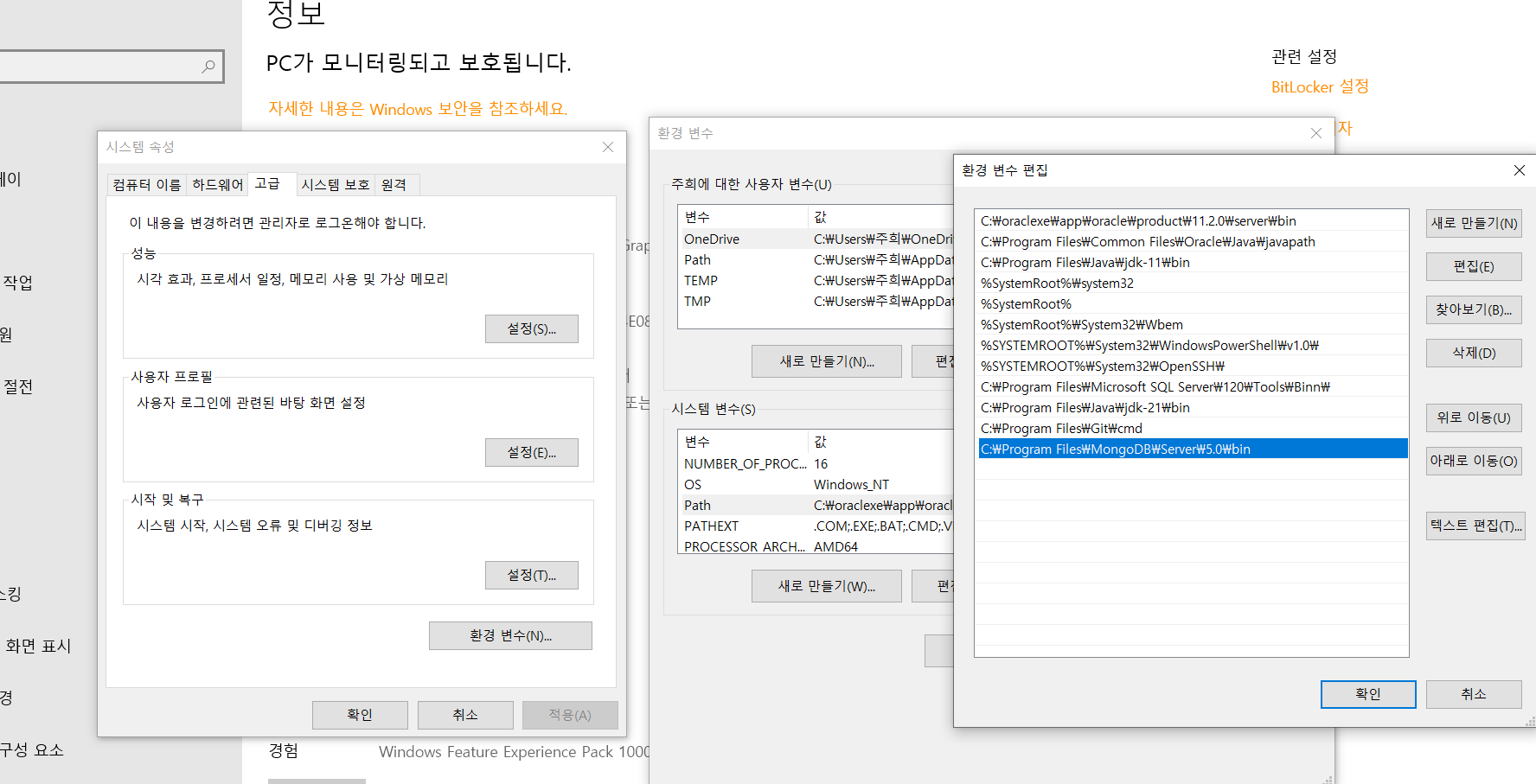
컨트롤 알트 딜리트 작업관리자
본 포스팅은 멀티캠퍼스의 멀티잇 백엔드 개발(Java)의 교육을 수강하고 작성되었습니다.