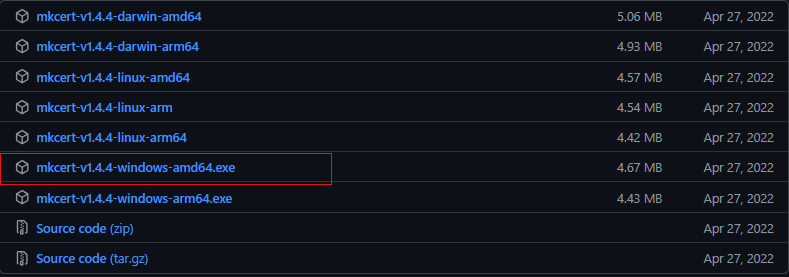
1. mkcert 다운로드
https://github.com/FiloSottile/mkcert/releases
2. 프로젝트 폴더 내 mkcert 폴더 생성
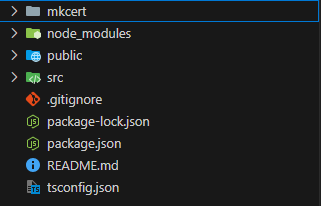
3. 다운로드 받은 exe 파일 mkcert 폴더로 이동
- 편의를 위해 다운로드 받은 exe 파일의 이름을 'cert.exe' 변경함
4. 터미널 실행
	C:프로젝트 폴더경로> cd mkcert
    C:프로젝트 폴더경로> mkcert -install
    C:프로젝트 폴더경로> mkcert localhost 127.0.0.1
5. mkcert 폴더 내에 생성된 파일 확인
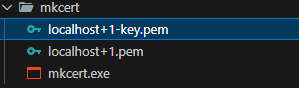
- 파일명 변경
localhost+1-key.pem > key.pem
localhost+1.pem > cert.pem
6.pacdkage.json 수정
  "scripts": {
    "start": "set HTTPS=true&&set SSL_CRT_FILE=./mkcert/cert.pem&&set SSL_KEY_FILE=./mkcert/key.pem&&react-scripts start",
    "build": "react-scripts build",
    "test": "react-scripts test",
    "eject": "react-scripts eject"
  },
7. npm run start
어떻게든 되겠지!