Starting Spring boot web server
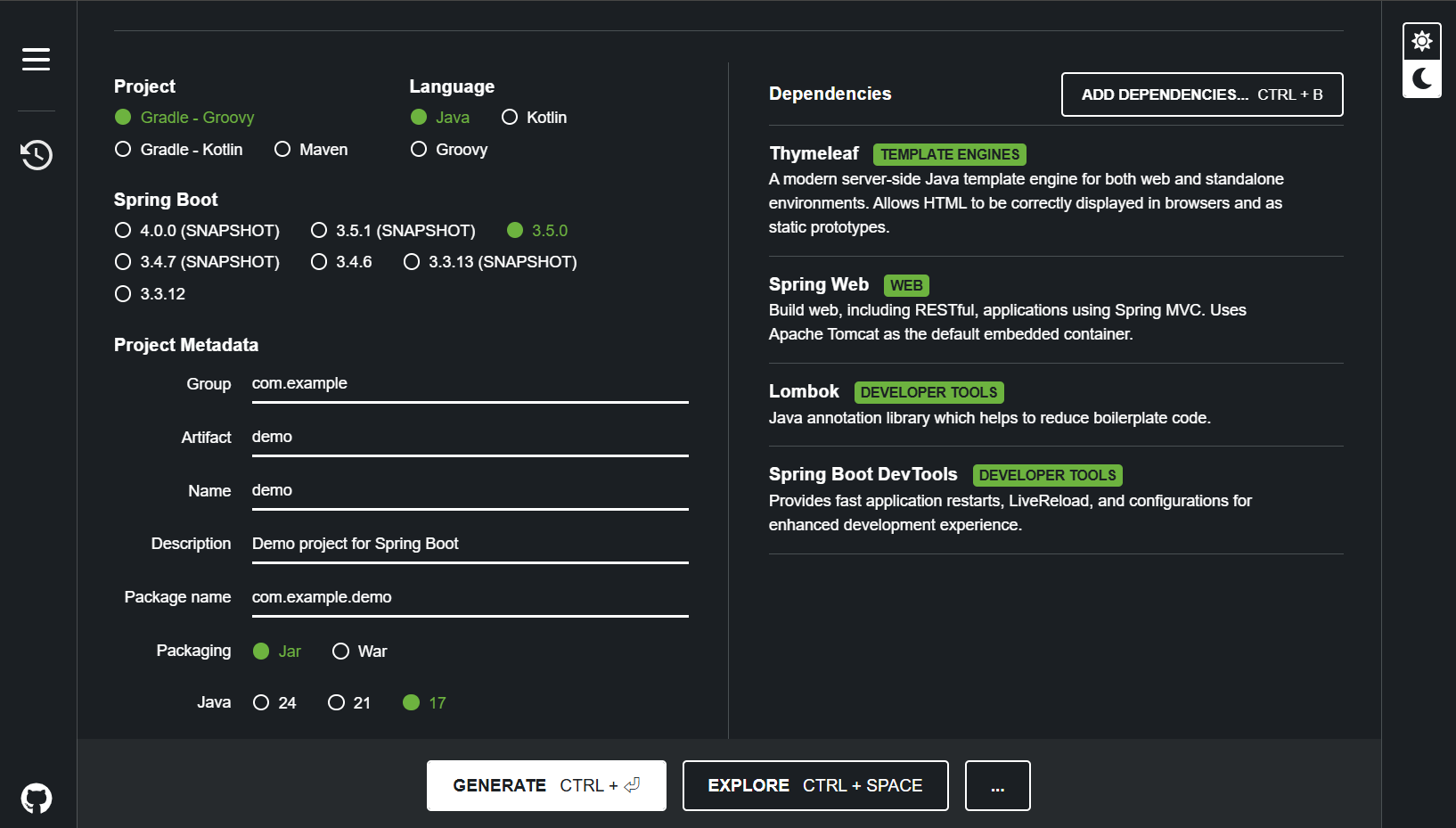
✅ 1. spring initializr 접속하기
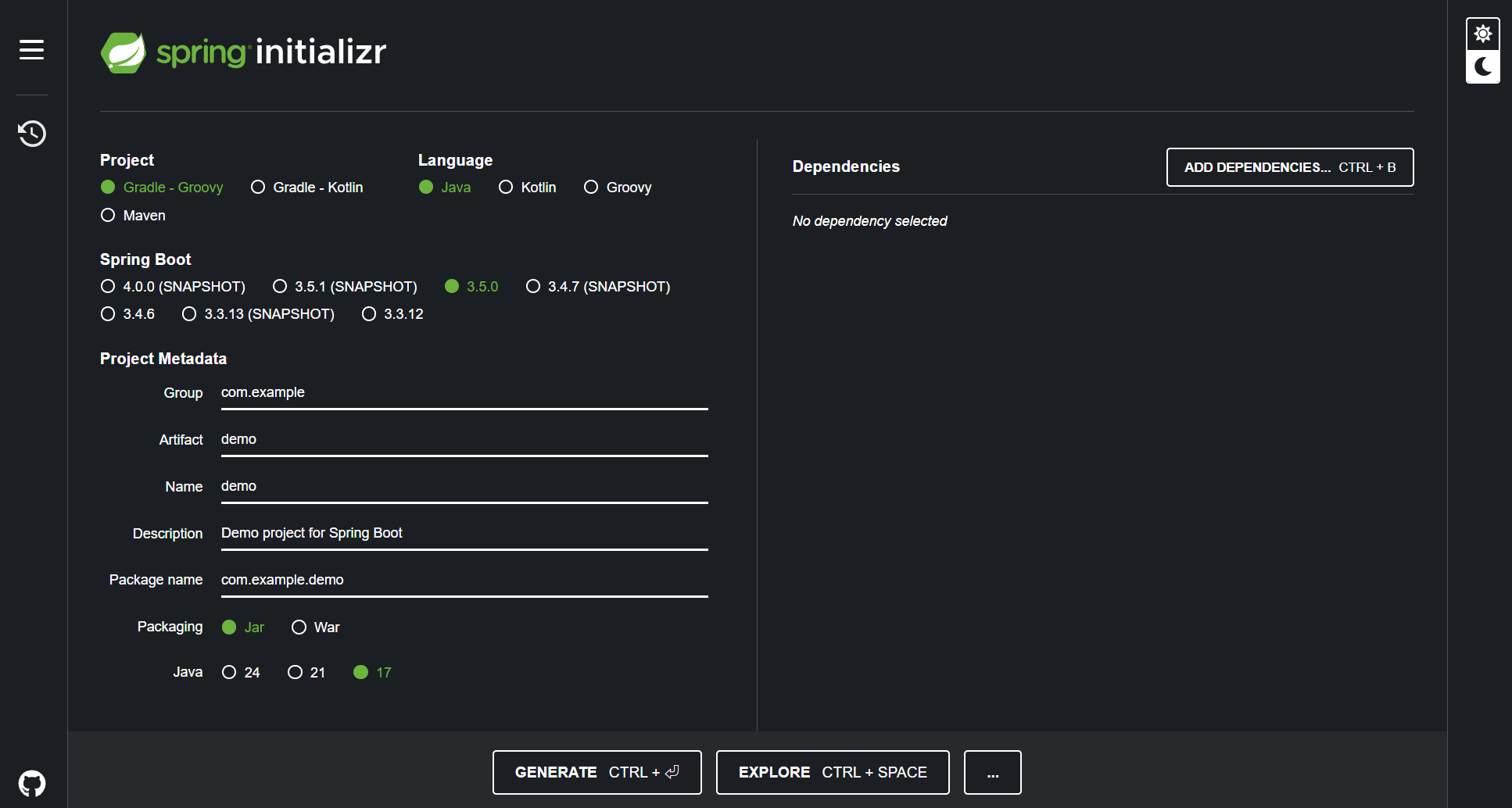
✅ 2. add dependencies
- Spring Boot DevTools
Provides fast application restarts, LiveReload, and configurations for enhanced development experience. - Spring Web
Build web, including RESTful, applications using Spring MVC. Uses Apache Tomcat as the default embedded container. - Lombok
Java annotation library which helps to reduce boilerplate code. - Thymeleaf
A modern server-side Java template engine for both web and standalone environments. Allows HTML to be correctly displayed in browsers and as static prototypes.
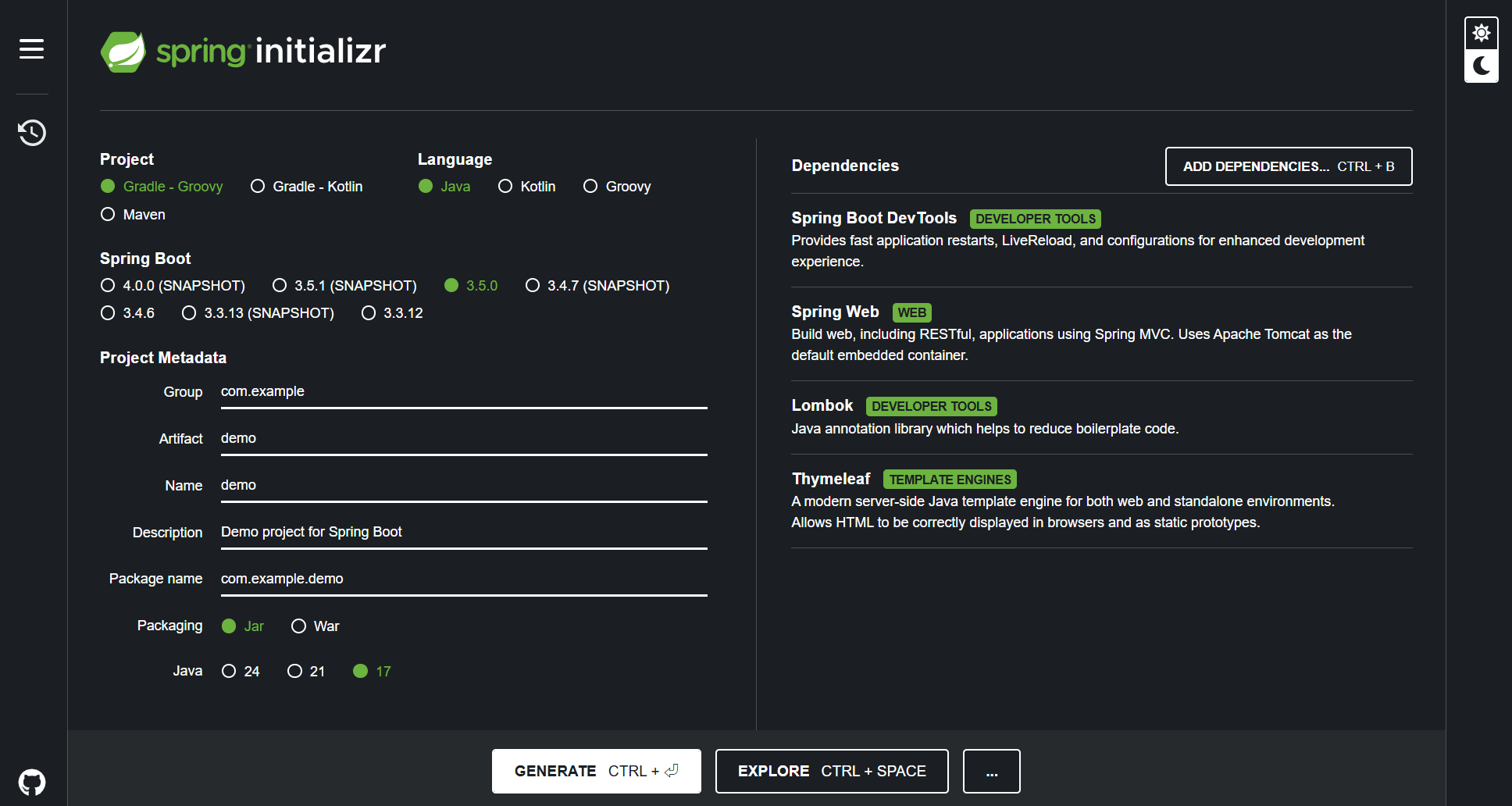
generate
✅ 3. demo폴더 iJ에서 열기
1) File - Open을 눌러 IdeaProjects 폴더를 연다.
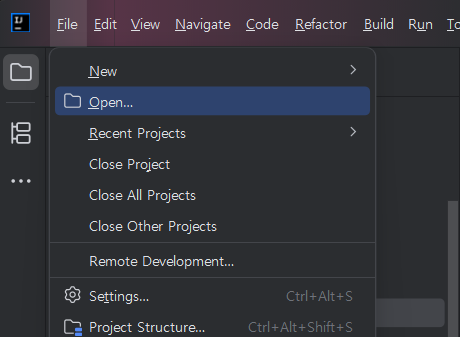
2) 다운받은 spring 의존성 폴더의 압축을 풀어 IdeaProjects 폴더에 넣는다.
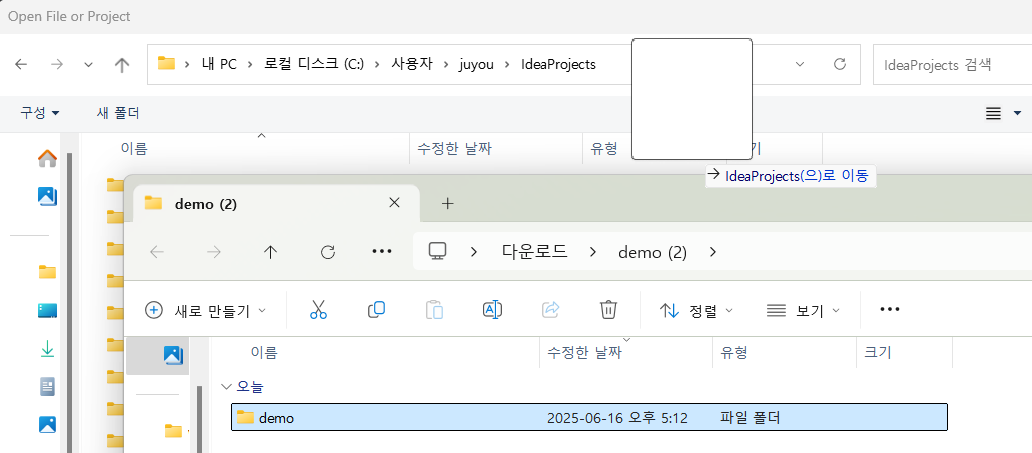
3) 해당 폴더를 선택하고 open 누른다.
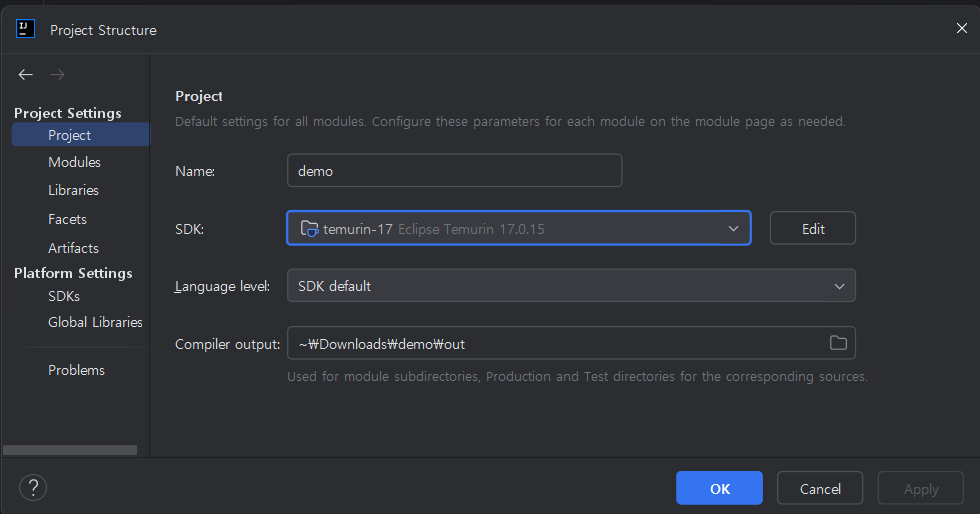
✅ 4. JDK 설정하기
자바 17버전이 없으면 인텔리제이에서 다운받으면 된다.
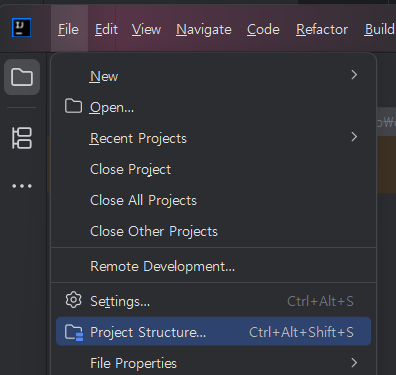
1) File - Project Structure
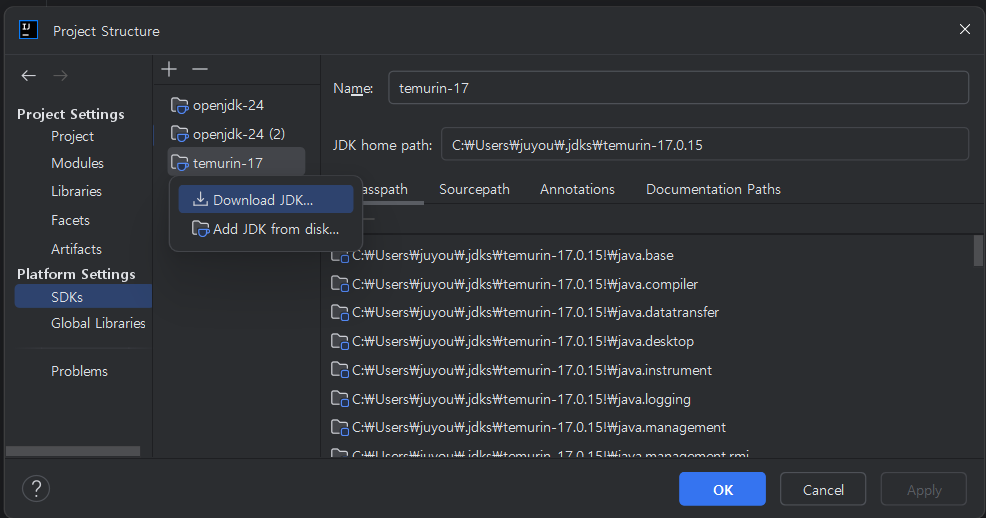
2) (왼쪽 탭) SDKs 에서 Download JDK
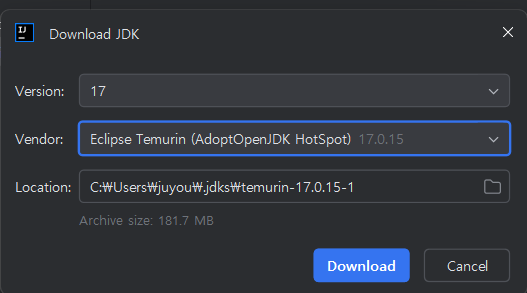
3) version : 17, vender : temurin 선택 후 다운로드
✅ 5. 실행
1) DemoApplication을 실행해 보거나 / build.gradle을 실행시켜 본다.
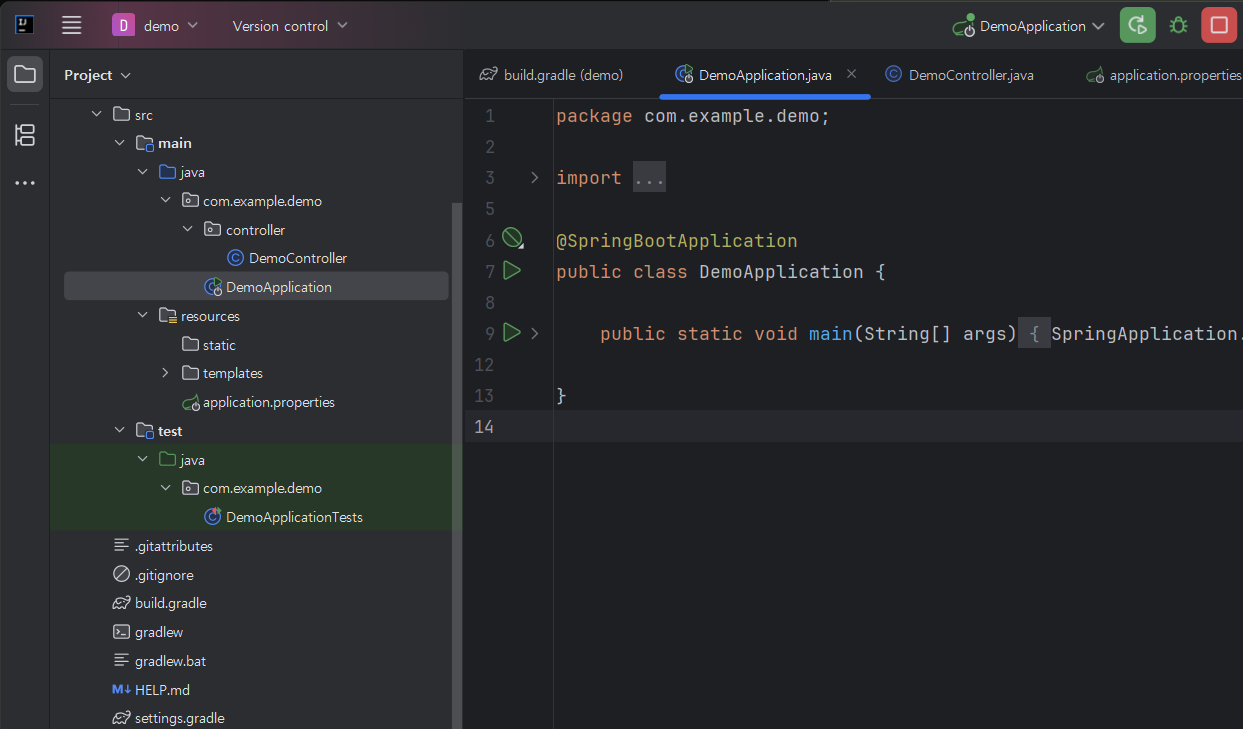
서버가 실행되면 성공이다.
  .   ____          _            __ _ _
 /\\ / ___'_ __ _ _(_)_ __  __ _ \ \ \ \
( ( )\___ | '_ | '_| | '_ \/ _` | \ \ \ \
 \\/  ___)| |_)| | | | | || (_| |  ) ) ) )
  '  |____| .__|_| |_|_| |_\__, | / / / /
 =========|_|==============|___/=/_/_/_/
✅ 6. Controller 생성
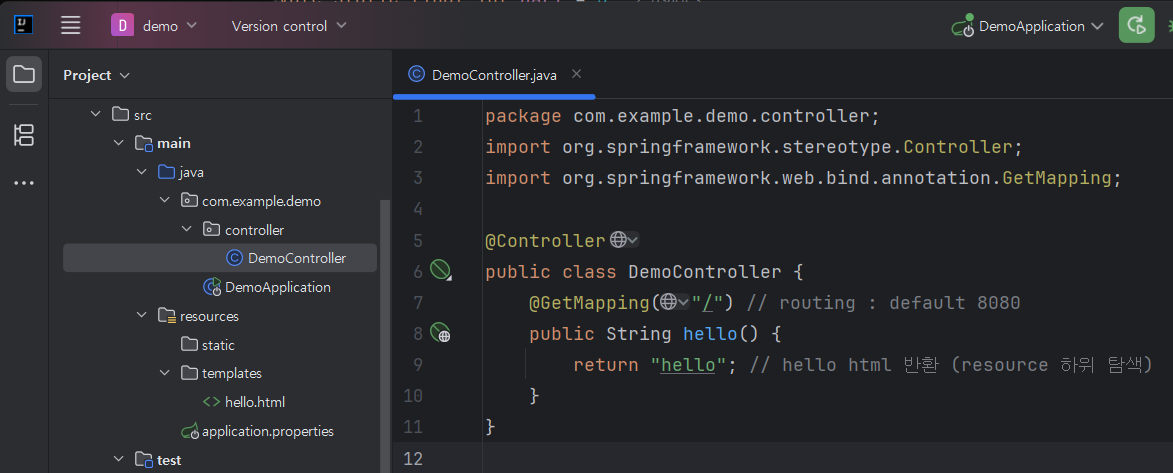
package com.example.demo.controller;
import org.springframework.stereotype.Controller;
import org.springframework.web.bind.annotation.GetMapping;

@Controller
public class DemoController {
    @GetMapping("/") // routing : default 8080
    public String hello() {
        return "hello"; // hello html 반환 (resources\templets 하위 탐색)
    }
}
✅ 7. hello.html 생성
1) resources - templates 하위에 hello.html 파일을 만든다.
html 양식 생성 : ! ,Tab 입력
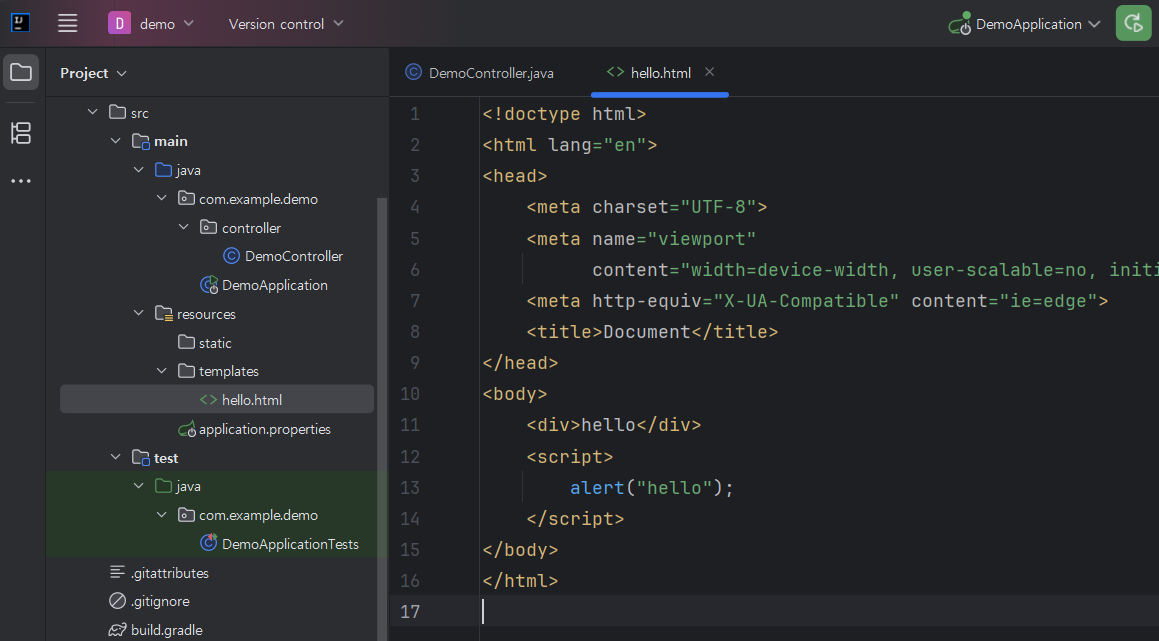
<!doctype html>
<html lang="en">
<head>
    <meta charset="UTF-8">
    <meta name="viewport"
          content="width=device-width, user-scalable=no, initial-scale=1.0, maximum-scale=1.0, minimum-scale=1.0">
    <meta http-equiv="X-UA-Compatible" content="ie=edge">
    <title>Document</title>
</head>
<body>
    <div>hello</div>
    <script>
        alert("hello");
    </script>
</body>
</html>
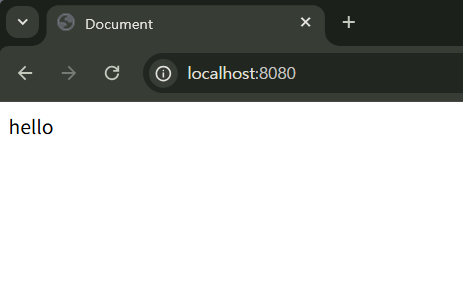
localhost:8080
8080 포트의 hello.html파일을 읽어온 모습이다.

🗂️ hamstern