[Solved in under 3 minutes]
뭐든 꾸준히만 합시다..
저 처럼 되지 마십셔..
가보자
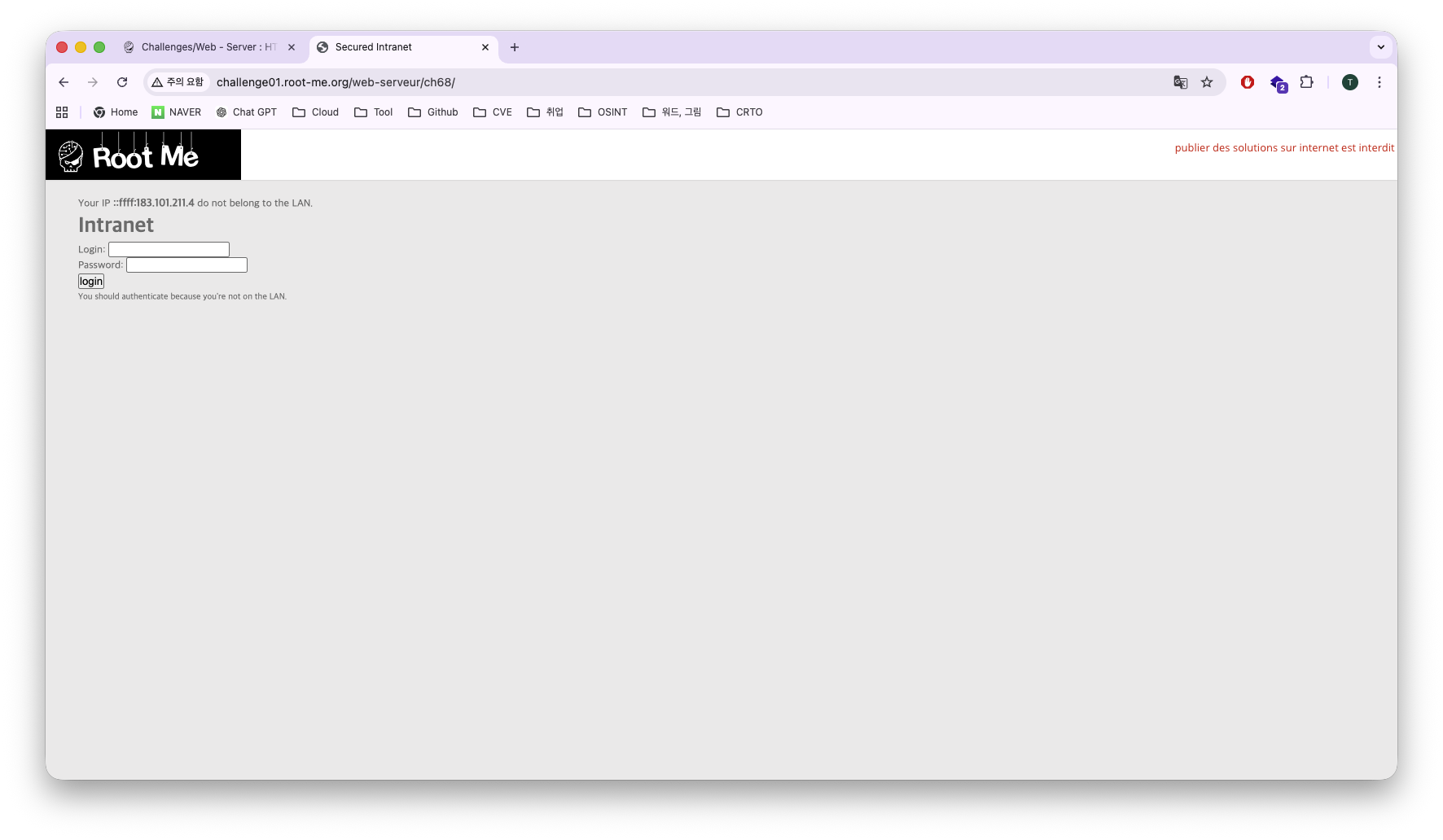
접속하니 로그인 하는 창이 떠서 또 SQL Injection 문제인가 싶었지만,
맨 윗줄에 IP 관련해서 뜨고 belong to the LAN 뜨는거보면 IP를 내부망 IP로 우회하게 접속하는 문제라고 생각했다.
프론트 소스코드를 보자
<!DOCTYPE html>
<html>
<head>
	<title>Secured Intranet</title>
</head>
<body><link rel='stylesheet' property='stylesheet' id='s' type='text/css' href='/template/s.css' media='all' /><iframe id='iframe' src='https://www.root-me.org/?page=externe_header'></iframe>
			<span>Your IP <strong>::ffff:183.101.211.4</strong> do not belong to the LAN.</span>
		<h1>Intranet</h1>
		<form method="post">
			<p>
				<label for="login">Login:</label>
				<input type="text" name="login">
			</p>
			<p>
				<label for="pass">Password:</label>
				<input type="text" name="mdp">
			</p>
			<p>
				<input type="submit" value="login">
			</p>
			<p>
				<small>You should authenticate because you're not on the LAN.</small>
			</p>
		</form>
	</body>
</html>
별 다른게 없으니까 패스
그럼 일단 IP를 우회하는 방법이 내가 알고 있는게,
XFF(X-Forwared-For)헤더를 변조해서 보내는 방법이 있다.
XFF헤더의 역할은 클라이언트의 IP를 백엔드에서 식별하는 역할을 한다.
Burp Suite 프록시 잡고 XFF 헤더를 삽입 후 전송해 보자
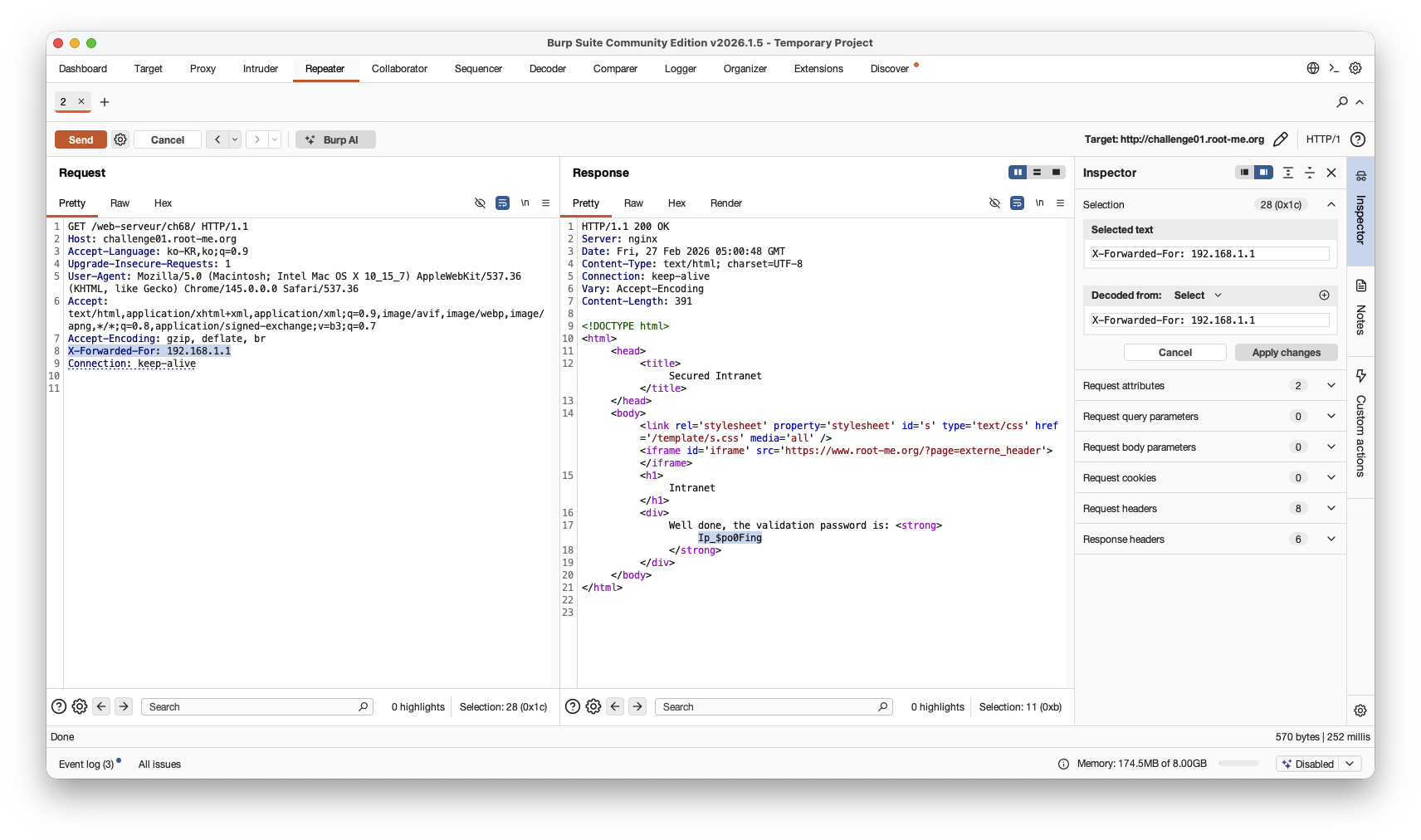
역시나 IP 우회가 되어 password가 잘 뽑혔다.
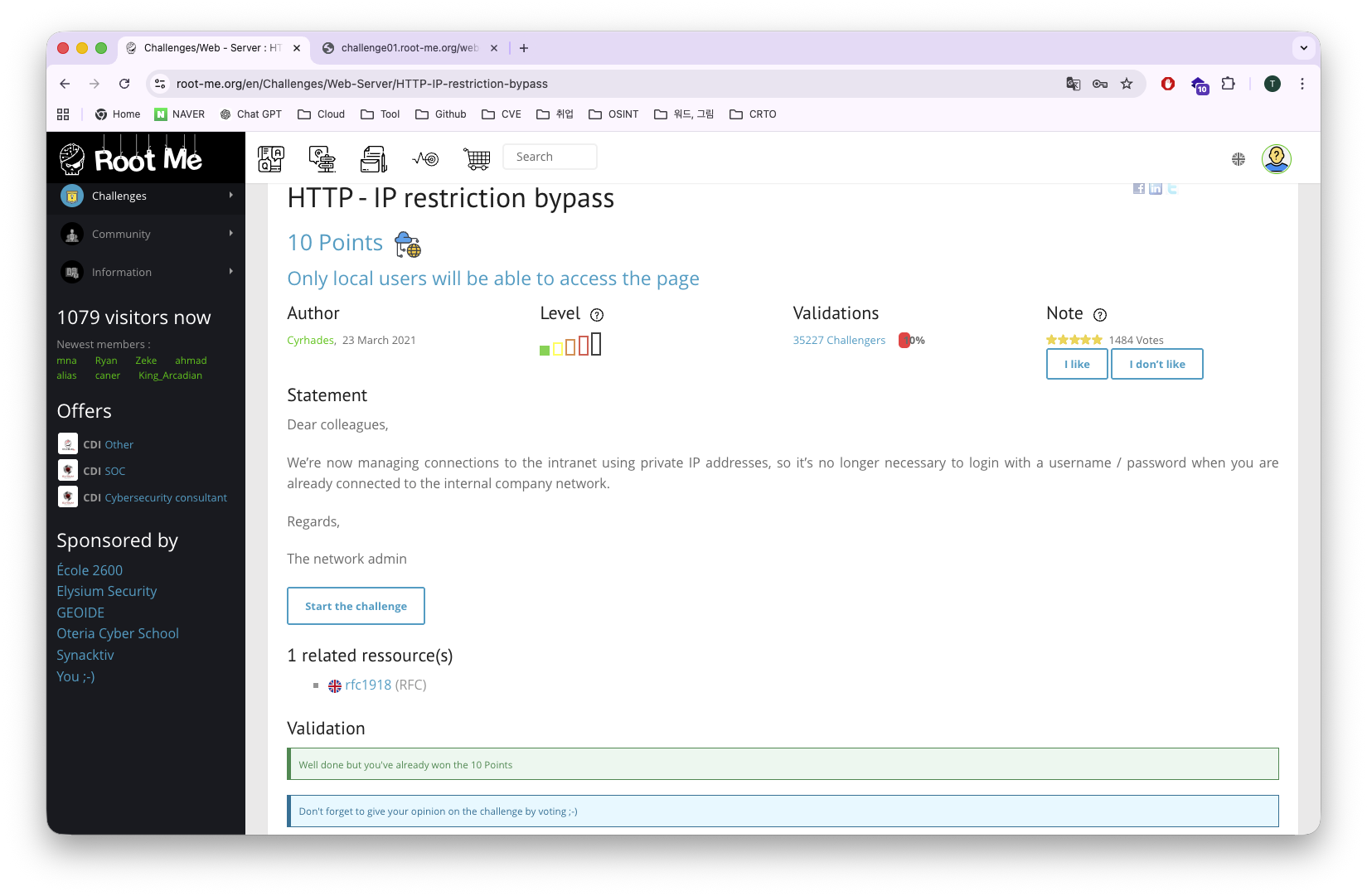
이걸 홈페이지에 넣으면~?
ㅡㅡㅡㅡㅡㅡㅡㅡㅡㅡㅡㅡㅡㅡㅡ 답 ㅡㅡㅡㅡㅡㅡㅡㅡㅡㅡㅡㅡㅡㅡㅡ

Ip_$po0Fing

ㅡㅡㅡㅡㅡㅡㅡㅡㅡㅡㅡㅡㅡㅡㅡㅡㅡㅡㅡㅡㅡㅡㅡㅡㅡㅡㅡㅡㅡㅡㅡㅡㅡ
XFF헤더가 무슨 역할을 하는지 좋은 공부가 되는 문제인 것 같다.
이 문제는 IPv4 만 우회해도 되는 문제였다.
IPv6 우회해야하는 경우도 있으니 같이 공부해두자.
중간에 모르는 것이 나오면 LLM한테 달려가지말고 구글에 검색해서 알아보면 더욱 오래 기억에 남아요~~
RootMe HTTP - IP restriction bypass Write-up
이상 보고 끝!

해킹을 잘 못 하지만 좋아 하려고 노력하는 한 청년.