깃, 깃허브 배우기 #2
📍 git 처음 설정해야할 것
# git config
git이 설치되면 git에 대한 모든 환경 설정에 git config 에 저장이 된다.
> git config --list위 명령어로 모든 config 설정을 확인할 수 있다.
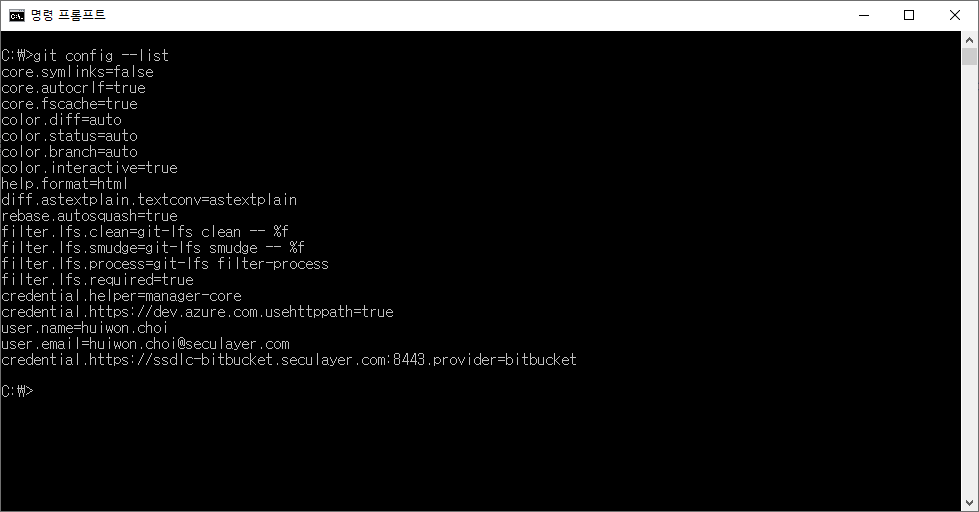
.gitconfig 내용을 수정해보자
.gitconfig는 C:\Users\cgd03 경로에 있다.
> git config --global -e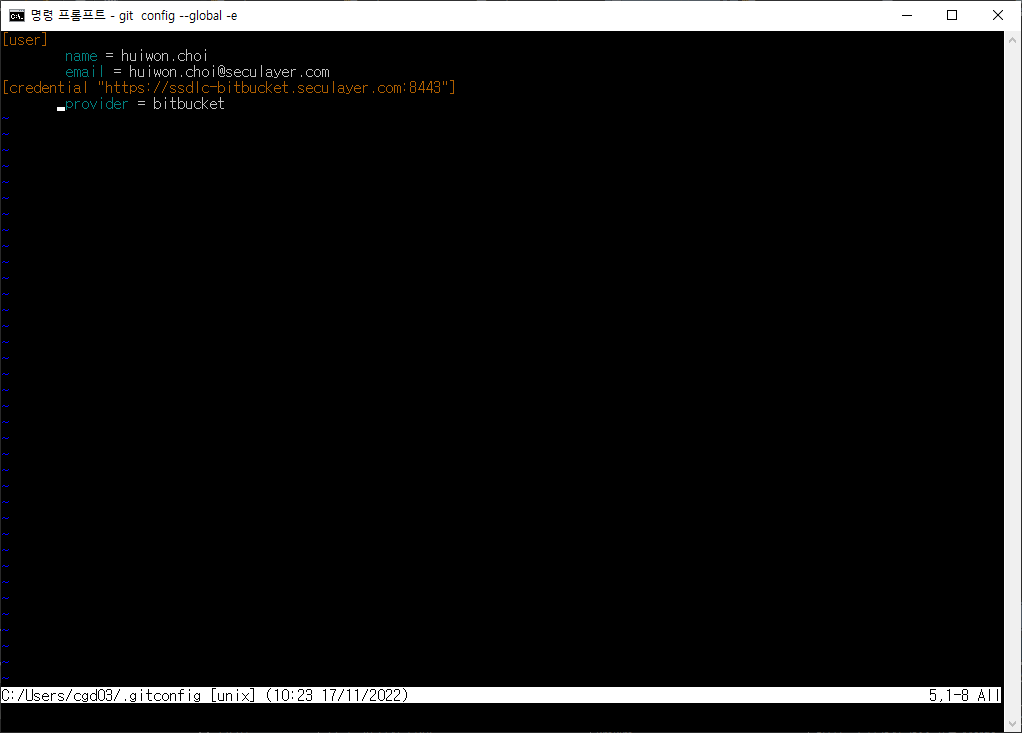
하지만 이렇게 열면 불편하지 않은가 vs code를 편집기로 설정해서 수정할 수 있도록 해보자
VS Code 편집기로 설정하기
> code .위 명령어로 현재 디렉토리를 vs code 로 열 수 있다.
> git config --global core.editor "code"위 명령어로 vs code를 편집기로 설정했다.
다시 gitconfig를 열어보자
> git config --global -e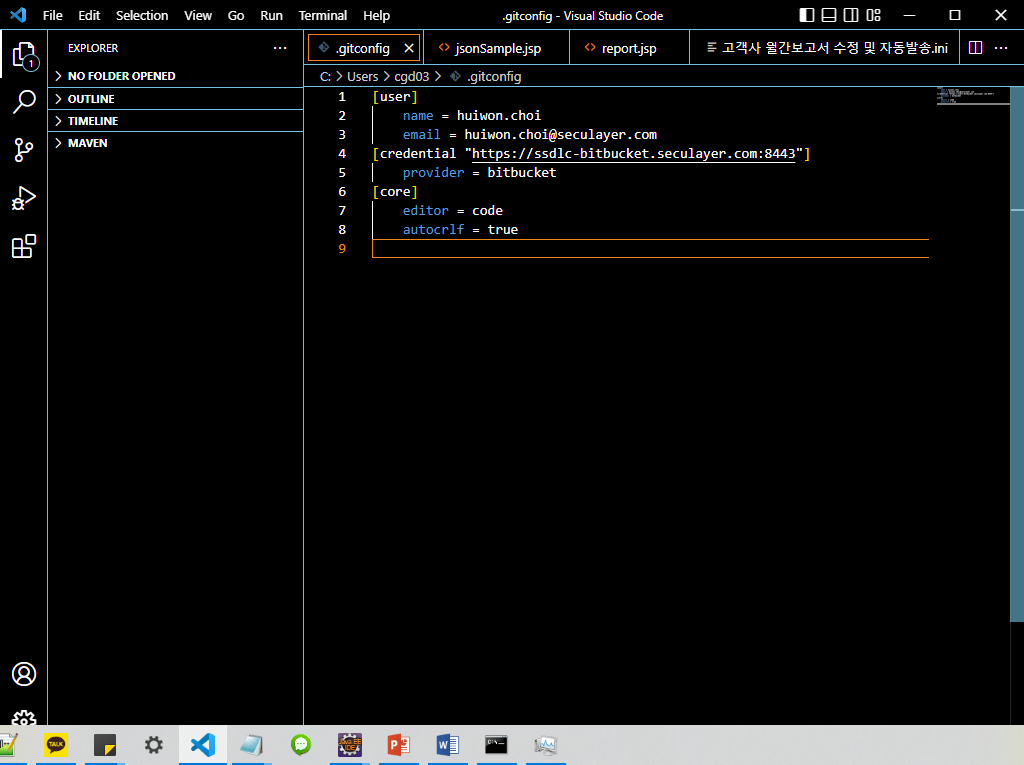
vs code로 .gitconfig 파일이 열렸다.!
여기서 사용자에 관련된 정보를 수정하고 확인해본다.
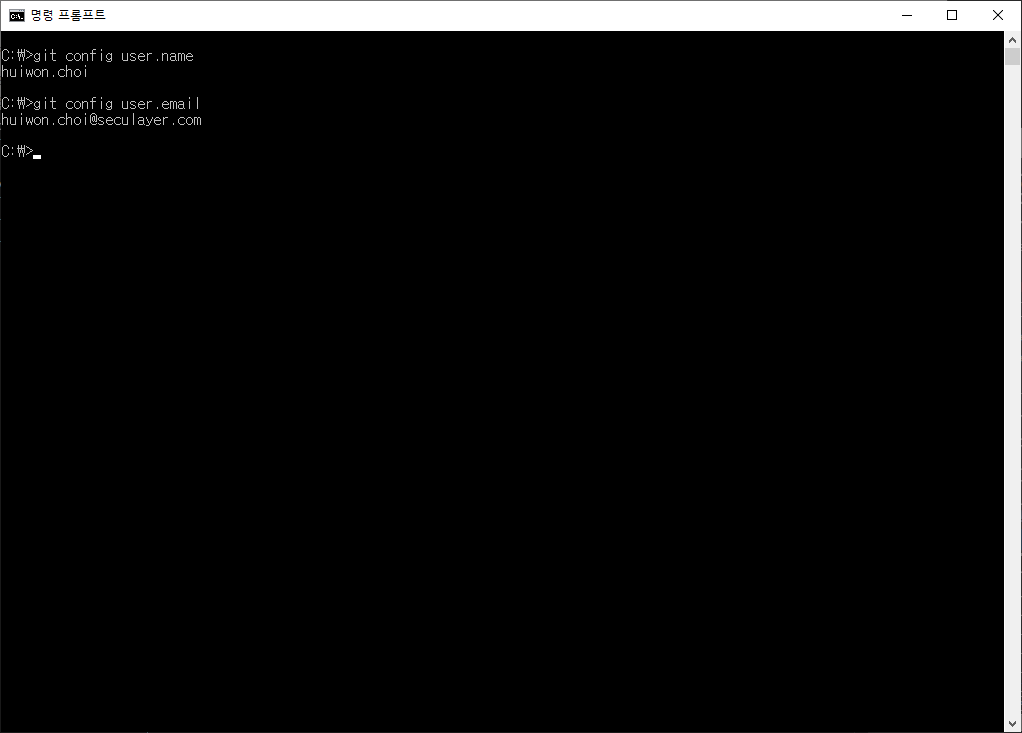
잘 나온다.
📍 깃 명령어로 초기화, 관리 하기
git 명령어 doc
# git [명령어] -option
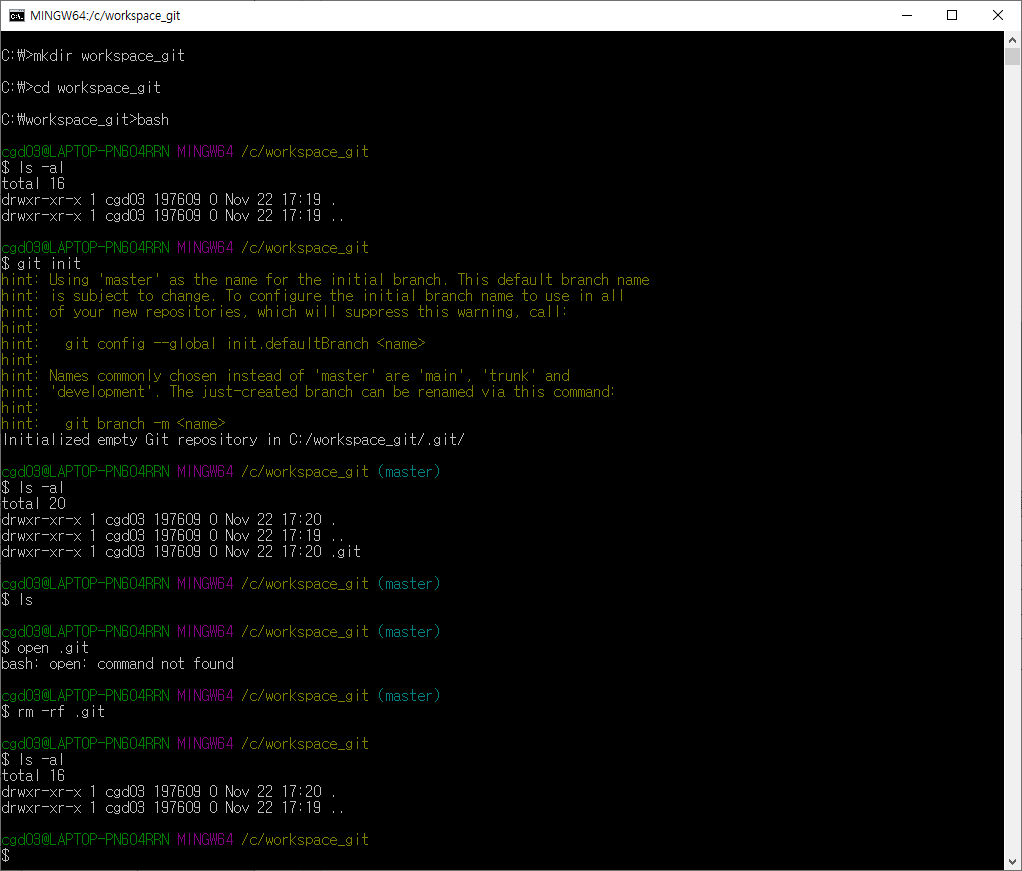
C:\>mkdir workspace_git

C:\>cd workspace_git

C:\workspace_git>bash

cgd03@LAPTOP-PN604RRN MINGW64 /c/workspace_git
$ ls -al
total 16
drwxr-xr-x 1 cgd03 197609 0 Nov 22 17:19 .
drwxr-xr-x 1 cgd03 197609 0 Nov 22 17:19 ..

cgd03@LAPTOP-PN604RRN MINGW64 /c/workspace_git
$ git init
hint: Using 'master' as the name for the initial branch. This default branch name
hint: is subject to change. To configure the initial branch name to use in all
hint: of your new repositories, which will suppress this warning, call:
hint:
hint:   git config --global init.defaultBranch <name>
hint:
hint: Names commonly chosen instead of 'master' are 'main', 'trunk' and
hint: 'development'. The just-created branch can be renamed via this command:
hint:
hint:   git branch -m <name>
Initialized empty Git repository in C:/workspace_git/.git/

cgd03@LAPTOP-PN604RRN MINGW64 /c/workspace_git (master)
$ ls -al
total 20
drwxr-xr-x 1 cgd03 197609 0 Nov 22 17:20 .
drwxr-xr-x 1 cgd03 197609 0 Nov 22 17:19 ..
drwxr-xr-x 1 cgd03 197609 0 Nov 22 17:20 .git

cgd03@LAPTOP-PN604RRN MINGW64 /c/workspace_git (master)
$ ls

cgd03@LAPTOP-PN604RRN MINGW64 /c/workspace_git (master)
$ open .git
bash: open: command not found

cgd03@LAPTOP-PN604RRN MINGW64 /c/workspace_git (master)
$ rm -rf .git

cgd03@LAPTOP-PN604RRN MINGW64 /c/workspace_git
$ ls -al
total 16
drwxr-xr-x 1 cgd03 197609 0 Nov 22 17:20 .
drwxr-xr-x 1 cgd03 197609 0 Nov 22 17:19 ..

cgd03@LAPTOP-PN604RRN MINGW64 /c/workspace_git
$
나는 말하는 감자다