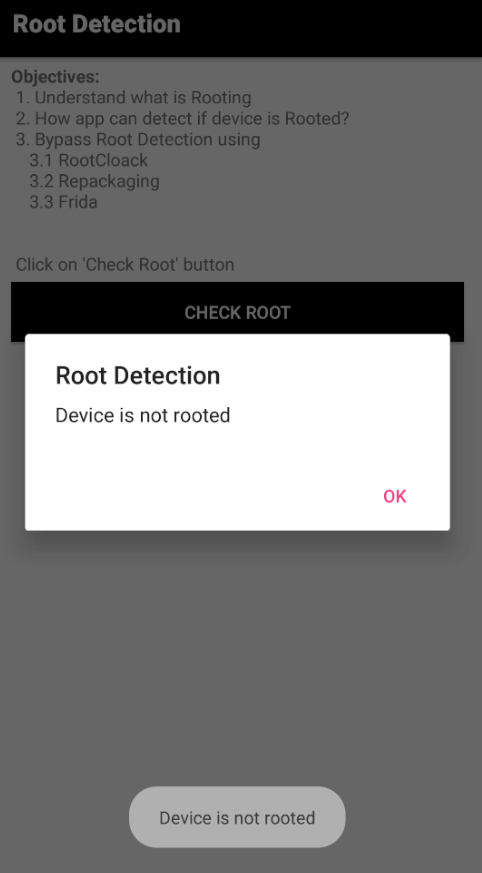
환경세팅
windows 11
android studio
frida 16.7.19
에뮬레이터 설치와 androgoat 설치 후 루팅을 진행하여 환경 세팅을 마친다.
https://github.com/satishpatnayak/AndroGoat
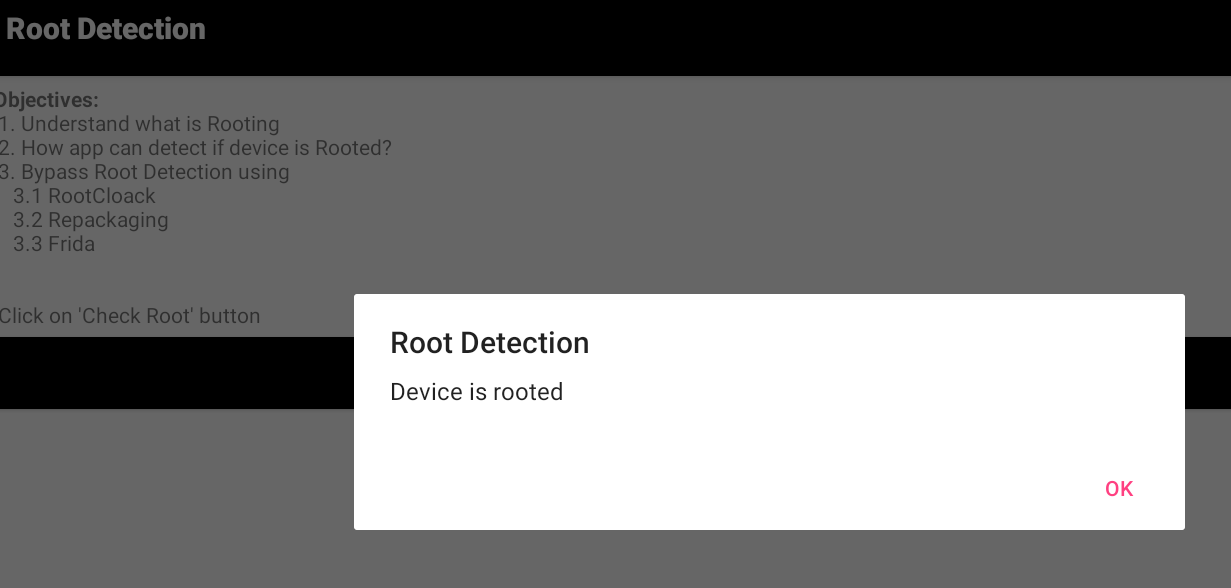
루팅한 후 Root Detection 문제에 접근하여
CHECK ROOT버튼을 누르면 다음과 같이 디바이스가 루팅되었다고 나오는데 이걸 수정하는 문제인것 같다.
1. 문제 분석
Jadx를 통해 AndroidMenifest.xml 파일을 살펴 보니 누가 봐도 이 문제 풀려면 이 여기 가보세요 하고 있길래 그대로 더블 클릭하여 RootDetectionActivity로 넘어갔다.
<activity
            android:label="@string/root"
            android:name="owasp.sat.agoat.RootDetectionActivity"/>
해당 파일을 살펴본 결과
    public final boolean isRooted() {
        String[] file = {"/system/app/Superuser/Superuser.apk", "/system/app/Superuser.apk", "/sbin/su", "/system/bin/su", "/system/xbin/su", "/data/local/xbin/su", "/data/local/bin/su", "/system/sd/xbin/su", "/system/bin/failsafe/su", "/data/local/su", "/su/bin/su", "re.robv.android.xposed.installer-1.apk", "/data/app/eu.chainfire.supersu-1/base.apk"};
        boolean result = false;
        for (String files : file) {
            File f = new File(files);
            result = f.exists();
            if (result) {
                break;
            }
        }
        return result;
    }
마지막 줄 쯤 isRooted()라는 메서드를 발견할 수 있었는데 해당 메서드는 다음과 같은 방식으로 동작하는 것 같았다.
result = false로 시작
↓
각 파일 경로 검사
↓
파일이 없음 → result=false → 다음 경로 검사
파일이 있음 → result=true → break
↓
최종 result 반환
하여 뭐 어떤 경로가 있든 최종 result만 false로 반환할 수 있다면 Root 탐지를 우회할 수 있을 것이다.
※ 참고
1. su 바이너리 탐지
해당 함수의 탐지목록에서
"/sbin/su"
"/system/bin/su"
"/system/xbin/su"
"/data/local/xbin/su"
"/data/local/bin/su"
"/system/sd/xbin/su"
"/system/bin/failsafe/su"
"/data/local/su"
"/su/bin/su"
등이 해당한다.
루팅을 하는경우 시스템 권한을 이용하기 위해 각 디렉토리에 "su"파일을 남겨놓게 된다.
이를 탐지하는 기법이다.
- 패키지 리스트 탐지
해당 함수의 탐지 목록에서는
"/system/app/Superuser/Superuser.apk"
"/system/app/Superuser.apk"
"re.robv.android.xposed.installer-1.apk"
"/data/app/eu.chainfire.supersu-1/base.apk"
등이 해당한다.
루팅과 관련된 apk파일들을 탐지하는 기법이다.
https://yookyeom105.tistory.com/14
2. 익스플로잇
앞에서 설명한대로 어떤 경로가 있든 말든 최종 결과가 false로 나온다면 이는 Root 탐지 우회가 될 것이다.
해서 다음과 같이 익스 코드를 짰다.
# root_bypass.js
console.log("시작"); # 시작 알림
Java.perform(function () {
    try {
        const RootDetectionActivity = Java.use(
            "owasp.sat.agoat.RootDetectionActivity"
        );
        RootDetectionActivity.isRooted.implementation = function () {
            console.log("완료");
            return false;
        };

    } catch (error) {
        console.error("오류 발생");
        console.error(error.stack || error); # 스택 정보가 있으면 자세히 보여주고, 아니면 기본 오류 메시지 출력
    }
});Frida를 이용해 owasp.sat.agoat.RootDetectionActivity 클래스의 isRooted() 메서드를 런타임에 후킹하고, 기존 파일 검사 로직 대신 항상 false를 반환하도록 구현을 교체한다.
결과 확인