
문제점 : Keydown 애니메이션이 부드럽지 않다
아니.. 애니메이션이 부드러우려면, 초당 24~30프레임은 되야 되는데... 지금은 초당 10프레임 밖에 안 일어나는 꼴
영화, TV 방송, 스트리밍 영상 콘텐츠, 심지어 스마트폰도 표준 프레임 속도인 24fps를 사용
(Frame per Second)
console은 많이 찍히는데, 애니메이션은 너무 딱딱하다. 왜일까?
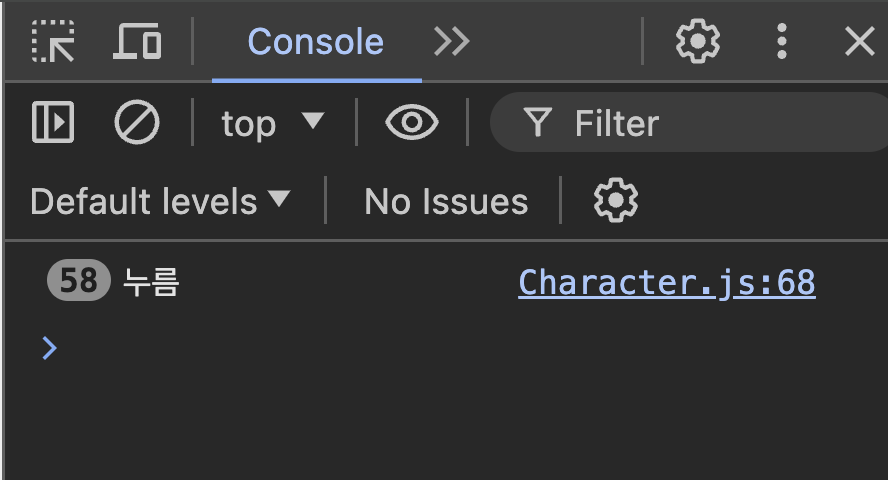
window.addEventListener('keydown', (e) => {
    console.log('누름');

    if (e.key === 'ArrowRight') {
        this.mainElm.setAttribute('data-direction', 'right');
        this.mainElm.classList.add('running');
      	// **** 이슈!! 파트 ****//
      	this.xPos += this.speed;
        this.mainElm.style.left = `${this.xPos}%`;
      	// ********************** //
    } else if (e.key === 'ArrowLeft') {
       쏼라쏼라
    }
});
requestAnimationFrame TO THE RESCUE!!!
run()함수를 만들 거다. 방식은 두 가지
가장 먼저, 생성자에 direciton 프로퍼티를 추가한다
// 지금까지 생성자 함수에 새롭게 추가한 프로퍼티 목록
// xPos, direction, speed

constructor(){
	...
  	this.xPos = info.xPos;
	this.direction;
	this.speed = 0.3;
}
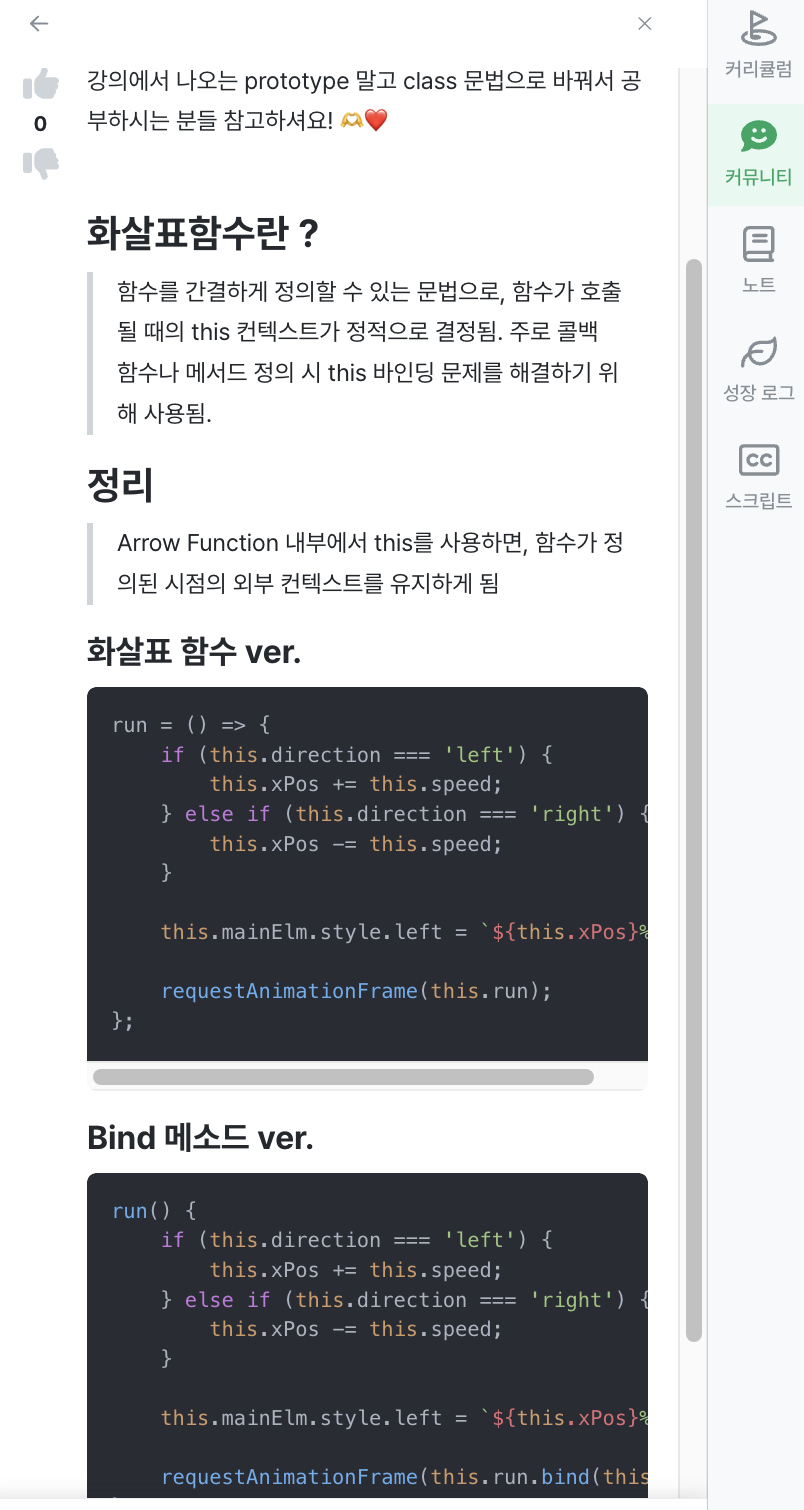
화살표 함수 ver.
run = () => {
    if (this.direction === 'left') {
        this.xPos += this.speed;
    } else if (this.direction === 'right') {
        this.xPos -= this.speed;
    }

    this.mainElm.style.left = `${this.xPos}%`;

    requestAnimationFrame(this.run);
};
Bind 메소드 ver.
run() {
    if (this.direction === 'left') {
        this.xPos += this.speed;
    } else if (this.direction === 'right') {
        this.xPos -= this.speed;
    }

    this.mainElm.style.left = `${this.xPos}%`;

    requestAnimationFrame(this.run.bind(this));
}
벽 뚫는 거 방지 (xPos 제한 주기)
constructor(){
	this.runningState = false; // 좌우이동 중인지 아닌지
	this.rfId;
}

window.addEventListener('keyup', () => {
   this.mainElm.classList.remove('running');
   cancelAnimationFrame(this.rfId);
   this.runningState = false;
});

run() {
   console.log(this.xPos);
   if (this.direction === 'left') {
       this.xPos += this.speed;
   } else if (this.direction === 'right') {
       this.xPos -= this.speed;
   }
	// ****************** //
	if (this.xPos < 3) {
       this.xPos = 3;
   } else if (this.xPos > 86) {
       this.xPos = 86;
   }
	// ****************** //

   this.mainElm.style.left = `${this.xPos}%`;

   this.rfId = requestAnimationFrame(this.run.bind(this));
}
speed 구현
// wall3d.js

stageElm.addEventListener('click', function (e) {
    new Character({
        xPos: (e.clientX / window.innerWidth) * 100,
        speed: Math.random() * 0.5 + 0.2,
    });
});


// Character.js
constructor(){
	this.speed = info.speed;
    console.log(this.speed);
}
[TMI] i helped!!
헤헤 좋은 일 하나 했다

현실적인 몽상가