post 이미지 썸네일 업로드 기능구현 : ncloud 의 cdn과 object Storage사용
블로그에 글을 쓰는 기능을 만들면서 글을 등록할때 썸네일을 따로 설정 할 수 있는 기능을 ncloud의 cdn과 object storage를 이용해 구현해 보려 한다
object Storage생성
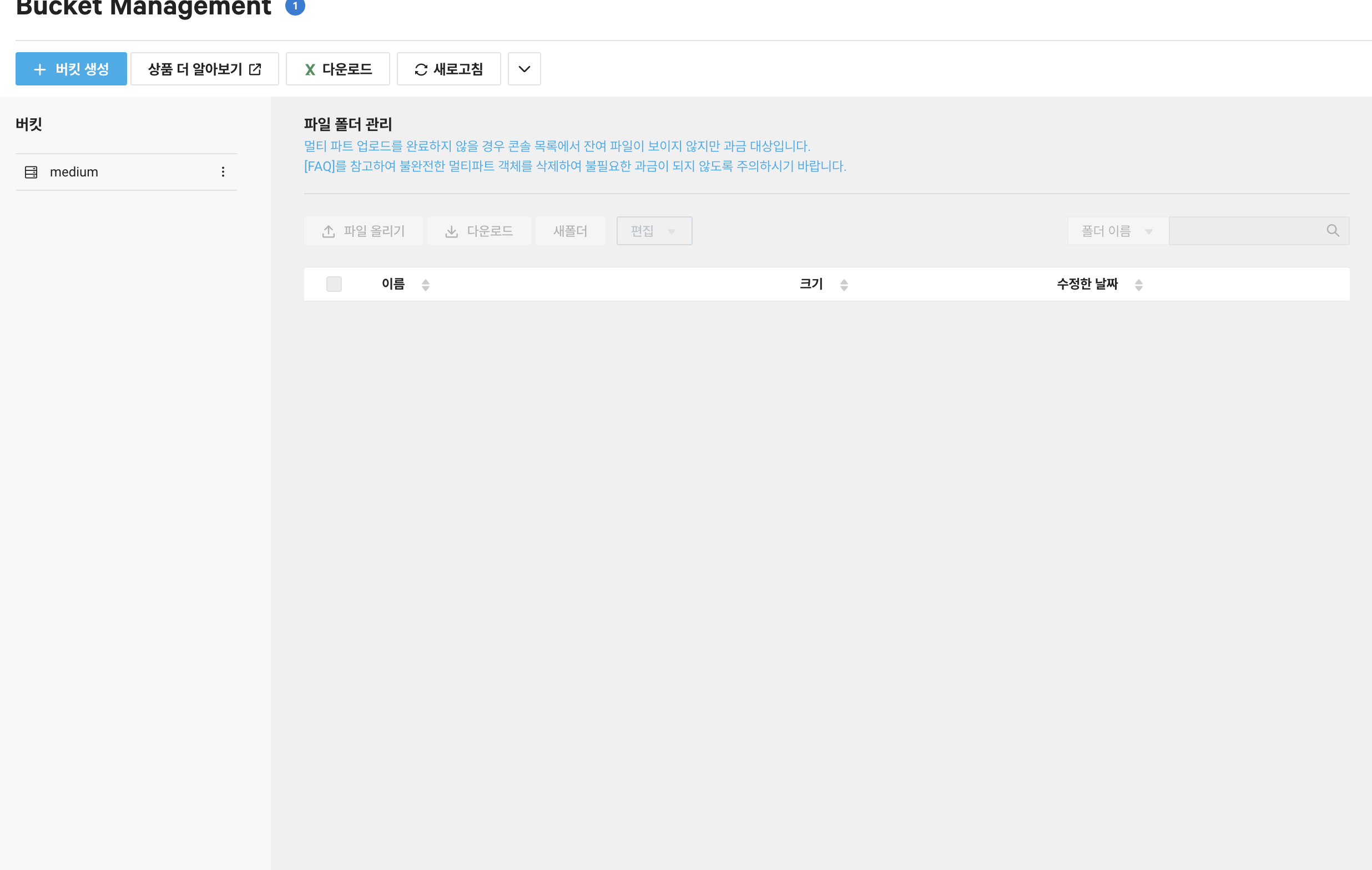
medium이라는 object Storage를 생성하였다.
cnd 신청
cdn서비스를 신청하면서 medium object storage와 연동한다.
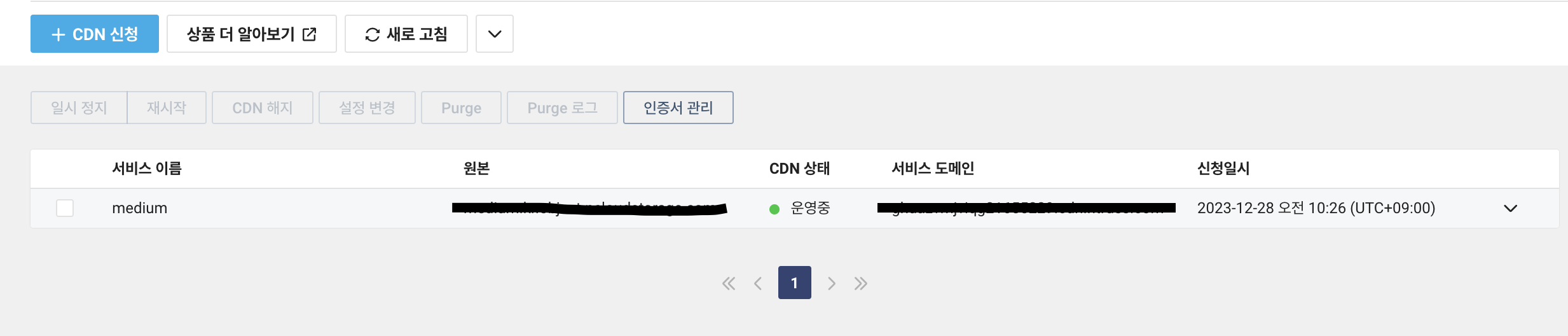
이렇게 하면 cdn의 서비스 도메인주소로 object storage에 접근할 수 있게된다.
https://www.ncloud.com/guideCenter/guide/15
자세한 설정은 이 가이드를 따라서 진행했다.
object Storage와 cdn을 이용해서 이미지를 업로드하고 그 이미지를 웹에 띄우는 기능을 구현하려 한다.
config 파일 생성
@Configuration
public class S3Config {
    @Value("${s3.regionName}")
    private String regionName;
    @Value("${s3.endPoint}")
    private String endPoint;
    @Value("${s3.accessKey}")
    private String accessKey;
    @Value("${s3.secretKey}")
    private String secretKey;

    @Bean
    public AmazonS3 amazonS3Client(){
        return AmazonS3ClientBuilder.standard().withEndpointConfiguration(new AwsClientBuilder.EndpointConfiguration(endPoint, regionName))
                .withCredentials(new AWSStaticCredentialsProvider(new BasicAWSCredentials(accessKey, secretKey)))
                .build();
    }

}
이 config파일에서 accesskey와 secretkey는 ncloud의 계정관리 - 인증키 관리에서 발급받을 수 있다.
그 후 svelte로 만든 프론트에서
    async function fetchWrite() {
        const formData = new FormData();

        // 입력된 글 데이터 추가
        formData.append('title', title);
        formData.append('body', body);
        formData.append('published', published);
        formData.append('paid', paid);

        if(file){
            formData.append('file',file);
        }

        try{
            const res = await axios.post('http://localhost:8090/api/post/write',formData,
                {
                    headers: {
                        'Content-Type': 'multipart/form-data',
                        'Authorization' : `Bearer ${cookieValue}`
                    }
                })
                .then(res=>{
                    console.log('Post and file uploaded successfully:', res.data);
                    location.href=`/post/${res.data.id}`
                })

        }catch (error){
            console.error('Error uploading post and file:', error);
        }


    }
글을 작성하는데 필요한 정보들과 함께 썸네일 이미지를 백엔드로 전송해 준다.
그 후 컨트롤러에서 이 정보를 받아 이를 처리해준다.
    @PostMapping("/api/post/write")
    public ResponseEntity<?> write(@Validated @ModelAttribute PostWriteForm postWriteForm){

        if(postWriteForm.getFile() != null && !postWriteForm.getFile().isEmpty())
        {
            String objectName = postWriteForm.getFile().getOriginalFilename();


            try {
                amazonS3.putObject(new PutObjectRequest(bucketName, objectName, postWriteForm.getFile().getInputStream(), null));
            } catch (IOException e) {
                e.printStackTrace();
            }
        }

        return ResponseEntity.ok(postService.write(postWriteForm));
    }
그러면 이렇게 object storage에 프론트에서 업로드한 이미지가 저장되는것을 볼 수 있다.