
Slack과 Github 연동하기(Github 설치 X)
0. Github 로그인
1. Slack workspace 생성
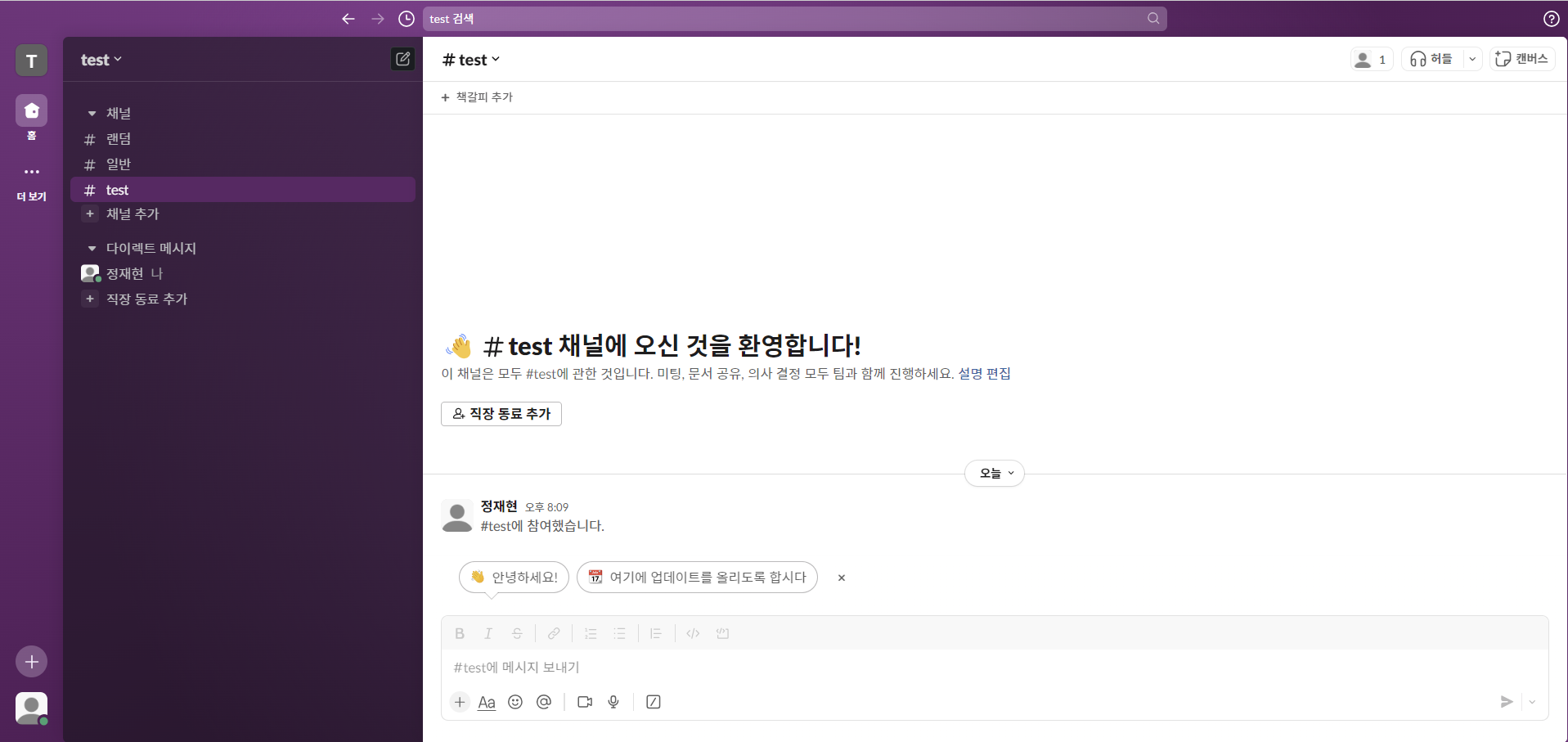
2. Slack에서 Github에 연결할 채널 생성
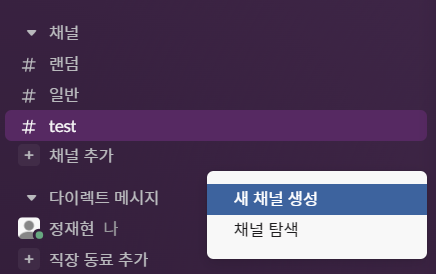
채널 추가-새 채널 생성클릭
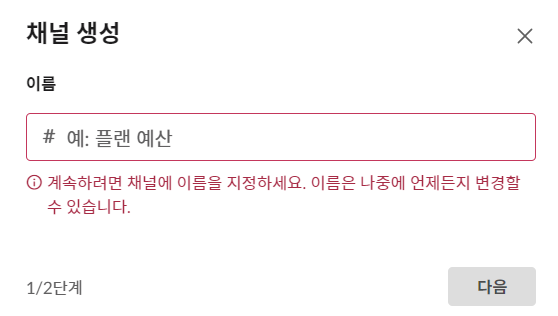
- 연동할 채널 생성
- 채널이 생성된 모습
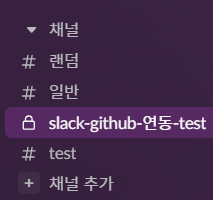
3. Slack의 앱에 Github 추가
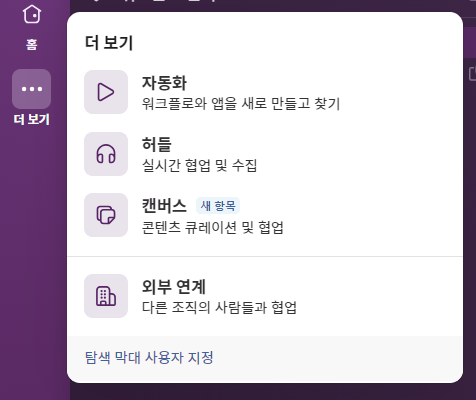
- 좌측 -
더 보기-자동화
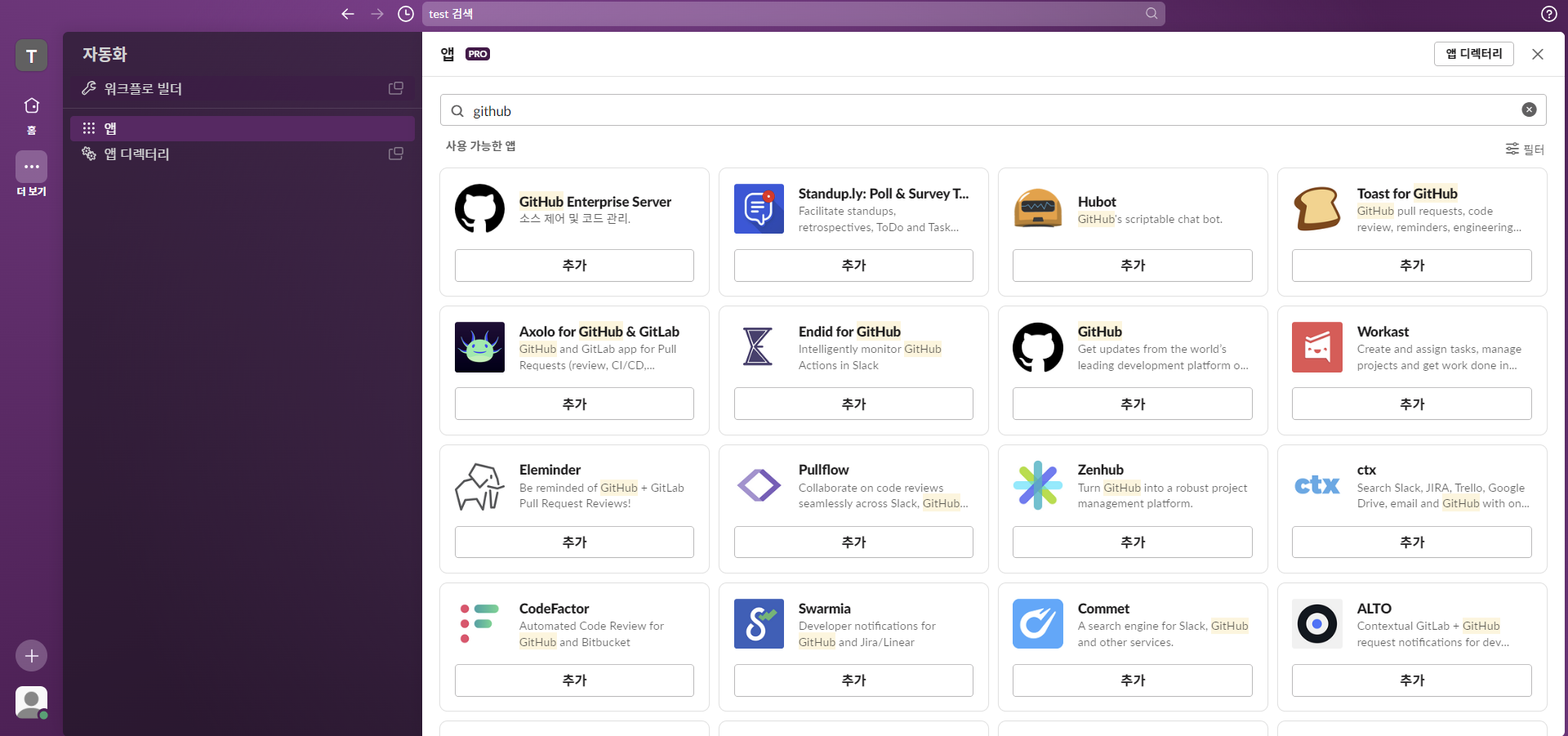
- Github 검색해서 추가 클릭
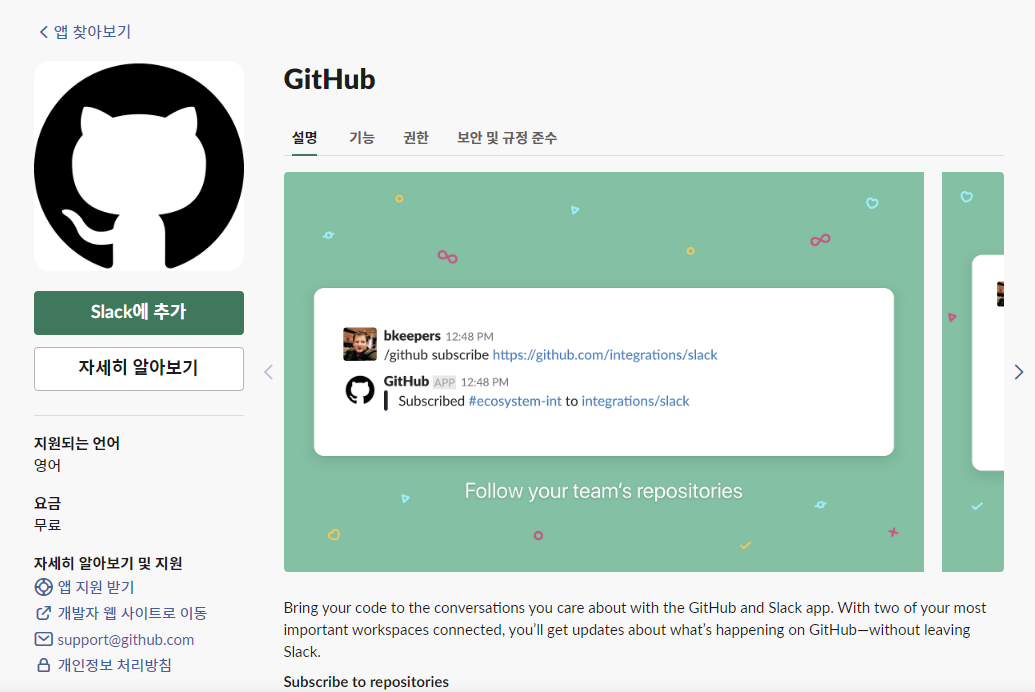
- Slack에 Github 추가하기
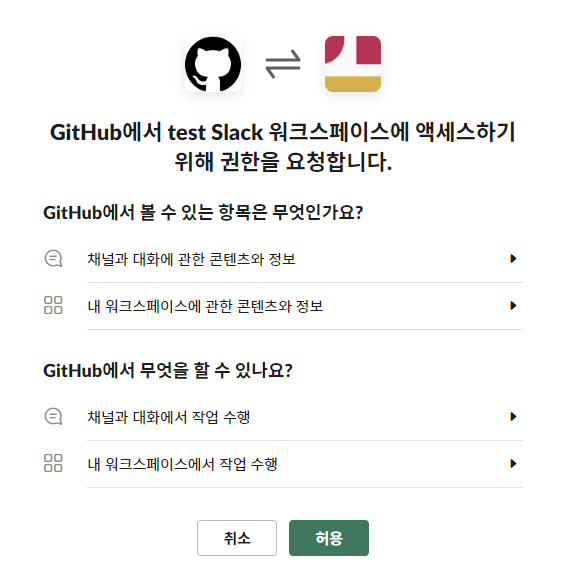
- 액세스 허용하기
- Slack의 앱에 Github가 추가된 모습(기존에 생성한 채널이 보이지 않을 경우 F5)
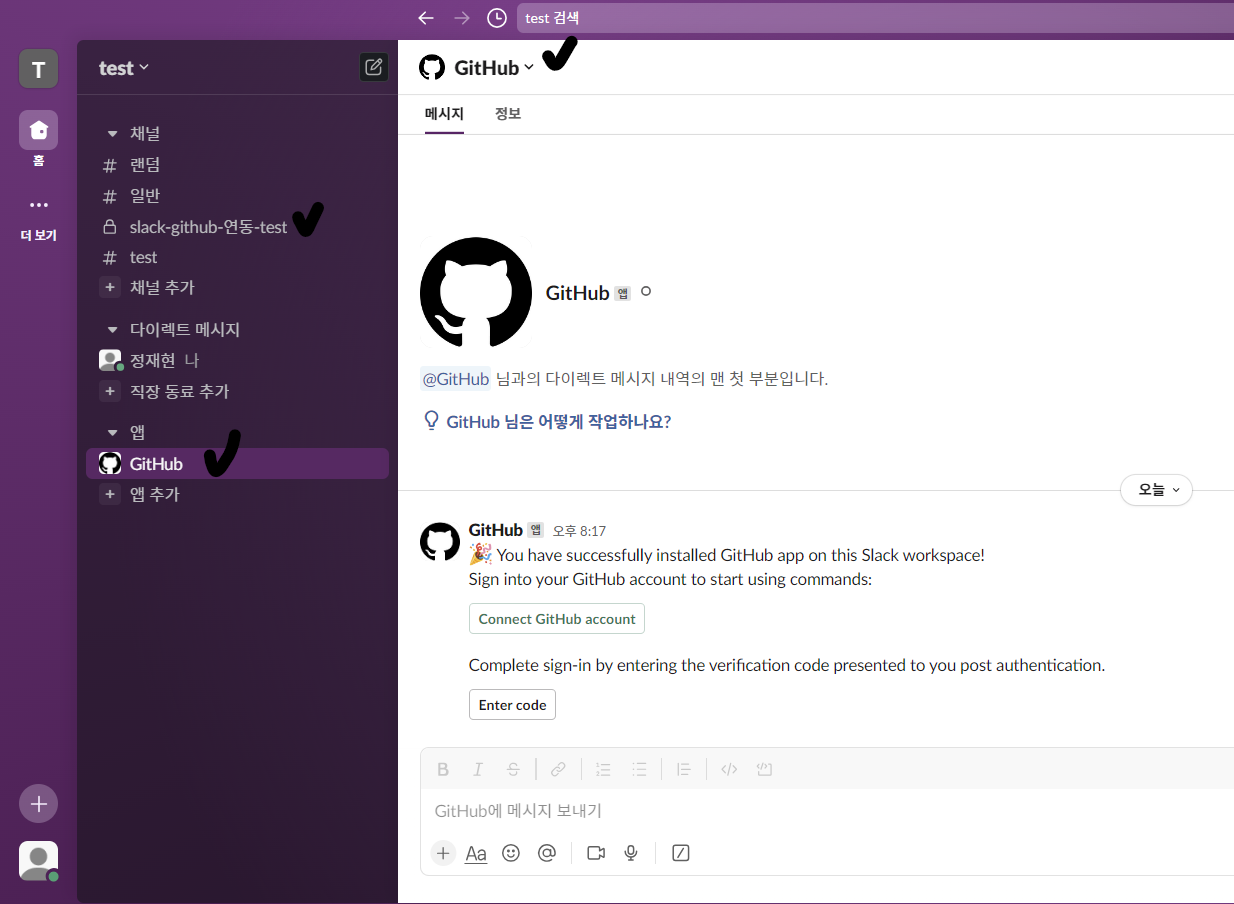
4. Slack에서 Github 로그인
- 로그인 명령어 입력 -
Connect GitHub account클릭
/github signin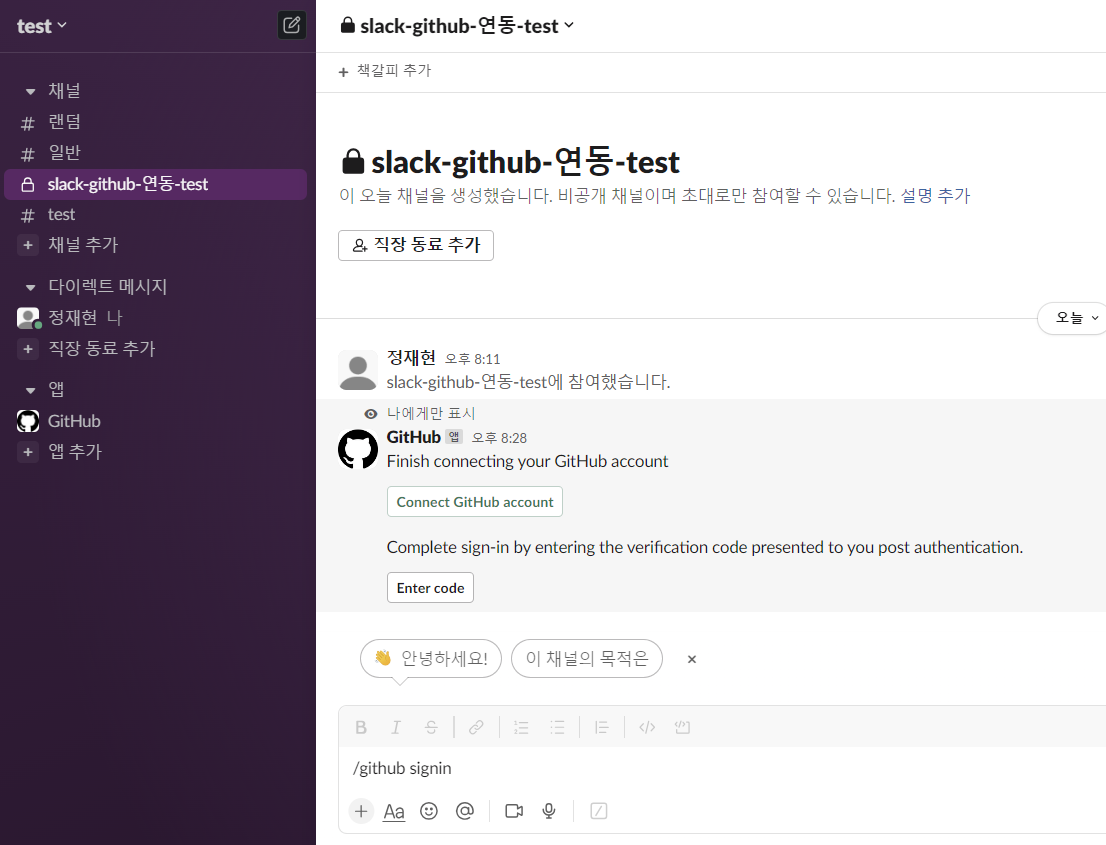
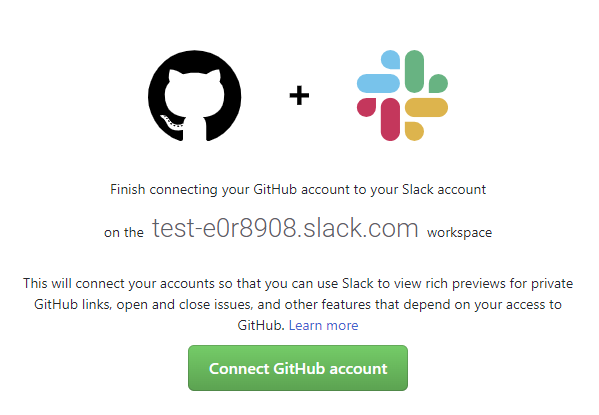
Connect GiHub account클릭
Authorize Slack클릭
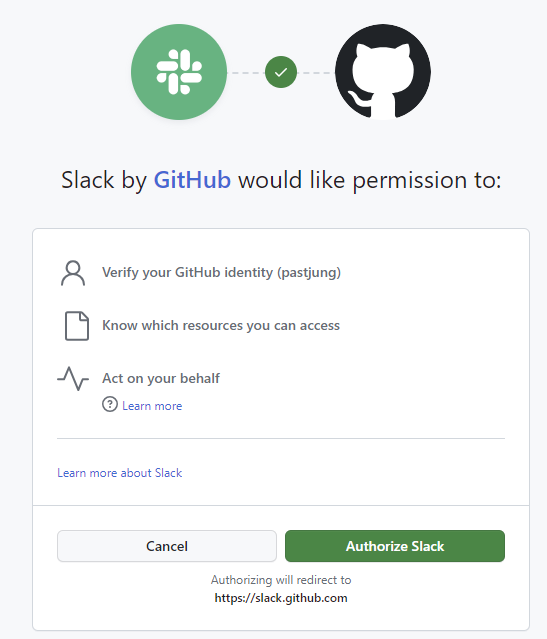
- 인증번호 확인
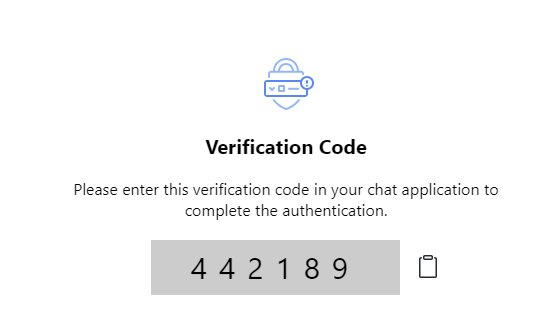
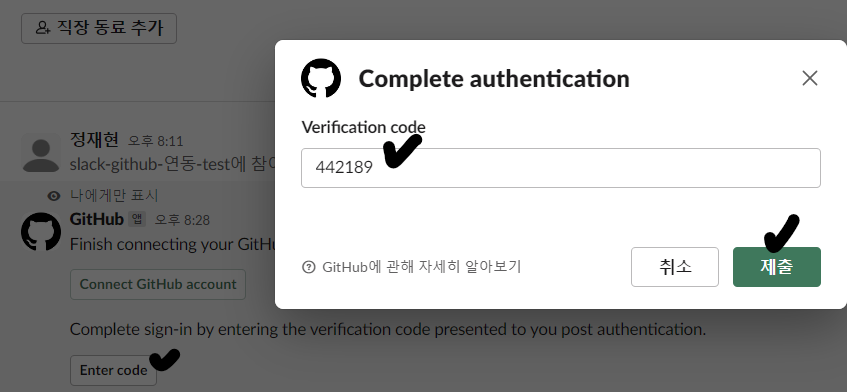
- 메시지의
Enter Code클릭 - 인증번호 입력
- Github과 Slack이 연결된 모습
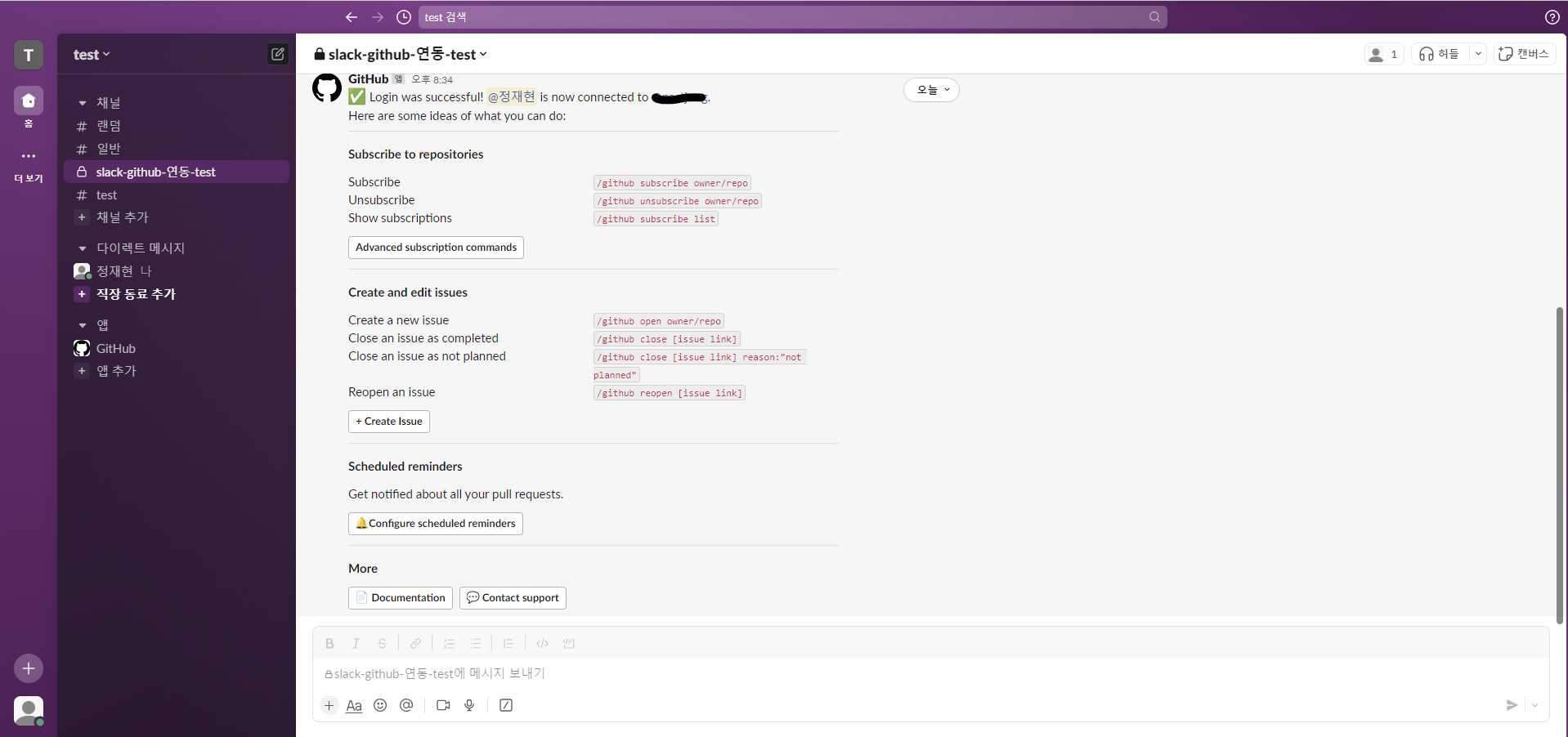
- 아직은 완전히 연결된 것이 아니기 때문에 F5를 누르면 초기화가 된다.
5. Slack channel과 Github repository 연결하기
- 만든 channel에 GitHub 추가하기
/invite @GitHub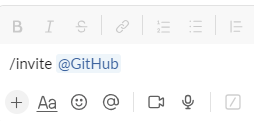
- Github이 해당 channel에 추가된 모습

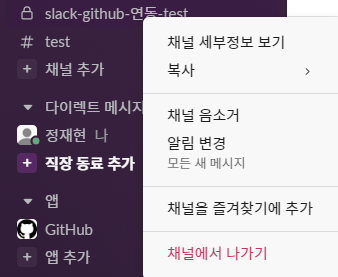
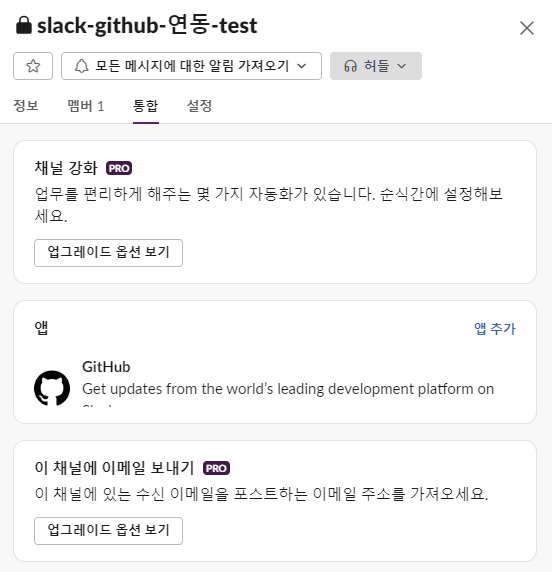
- 해당 channel의 세부 정보 확인
- 만든 채널 우클릭 -
채널 세부정보 보기
- Github이 해당 channel에 추가된 모습
- Slack 아래 comment에 입력

/github subscribe owner/repository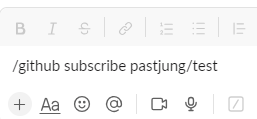
Install GitHub App클릭
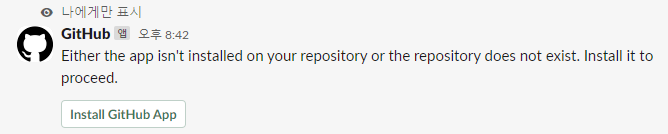
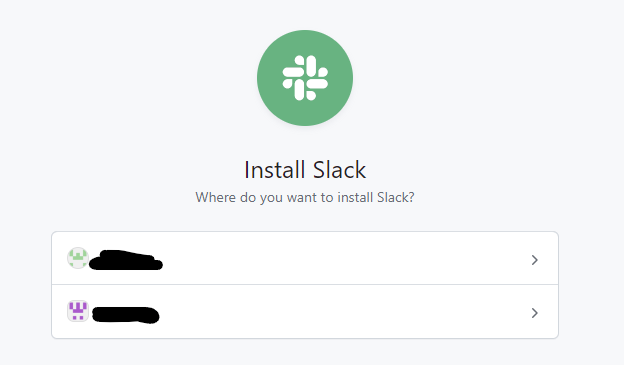
- 사용할 계정 선택(개인 계정, Organization 등등)
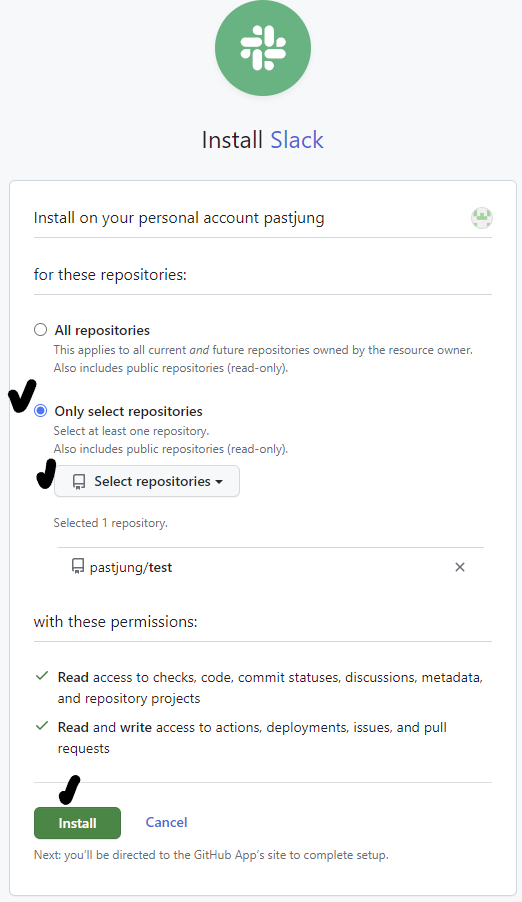
- 모든 Repository를 가져올지, 원하는 Repository만 가져올지 선택
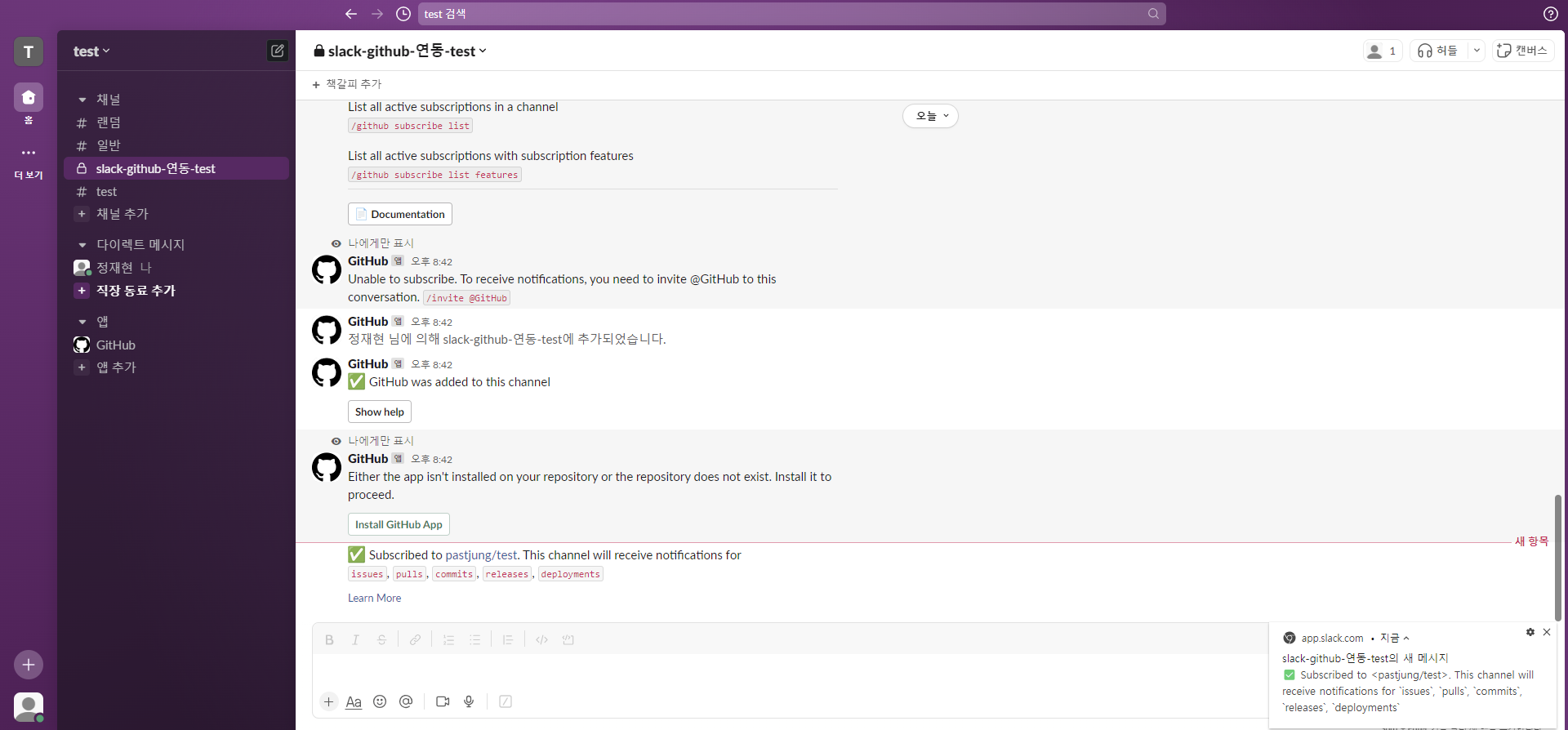
- Github의 Repository와 Slack이 연동된 모습
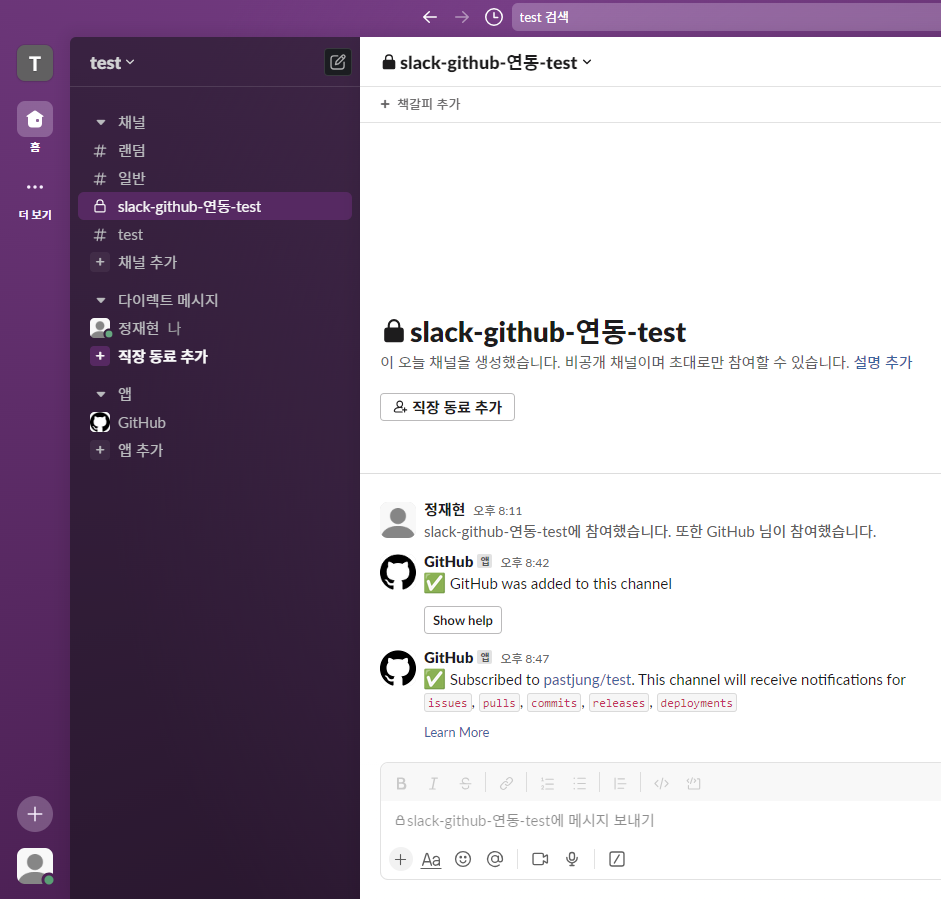
- F5를 눌러도 연동이 되어 있다고 떠있는 모습
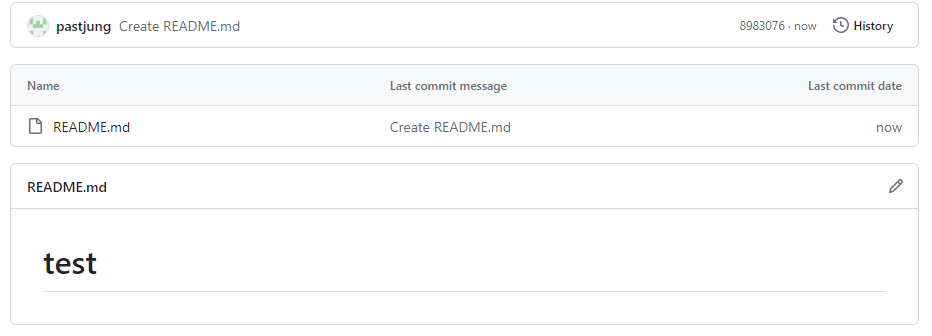
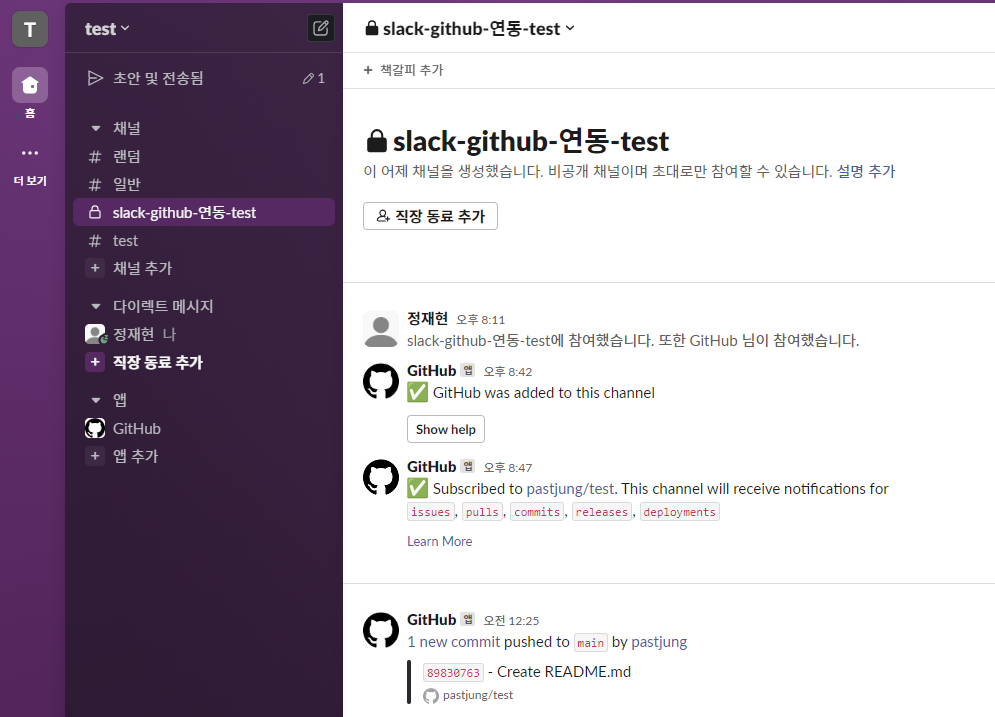
테스트 화면
- Github에 Readme 파일을 생성한 경우
- Slack에 알림이 가는 모습
Slack에서 사용하는 Github 명령어
기본 명령어
/github help: 전체 명령어 확인 가능/github signin: Slack 채널에 연결 할 Github 로그인/github subscribe list: Slack 채널에 연결되어 있는 Repository 리스트 확인/github subscribe owner/repository: Slack 채널에 Repository 연결(구독)/github unsubscribe owner/repository: Slack 채널에 Repository 연결해제(구독)/github subscribe owner/repository branches commits:all reviews comments: Slack 채널에 연결 된 Repository의
모든 Branch에 대해서 메시지를 받겠다는 처리
추가 명령어
해당 명령어는 /github subscribe 나 /github unsubscribe 를 기반으로뒤에 붙는 명령어 들이며, 상세 환경설정을 할 수 있는 명령어 들이다.
issues: Opened or closed issuespulls: New or merged pull requests, as well as draft pull requests marked “Ready for Review”statuses: Statuses on pull requestscommits: New commits on the default branch (usually master)deployments: Updated status on deploymentspublic: A repository switching from private to publicreleases: Published releasesreviews: Pull request reviewscomments: New comments on issues and pull requestsbranches: Created or deleted branchescommits:all: All commits pushed to any branch+label:"your label": Filter issues, pull-requests and comments based on their labels.

공부 기록 보관소