오늘은 10월 21일 7일차이다.
목표
- 팝업 구현
진행
시작하기 전에 모달 윈도우에 대해 찾아봤다.
우선은 MainPage에서 className을 modal로 하는 div와 이것을 부모로 하는, className이 modal-body인 div를 선언하여 구성했다. 디자인은 기존 Wordle과 비슷하게 하였다. 하던 중에 modal-body가 떠있는데도 뒤에 있는 WordList 판이 왜 그런가 했더니 z-index를 조정해줘야 앞/뒤 구분이 명확하게 되었다. 나중에 만들 close 버튼 또는 modal-body가 아닌 부분을 클릭하면 exit 되도록 구현하려고 했다.
코드
const MainPage = () => {
    const [modal, setModal] = useState(false);

    const onModal = () => {
        setModal(true);
    }

    const offModal = e => {
        if ( e.target.className === 'modal-body')
            return;
        setModal(false);
    }
    return (
        <MainPageBlock modal={modal}>
            <div className='modal' onClick={offModal}>
                <div className='modal-body'>content</div>
            </div>
            <Header onModal={onModal}/>
            <Board />
        </MainPageBlock>
    )
}
MainPage 컴포넌트이다. modal 창이 떠있는지 여부를 useState를 사용하여 관리하기로 하였다. modal 클래스 div에 onClick을 넣었고, offModal 함수를 연결했다. 이때 실행해보니 modal-body가 클릭되어도 창이 꺼지길래 offModal 함수 내부에서 className을 조회하여 modal-body인 경우에는 실행되지 않도록 조치했다. Header에 onModal을 내려준 이유는 Header에 팝업을 띄워주는 버튼이 있기 때문이다.
	.modal {
        width: 100%;
        height: 100%;
        position: absolute;
        display: ${props => props.modal ? 'block' : 'none'};
        background: rgba(255, 255, 255, 0.6);
    }
    .modal-body {
        position: relative;
        width: 500px;
        height: 60%;
        min-height: 600px;
        max-height: 100%;
        top: 50%;
        left: 50%;
        transform: translate(-50%, -50%);
        z-index: 1;
        background: white;
        box-shadow: 0 4px 23px 0 rgba(0, 0, 0, 0.2);
        border-radius: 10px;
        display: inline-flex;
        justify-content: center;
        align-items: center;
        font-size: 100px;
    }
MainPageBlock 컴포넌트의 styled 코드 중 일부이다. .modal에서 display 속성은 props로 받은 modal 상태에 따라 block과 none으로 적용했다.
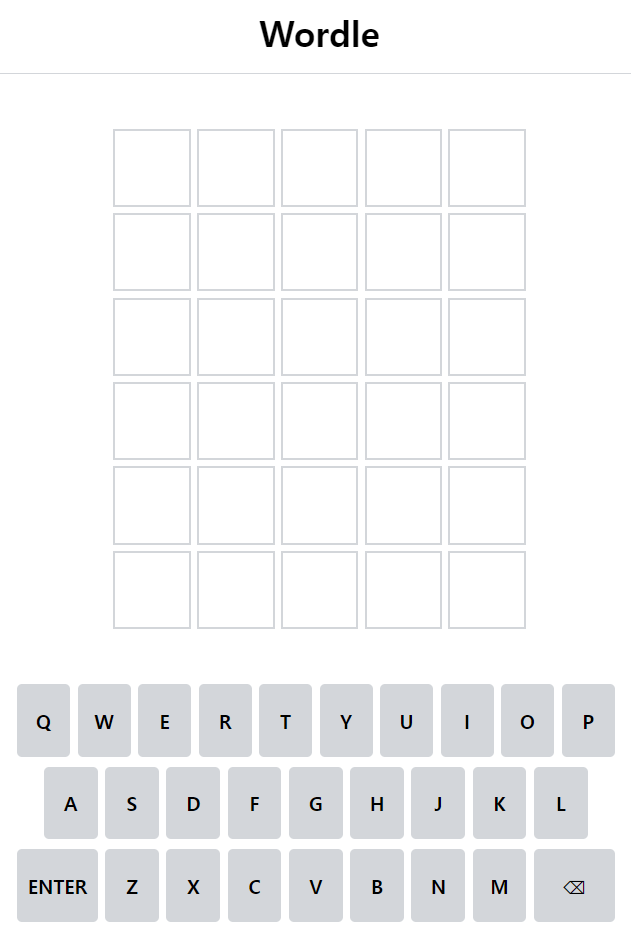
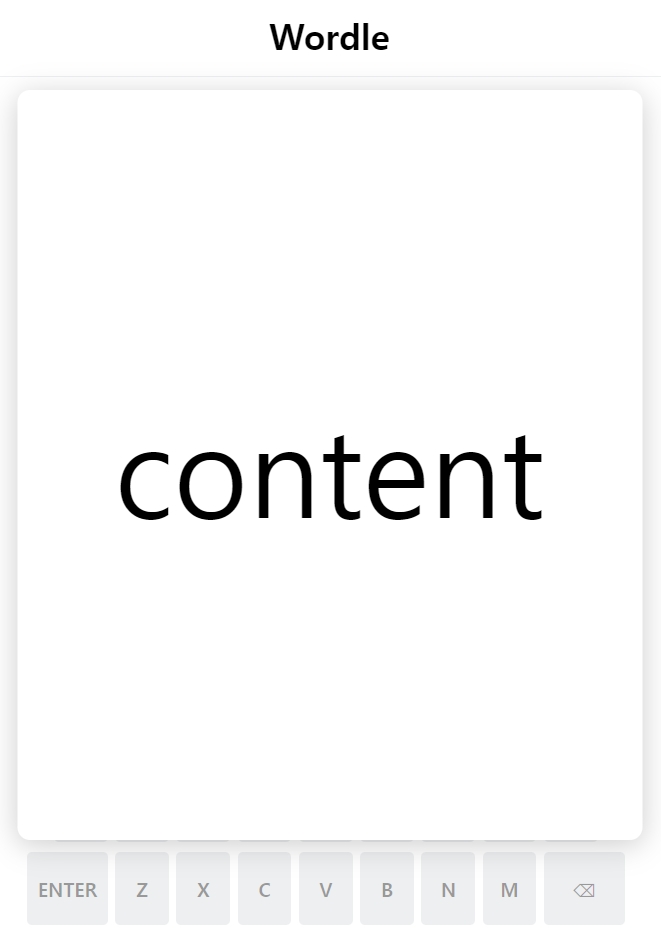
뒷 배경은 뿌옇게 나오는 것을 확인할 수 있다. 근데 저 Wordle 타이틀은 왜 적용이 안되는 지 모르겠다.
보충할 것
- 팝업 디자인
- 팝업 버튼 디자인
내일 할 것
- 팝업 버튼 구현 및 디자인
- 몇 번만에 맞췄는지에 따라 특정 단어 렌더링 기능(시간이 되면)
마무리
내일과 모레는 주말인데 알바가는 날이라 시간이 날 지 모르겠다. 오늘은 거의 CSS만 만졌는데 시간이 엄청 오래 걸렸다. 내가 원하는 모양새가 나오기가 쉽지 않은 것 같다. CSS 더 공부해야지.
