문제
프로젝트 초기 단계에서 아직 DB 스키마 이름이 정해지지 않아서 프로젝트 초반 작업을 위해서 H2 를 사용하면서 Global 설정 (예를 들어, ResponseDTO, Global Exception 등 )을 하려고 한다.
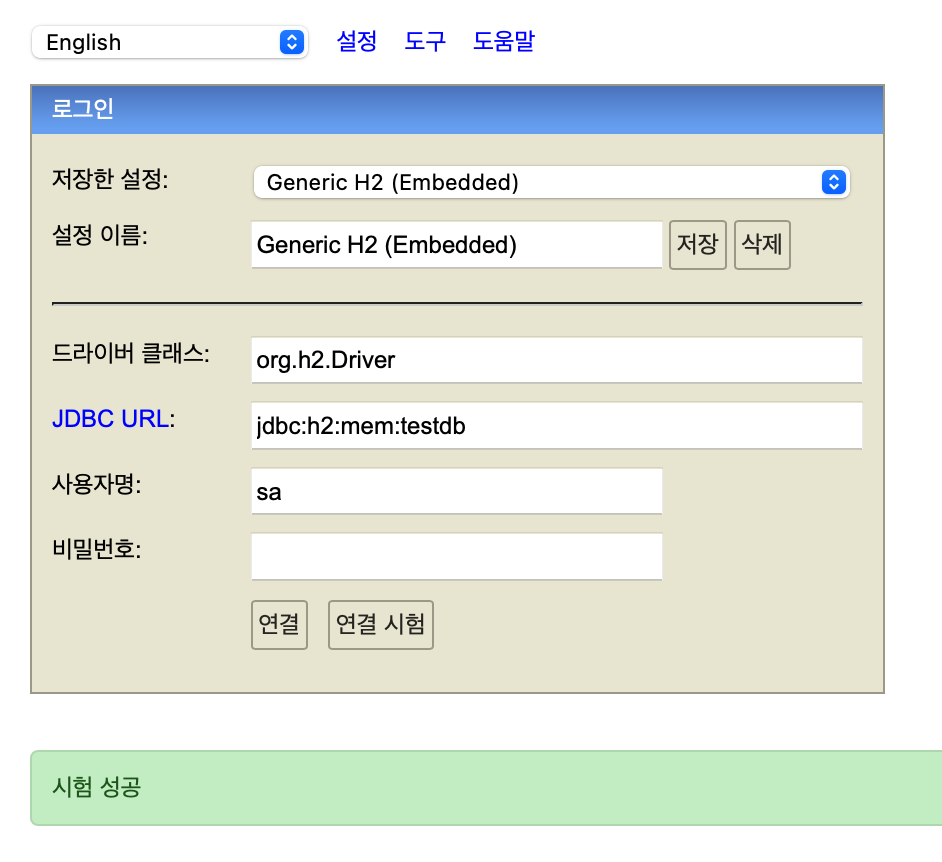
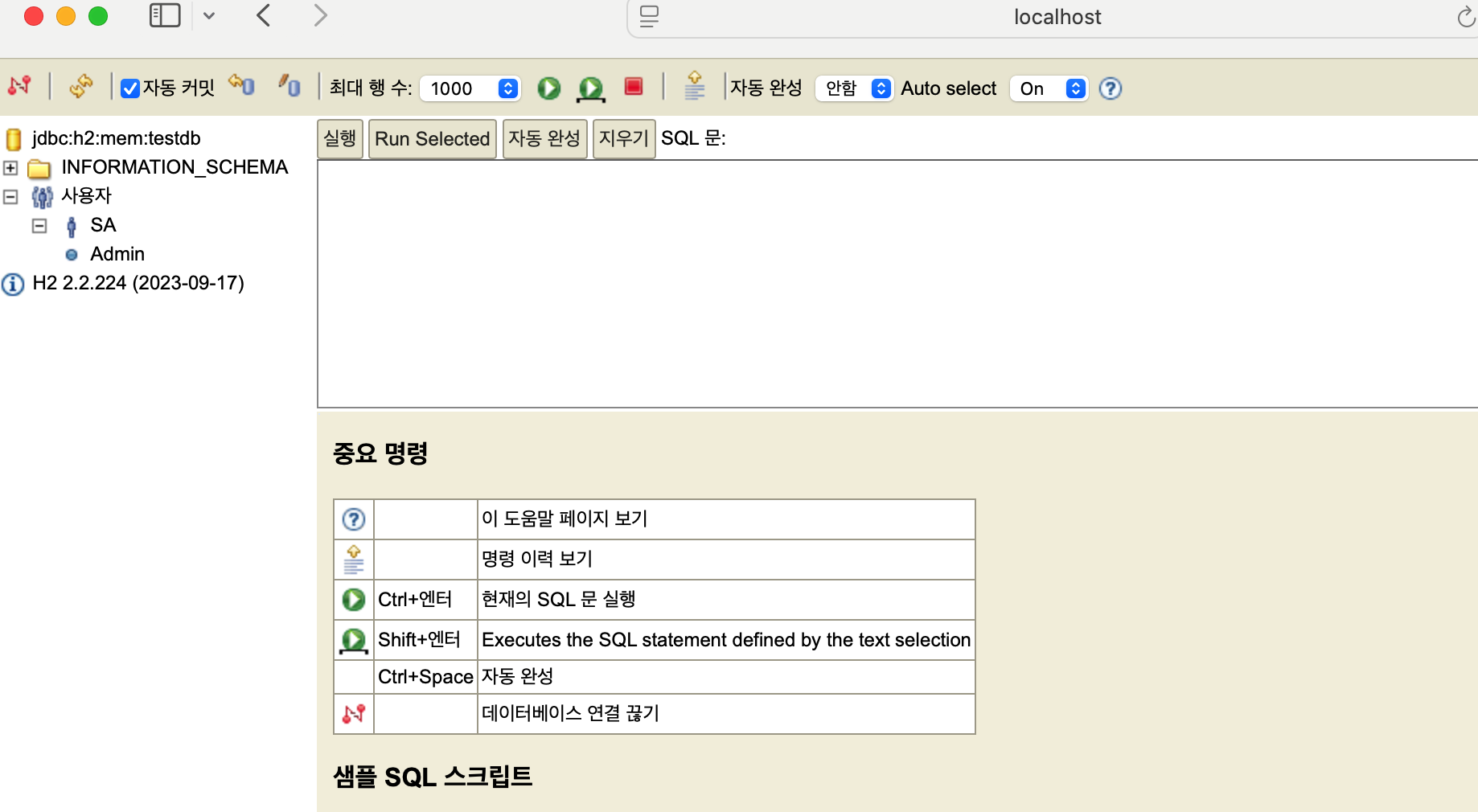
터미널에서 H2를 8082 포트로 실행하면 잘 작동한다. 하지만 SpringSecurity와 연동하여 실행하면 다음 과 같은 문제를 만나게 된다.
아 먼저 H2를 스프링 부트에서 사용하려면 application.properties에서 아래와 같이 설정 해주면 path가 고정된다.
spring.h2.console.enabled=true
spring.datasource.url=jdbc:h2:mem:testdb
문제 1.LoginForm
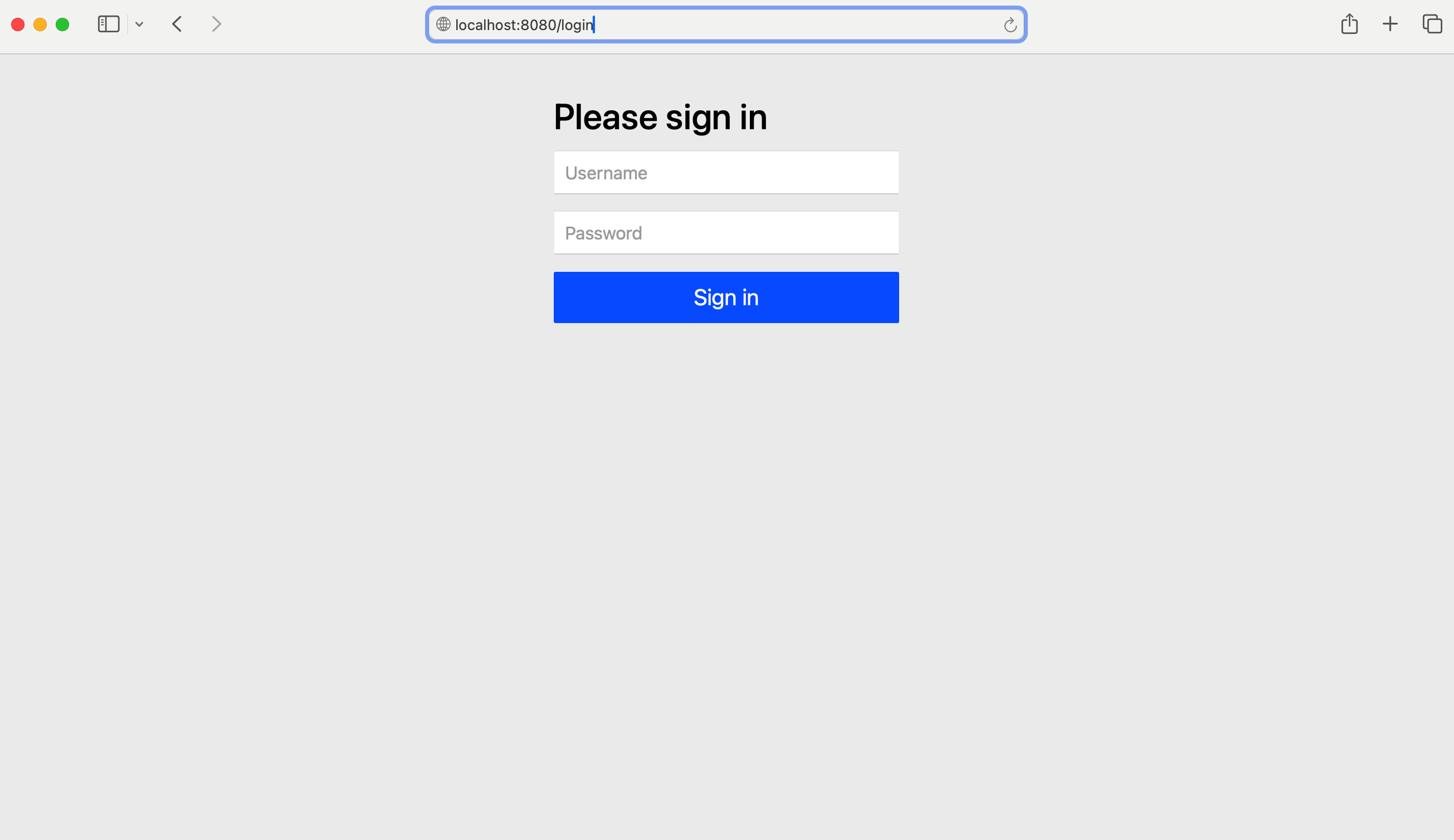
처음 마주친 문제는 Spring Security의 로그인 폼 이슈였다
해결 방법
SecurityConfig.class에 아래와 같이 FilterChain을 작성해주었다.
@Bean
public SecurityFilterChain securityFilterChain(HttpSecurity http) throws Exception {
        http
                .formLogin(AbstractHttpConfigurer::disable);
        return http.build();
}
문제 2.Forbidden
위 문제를 해결하고 실행 해보니 아래와 같은 초기 화면을 만날 수 있었다.
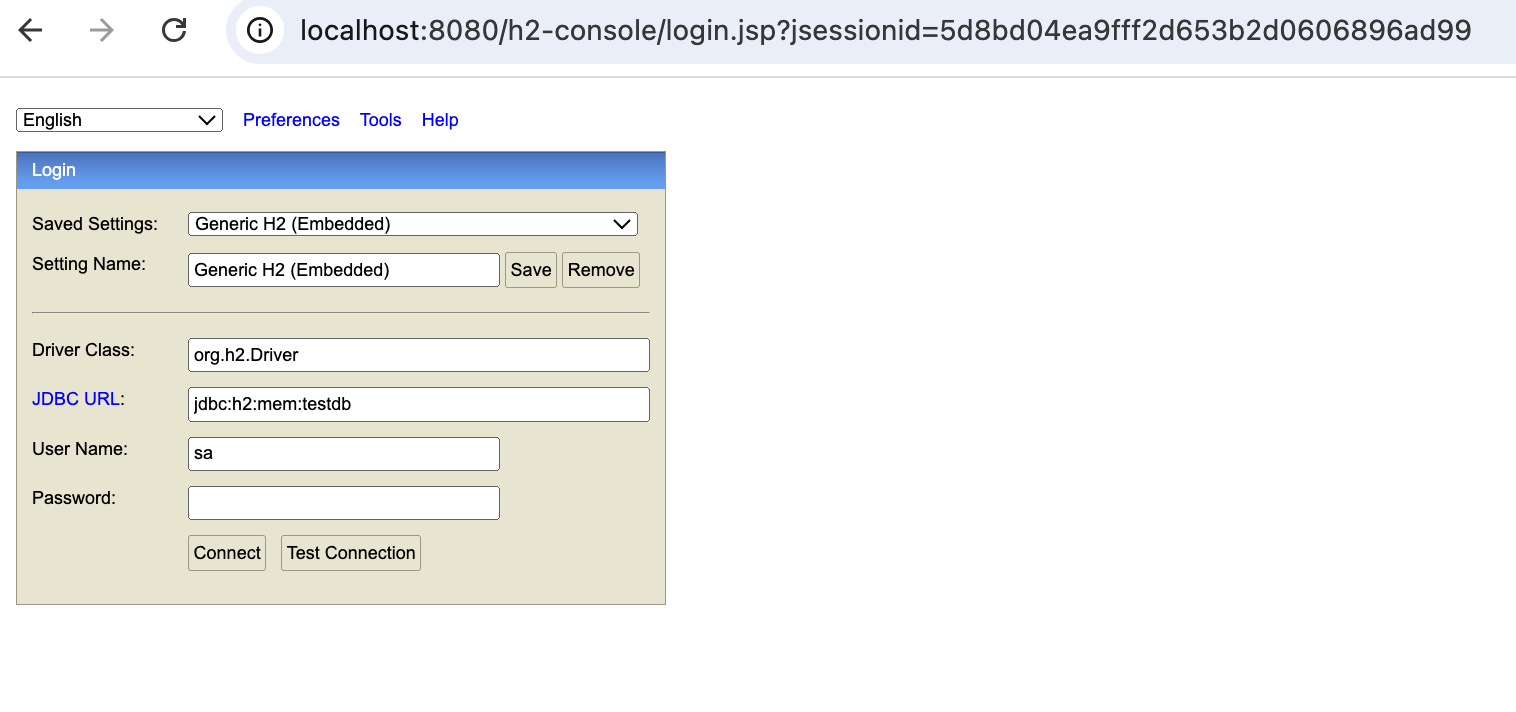
여기서 Connct를 누르면 해당 DB로 갈 수 있다.
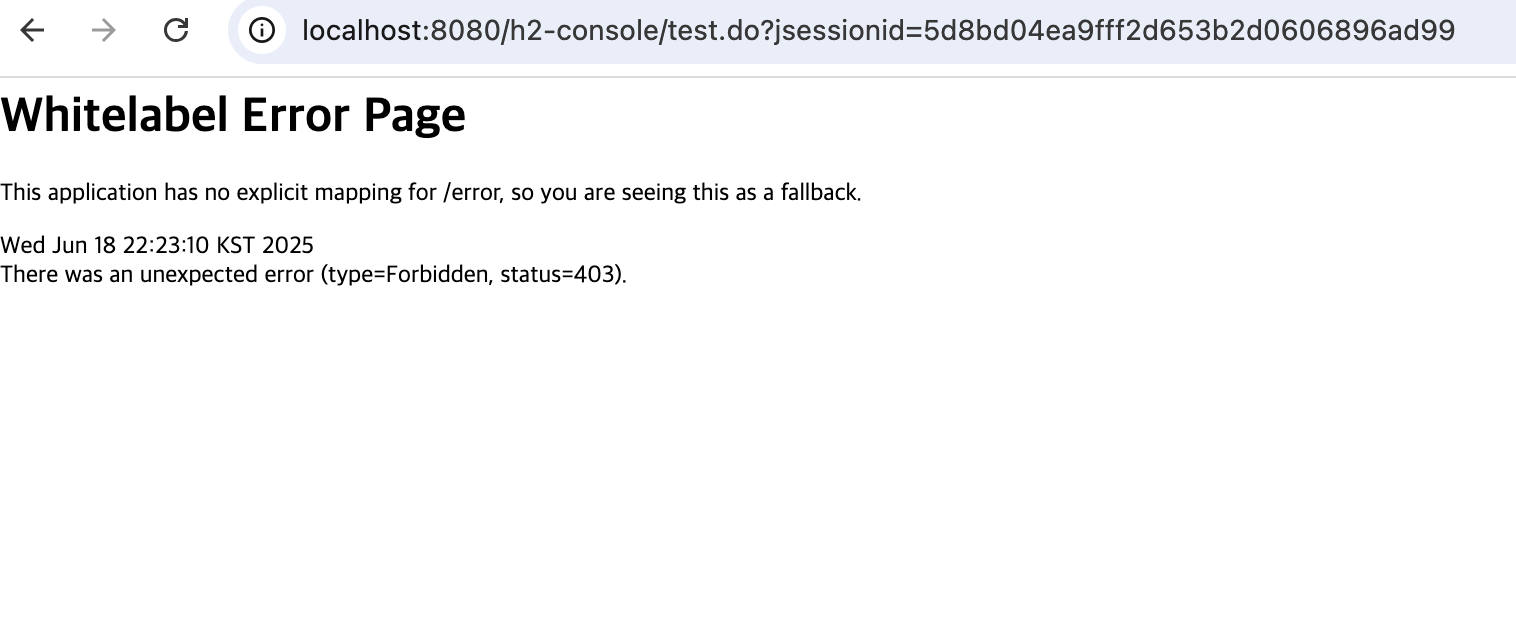
하지만 Forbidden이 떴다. 권한이 없다는데 이것도 앞서 정의한 securityFilterChain에 아래 설정을 추가하여 해결해보자
@Bean
public SecurityFilterChain securityFilterChain(HttpSecurity http) throws Exception {
		http
                .csrf(CsrfConfigurer::disable)
                .formLogin(AbstractHttpConfigurer::disable)
                .authorizeHttpRequests(auth -> auth
                        .anyRequest().permitAll());
                        // 좀 더 세부적으로 설정하는 것이 좋지만
                        // 지금은 이슈 해결을 위해 이렇게 작성하겠다.
		return http.build();
}
문제 3. X-Frame-Options Deny
위 코드를 통해 Forbidden을 해결했다면 Connect를 눌러 DB를 실행시켜보자
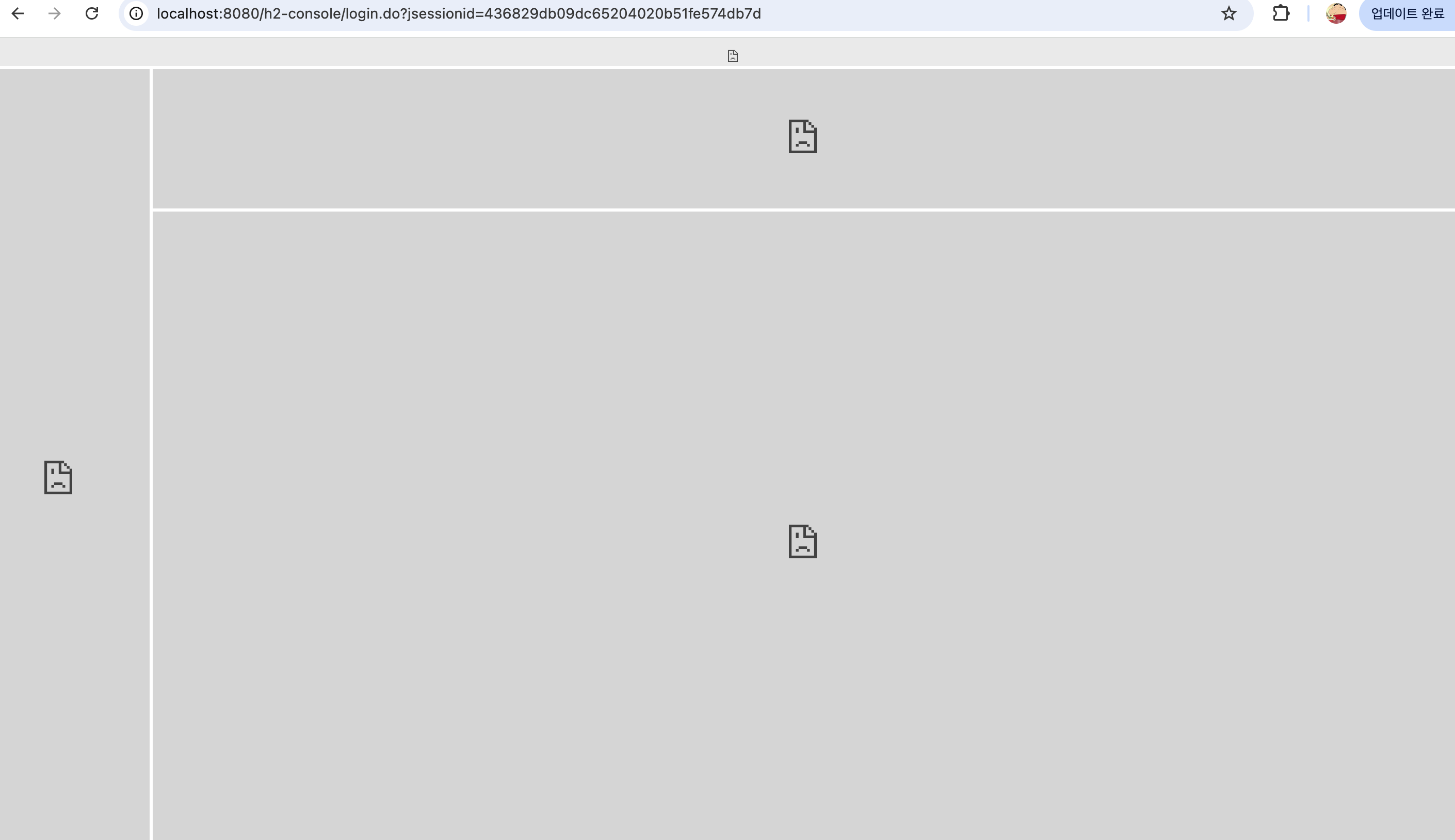
엄.
F12를 눌러 확인해 보니 X-Frame-Option관련 이슈라고 해서 SpringSecurity가 iframe 사용에 대해 차단하고 있었다.

그래서 구글링을 통해 알아보니 frameOption이라는 설정에서 sameOrigin()설정을 해주면 된다고 한다. 다음과 같이 작성하면 된다고 한다.
 @Bean
    public SecurityFilterChain securityFilterChain(HttpSecurity http) throws Exception {

                ...
        http.headers().frameOptions().sameOrigin();

        return http.build();
    }
그래서 위처럼 작성했지만 위 방법은 Deprecated 되었다고 한다.

그래서 직접 Docs를 읽어보기로 했다.
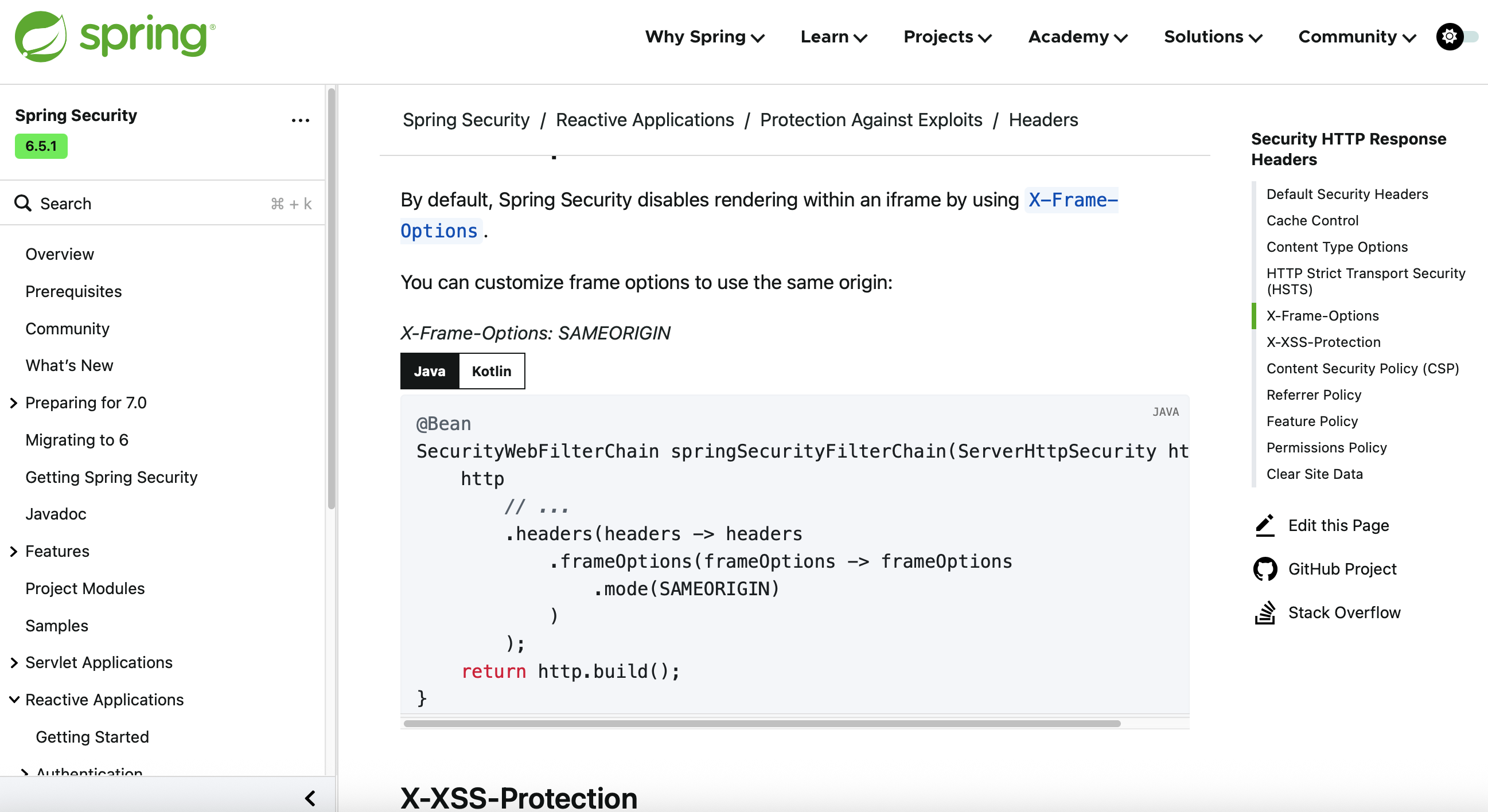
위 Docs를 참고해서 아래와 같이 FilterChain을 수정하였다.
@Bean
public SecurityFilterChain securityFilterChain(HttpSecurity http) throws Exception {
    http
        .csrf(CsrfConfigurer::disable)
        .formLogin(AbstractHttpConfigurer::disable)
        .authorizeHttpRequests(auth -> auth.anyRequest().permitAll())
        .headers(headers -> headers
            .frameOptions(frameOptions -> frameOptions.sameOrigin())
        );
    return http.build();
}
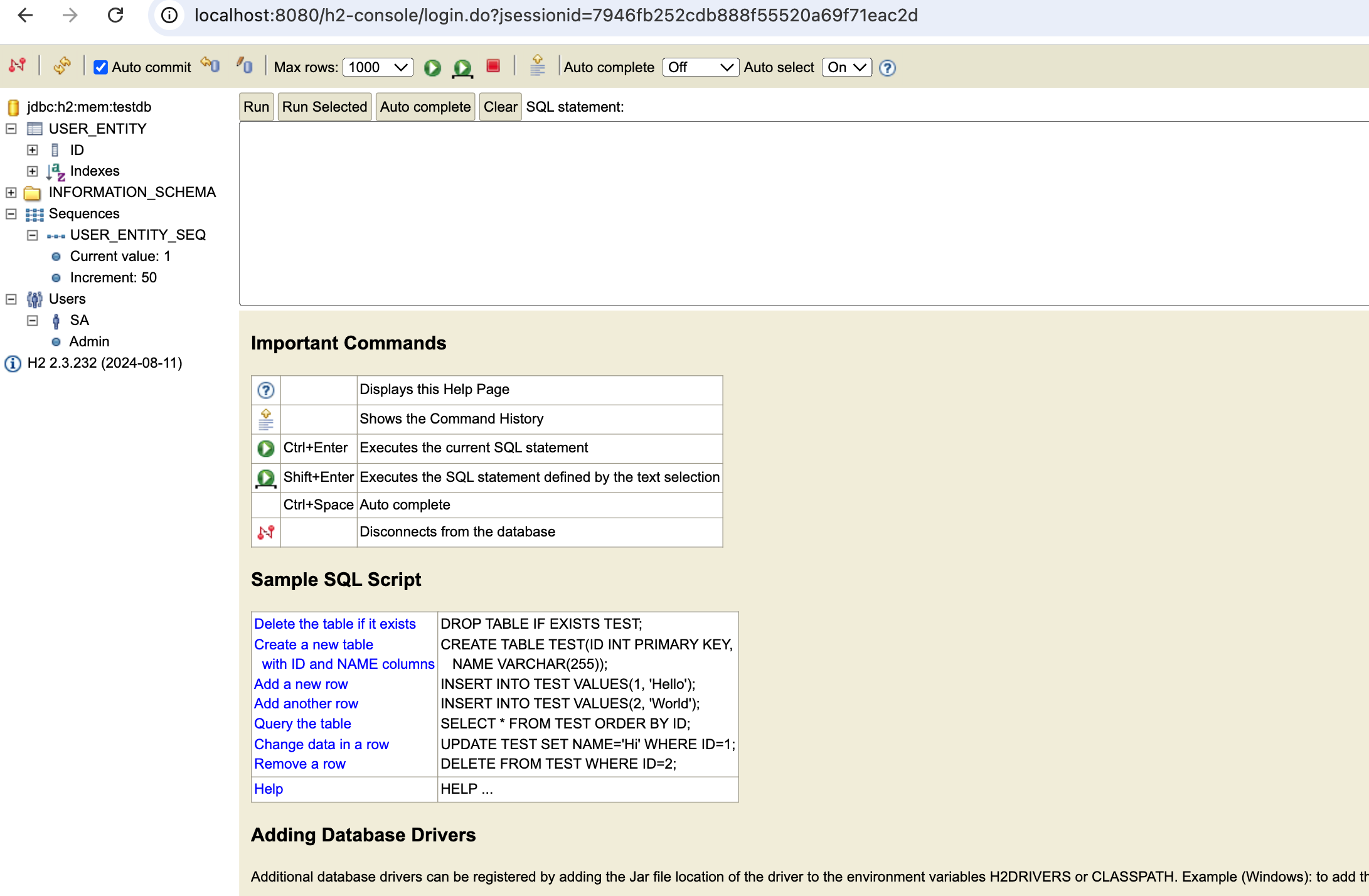
이렇게 수정후 다시 Connect를 실행하면 아래와 같이 잘 나오는 것을 확인할 수 있다.
고민하는 부분
Security에서 i-frame을 기본적으로 차단한다는 것은 보안적인 요소로 인해서 막았다는 것일 텐데 어떤 보안 이슈가 있었는지를 확인해 봐야겠다.
오랜만에 H2를 사용했는데, 초기 기능 구현이나 프로젝트 빌드 시 빠르게 DB가 필요할 때는 H2를 적극 활용해야겠다.
