[ios_Swift] 코드로 팝업 버튼 만들기
팝업 버튼을 만들기는 간단하다.
let positionPopupButton: UIButton = {
        let button = UIButton()
        button.titleLabel?.font = .systemFont(ofSize: 15, weight: .medium)
        button.setTitle("", for: .normal)
        button.setTitleColor(.black, for: .normal)
        button.backgroundColor = .white
        button.layer.cornerRadius = (4)
        button.addTarget(self, action: #selector(positionPopUpButton), for: .touchUpInside)
        return button
    }()
위와같이 먼저 버튼을 선언해 준 후
 @objc private func positionPopUpButton() {
            let popUpButtonClosure = { (action: UIAction) in
                if action.title == "1 번" {
                    self.positionPopupButton.setTitle("1 번", for: .normal)
                }
                else if action.title == "2 번" {
                    self.positionPopupButton.setTitle("정2 번", for: .normal)
                }
                else if action.title == "3 번" {
                    self.positionPopupButton.setTitle("3 번", for: .normal)
                }
                else {
                }

                return
            }

        positionPopupButton.menu = UIMenu(title: "위치선택", children: [
                UIAction(title: "1 번", handler: popUpButtonClosure),
                UIAction(title: "2 번", handler: popUpButtonClosure),
                UIAction(title: "3 번", handler: popUpButtonClosure)
            ])

        positionPopupButton.showsMenuAsPrimaryAction = true
        }
UIMenu 클래스를 이용한 팝업기능 매써드를 만들어 이어주면 된다.
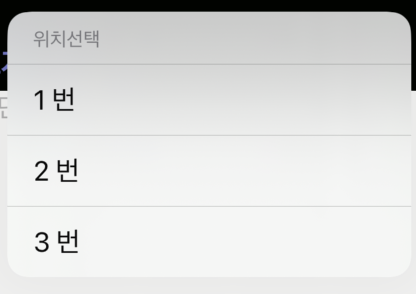
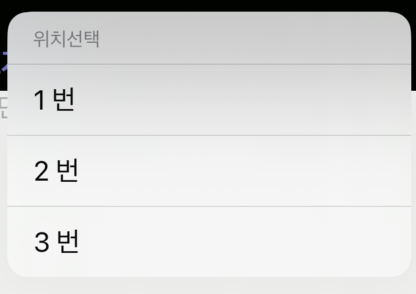
그럼 아래와 같은 팝업창이 만들어진다.