slack api
https://api.slack.com/apps
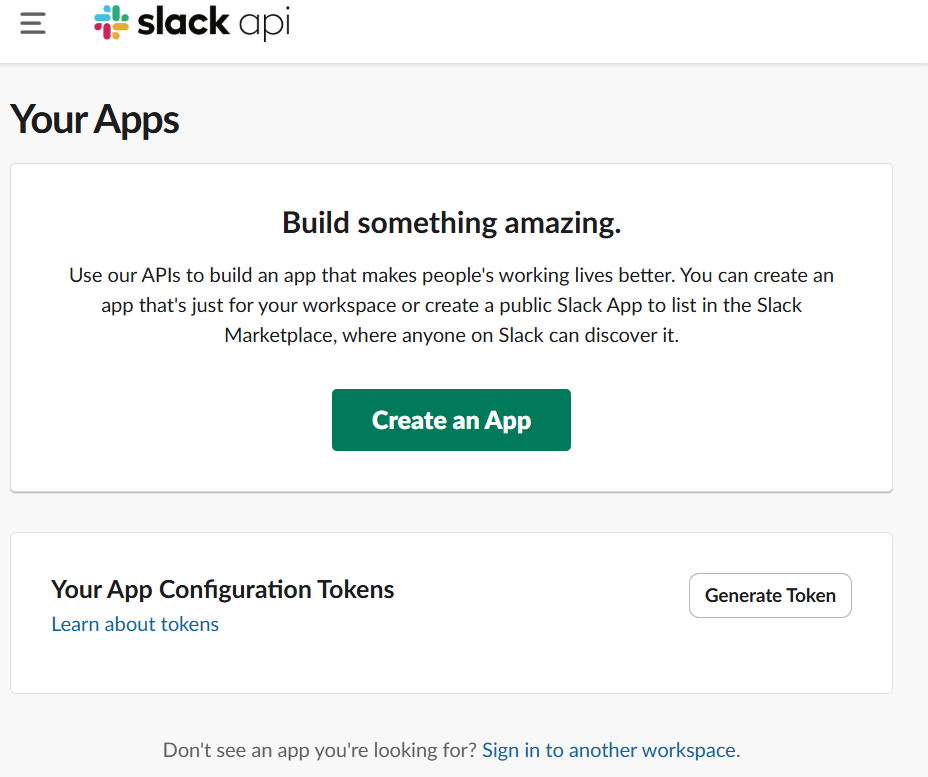
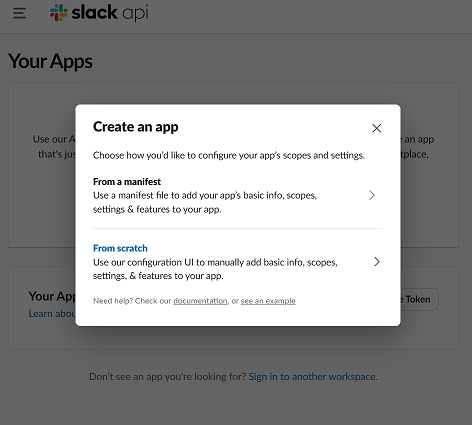
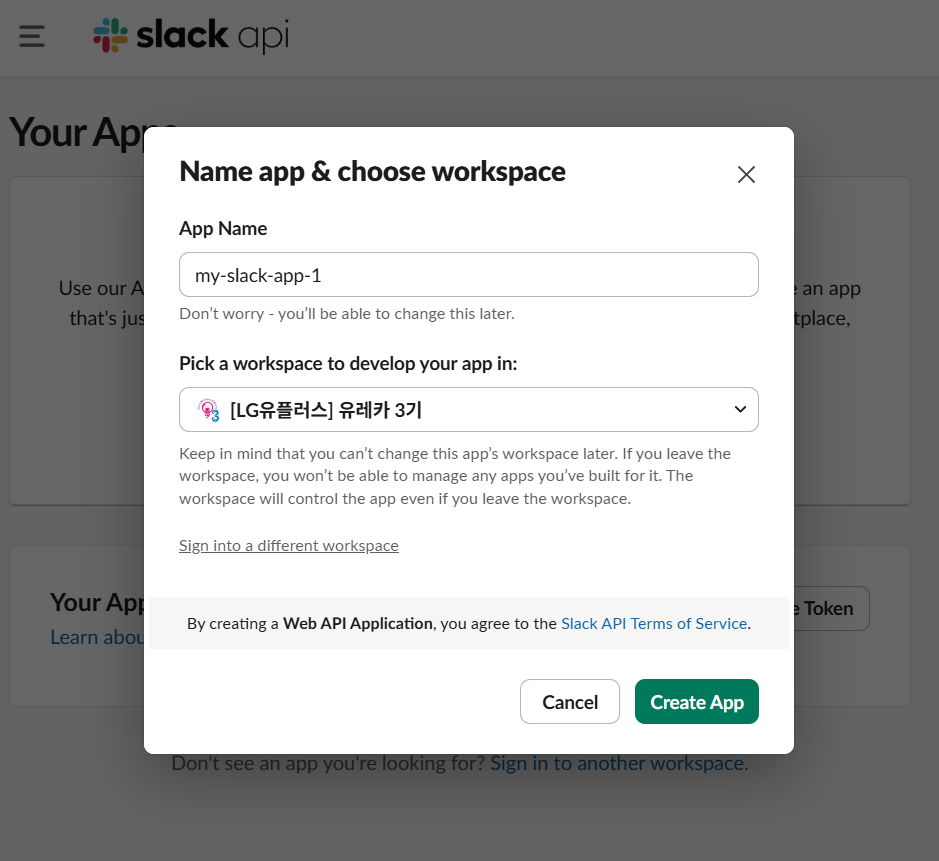
에러가 뜨는데 이는 아마 한 번에 많은 사람이 시도를 해서인것으로 판단이 된다. 그래서 한명씩 한명씩 성공하는 모습을 볼 수 있었다.예를 들어 1분당 하나씩만 처리가 되는 거다.
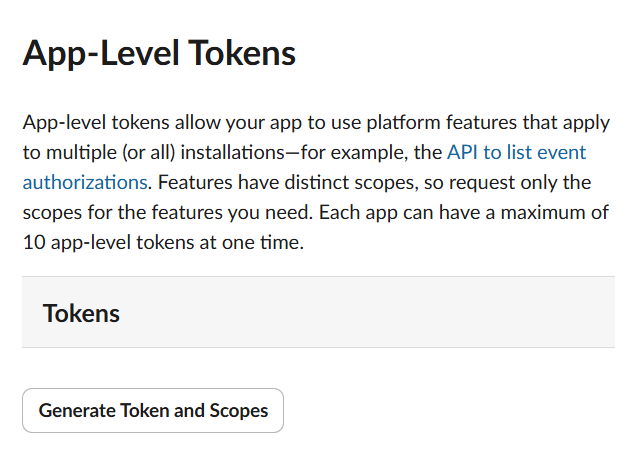
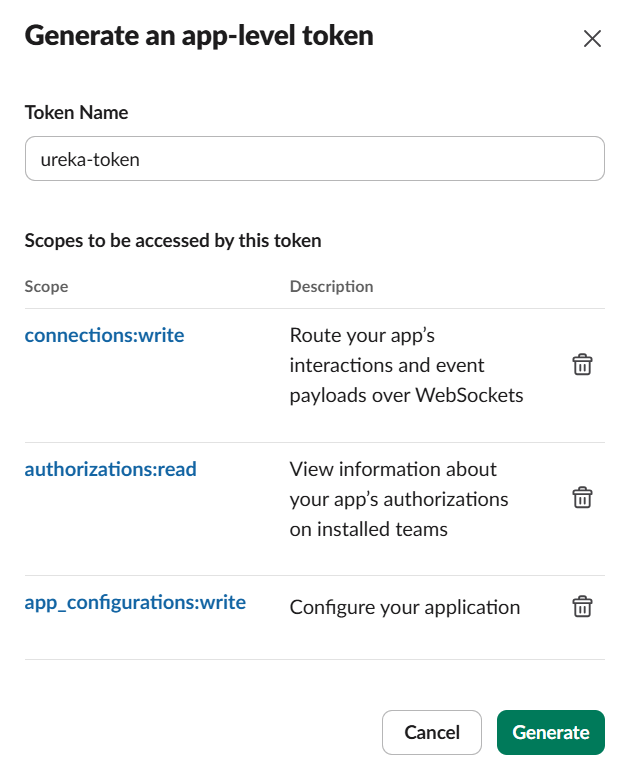
connections:write만 사용하면 됨
save를 눌러주고 OAuth Tokens로 이동을 한다
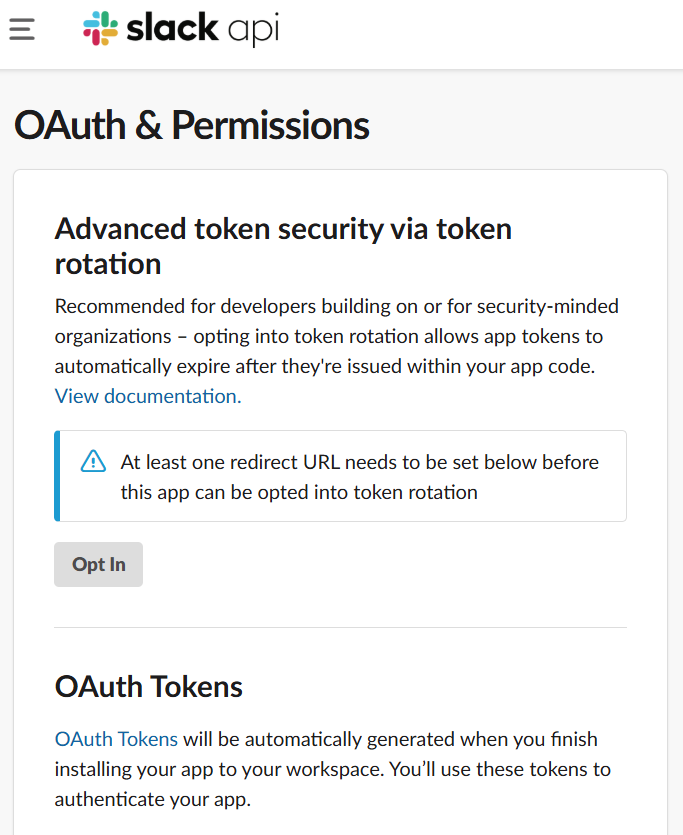
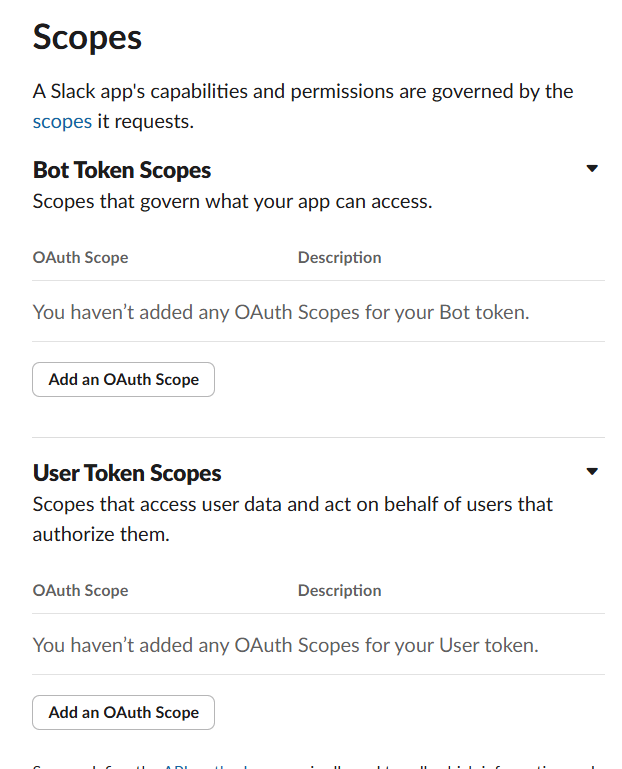
scopes에서 add를 해준다
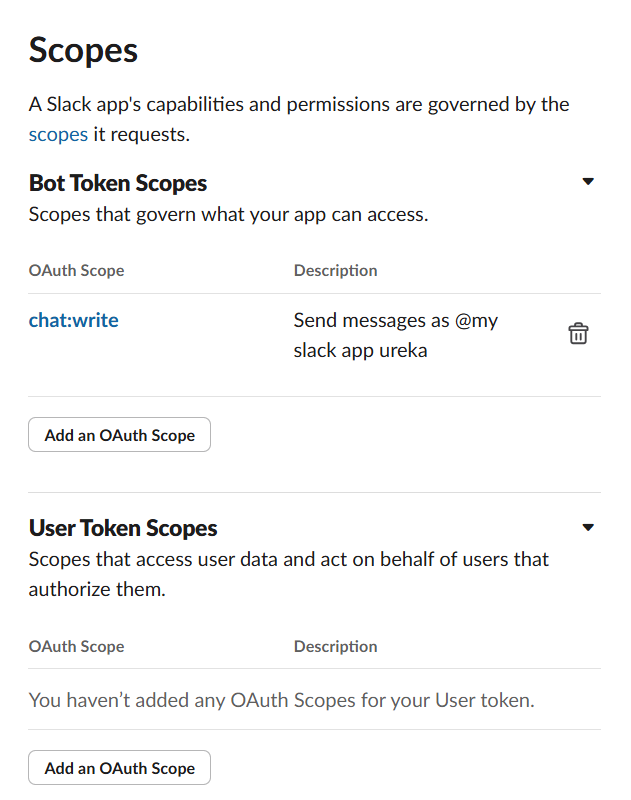
oauth tokens에서 install을 한다
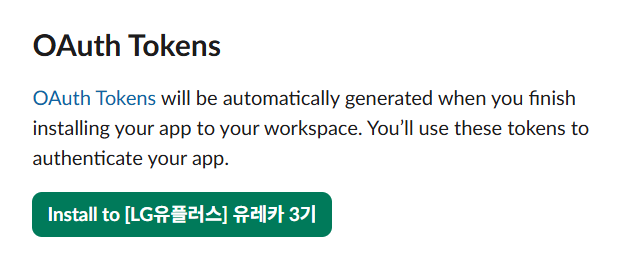
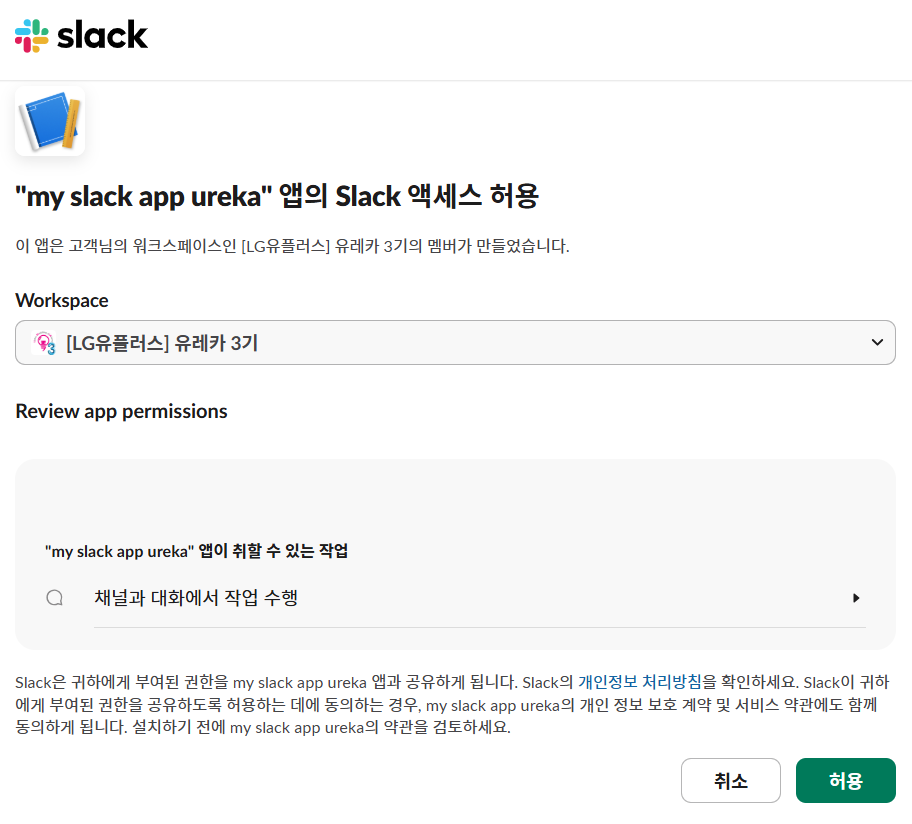
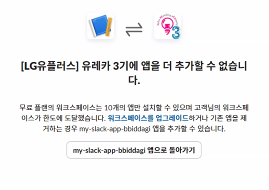
한 워크스페이스는 최대 10개까지만 가능하다
채널 생성 -> /invite @앱 이름
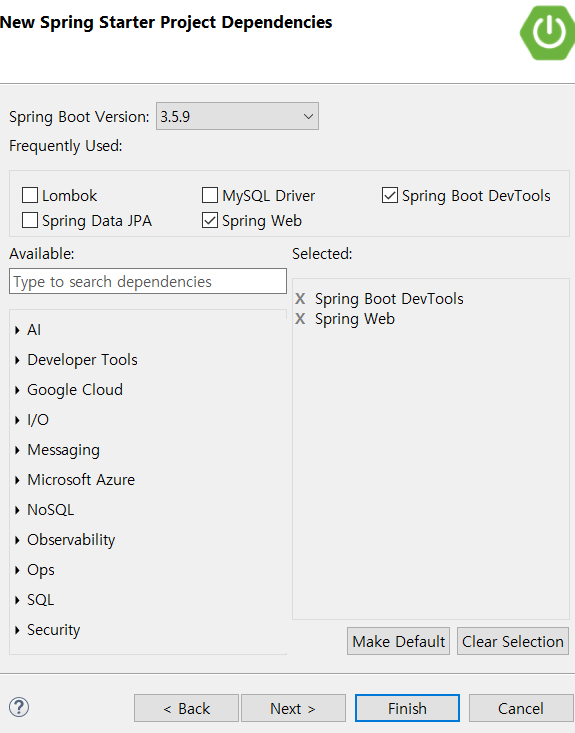
build.gradle에 추가
// https://mvnrepository.com/artifact/org.springframework.boot/spring-boot-starter-webflux
implementation("org.springframework.boot:spring-boot-starter-webflux:3.4.5")
application.properties에 추가
slack.bot.token=bot token
slack.channel=#채널명
service
package com.mycom.myapp.service;

import org.springframework.beans.factory.annotation.Value;
import org.springframework.stereotype.Service;
import org.springframework.web.reactive.function.client.WebClient;

@Service
public class SlackApiServiceImpl implements SlackApiService {

	private final WebClient webClient;

	@Value("${slack.bot.token}")
	private String slackBotToken;

	@Value("${slack.channel}")
	private String slackChannel;

	// 생성자 DI - webClient
	public SlackApiServiceImpl() {
		this.webClient = WebClient.builder()
				.baseUrl("https://slack.com/api")
				.defaultHeader("Content-Type", "application/json")
				.build();
	}

	@Override
	public void sendMessage(String message) {
		sendMessageToChannel(slackChannel, message);
	}

	public void sendMessageToChannel(String channel, String message) {
		String jsonMessage = String.format(
			"""
			{
				"channel":"%s",
				"text":"%s",
			}
			""",
			channel,
			message);

		this.webClient.post()
			.uri("/chat.postMessage")
			.header("Authorization", "Bearer "+slackBotToken)
			.bodyValue(jsonMessage)
			.retrieve() // 응답 처리 설정
			.bodyToMono(String.class) // 응답을 단일한 String type으로 변환
			.doOnSuccess(response -> System.out.println("Slack Response:"+response))
			.doOnError(error -> System.out.println("Slack Error:"+error.getMessage()))
			.subscribe();

	}

}
controller
package com.mycom.myapp.controller;

import org.springframework.web.bind.annotation.GetMapping;
import org.springframework.web.bind.annotation.RestController;

import com.mycom.myapp.service.SlackApiService;

@RestController
public class SlackApiController {

	private final SlackApiService slackApiService;

	// 생성자 DI
	public SlackApiController(SlackApiService slackApiService) {
		this.slackApiService = slackApiService;
	}

	// get
	@GetMapping("/notify")
	public String sendSlackNotification() {
		slackApiService.sendMessage("🔔 send SpringBootSlackApiTest App message");
		return "send message at Slack";
	}
}
test
package com.mycom.myapp;

import static org.junit.jupiter.api.Assertions.assertEquals;

import java.util.concurrent.CountDownLatch;
import java.util.concurrent.ExecutorService;
import java.util.concurrent.Executors;
import java.util.concurrent.atomic.AtomicInteger;

import org.junit.jupiter.api.BeforeEach;
import org.junit.jupiter.api.Test;
import org.springframework.beans.factory.annotation.Autowired;
import org.springframework.boot.test.context.SpringBootTest;

import com.mycom.myapp.entity.Coupon;
import com.mycom.myapp.repository.CouponRepository;
import com.mycom.myapp.service.CouponService;

@SpringBootTest
public class CouponConcurrencyTest {
	@Autowired
	private CouponService couponService;
	@Autowired
	private CouponRepository couponRepository;

	@BeforeEach
	void setUp() {
		couponRepository.save(new Coupon("FCFS coupon", 100));
	}

	@Test
	void concurrencyTest() throws Exception{
		int threadCount = 1000;
		// what does it mean?
		ExecutorService executorService = Executors.newFixedThreadPool(32);
		CountDownLatch latch = new CountDownLatch(threadCount);

		AtomicInteger successCount = new AtomicInteger(); // thread safe

		for(int i=0;i<threadCount;i++) {
			executorService.submit( () -> {
				try {
					couponService.issue(1L);

					successCount.incrementAndGet();
				}catch(Exception e) {
					// 재고 부족 등 처리
					e.printStackTrace();
				}finally {
					latch.countDown();
				}
			});
		}
		latch.await(); // It is waiting until all thread is done

		long finalQuantity = couponRepository.findById(1L).orElseThrow().getQuantity();

		System.out.println("finalQuantity:"+finalQuantity);
		System.out.println("successCount:"+successCount.get());

		assertEquals(100, successCount.get()); // continued failure
	}
}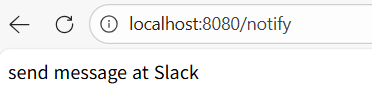

잘 보내지는 것을 확인할 수 있다.
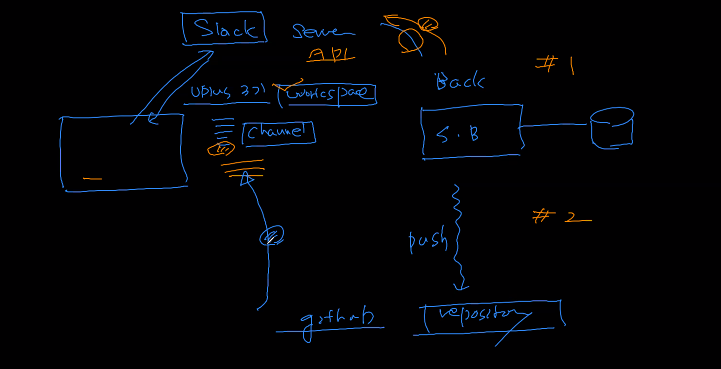
https://slack.github.com/ 에서 add to slack을 누르면 된다.
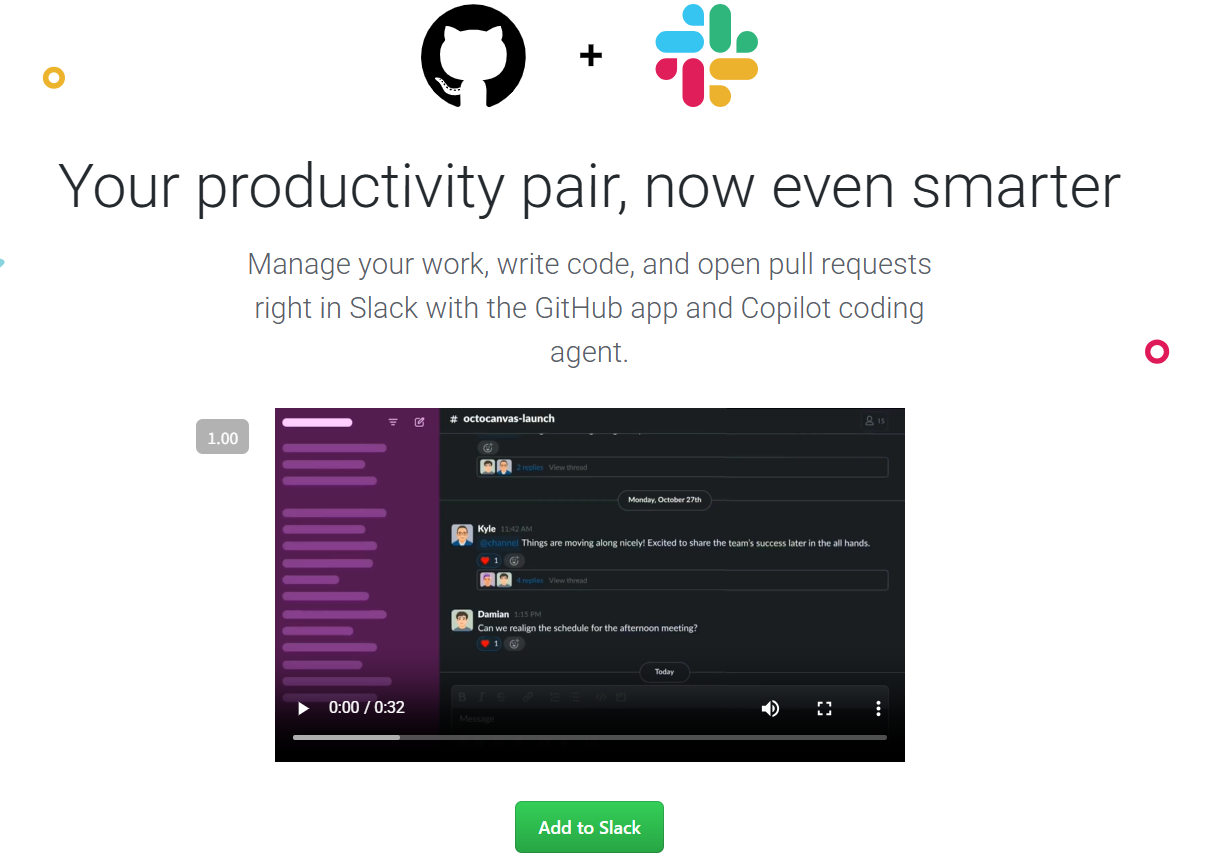

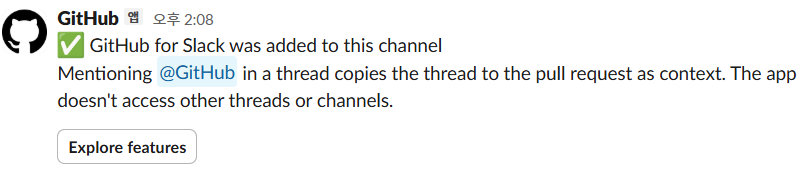
그럼 슬랙에 github가 생겼다는 걸 알 수 있습니다. 눌러서 들어가면 관련 명령어가 뜹니다.
/invite @github 를 채널에 입력하면 다음과 같은 화면이 나오는 것을 알 수 있다.
/github subscribe 계정/레퍼지토리 이름
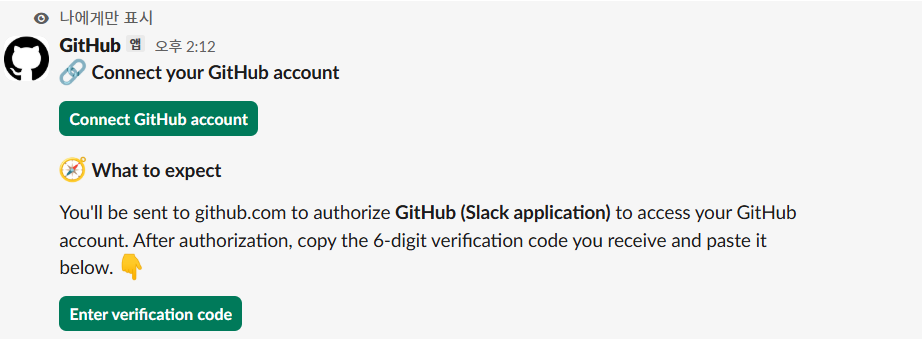
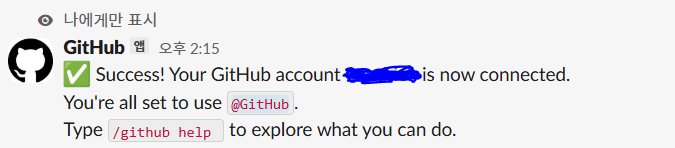
그렇게 github 계정과 연동을 하면 다음과 같이 뜹니다

그럼 다시 /github subscribe 계정/레퍼지토리 이름 를 입력하면 위 화면과 같이 install을 해야 합니다.
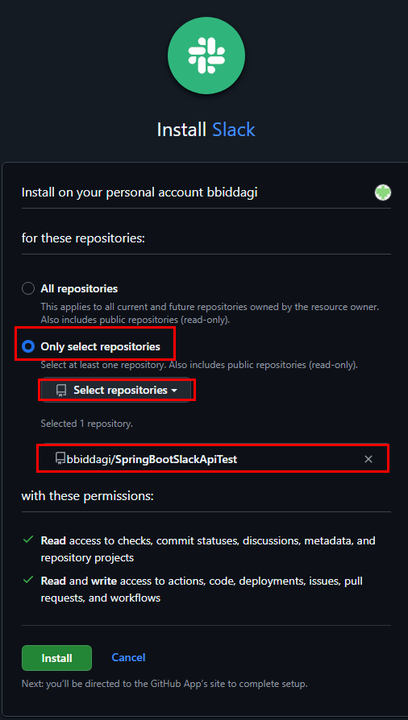
이렇게 선택을 하면 됩니다.
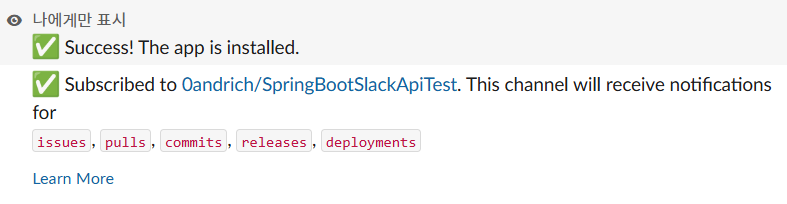
그럼 다음과 같이 뜹니다.
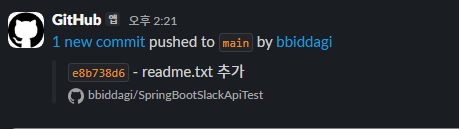
이렇게 하고 새롭게 push를 한다면, 다음과 같은 화면이 뜹니다.
백엔드 이슈
지금까지의 백엔드 App
- 기본적인 crud 중심
- 세션, 토큰 기반 상태 관리
- security 적용
향후 고려할 백엔드 이유
- 동시성 (concurrency)
- 순차적 처리 (queueing)
- 캐싱 (caching)
이슈 1 동시성
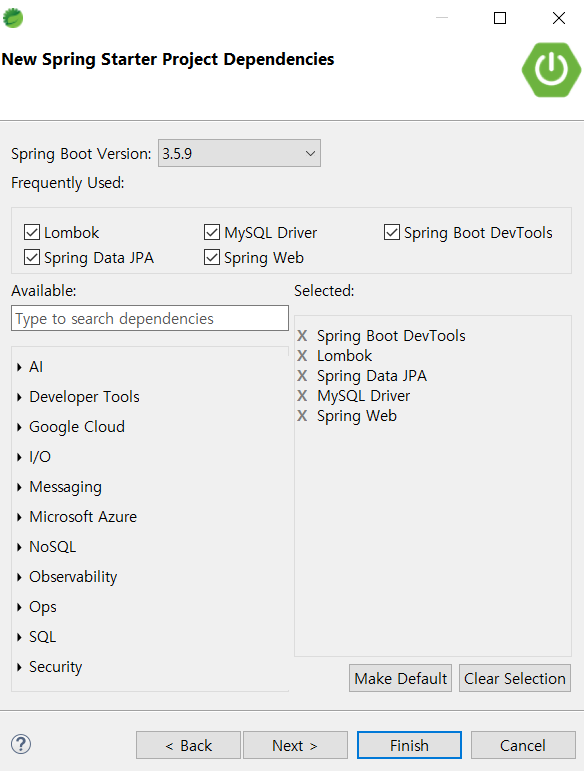
backend_issue DB 스키마 생성 후 사용
entity
package com.mycom.myapp.entity;

import jakarta.persistence.Entity;
import jakarta.persistence.GeneratedValue;
import jakarta.persistence.GenerationType;
import jakarta.persistence.Id;
import lombok.Data;
import lombok.NoArgsConstructor;

@Entity
@Data
@NoArgsConstructor
public class Coupon {
	@Id
	@GeneratedValue(strategy = GenerationType.IDENTITY)
	private Long id;
	private String name;
	private int quantity;

	public Coupon(String name, int quantity) {
		this.name = name;
		this.quantity = quantity;
	}
}
repository
package com.mycom.myapp.repository;

import org.springframework.data.jpa.repository.JpaRepository;

import com.mycom.myapp.entity.Coupon;

public interface CouponRepository extends JpaRepository<Coupon, Long>{
	// crud
}
service
package com.mycom.myapp.service;

import org.springframework.stereotype.Service;

import com.mycom.myapp.entity.Coupon;
import com.mycom.myapp.repository.CouponRepository;

import jakarta.transaction.Transactional;
import lombok.RequiredArgsConstructor;

@Service
@RequiredArgsConstructor
public class CouponServiceImpl implements CouponService {

	private final CouponRepository couponRepository;

	//@Transactional // proxy에서 하나의 트랜잭션으로 처리
	@Override
	public void issue(Long couponId) {
		// jpa의 entity manager를 통한 find() 후 변화된 객체 내용이 자동으로 update 수행
		// find()를 통한 영속성 컨텍스트 화
		// spring data jpa에서 findById() 영속성 컨텍스트 후 deteched 화
		Coupon coupon = couponRepository.findById(couponId)
						.orElseThrow(() -> new IllegalArgumentException("It doesn't exist coupon"));
		coupon.setQuantity(coupon.getQuantity()-1); // 한장 더 발급; 관리자 기준인가봄

		// 동시성 테스트를 위해 약간 시간이 걸리는 코드
		try {
			Thread.sleep(100); // 1/1000초 동안 대기 상태
		} catch(InterruptedException e) {
			e.printStackTrace();
		}

		couponRepository.saveAndFlush(coupon);
	}

}
@Transactional 추가

ConnectionPool 안에 Connection 객체가 기본적으로 10개 생성
1,000개의 Thread가 동시에 service-repository 처리할때 10개씩 처리
DB 입장에서 10개씩 들어와서 SELECT-UPDATE 수행
10개 모두 SELECT -> 100, UPDATAE -> 99, 10개 Thread 종료
10개 모두 SELECT -> 99, UPDATAE -> 98, 10개 Thread 종료
10개 모두 SELECT -> 98, UPDATAE -> 81, 10개 Thread 종료
반복
=>
spring.datasource.hikari.maximum-pool-size=40 로 처리

동시성 문제 발생 확인은 가능하지만 해결 결과는 특별히 100개만 발행하는 로직이 없다면,
finalQuantity:-900 (100 -> 1,000개의 Thread가 하나씩 줄였기 때문)
successCount:1000
가 나와야 함.
해결법 및 한계점은 다음날
비관적 락
낙관적 락
분산 락
소통 도구 어떻게 할 것인지?