개인 프로젝트를 본격적으로 시작하면서 필수 과제 전부와 도전과제 1개를 완료하였습니다.
완료 내역
(필수 과제)
- 기본 이동 << 완료
- 체력바 << 완료
- 동적환경조사 << 완료
- 점프대 << 완료
- 아이템 데이터 스크립터블 << 완료
- 아이템 사용 << 완료
(도전 과제)
- 3인칭 시점 << 완료
1. 기본이동
using System.Collections;
using System.Collections.Generic;
using Unity.VisualScripting;
using UnityEngine;
using UnityEngine.InputSystem;

public class PlayerController : MonoBehaviour
{
    private Transform _cameraTransform;

    [Header("Movement")]
    [SerializeField] private float _moveSpeed;
    [SerializeField] private Vector2 _moveInput;
    [SerializeField] private float _initialJumpForce = 10f;
    [SerializeField] private float _jumpHoldGravity = 0.5f; // 스페이스 누를때 중력값
    [SerializeField] private float _fallGravity = 2f;  // 땟을때의 중력값
    [SerializeField] private float _maxJumpHoldTime = 0.2f;

    [SerializeField] private LayerMask _groundLayerMask;
    [SerializeField] private Transform _groundPivot;

    private Rigidbody _rigidbody;
    private bool _isJumping;
    private float _jumpTimer;

    private void Awake()
    {
        _cameraTransform = Camera.main.transform;
        _rigidbody = GetComponent<Rigidbody>();
    }
    private void FixedUpdate()
    {
        Move();
    }
    private void Update()
    {
        if (_isJumping)
        {
            _jumpTimer += Time.deltaTime;

            if (_jumpTimer > _maxJumpHoldTime)
            {
                _isJumping = false;
            }
        }

        // 점프에 따른 중력값 변경
        AdjustGravity();
    }

    public void OnMove(InputValue input)
    {
        _moveInput = input.Get<Vector2>();
    }
    public void OnJump(InputValue input)
    {
        if (input.isPressed)
        {
            if (IsGrounded())
            {
                _rigidbody.velocity = new Vector3(_rigidbody.velocity.x, 0, _rigidbody.velocity.z); // Y속도 초기화
                _rigidbody.AddForce(Vector3.up * _initialJumpForce, ForceMode.Impulse);
                _isJumping = true;
                _jumpTimer = 0f;
            }
        }
        else
        {
            _isJumping = false;
        }
    }


    private void Move()
    {
        Vector3 inputDir = new Vector3(_moveInput.x, 0, _moveInput.y);

        // 카메라 기준 방향으로 변환
        Vector3 cameraForward = _cameraTransform.forward;
        Vector3 cameraRight = _cameraTransform.right;

        // 수직 방향 제거
        cameraForward.y = 0;
        cameraRight.y = 0;
        cameraForward.Normalize();
        cameraRight.Normalize();

        Vector3 moveDir = cameraForward * inputDir.z + cameraRight * inputDir.x;

        _rigidbody.velocity = moveDir * _moveSpeed + new Vector3(0, _rigidbody.velocity.y, 0);
    }

    bool IsGrounded()
    {
        Ray[] rays = new Ray[4]
        {
            new Ray(_groundPivot.position + (_groundPivot.forward * 0.2f) + (_groundPivot.up * 0.1f), Vector3.down),
            new Ray(_groundPivot.position + (-_groundPivot.forward * 0.2f) + (_groundPivot.up * 0.1f), Vector3.down),
            new Ray(_groundPivot.position + (_groundPivot.right * 0.2f) + (_groundPivot.up * 0.1f), Vector3.down),
            new Ray(_groundPivot.position + (-_groundPivot.right * 0.2f) +(_groundPivot.up * 0.1f), Vector3.down)
        };

        for (int i = 0; i < rays.Length; i++)
        {
            Debug.DrawRay(rays[i].origin, rays[i].direction * 0.2f, Color.red, 0.1f);

            if (Physics.Raycast(rays[i], 0.2f, _groundLayerMask))
            {
                return true;
            }
        }

        return false;
    }

    private void AdjustGravity()
    {
        float gravityForce = Mathf.Abs(Physics.gravity.y);

        if (_rigidbody.velocity.y > 0)
        {
            // 점프 올라가는 중, 스페이스바를 땠을때와 누르고있을때의 중력값을 다르게 해서, 약점프, 강점프 구현
            _rigidbody.AddForce(Vector3.down * gravityForce * (_isJumping ? _jumpHoldGravity : _fallGravity), ForceMode.Acceleration);
        }
        else if (_rigidbody.velocity.y < 0)
        {
            // 떨어지는 중
            _rigidbody.AddForce(Vector3.down * gravityForce * _fallGravity, ForceMode.Acceleration);
        }
    }
}
- 기본 이동은 크게 이동과 점프로 나누어져 있습니다.
- 유니티 뉴 인풋 시스템을 통해서 구현했고 3인칭 시점에 따른 방향전환, 강점프 약점프 구현등을 통해 위와 같이 작성되었습니다.
2. 체력바
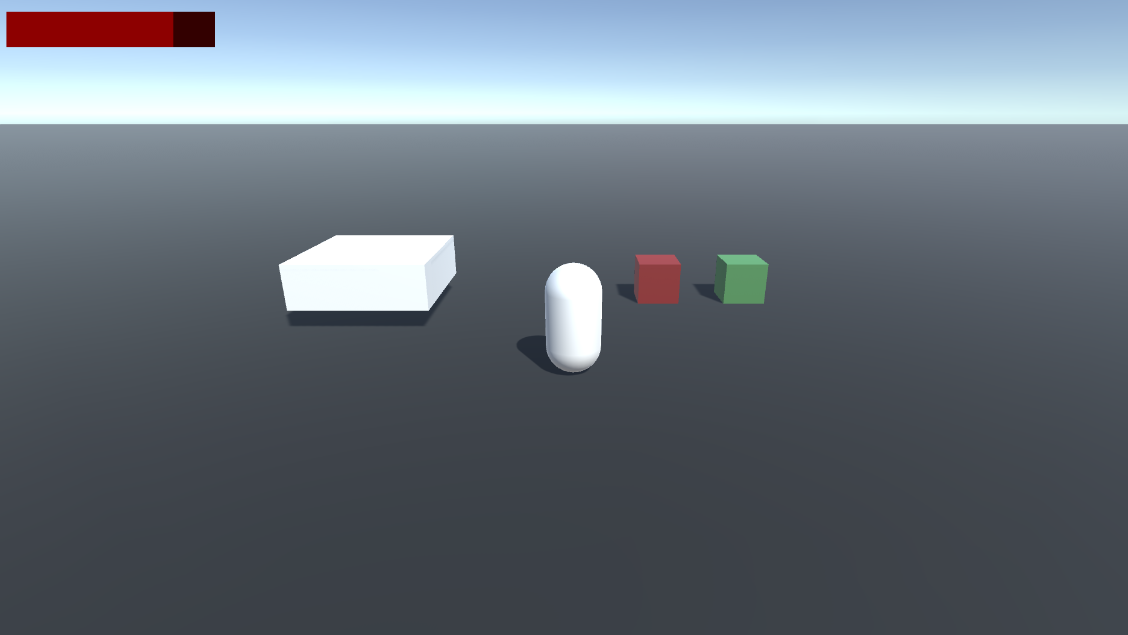
- 체력바는 이전처럼 StatHandler를 만들고 이를 옵버패턴을 이용해서 연결하여 UI에 자동으로 반영되도록 했습니다.
3. 동적 환경조사
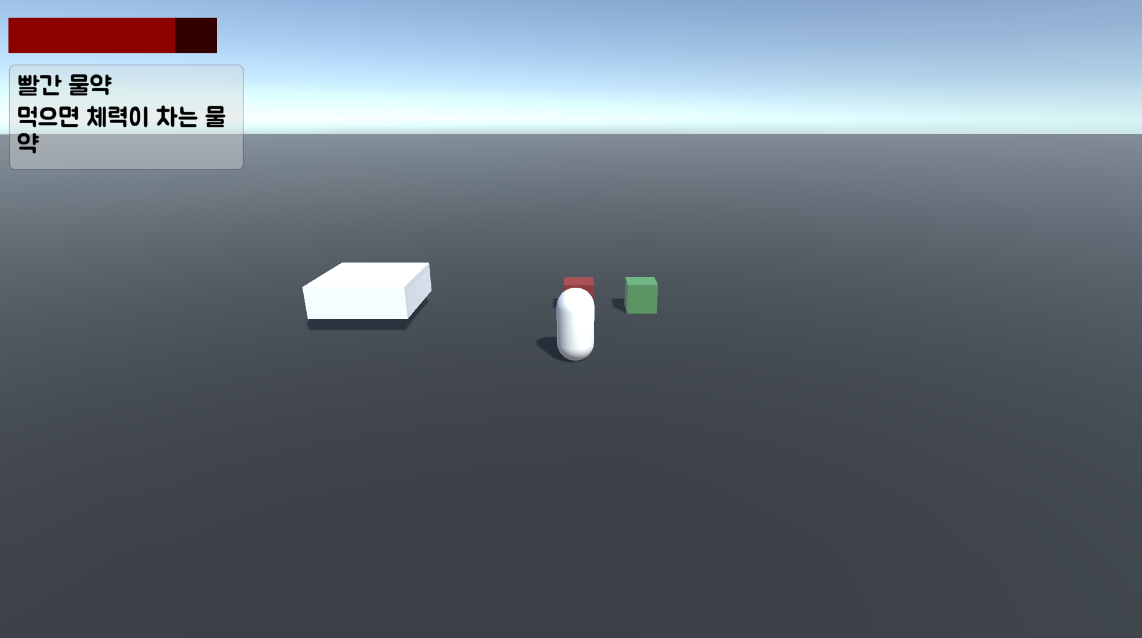
using System;
using UnityEngine;

public class PlayerInteractController : MonoBehaviour
{
    public event Action<ItemObject> OnInteractionChanged;
    public event Action<ItemData> OnAddItem;

    [SerializeField] private float _checkRate = 0.05f;
    private float _lastCheckTime;
    [SerializeField] private float _maxCheckDistance;
    [SerializeField] private LayerMask _layerMask;

    public GameObject curInteractGameObject;
    private ItemObject curItem;
    private Camera _camera;

    void Start()
    {
        _camera = Camera.main;
    }

    private void Update()
    {
        Interaction();
    }

    void Interaction()
    {
        if (Time.time - _lastCheckTime > _checkRate)
        {
            _lastCheckTime = Time.time;

            if (_camera == null)
                _camera = Camera.main;

            Vector3 flatForward = _camera.transform.forward;
            flatForward.y = 0f;
            flatForward.Normalize();

            Vector3 boxHalfExtents = new Vector3(0.5f, 0.5f, _maxCheckDistance / 2f);
            Quaternion rotation = Quaternion.LookRotation(flatForward);

            Vector3 origin = transform.position - flatForward * (_maxCheckDistance / 2f);

            if (Physics.BoxCast(origin, boxHalfExtents, flatForward,
                out RaycastHit hit, rotation, _maxCheckDistance, _layerMask))
            {
                if (hit.collider.gameObject != curInteractGameObject)
                {
                    curInteractGameObject = hit.collider.gameObject;
                    curItem = hit.collider.GetComponent<ItemObject>();
                    OnInteractionChanged?.Invoke(curItem);
                }
            }
            else
            {
                if (curInteractGameObject != null)
                {
                    curInteractGameObject = null;
                    curItem = null;
                    OnInteractionChanged?.Invoke(null);
                }
            }
        }
    }

    public void OnInteract()
    {
        if(curItem != null)
            OnAddItem.Invoke(curItem.Data);
    }
}
- 동적 환경조사의 경우, 강의와는 다르게 3인칭 시점에서 움직이기 때문에 플레이어가 바라보는 카메라의 방향을 전면으로 했습니다.
- 이를 기준으로 BoxCast를 통해 앞에 존재하는 충돌체를 감지해 UI에 보여주도록 옵저버 패턴을 통해 작업했습니다.
4. 점프대
- 점프대는 점프의 기능을 OnCollison했을때 강제로 부여하는 형식으로 구현했습니다.
- 대신 점프대의 옆면에 부딪혔을 때를 예외로 해주기 위해서 점프대 윗면의 높이보다 충돌체(플레이어)의 위치가 높았을때에만 점프하도록 했습니다.
5. 스크립터블 데이터
- 강의 내용과 거의 일치하게 스크립터블 오브젝트를 이용해서 아이템 데이터를 구성했습니다.
6. 아이템 사용
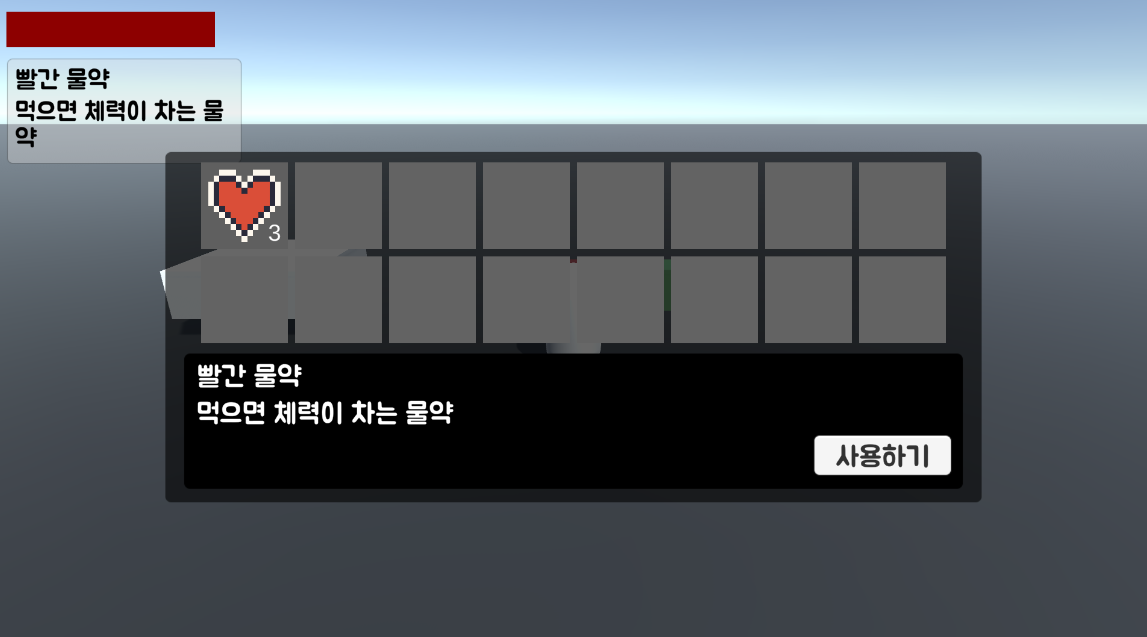
- 인벤토리의 경우 나름 중요하다고 생각해 강의를 참고하지 않고 직접 제작했습니다.
- 최대한 의존성을 줄이기 위해서 노력하고 예외처리에 신경을 썼습니다.
2. 3인칭 시점
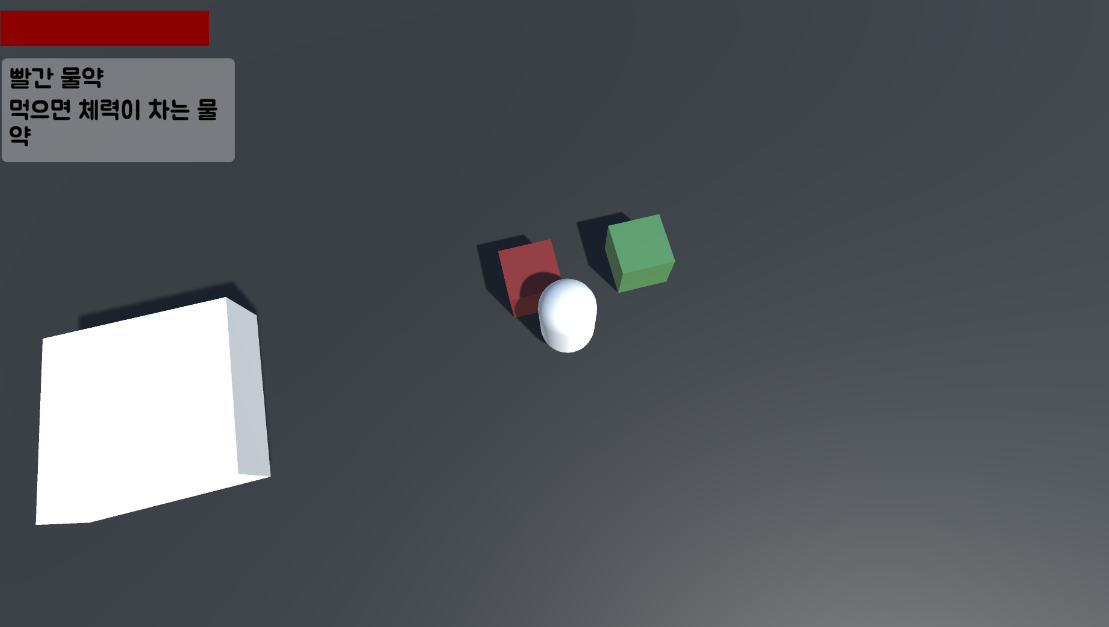
- WoW 카메라 기능을 구현해보기 위해 휠을 통해 앞,뒤로 땡겨오고, 마우스 오른쪽 버튼을 누르고 시점을 조정하는 기능을 추가했습니다.

클라이언트 개발자를 지망하고 있습니다.