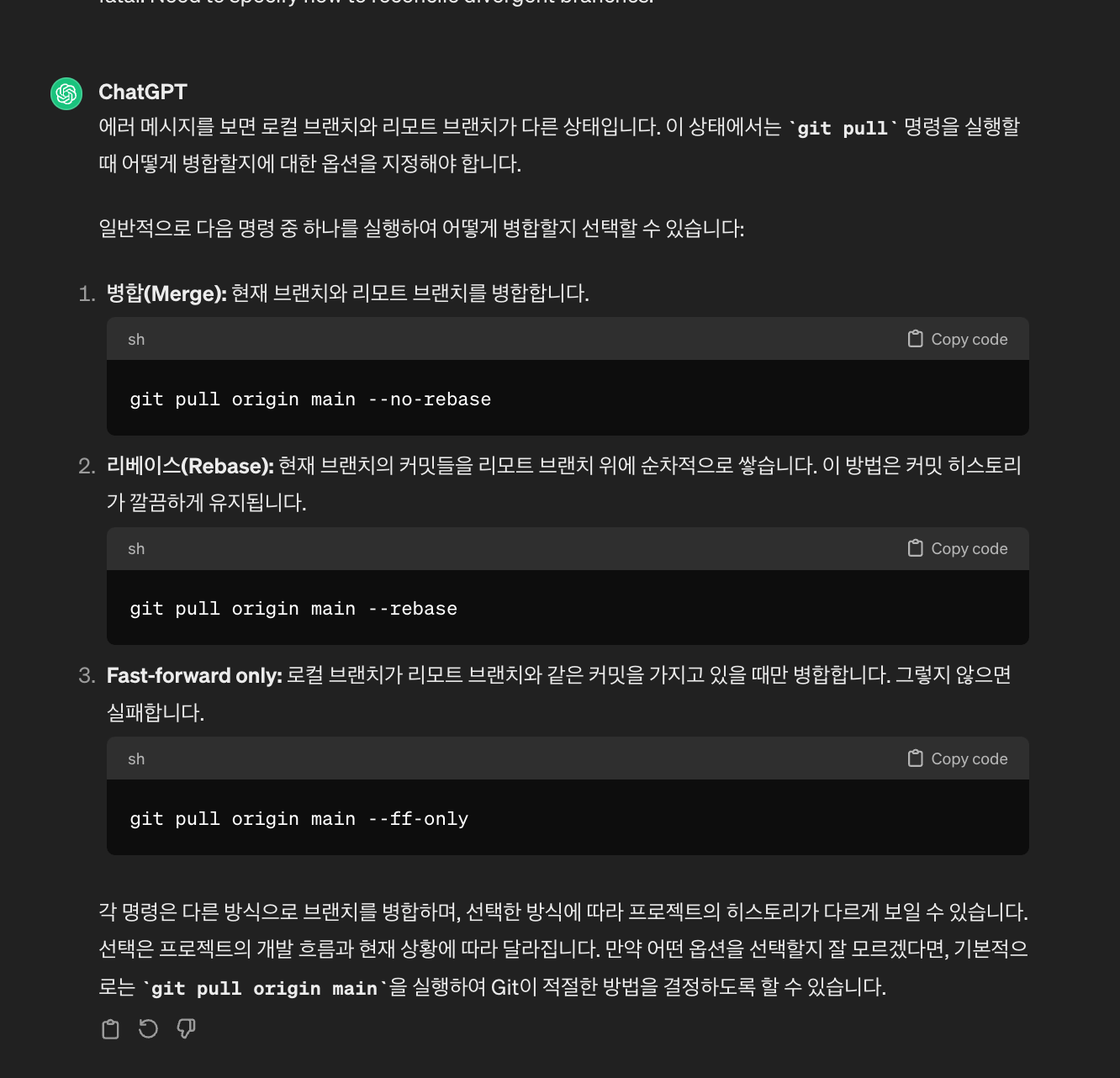
브랜치 전략 안써서 이런 문제가 발생하나..?
git add .
kimjaewoo ~/Documents/DevPrep-Web-Fork ↰ main ✚
git commit -m '✨feat: mypage ui 90%완성 + user-info UI 피그마대로 1차 완성'
[main 417ff04] ✨feat: mypage ui 90%완성 + user-info UI 피그마대로 1차 완성
10 files changed, 327 insertions(+), 25 deletions(-)
create mode 100644 src/pages/MyPage/UserInfo.js
create mode 100644 src/pages/MyPage/components/SelectBtn2.js
create mode 100644 src/pages/MyPage/components/SelectBtn3.js
create mode 100644 src/pages/MyPage/components/SelectBtn4.js
create mode 100644 src/pages/prep/ResumeList.js
create mode 100644 src/pages/prep/components/ResumeElement.js
kimjaewoo ~/Documents/DevPrep-Web-Fork ⇅ main
git push origin main
To https://github.com/CosmicSandBox/DevPrep-Web-Fork.git
! [rejected] main -> main (non-fast-forward)
error: failed to push some refs to 'https://github.com/CosmicSandBox/DevPrep-Web-Fork.git'
hint: Updates were rejected because the tip of your current branch is behind
hint: its remote counterpart. Integrate the remote changes (e.g.
hint: 'git pull ...') before pushing again.
hint: See the 'Note about fast-forwards' in 'git push --help' for details.
✘ kimjaewoo ~/Documents/DevPrep-Web-Fork ⇅ main
git pull
hint: You have divergent branches and need to specify how to reconcile them.
hint: You can do so by running one of the following commands sometime before
hint: your next pull:
hint:
hint: git config pull.rebase false # merge
hint: git config pull.rebase true # rebase
hint: git config pull.ff only # fast-forward only
hint:
hint: You can replace "git config" with "git config --global" to set a default
hint: preference for all repositories. You can also pass --rebase, --no-rebase,
hint: or --ff-only on the command line to override the configured default per
hint: invocation.
fatal: Need to specify how to reconcile divergent branches.