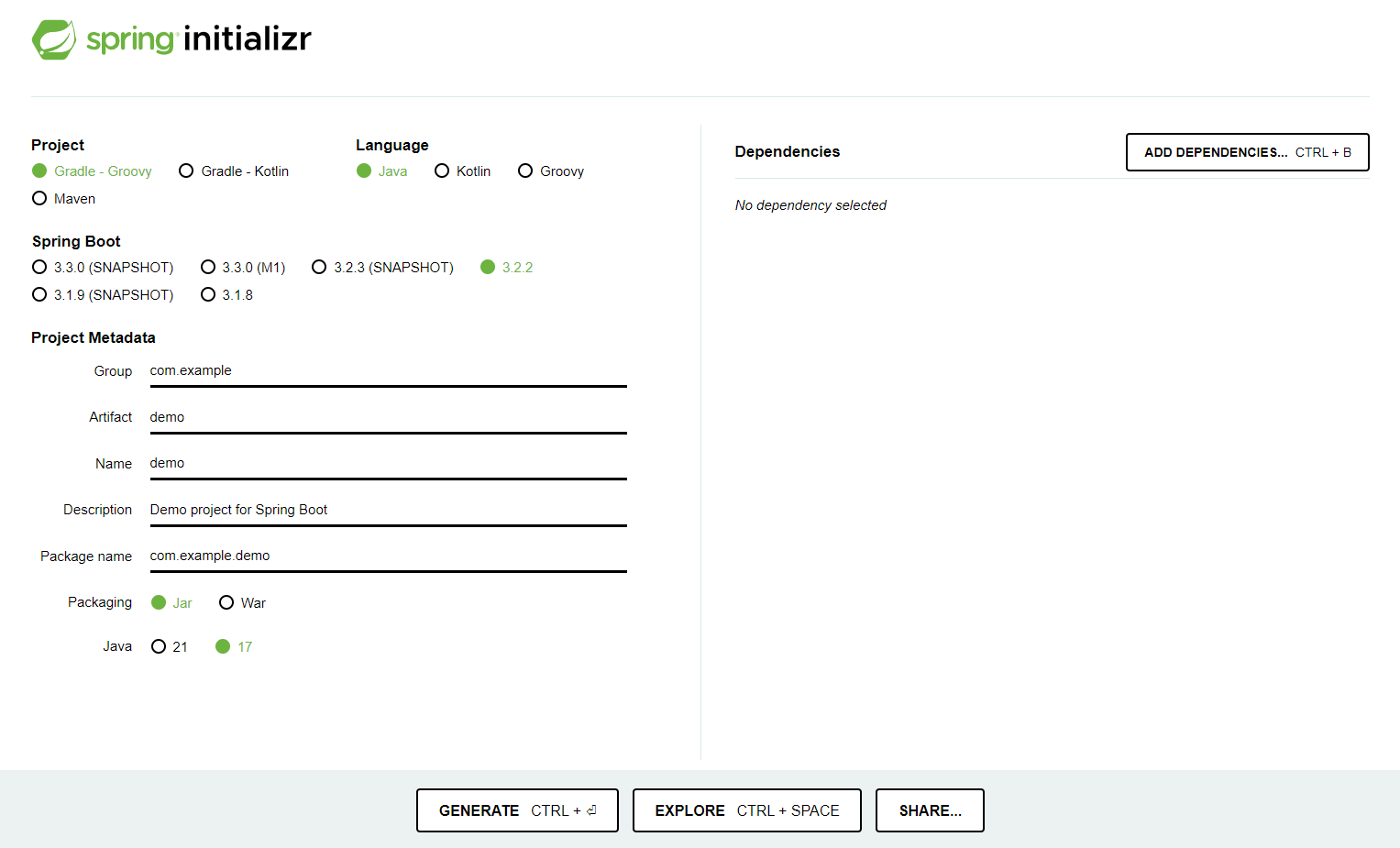
- 스프링부트 스타터로 기본 환경 설정하기
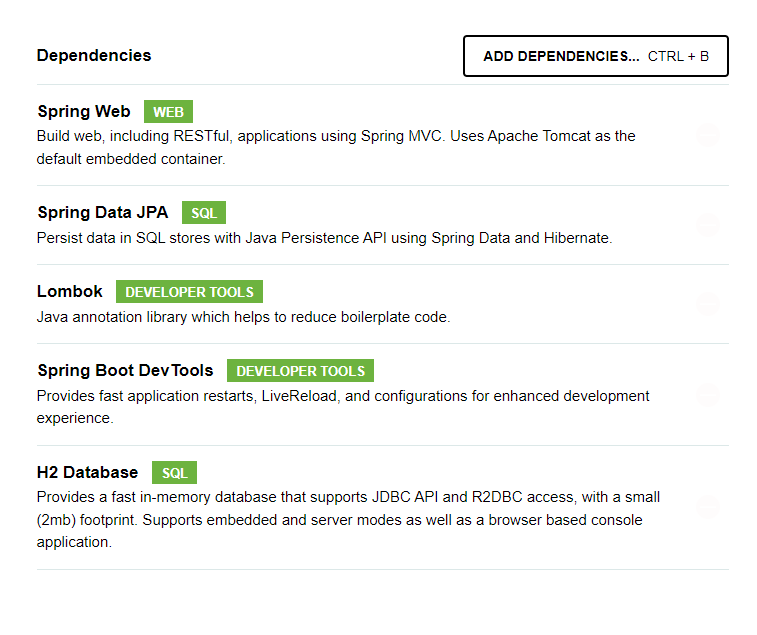
- Dependencies 추가
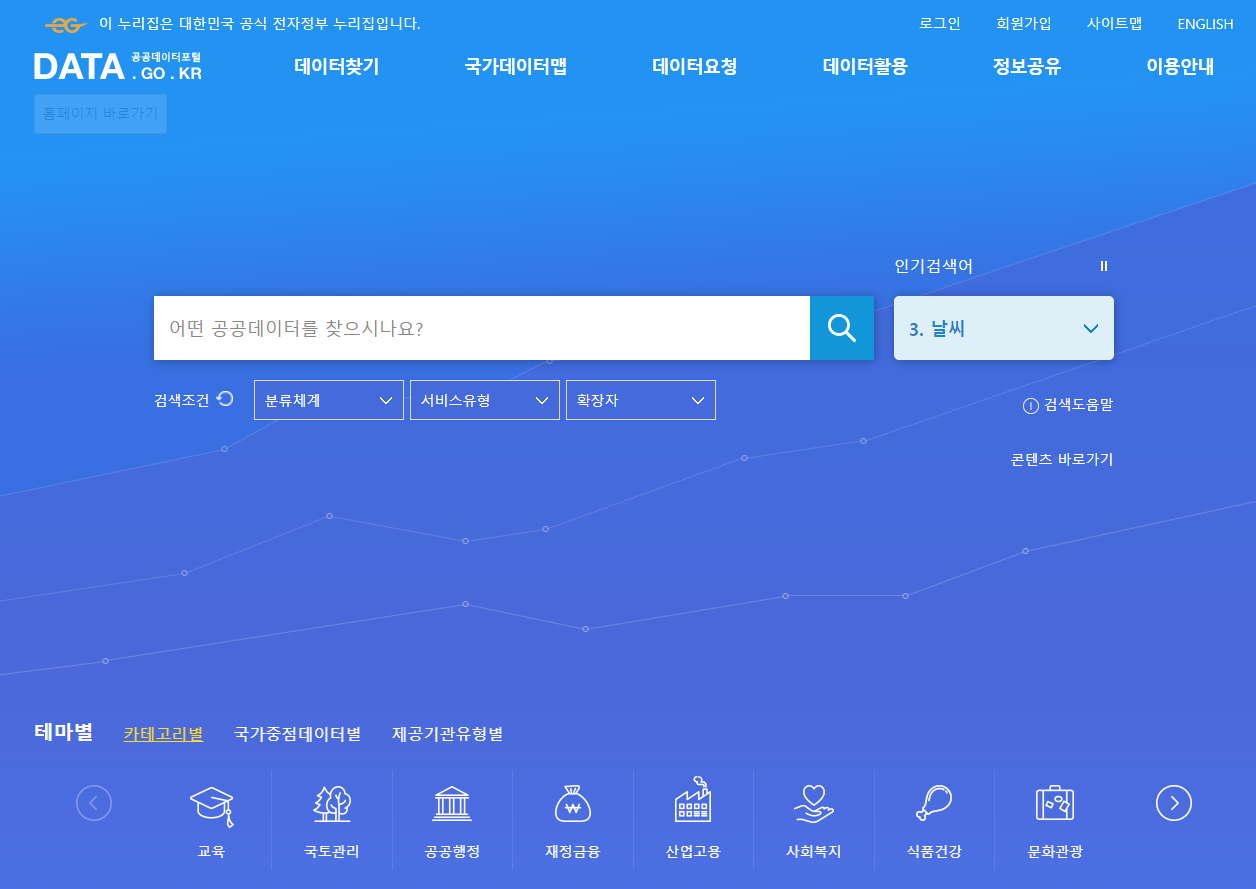
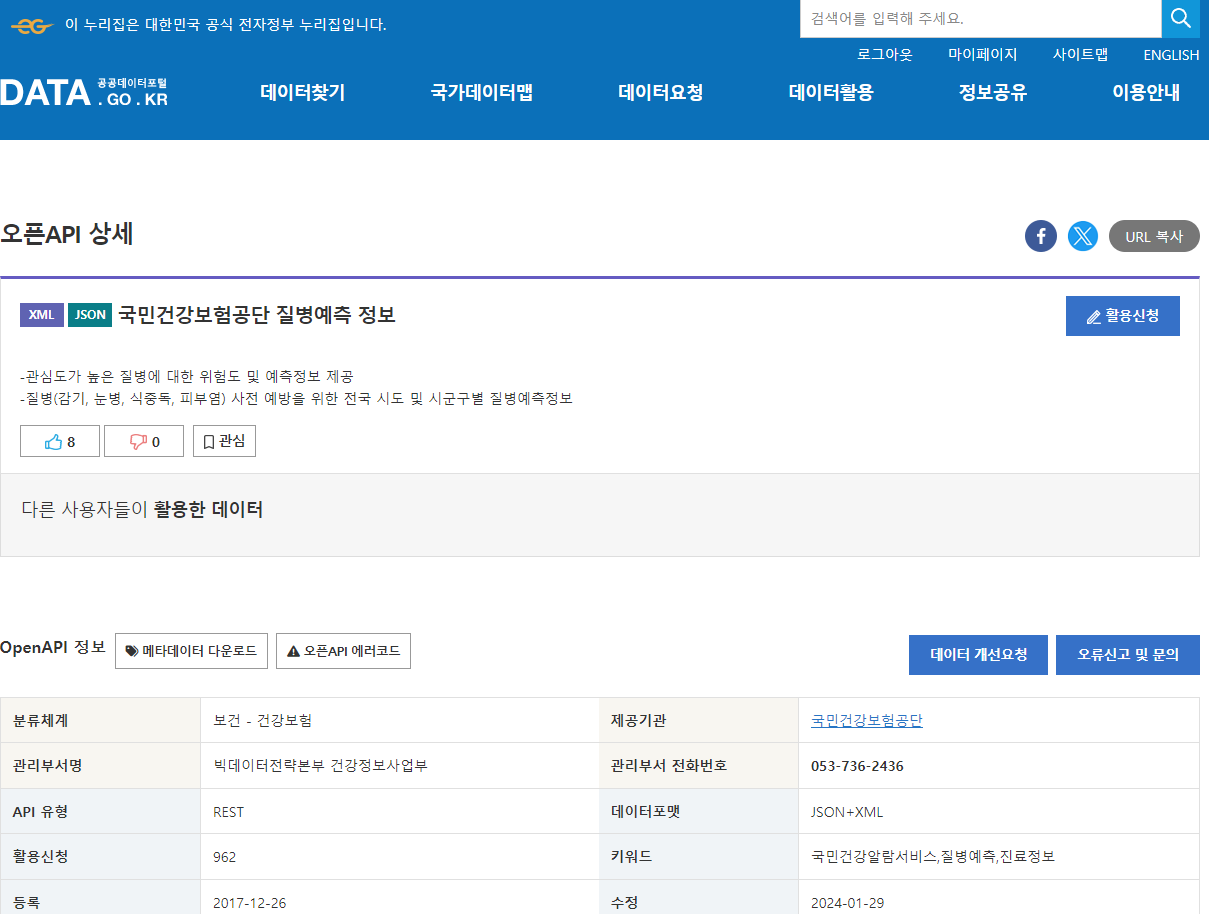
- 공공데이터 포털에서 원하는 API 선택
- 오픈API 활용신청
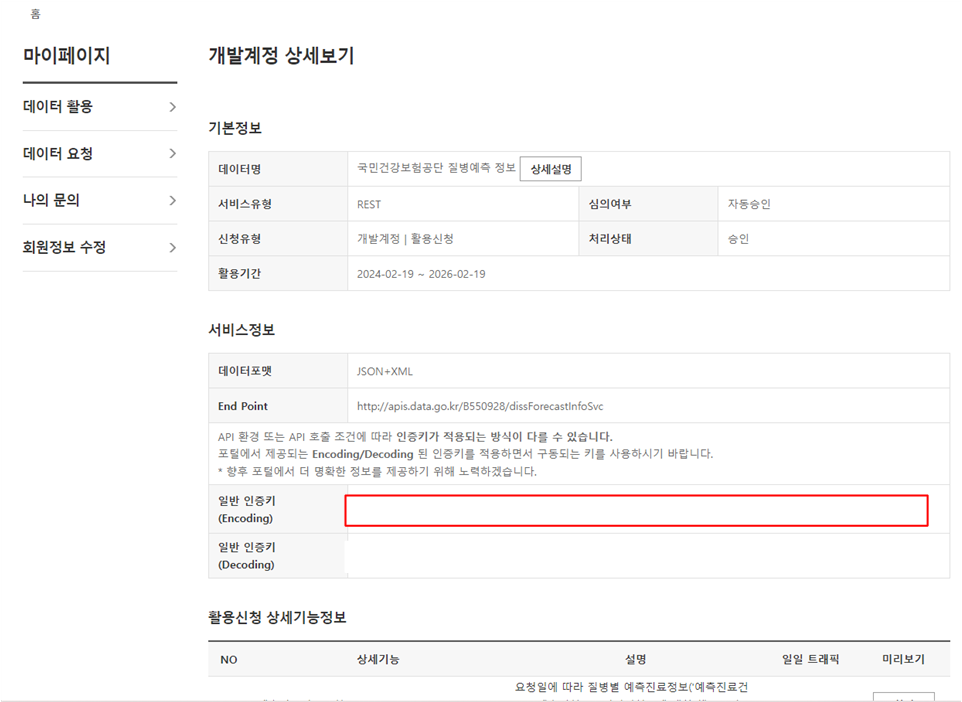
- 활용신청 승인 화면 : 일반 인증키 확인
- 오픈API 가이드 참고해서 호출
/* Java 1.8 샘플 코드 */

import java.io.InputStreamReader;
import java.net.HttpURLConnection;
import java.net.URL;
import java.net.URLEncoder;
import java.io.BufferedReader;
import java.io.IOException;

public class ApiExplorer {
    public static void main(String[] args) throws IOException {
        StringBuilder urlBuilder = new StringBuilder("http://apis.data.go.kr/B550928/dissForecastInfoSvc/getDissForecastInfo"); /*URL*/
        urlBuilder.append("?" + URLEncoder.encode("serviceKey","UTF-8") + "=서비스키"); /*Service Key*/
        urlBuilder.append("&" + URLEncoder.encode("numOfRows","UTF-8") + "=" + URLEncoder.encode("10", "UTF-8")); /*한 페이지 결과 수*/
        urlBuilder.append("&" + URLEncoder.encode("pageNo","UTF-8") + "=" + URLEncoder.encode("1", "UTF-8")); /*페이지 번호, 미입력 시 기본값 1*/
        urlBuilder.append("&" + URLEncoder.encode("type","UTF-8") + "=" + URLEncoder.encode("xml", "UTF-8")); /*응답결과의 출력 방식(xml, json), 미입력시 기본값:xml*/
        urlBuilder.append("&" + URLEncoder.encode("dissCd","UTF-8") + "=" + URLEncoder.encode("1", "UTF-8")); /*질병코드*/
        urlBuilder.append("&" + URLEncoder.encode("znCd","UTF-8") + "=" + URLEncoder.encode("11", "UTF-8")); /*시도별 지역코드, 지역코드 입력시 시군구별 데이터 응답/미입력시, 전국 및 시도별 데이터 응답*/
        URL url = new URL(urlBuilder.toString());
        HttpURLConnection conn = (HttpURLConnection) url.openConnection();
        conn.setRequestMethod("GET");
        conn.setRequestProperty("Content-type", "application/json");
        System.out.println("Response code: " + conn.getResponseCode());
        BufferedReader rd;
        if(conn.getResponseCode() >= 200 && conn.getResponseCode() <= 300) {
            rd = new BufferedReader(new InputStreamReader(conn.getInputStream()));
        } else {
            rd = new BufferedReader(new InputStreamReader(conn.getErrorStream()));
        }
        StringBuilder sb = new StringBuilder();
        String line;
        while ((line = rd.readLine()) != null) {
            sb.append(line);
        }
        rd.close();
        conn.disconnect();
        System.out.println(sb.toString());
    }
}
- 화면에서 사용할 경우 JSON 파싱 필요!
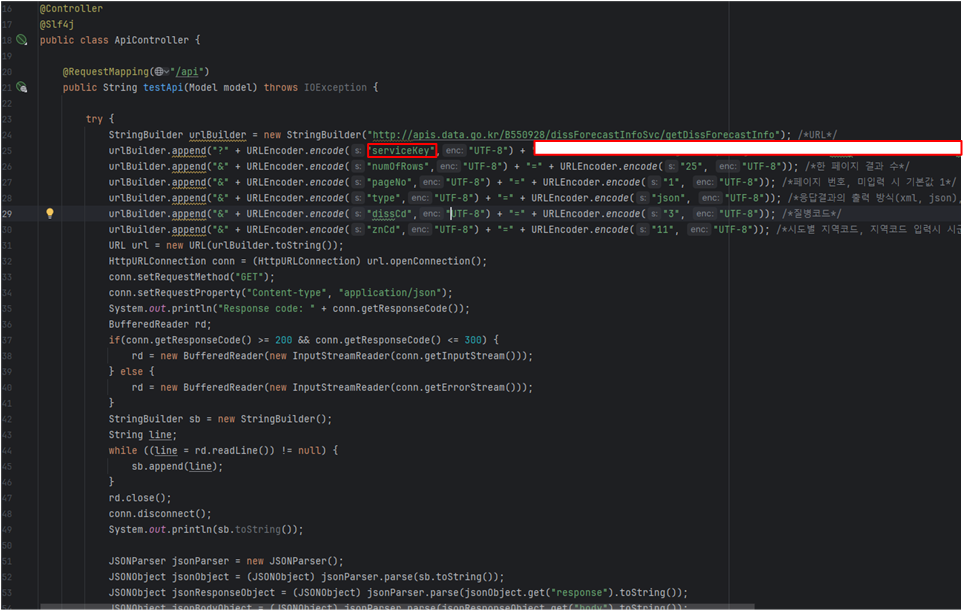
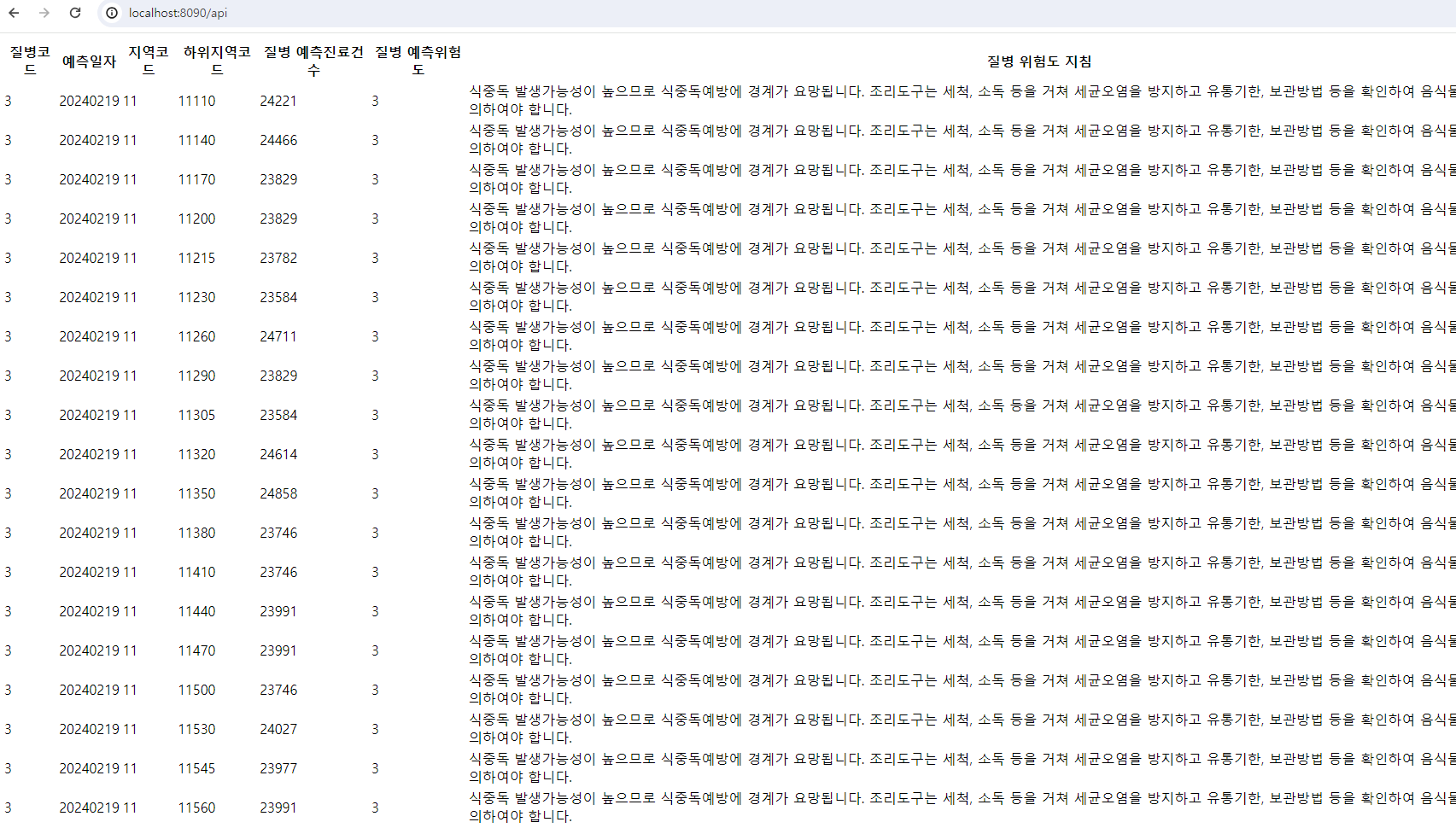
- 호출한 값 리스트로 나타내기